Ignite UI vs. Swiftify

Overview
ProductRatingMost Used ByProduct SummaryStarting Price
Ignite UI
Score 7.0 out of 10
N/A
New Jersey based Infragistics offers .NET controls.N/A
Swiftify
Score 9.0 out of 10
Small Businesses (1-50 employees)
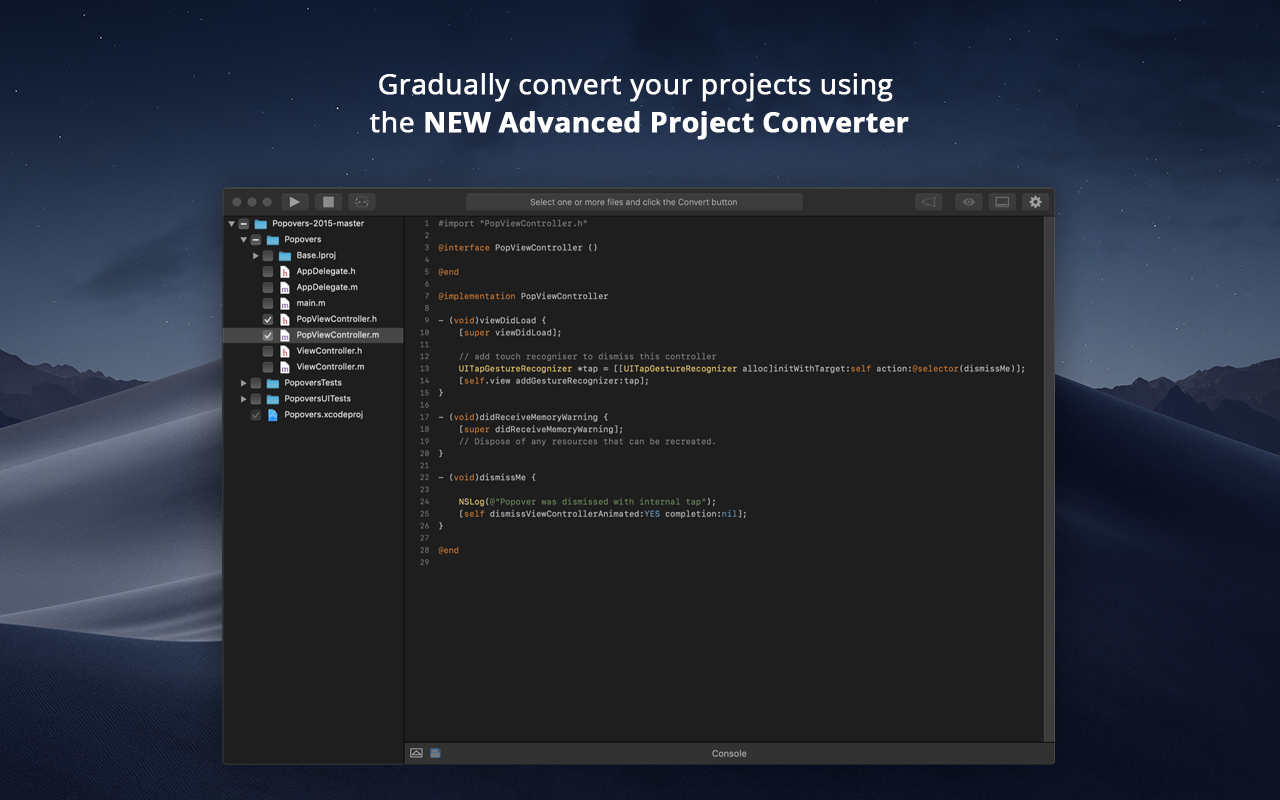
When Apple rolled out Swift back in 2014, Objective-C was set to be replaced. Even nowadays, however, there are plenty of apps and projects that still use Objective-C, and developers are faced with the prospect of either starting again from scratch or attempting to convert them to Swift. Swiftify for Xcode is designed to automate much of the conversion process, handling the task of replacing syntax while letting you focus on other aspects of migrating your project to…
$5
per file
Pricing
Ignite UISwiftify
Editions & Modules
No answers on this topic
Pay As You Go
$5
per file
Cloud 30 (Monthly)
$49
30 files per month
Cloud 100 (Monthly)
$99
100 files per month
Cloud 300 (Monthly)
$199
300 files per month
Cloud 1000 (Monthly)
$299
1000 files per month
Cloud 30 (Yearly)
$399
300 files per year
Cloud 100 (Yearly)
$799
1000 files per year
Cloud 300 (Yearly)
$1,599
3000 files per year
Cloud 1000 (Yearly)
$2,399
10000 files per year
Offline Converter
custom pricing
per seat
Offerings
Pricing Offerings
Ignite UISwiftify
Free Trial
YesYes
Free/Freemium Version
NoYes
Premium Consulting/Integration Services
NoNo
Entry-level Setup FeeNo setup feeNo setup fee
Additional Details
More Pricing Information
Community Pulse
Ignite UISwiftify
Considered Both Products
Ignite UI
Chose Ignite UI
We tried DevExpress when we started a project a couple of years ago. At the time, the documentation and ease of use went to Infragistics. When trying new or updated tools, the documentation and samples are everything. Having minimal documentation or documentation that seems to …
Swiftify
Chose Swiftify
This is the only product that I use when I convert codes. So far I'm happy and will stick with it.
Chose Swiftify
There's not much to compare - we haven't found any proprietary like it. Existing OpenSource solutions are unmaintained and Swiftify supports the latest versions of Swift.
Chose Swiftify
Swiftify tries to convert the code even if the code can not be executed in a real situation.
I chose Swiftify because most of the times you just need to convert one line, one method... That of course, it is using and used by other code that you didn't add in the conversion code, …
Best Alternatives
Ignite UISwiftify
Small Businesses
Syncfusion® Essential Studio®
Score 6.1 out of 10
Jotform
Jotform
Score 8.5 out of 10
Medium-sized Companies
React
React
Score 9.3 out of 10
Jotform
Jotform
Score 8.5 out of 10
Enterprises
React
React
Score 9.3 out of 10
ServiceNow Now Platform
Score 9.2 out of 10
All AlternativesView all alternativesView all alternatives
User Ratings
Ignite UISwiftify
Likelihood to Recommend
10.0
(0 ratings)
8.2
(0 ratings)
Support Rating
-
(0 ratings)
8.3
(0 ratings)
User Testimonials
Ignite UISwiftify
Likelihood to Recommend
Angular is our framework of choice for a number of reasons. Business data is almost always displayed in a grid format. It makes sense to start with a strong widget that is powerful and fast when building applications. Ignite UI provides a complete toolset of widgets for other frameworks, but Angular is our focus. Ignite UI is helping us deliver a great UX/UI.
Read full review
For me as a picky person I never used the file convertor but for a small portion of code, it is good. With the classes that have more than one initializer, it got confusing and I had to dig to find the exact issue to fix.
Read full review
Pros
  • The examples are great and close enough to real-life usage to be truly helpful
  • The OOB configuration and themes are good. They are very configurable.
  • The touch support and response web are built in, allowing the same code to work well on desktop and phone.
Read full review
  • Put in your Objective-C code, select the version of Swift language to convert, click convert. That's all!
  • Swiftify is now creating a platform to convert Objective C to #C, something that can help for different development projects platforms.
  • Swiftify offers a few free converts to try to show you the power of it. Their price for a subscription plan is really good for big projects.
Read full review
Cons
  • I would like to see examples with security tokens. It really isn't an Ignite UI issue, but would be helpful.
  • Some of the examples are over-simplified, not how the products would be used in real life.
Read full review
  • It lacks general performance and availability
  • It doesn't handle Objective-C macro well
  • Overall conversion speed expected to be much better
Read full review
Support Rating
No answers on this topic
There are constant upgrades to improve the conversion.
Read full review
Alternatives Considered
We tried DevExpress when we started a project a couple of years ago. At the time, the documentation and ease of use went to Infragistics. When trying new or updated tools, the documentation and samples are everything. Having minimal documentation or documentation that seems to be written for people that already know how to use the product is just plain frustrating. Samples need to be something close to the real-life usage of the product.
Read full review
Swiftify tries to convert the code even if the code can not be executed in a real situation. I chose Swiftify because most of the times you just need to convert one line, one method... That of course, it is using and used by other code that you didn't add in the conversion code, but you just need to convert that for now. In this situation, Swiftify converts the code, other ones such as iSwift will report an error in the code and will not convert it.

Read full review
Return on Investment
  • There is a learning curve, of course, but the comparisons between the projects with and without Ignite UI are worth it.
  • The time savings on development is very real. The built-in functionality is amazing.
  • We are able to focus on features rather than getting the look and feel of our deliverable.
Read full review
  • good ROI, saves a lot of time.
Read full review
ScreenShots

Ignite UI Screenshots

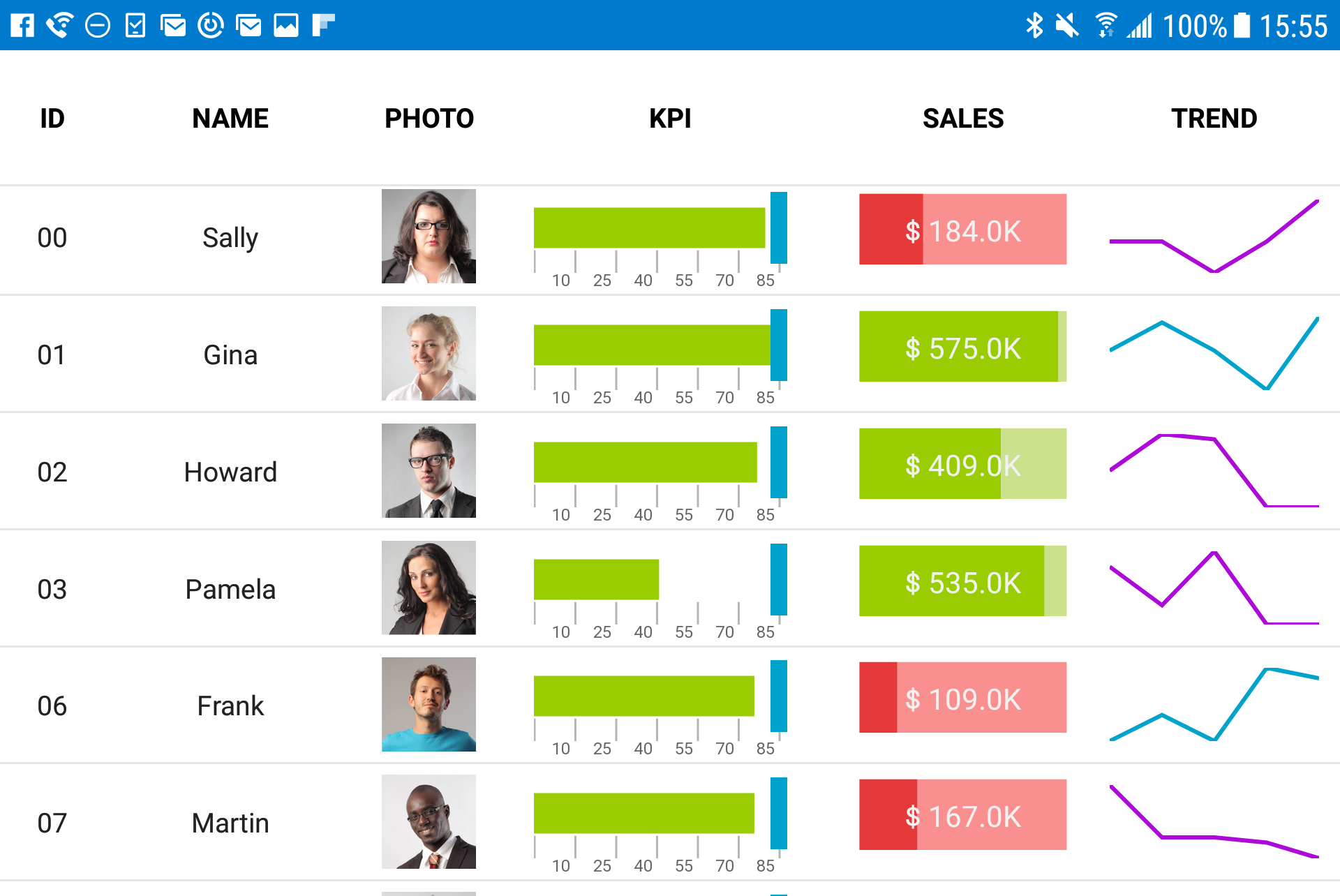
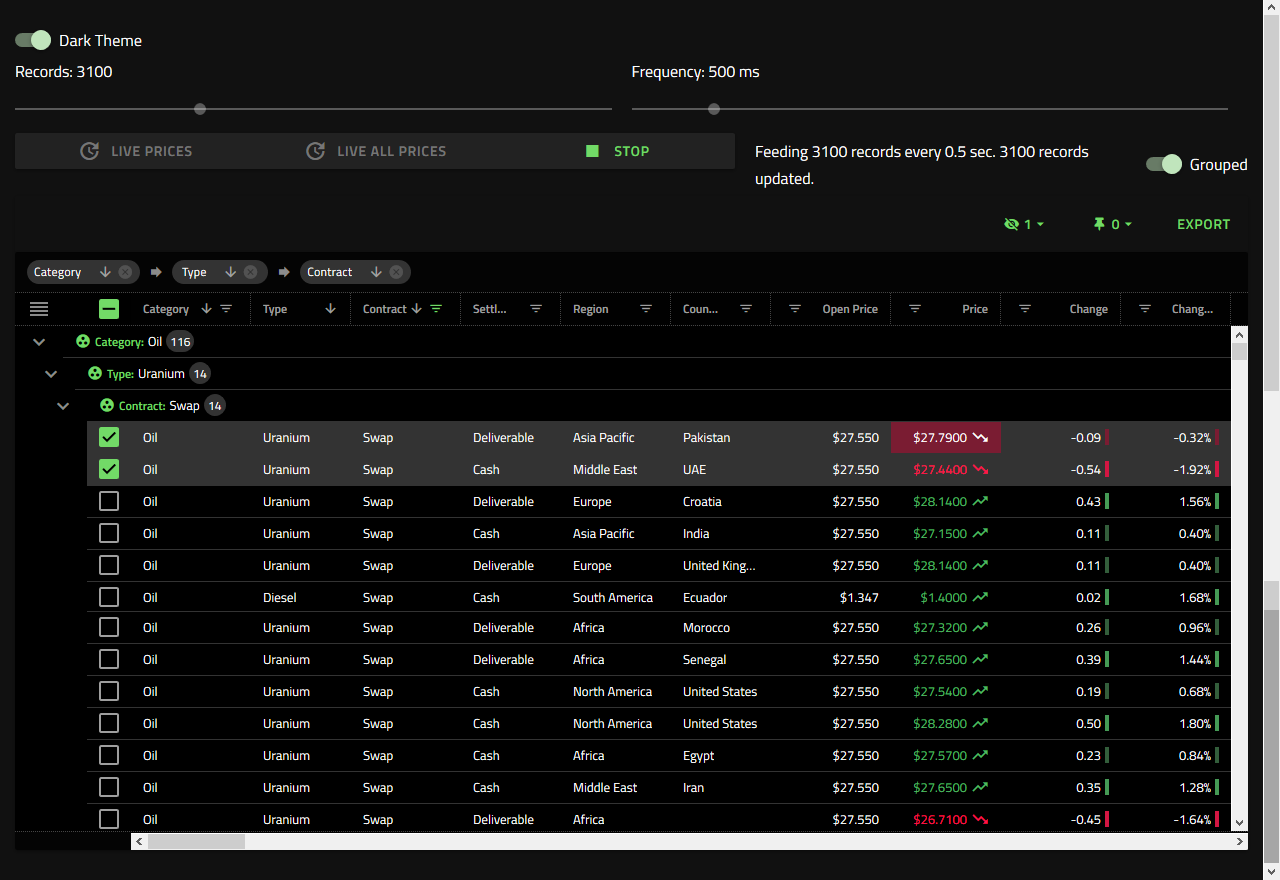
Screenshot of Visualize industry, business, or scientific data in real-time interactive charts.Screenshot of Fast grids, providing line of business features, touch support, and responsive web design features. Works with popular open-source libraries and data sources.Screenshot of Improve usability and ensure accessibility for all users, regardless of how they are navigating pages.

Swiftify Screenshots

Screenshot of Screenshot of Screenshot of Screenshot of Screenshot of Screenshot of