Chose Intranet Connections
We currently have not evaluated any other intranet services, but we will be looking at the system functionality it doesn't offer vs another provided that does.

| Product | Rating | Most Used By | Product Summary | Starting Price |
|---|---|---|---|---|
 Intranet Connections | Mid-Size Companies (51-1,000 employees) | Intranet Connections (formerly IC Thrive) is built for internal communicators, HR professionals, and marketers in finance, healthcare, and corporate industries. The software keeps all files, internal communications, and sensitive information secure and readily accessible in a single source of truth, with Source Intranet Software. The solution helps users to… | $4 per user per month for 500 employees | |
 SharePoint | N/A | Microsoft's SharePoint is an Intranet solution that enables users to share and manage content, knowledge, and applications to empower teamwork, quickly find information, and collaborate across the organization. | $5 Per User Per Month |
| Intranet Connections | Microsoft SharePoint | |||||||||||||||
|---|---|---|---|---|---|---|---|---|---|---|---|---|---|---|---|---|
| Editions & Modules |
|
| ||||||||||||||
| Offerings |
| |||||||||||||||
| Entry-level Setup Fee | Required | No setup fee | ||||||||||||||
| Additional Details | No third party consultants are required. Our stellar customer experience department works with all levels of expertise and provides custom services depending on level of need within your organization. | — | ||||||||||||||
| More Pricing Information | ||||||||||||||||
| Intranet Connections | Microsoft SharePoint | |
|---|---|---|
| Considered Both Products | Intranet Connections  Mario Pires Head Of Business Development & Innovation Chose Intranet Connections [Intranet Connections has] more features, is more configurable, and offers more support. |  SharePoint  Kayla Jane McLaughlin DIRECTOR Chose SharePoint We don't have to pay for SharePoint, unlike Dropbox, and SharePoint integrates our existing email addresses, which is convenient for sharing.  Clarence White Chief Information Officer Chose SharePoint Microsoft SharePoint shares many of the same pros and cons as HCL Notes. It does a lot. Maybe too much to understand.  Erin Gracyalny Customer Success Manager Chose SharePoint Egnyte is the superior solution due to the way it segments data and provides a holistic approach to sharing and access. Microsoft SharePoint provides this a bit but could improve but the value of Microsoft SharePoint is greater given it is included in our subscription.  Siddharth Nair Customer Service Chose SharePoint Google Drive  Helmi Tatanaki Data Management Consultant Chose SharePoint The reasons for selecting MS SharePoint are: SharePoint provides ease of use and web design assistance and support SharePoint helps you schedule your content for publishing. enables users to share documents with external parties and offers a better internal structure of the …  Thushitha A. Chandrasiri ERP Consultant Chose SharePoint Since Microsoft SharePoint comes with the MS business office package, it is fully integrated with other office products and really works together with other MS Office products like Word, PowerPoint, Excel, Access, Publisher, etc.. in real-time, so it's really easy to maintain …  Damon Darling Engineering Manager Chose SharePoint I prefer Atlassian Confluence for file sharing, wiki markups, and as a better tool for engineering documentation. Microsoft SharePoint is the tool that was chosen for my current organization, and I do miss using Confluence. Both tools get the job done and it is largely a …  Puneet Pandey Procurement Specialist Chose SharePoint MS Sharepoint is much more simpler way to use if we compare it with BOX, Box is very slow loading app not that user friendly. Box need really good quality of connectivity. MS Sharepoint provide good after sales support. Query resolution time is really fast in case of MS …  Mst Rahima Khatun Marketing Product Management Chose SharePoint Both Confluence and Sharepoint have similarities, but they also have significant differences. In both cases, people can use the wiki to exchange information with each other. Many platforms, including Mac, are easier to use with Confluence's better user interface. Compared to …  Adam Friedli System Administrator Chose SharePoint I have not personally used any direct competitors to SharePoint as a whole. However, I have used Dropbox Business and Google Drive. While these do work well for file collaboration, they do not offer the website structure that SharePoint does. SharePoint also integrates …  Stephanie W Director, Digital Strategy & Engagement Chose SharePoint Slack is not great for document sharing, but it does integrate with SharePoint and One Drive when we need to post links. Slack is better at the chat function though, which is definitely missed from SharePoint. |
| Intranet Connections | Microsoft SharePoint | |
|---|---|---|
| Small Businesses |  HCL Connections Score 9.0 out of 10 | HCL Connections Score 9.0 out of 10 |
| Medium-sized Companies |  RWS Tridion Sites Score 9.0 out of 10 | RWS Tridion Sites Score 9.0 out of 10 |
| Enterprises | RWS Tridion Sites Score 9.0 out of 10 | RWS Tridion Sites Score 9.0 out of 10 |
| All Alternatives | View all alternatives | View all alternatives |
| Intranet Connections | Microsoft SharePoint | |
|---|---|---|
| Likelihood to Recommend | 10.0 (0 ratings) | 9.4 (0 ratings) |
| Likelihood to Renew | - (0 ratings) | 9.8 (0 ratings) |
| Usability | - (0 ratings) | 8.2 (0 ratings) |
| Support Rating | - (0 ratings) | 8.6 (0 ratings) |
| In-Person Training | - (0 ratings) | 4.5 (0 ratings) |
| Online Training | - (0 ratings) | 6.4 (0 ratings) |
| Implementation Rating | - (0 ratings) | 6.0 (0 ratings) |
| Intranet Connections | Microsoft SharePoint | |
|---|---|---|
| Likelihood to Recommend |
 Kira Cox Marketing Manager |
|
| Pros |
 Terri Greene Computer Programmer Analyst |
 RIDWAN AHAMMAD Training Manager |
| Cons |
|
Mst Rahima Khatun Marketing Product Management |
| Likelihood to Renew | No answers on this topic |
 Chris Carpenter Staff Project Manager, Awesomizer, Fixer, Maker, Collaboration Enabler |
| Usability | No answers on this topic |
|
| Support Rating | No answers on this topic |
|
| In-Person Training | No answers on this topic |
|
| Online Training | No answers on this topic |
|
| Implementation Rating | No answers on this topic |
 Christopher Corbett Database Administrator |
| Alternatives Considered |
|
Helmi Tatanaki Data Management Consultant |
| Return on Investment |
Mario Pires Head Of Business Development & Innovation |
 Jimmy Harrell IT Manager |
| ScreenShots | Intranet Connections Screenshots  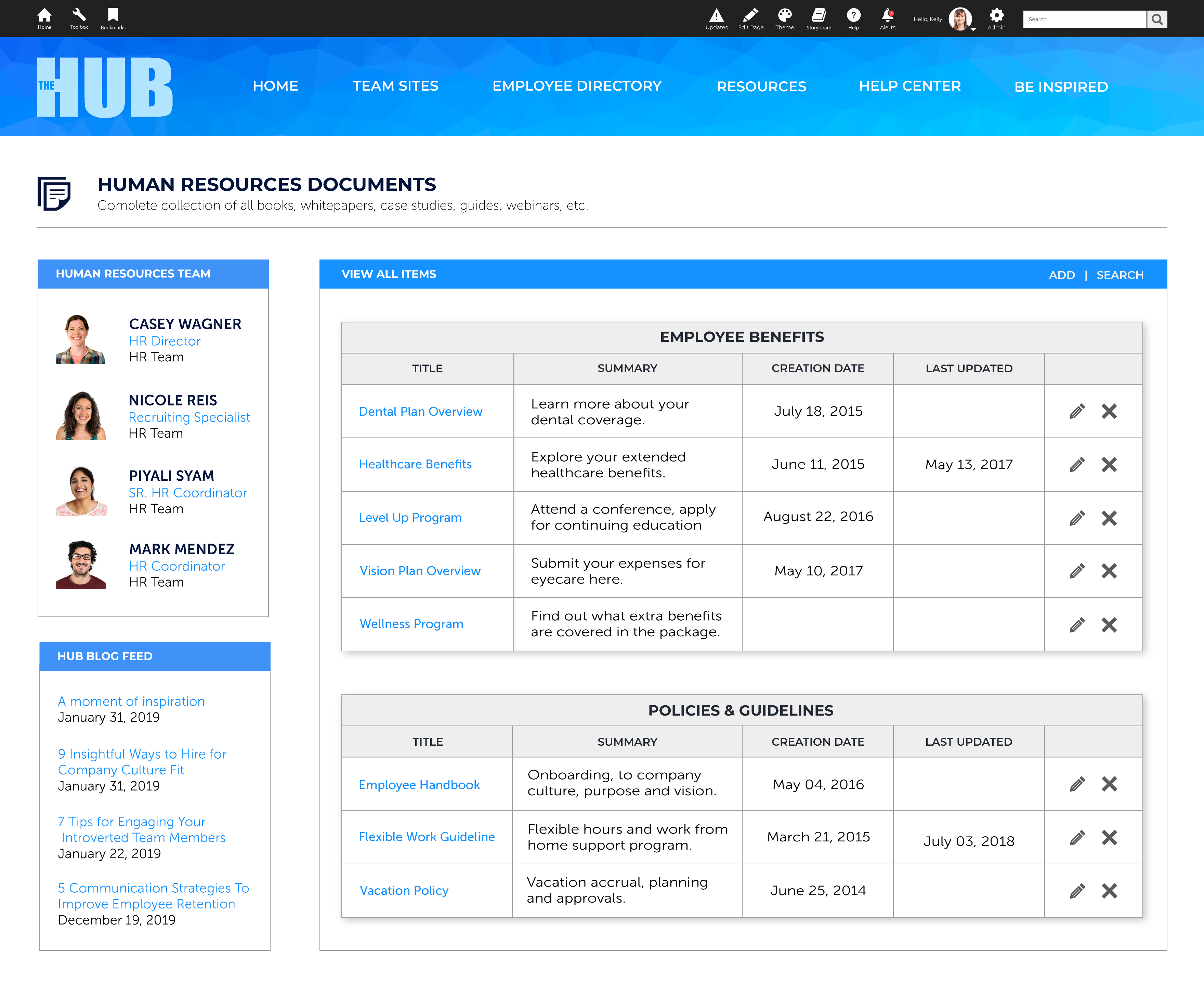 |