Freehand by InVision vs. MindMeister

Overview
ProductRatingMost Used ByProduct SummaryStarting Price
Freehand by InVision
Score 7.7 out of 10
N/A
Freehand, from InVision headquartered in New York, is an online whiteboard that enables teams to plan, brainstorm, and draw together. It aims to give everyone a simple way to visually represent ideas with charts, diagrams, and drawings. Whether for mind mapping, creating a customer journey map, or drafting up an org chart, Freehand can help teams make ideas and plans visual.
$0
per year per user
MindMeister
Score 3.4 out of 10
N/A
MindMeister is an online mind mapping tool that lets users share maps with an unlimited number of users and collaborate with them in real-time. MindMeister is used to brainstorm ideas, plan projects, take meeting minutes, develop business strategies, and create presentations. MindMeister runs in any standard web-browser as well as on iOS and Android devices, so users can access, edit and present their mind maps anytime, wherever they are. With MindMeister, users…
$45
per 6 months per user
Pricing
Freehand by InVisionMindMeister
Editions & Modules
Freehand Free
$0
per year per user
Freehand Pro
$4
per month per user
Freehand Enterprise
Custom Quote
Personal
$45
per 6 months per user
Pro
$75
per 6 months per user
Business
$114
per 6 months per user
Offerings
Pricing Offerings
Freehand by InVisionMindMeister
Free Trial
YesNo
Free/Freemium Version
YesYes
Premium Consulting/Integration Services
NoNo
Entry-level Setup FeeNo setup feeNo setup fee
Additional DetailsMindMeister offers 6-monthly and yearly subscriptions. Discounts for educational users and non-profit organizations are also available. Up to 22% discount for yearly pricing.
More Pricing Information
Community Pulse
Freehand by InVisionMindMeister
Considered Both Products
Freehand by InVision
Chose Freehand by InVision
Cost effectiveness and while Miro is good for collaboration and sprint and PI planning, I think its too open-ended. Easy to get lost in a board. Snagit is my go-to tool but it is not a collaborative tool. If I could combine Snagits tools with Invisions look/feel...that would be …
Chose Freehand by InVision
N/A. I do not use any other products.
Chose Freehand by InVision
I like that I could add boards and documents too here, which as far as I know other products don't have so it was easier to choose this.
Chose Freehand by InVision
More of my colleagues has enterprise access to Invision.
Chose Freehand by InVision
I actually have access to all three. And I use all three for different things, though truthfully, I could probably get away with just using Figma. I'm not sure how InVision Freehand is better than Miro or Figma. But we already own it, so it has made sense for me to use it in …
Chose Freehand by InVision
InVision Freehand is closing the gap and adding all the functionalities that some of these tools provide separately. In the race towards a one-stop digital design ecosystem, InVision Freehand is well poised to deliver and connect where others can't. I hope that with the news of …
Chose Freehand by InVision
Because I feel it is more accessible and much simpler to use, the interface is very intuitive and this helps you to use it without experience
Chose Freehand by InVision
The sharing/accessibility of the mocks. It’s hard for someone not on the design team to see their mocks unless the links were shared but this might be by design or license based.
Chose Freehand by InVision
Miro (formerly Realtime Board) is the original product concept for this tool and I used it for 3-4 years for product development. Invision is aesthetically a carbon copy of the tool but lacks in fine usability controls. We actually didn't choose Freehand, it just came as an …
Chose Freehand by InVision
Freehand is the least polished of the bunch. It doesn't instantly make your thoughts and design look sexy. It doesn't open up your designs to be edited live, inspected, and sliced up for export. It doesn't let you interact with flow charts, like showing or hiding long pieces of …
Chose Freehand by InVision
Freehand is one of my preferred tools to use in the early stages of design.
Chose Freehand by InVision
All other programs I've used that claim to be similar use a grid function or "sticky" note system that is really limiting in how information can be laid out and presented.
Chose Freehand by InVision
One of the key differentiators between Miro and Freehand is that after a certain number of users Miro is a paid subscription plan, which can be unattractive. Freehand has many of the same features, and in my opinion, features a better UI for easy maneuvering. However, miro does …
Chose Freehand by InVision
It is part of our InVision Suite, which we primarily use for prototyping.
Chose Freehand by InVision
Miro is the main competitor I have used. It is extremely similar to Freehand but I like Freehand more because we do a lot of our prototyping and design in InVision so it is more of a one-stop shop for me. I also enjoy the different types of templates in Freehand, a few of them …
Chose Freehand by InVision
Mural is very similar in the type of approach we could use to walk through certain items but it lacks many features that we rely on in InVision, so we typically stay away from Mural.
Chose Freehand by InVision
Our UX/UI designers prefer inVision and believe it is easier to use than Figma, which we sometimes also look into.
Chose Freehand by InVision
In my opinion, InVision Freehand is worse than every other option I've tried. I would not have selected InVision Freehand if given the choice, but it wasn't my decision at our company.
Chose Freehand by InVision
We were using inVision Freehand at the time based on a team member's suggestion. They were familiar with it, having used it at their prior organization, so we naturally adopted it after they introduced it to the organization. However, the team quickly moved on to other …
Chose Freehand by InVision
InVision Freehand is lacking in features compared to competitors like Mural and Miro, but its streamlined, easy-to-use interface makes it easy to pick up and throw something together in an instant. It does not do large complex work as well as its competitors, but InVision …
Chose Freehand by InVision
I didn't make the decision to purchase InVision Freehand vs Miro. If given the choice I would have chosen Miro. Miro has features that are more intuitive and automated. The product is just easier to use. InVision Freehand gets the job done and what makes it stand apart is its …
Chose Freehand by InVision
From personal experience, I think Miro and Mural focus more on collaboration. InVision Freehand is more about design, more like a subsection in InVision. The other tools are more about the concept of boards. InVision Freehand is more like a tool. I use InVision Freehand because …
MindMeister
Chose MindMeister
I was unaware of ClickUp at the time. I thought MindMeister would be able to solve some story telling and automation challenges the team was facing. It failed to do that and the team disbanded as a result.
Chose MindMeister
Mindmiester is not good compared to miro
Chose MindMeister
We found MindMeister as the most complete tool considering our needs and context of use. Other tools that we had the chance to test/evaluate offered similar features for brainstorming and log of information, but we felt MindMeister was very easy-to-use, especially thinking …
Chose MindMeister
We chose MindMeister as the UI seemed easier to use. We were not able to take LucidChart for a full test drive due to the limited free plan so we opted for MindMeister in the end as it seemed to have what we needed, which it did. The collaboration features of MindMeister also …
Chose MindMeister
There are many similar programs, but I also use the Freemind open sourced program to work offline, but working collectively in it is not very convenient with this application, so we use the MindMeister.
Chose MindMeister
Mindmeister has a good free plan compared with Lucidchart, and better Google Drive integration in my opinion. Draw.io has a better free plan than MindMeister, but I prefer MindMeister for mindmap creation still, while I prefer draw.io for other types of diagrams. XMind is …
Chose MindMeister
I have also used LucidChart and Google Draw to create mind maps and concept maps in the past. I think that MindMeister is by far the cleanest and most user friendly of the three. Google Draw does not have anywhere near the same functionality. LucidChart tends to be clunky and …
Chose MindMeister
I’ve tried Mindnode for Mac, but it’s a native app, so MindMeister is always accessible (as a web application) and has even more features.
Chose MindMeister
I really like the Mindmeister interface. Clean, beautiful and organized. One of the factors that made me choose Mindmeiter was the direct integration with Meistertask. It is absolutely amazing to delegate tasks to your team directly through the mind map.
Chose MindMeister
MindMeister has a better look than Freemind and is easier to use than Visio
Chose MindMeister
I've not used any other programs, I've been told about others, however I'm happy with MM and I always use it.
Chose MindMeister
As a full graph editor, yEd needs added structure to do tree structures as well as MindMeister. FreeMind is a great tool if you work alone. It allows all sorts of customization and scripting. It is Java-based. We don't work alone. Based on FreeMind, Freeplane adds it's own …
Chose MindMeister
Just as mind maps are applicable to just about anybody in any field of work, MindMeister is probably the best piece of software on which to create them. SimpleMind for MC/PC is very good, if not better in terms of user experience, but it's not cloud based so sharing maps is a …
Best Alternatives
Freehand by InVisionMindMeister
Small Businesses
Canva
Canva
Score 9.1 out of 10
MindManager
MindManager
Score 8.3 out of 10
Medium-sized Companies
Canva
Canva
Score 9.1 out of 10
MindManager
MindManager
Score 8.3 out of 10
Enterprises
Whimsical
Whimsical
Score 8.5 out of 10
Miro
Miro
Score 9.2 out of 10
All AlternativesView all alternativesView all alternatives
User Ratings
Freehand by InVisionMindMeister
Likelihood to Recommend
7.9
(0 ratings)
1.0
(0 ratings)
Likelihood to Renew
8.0
(0 ratings)
-
(0 ratings)
Usability
7.5
(0 ratings)
-
(0 ratings)
Availability
8.7
(0 ratings)
-
(0 ratings)
Performance
8.3
(0 ratings)
-
(0 ratings)
Support Rating
9.4
(0 ratings)
10.0
(0 ratings)
Implementation Rating
8.0
(0 ratings)
-
(0 ratings)
Configurability
8.5
(0 ratings)
-
(0 ratings)
Ease of integration
8.2
(0 ratings)
-
(0 ratings)
Product Scalability
7.3
(0 ratings)
-
(0 ratings)
Vendor post-sale
9.1
(0 ratings)
-
(0 ratings)
Vendor pre-sale
9.1
(0 ratings)
-
(0 ratings)
User Testimonials
Freehand by InVisionMindMeister
Likelihood to Recommend
Freehand has been well suited for creating process maps and getting stakeholder feedback. It has also been good for brainstorming and "freehand" board creation. Some of the templates are hard to customize for specific needs so it's sometimes better to build your own from scratch. There are a lot of navigational issues with larger boards that require zooming in/out and navigating to different sections.
Read full review
This product is well suited for making mind maps and outlining projects and ideas from the start. It can be tough if you are trying to convert something you began in Docs. It allows for a lot of intuitive creation, making your work flow easily. It can get to be a bit clunky though if you make your map too large.
Read full review
Pros
  • Bring in and embed external files and view them on the board without having to move out of freehand. eg. pdf's, power point, youtube etc.
  • Creating wireframes, flow maps, all and any kinds of created art boards to share with team members.
  • Ability to create text and link to external sites
  • Can format and create pages with text and bullet points right in freehand, rather than having to go to another software to do the same.
  • Collaborate with Team members all on the same board and project at the same time and get feedback live in a meeting and/or even later.
  • Love the different templates that have been provided for me to use as a starting point.
Read full review
  • The UI is well laid out and easy to use. The workflow makes perfect sense and makes creating tasks a breeze.
  • The collaboration features make brainstorming not only easy but fun! Everyone enjoys using the tool, which was not the case with other collaboration software we used.
  • I love being able to get all of my thoughts and ideas on the screen to see them and then be able to connect them in a logical way.
Read full review
Cons
  • A method for stamping or assigning statues and approvals.
  • Adding a way to have a bit more than a comment so that a client or PM could drop in a detailed product requirement to keep in mind while drawing.
  • Being able to quickly build out tables for a design.
  • and interactive click through a concept like the UX plugin Overflow (overflow.io).
  • Use the same sharing functionality as the rest of Invision. Freehand doesn't have the same sharing method, and that's really annoying.
Read full review
  • I wish collaborators could add comments without having to be given editor privileges. A "Reviewer" role would be helpful.
  • I would like to be able to toggle note visibility on and off. If there is a way to do it now, I haven't found it. As it is, I have to hover or use the sidebar to see notes.
  • Two or three times I have seen my nodes spontaneously reverse order in a big map (over their recommended limit). Even so, they are working on tracking the issue down.
Read full review
Likelihood to Renew
I am not in charge of the decision making on renewal or not, but my personal opinion would be to use FigJam instead as Figma is a software that we already have implemented and are familiar with. Invision would be my second choice on that topic
Read full review
No answers on this topic
Usability
Color Selection can be tricky when changing colors for shapes and text I've seen other users struggle with creating sticky notes and getting text to fit in the box properly and had to abandon the tool for a workshop for this reason After having a demo, I learned of new features I wasn't using. I don't know it would have been intuitive to find on my own.
Read full review
No answers on this topic
Reliability and Availability
I think it is pretty readily available. I had some sign-in issues recently (could not log in no matter what), and my IT department created a ticket with Invision to solve it. Other than that, I have never had any issues.
Read full review
No answers on this topic
Performance
InVision Freehand gets such high marks because there is no page-load lag at all. We have other applications integrated with it and we see zero lag, or drag on it's operability. We work a lot of platforms that promise smooth integrations and they don't always work that way - with inVision Freehand we know it plays well with others
Read full review
No answers on this topic
Support Rating
I haven't had to use the support team for anything, which is great news because that means the product usually works as expected! In terms of online support, I've been able to find videos that show how new features work. Also, many of the people I work with have experience with the tools so they are a great resource for me.
Read full review
Never had an issue with customer support, though we never really needed anything major as far as technical help. I do not believe they offer 24 hour customer support but we don't need it as MindMeister is not the type of tool we need need 24 hour a day support for. Overall, very happy with the level of support.
Read full review
Implementation Rating
The implementation is pretty much easy-peasy and plug-n-play. We simply download the applications and install, signed in and were good to go. I really cannot imagine that there would be anyone who would have any difficulty whatsoever in getting started in more than just a few minutes. It's really how implementing these officewide improvements should always go.
Read full review
No answers on this topic
Alternatives Considered
InVision Freehand is closing the gap and adding all the functionalities that some of these tools provide separately. In the race towards a one-stop digital design ecosystem, InVision Freehand is well poised to deliver and connect where others can't. I hope that with the news of Adobe acquiring Figma, InVision Freehand can continue to be a leader and pioneer in this space.
Read full review
Mindmeister has a good free plan compared with Lucidchart, and better Google Drive integration in my opinion. draw.io has a better free plan than MindMeister, but I prefer MindMeister for mindmap creation still, while I prefer draw.io for other types of diagrams. Xmind is powerful, but bloated, and requires installation on every machine that needs to open the file. The fact that MindMeister is in the cloud is a huge bonus.
Read full review
Scalability
Not everyone in the company has access to Invision, and they can't view the links I provide to them. I also wish everyone could view a file without logging in to the enterprise account. It comes in handy when I am doing focus-group studies or other studies with our customers that don't have Freehand. Unfortunately, if that is possible, I don't know how to do that.
Read full review
No answers on this topic
Return on Investment
  • Freehand has had a positive impact on WHO can collaborate on our designs. It's not just for designers. Anyone can pop in and contribute.
  • Freehand is a great value when included within everything else InVision has to offer. Really helps to bridge the gap between the "pretty picture" (prototypes) and the "deep thinking" behind why everything is how it is.
  • The only negative is that not everyone is on InVision. People use all sorts of collaboration platforms, and InVision is a bit of a barrier to entry when working with lots of people at lots of different organizations.
Read full review
  • Our meetings became more productive (time saving /better outcome).
  • Project management activities became more efficient (time-saving/increased quality/better collaboration).
  • It became easier to create online repositories to share relevant and well-organized information to our teams (before it was dispersed, incomplete, and difficult to find/manage).
Read full review
ScreenShots

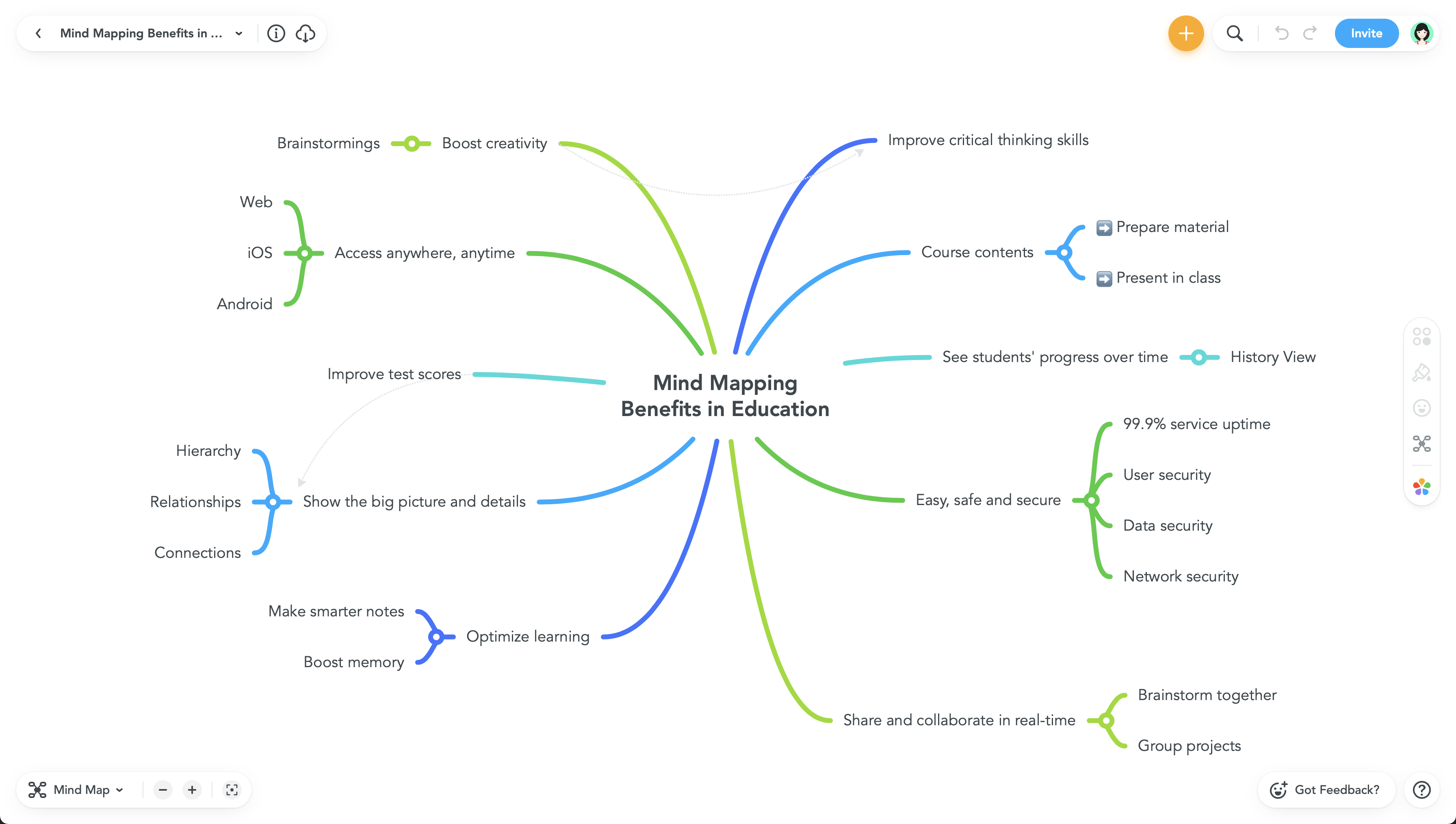
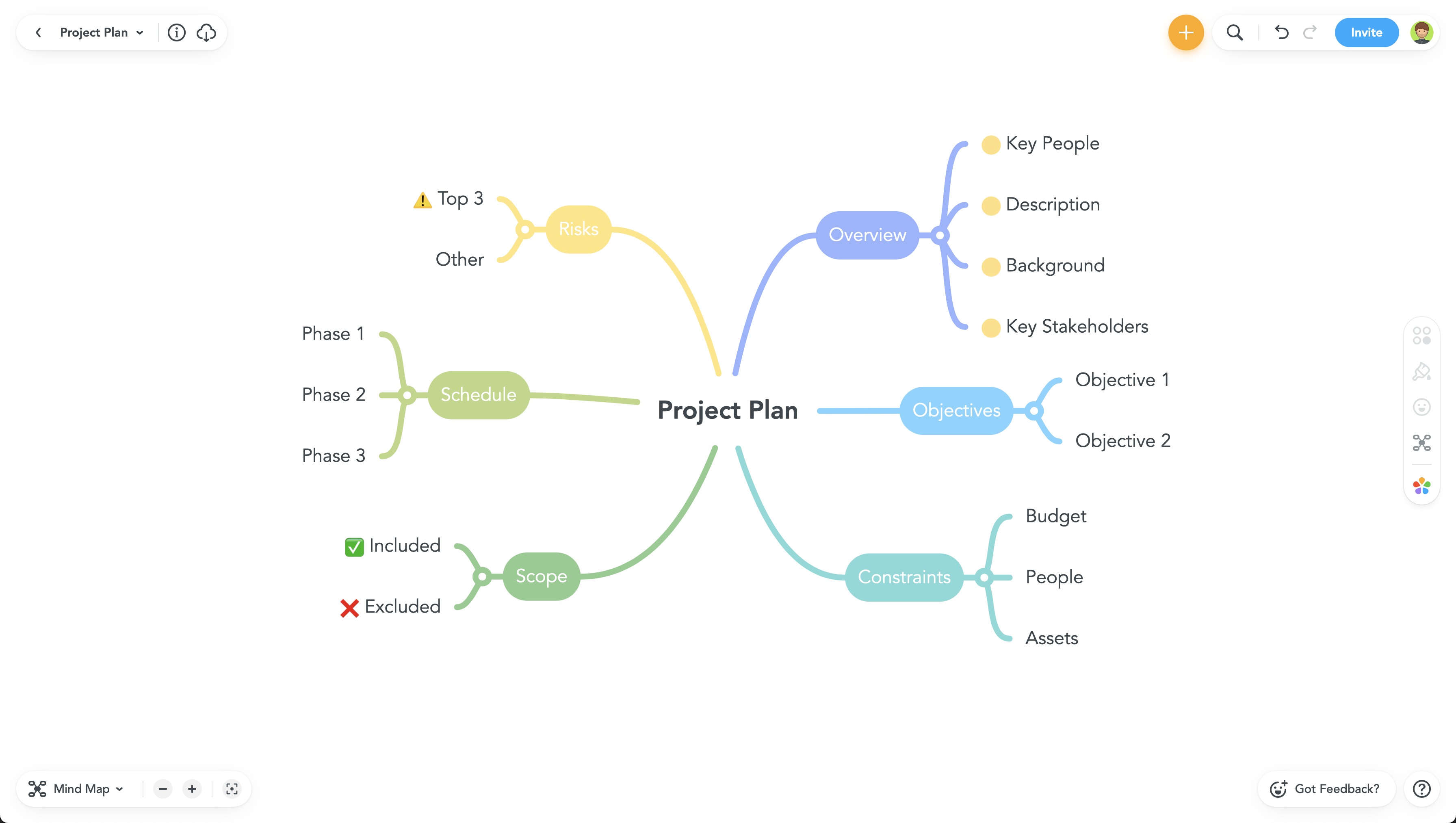
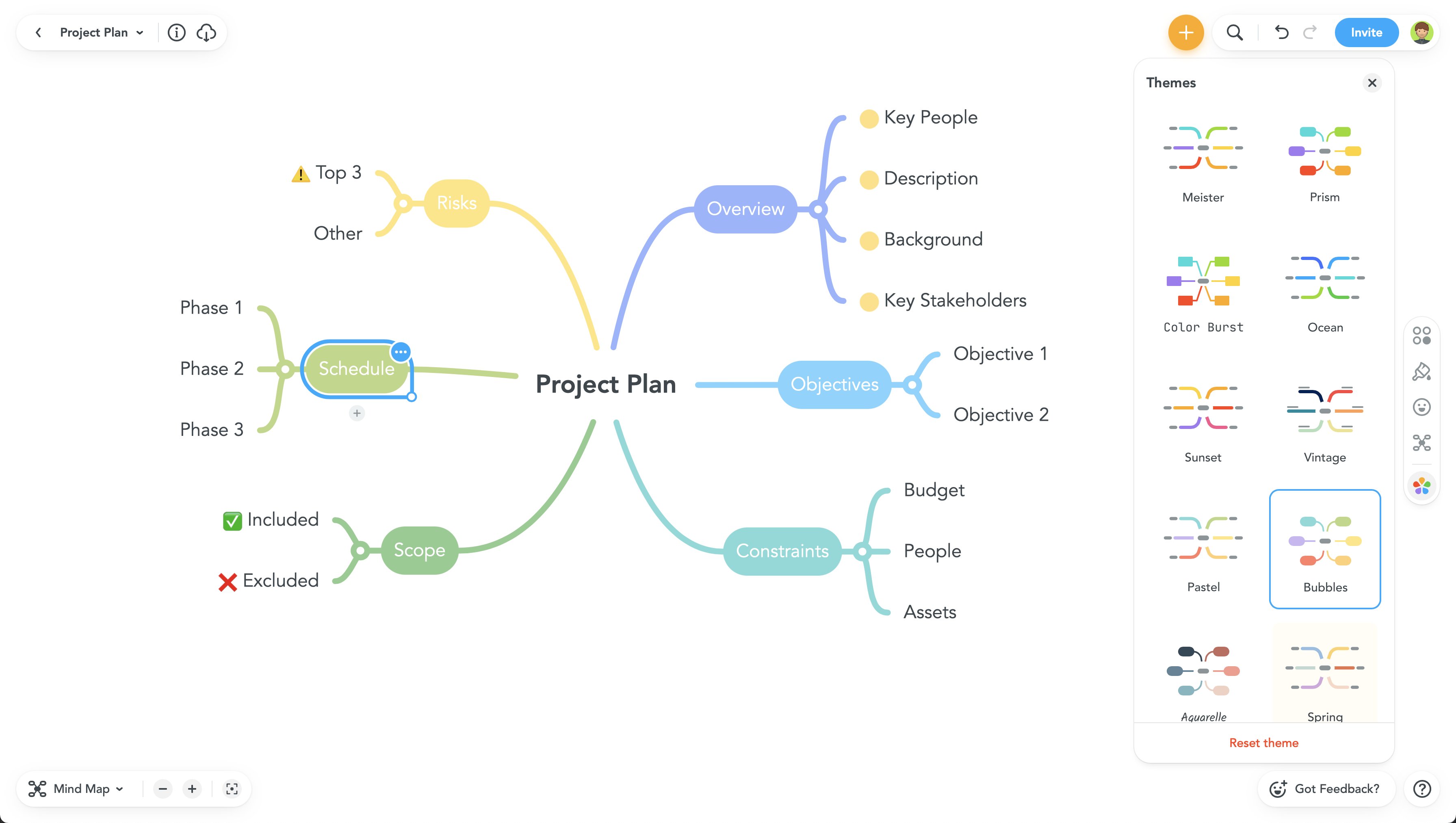
MindMeister Screenshots

Screenshot of Screenshot of Screenshot of Screenshot of