Ivanti Neurons for MDM is a cloud‑Based Mobile Device Management. Ivanti Neurons for MDM enables secure access to data and apps on any device across the Everywhere Workplace.
N/A
TinyMDM
Score 0.0 out of 10
N/A
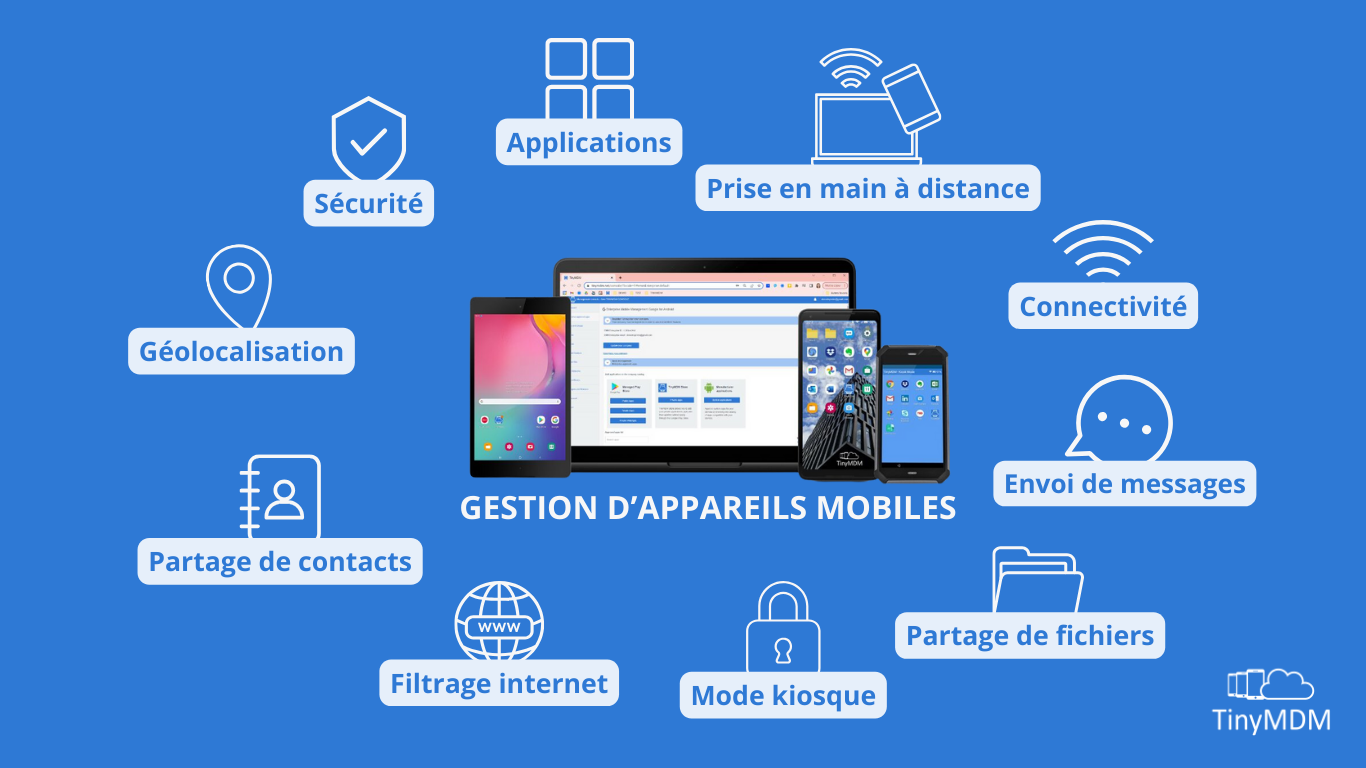
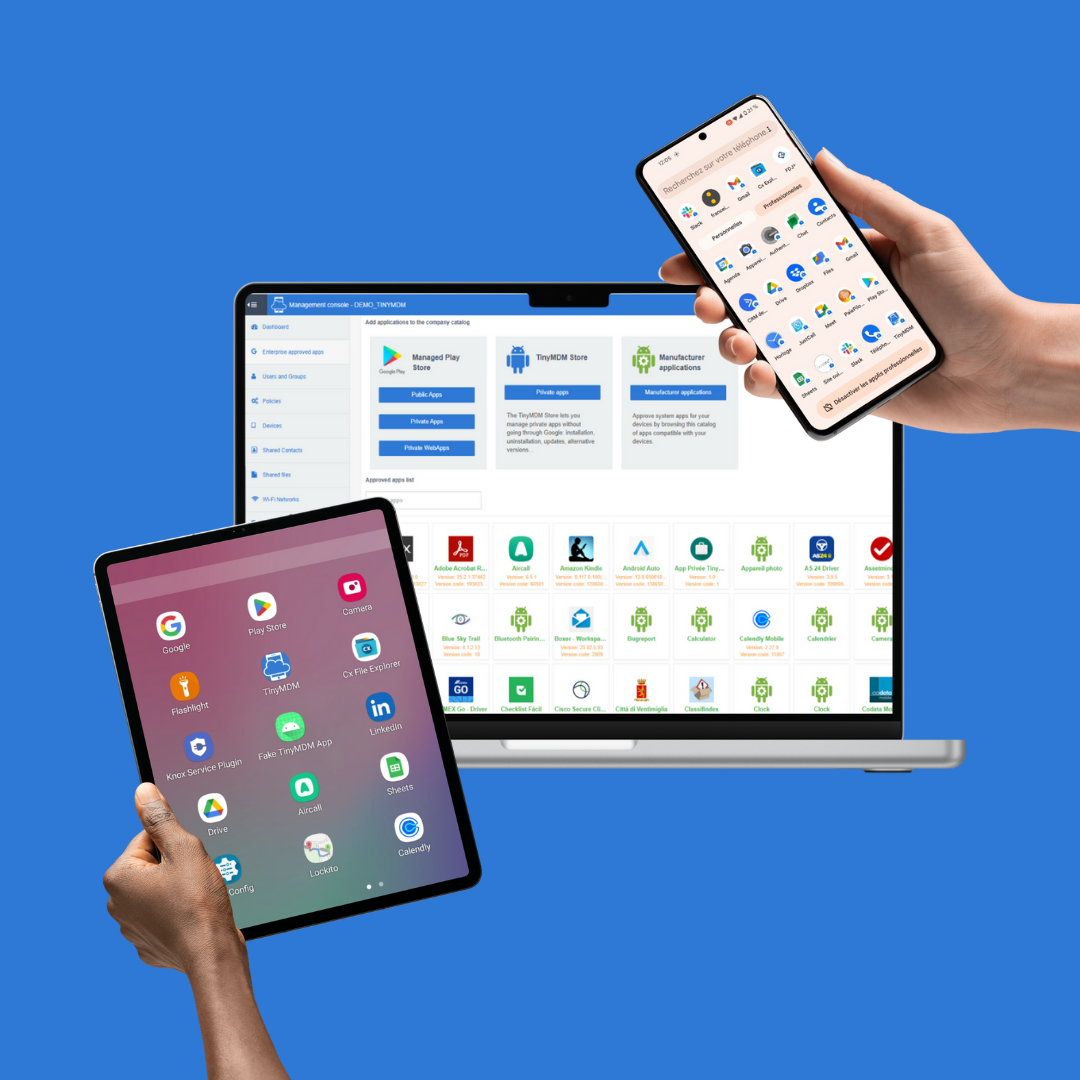
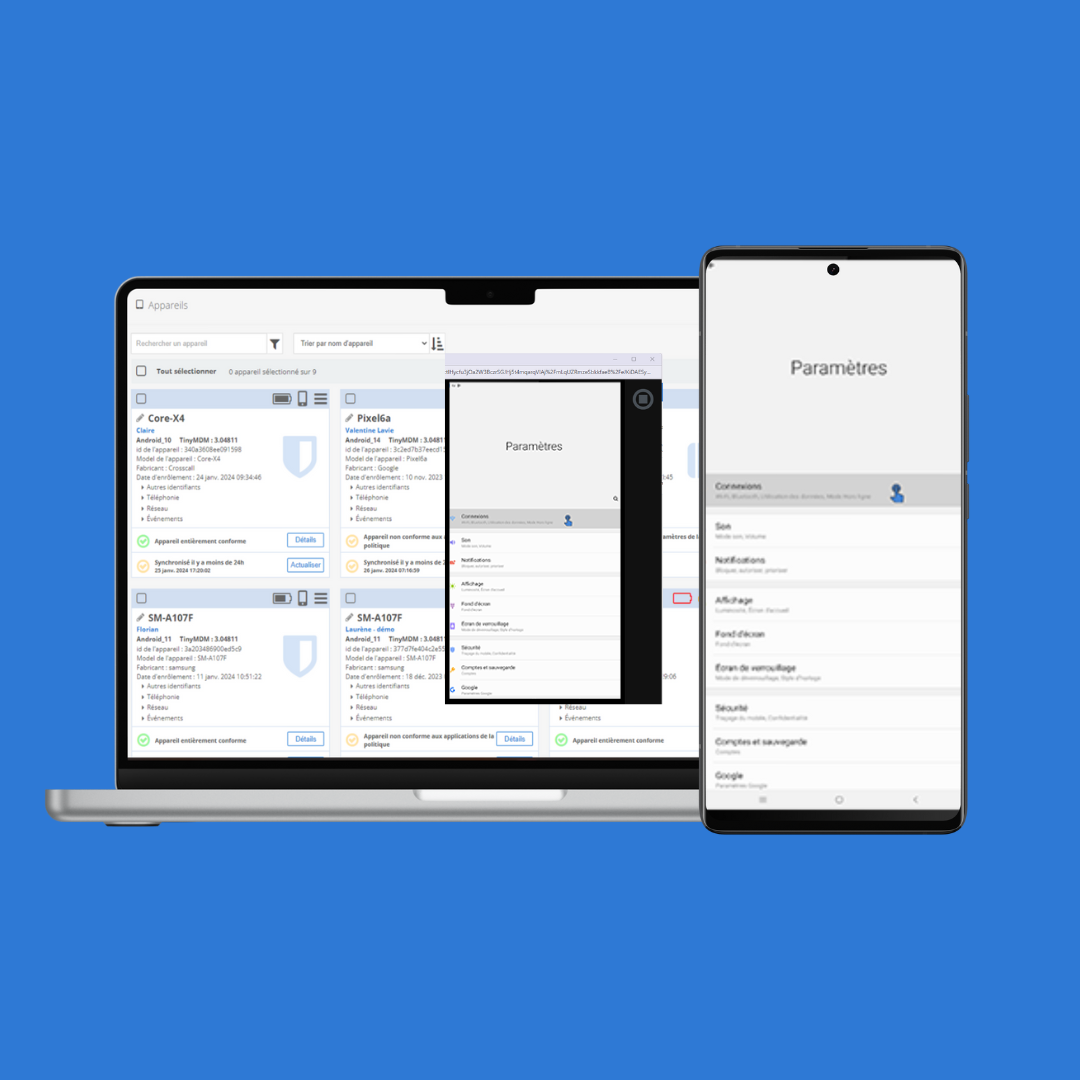
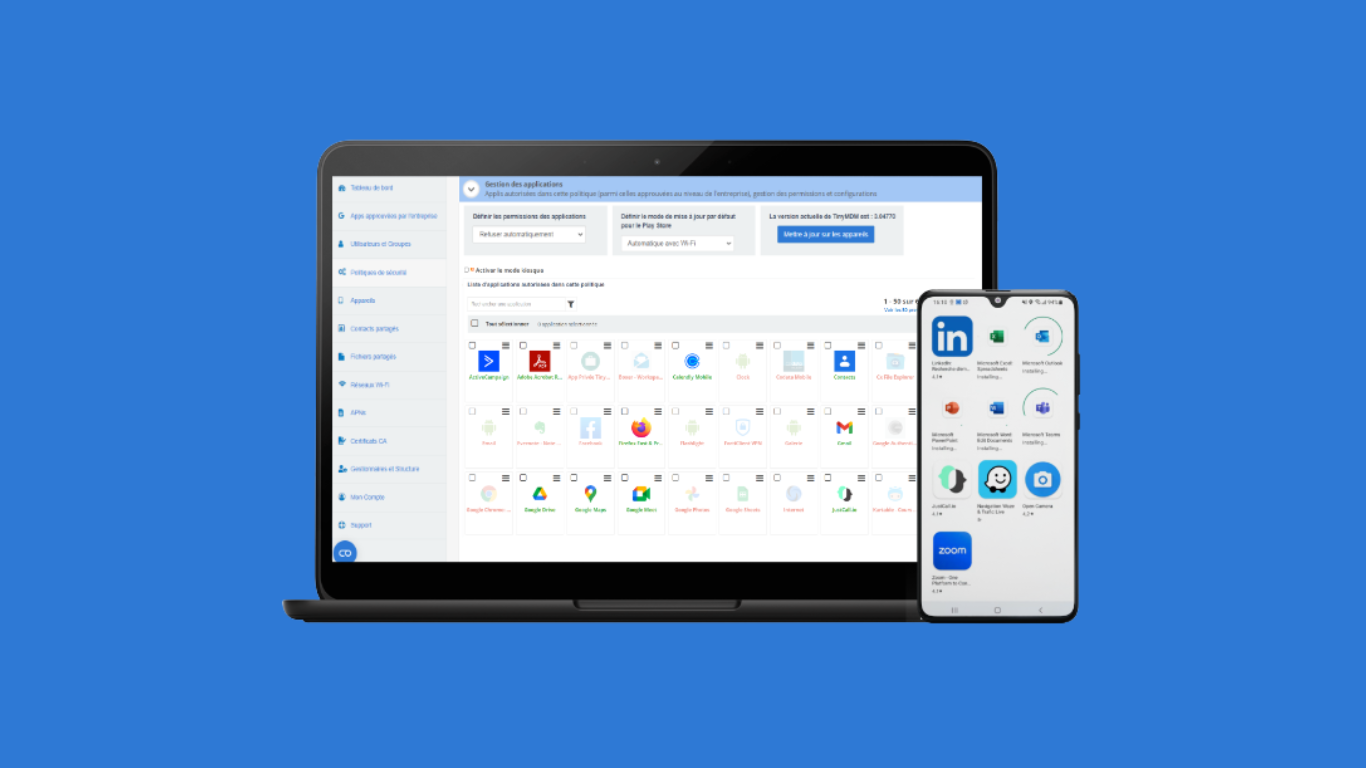
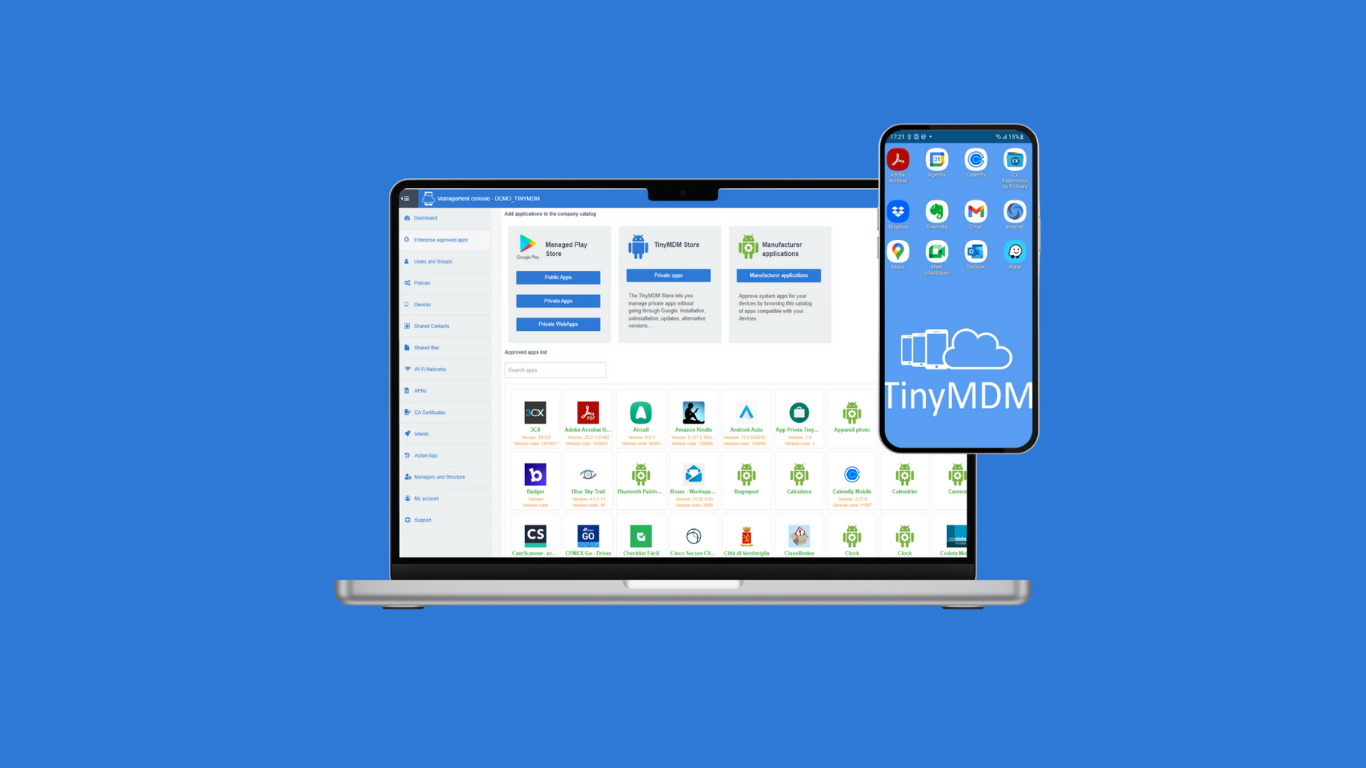
TinyMDM, Android EMM Partner, is a Mobile Device Management dedicated to businesses looking for a solution to manage and secure their mobile fleet of smartphones, tablets, rugged devices. TinyMDM is approved by Android for all its management sets: Kiosk Mode Fully Managed Mode BYOD (Bring Your Own Device) WPCO (Work Profile on Company Owned Device) It offers a centralized management solution for all devices within an organization: app…
$2.30
per month per user
Pricing
Ivanti Neurons for MDM
TinyMDM
Editions & Modules
No answers on this topic
FLEXIBLE
$2.30
per month per user
CLASSIC
$23
per year per user
Offerings
Pricing Offerings
Ivanti Neurons for MDM
TinyMDM
Free Trial
No
Yes
Free/Freemium Version
No
No
Premium Consulting/Integration Services
No
No
Entry-level Setup Fee
Required
No setup fee
Additional Details
—
TinyMDM also offers quantitative discounts starting from 200 licenses.
More Pricing Information
Community Pulse
Ivanti Neurons for MDM
TinyMDM
Considered Both Products
Ivanti Neurons for MDM
Verified User
Anonymous
Chose Ivanti Neurons for MDM
The main reason why we went with Mobileiron is [that] it was the cheaper option, but it was also extremely convenient that AT&T and Mobileiron had partnered in order to give us devices that already have Mobileiron provisioned onto them, leaving a lot less work for the IT staff …
MobileIron is highly competitive against VMWare Airwatch. Although basic functionalities are quite the same MobileIron fits a little bit better to our business needs. This also implements a transparent license model with different packages (i. e. silver, gold etc.). We decided …
MobileIron has more features and capabilities than other MDM systems I've been exposed to in the past. My expectation is that, like all enterprise software, features and vendors will converge and create parity. MobileIron is the North Star for that convergence as they have …
Jamf is a great platform but does not offer the wide range of integrations. It feels like an Apple-centric product, and it is. Airwatch was pricier and did not offer enough compelling advantages when feature sets were compared, so it was hard to justify the additional cost. …
MI has been the more stable platform and that has really come more and more under investigation for us we try to ascertain which service to use. The built-in apps and services that MI provides have been extremely useful and more reliable than anything that Intune has provided us.
I can only compare with Intune Free which is not a very good comparison as it's the equivalent of ActiveSync in Exchange. From what I've seen of Intune Full, MobileIron is more user-friendly in managing policies and pushing custom application configuration.
We have used Cisco Meraki, it shows location, we can push security policies, unlock/lock the device remotely, but can not push email or do a selective wipe, need to buy licenses for the paid version. Miradore Online used for BYOD smartphones, we can push email, security …
I started with MobileIron so I feel as though I'm a bit biased towards them. I really like Jamf also, however they are best for environments that deal specifically with Apple products, where MobileIron can support any and all devices. AirWatch is easier on the eyes and …
I have experience with AirWatch and Intune. The UI of MobileIron greatly outshines these two alternatives. Though the features of securing our iDevices are the same, the way MobileIron allows me to implement these configurations makes it stand out above the competition. We …
We ended up forgoing on XenMobile as we had already been using MobileIron for several years and the time it would take to setup all new devices in a new system would have costed more than what it was worth. In the end, we are happy with our decision as MobileIron has come a …
MobileIron was a better fit for our size organization. The MS office 365 tools become available with a higher tier of license than the one we own. So for a small deployment MobileIron was the better fit. If we were to scale up our Office 365 deployment and licenses then we …
MobileIron has been a leader in MDM solutions and was chosen as the most functional solution at the time it was purchased. We have put 1000+ users on Intune as a pilot since it is much less expensive. Intune is less mature than MobileIron and missing its own …
In the past the corporation has used other MDM packages, and has evaluated others. However we look for a high degree of security, and also that the functions be equivalent on both iOS and android platforms. Other packages missed forms of security or supported only one …
We've evaluated a number of other MDM solutions before finally deciding on MobileIron as our choice. These included AirWatch, Good, Citrix and IBM. None came close to the cost price point offered by MobileIron providing the same solutions. The initial setup/configuration was …
Workspace ONE (formerly AirWatch) is currently the biggest competitor for MobileIron. There are some functionalities in Workspace ONE that might not be present in MobileIron and vice versa. Also, if you are considering purchasing the EMM product, Microsoft Intune should be …
I joined the company when this system was not in use anymore. I have heard from other admins that it was too simple and required a parallel platform to cover the functionalities that Symantec would not. From my point of view, MobileIron has a broader coverage range of device …
MobileIron is a great tool for mobile device management. It is well suited for deploying mail to devices, as well as providing security/compliance items to a device (require a passcode, install certificates). The store app is also great for pushing users to specific, needed apps without trusting them to find the correct one in the store. MobileIron is not well suited for environments which do not restrict access to mail or use a cloud-based mail provider (such as O365) as the native apps make it easier to get mail from these sources than to manage an MDM environment.
Organization: with it's flexible label structure and hooks into ActiveDirectory, MobileIron is effective at applying different policies to different groups of employees, depending on the country they live and work in.
Reporting: Generating and interpreting reports is a task that is quickly learned and executed.
Adaptability: MobileIron adapts to the changing mobile environment by incorporating and testing up-and-coming technologies such as Android Enterprise and Apple Business Manager (formerly DEP)
It is a fairly complicated product at first, you will need to dedicate time to properly implement it and learn how it works.
It needs built in AV/Malware detection, right now it can utilize 3rd parties for this feature and it snaps into the product but the 3rd parties are fairly expensive
The admin GUI could probably use some tweaks to make it easier but it has gotten better over the last few releases
They are in my eyes no longer the leader of MDM management. They have never really given me solutions to problems and this would include app deployment problems, byod portal issues, etc until the past few years, i have changed my scale from 2 to 8 because of it working much better now.
I have been using MobileIron for years. As with any company, they suffered the constraints of growth. I don't normally deal with call-in support, but in the few instances that I have the level of support has gotten inherently better. My usual support experience is from a dedicated individual(s) from professional services. This is mainly because of the size of the deployment. This offers a resource that is thoroughly familiar with your environment. Another benefit is that you can contact them directly, which eliminates the handing off and starting over with multiple individuals. As a company they are extremely committed in their support structure and making it better. They send out audits and welcome any interaction and if there is a complaint they follow up with efficacy
It is online based, after learning content you can take a test and if you don't pass you get two other chances to pass. Once you pass the test you can print out your certification or save it
Jamf is a great platform but does not offer the wide range of integrations. It feels like an Apple-centric product, and it is. Airwatch was pricier and did not offer enough compelling advantages when feature sets were compared, so it was hard to justify the additional cost. MobileIron has proven to be a wise investment because of their continued focus on information security, and the platform can be extended to our Macs and Windows 10 devices
MobileIron initially was a positive part of our mobile stack. However after two years, we are exploring in-house solutions as Mobile Iron has not been stable enough for our needs. We had a MobileIron-related outage last year that took a week to resolve and cost our business substantially.
I believe MobileIron is more effective with Android devices than iOS.
MobileIron seems better suited to devices that need to be updated/managed infrequently (~ 1/week or less often). For tablets that need daily MDM interactions, MobileIron was not sufficiently reliable.