
Chose JoomlaLMS
Moodle,Litmos

| Product | Rating | Most Used By | Product Summary | Starting Price |
|---|---|---|---|---|
 JoomlaLMS | Enterprise companies (1,001+ employees) | JoomlaLMS is a Learning Management System. Some key features include: Multi Language User Interface, User Roles, Course Categories and Course Forums. | $0 per month | |
 LMS365 | N/A | ELEARNINGFORCE in Edgewater brings learning management to Office 365 and SharePoint. LMS365 blends with the Microsoft infrastructure and is designed to eliminate expensive integration, time-consuming development, and unwanted complexity. Learners access learning plans, courses, personal progress reports, and certificates from within the SharePoint business process. | N/A |
| JoomlaLMS | LMS365 | |||||||||||||||
|---|---|---|---|---|---|---|---|---|---|---|---|---|---|---|---|---|
| Editions & Modules |
| No answers on this topic | ||||||||||||||
| Offerings |
| |||||||||||||||
| Entry-level Setup Fee | No setup fee | No setup fee | ||||||||||||||
| Additional Details | — | — | ||||||||||||||
| More Pricing Information | ||||||||||||||||
| JoomlaLMS | LMS365 | |
|---|---|---|
| Considered Both Products |  JoomlaLMS Chose JoomlaLMS Moodle,Litmos |  LMS365  Matt Aldridge Learning Analytics Lead Chose LMS365 I will pick Edapp or Totara if you're after an all-in-one LMS solution that is feature-rich. For a university educational setting, moodle continues to make sense. Safety Culture now owns Edapp, so over time, these platforms will likely be merged. LMS needs a huge overhaul to …  Frank Tuttle SVP Technology Chose LMS365 Cost, support, configuration and integration with SharePoint.  Srikanth Vasamsetty Senior Software Engineer Chose LMS365 It's helpful to the organization.  Thomas Runds CEO and President of MedXForce Chose LMS365 Throughout my career I came across many different solutions for Knowledge and Collaboration and LMS systems. This includes Lotus Notes, Documentum, Live Link, LMS solutions from Oracle, ADP, another SharePoint based solution. Many years back, with the intro of Microsoft … |
| JoomlaLMS | LMS365 | ||||||||||||||||||||||||||||||||||||||||||
|---|---|---|---|---|---|---|---|---|---|---|---|---|---|---|---|---|---|---|---|---|---|---|---|---|---|---|---|---|---|---|---|---|---|---|---|---|---|---|---|---|---|---|---|
| Learning Management |
|
| JoomlaLMS | LMS365 | |
|---|---|---|
| Small Businesses |  iSpring Learn Score 9.6 out of 10 | iSpring Learn Score 9.6 out of 10 |
| Medium-sized Companies |  Schoology Learning Score 9.7 out of 10 | iSpring Learn Score 9.6 out of 10 |
| Enterprises | Schoology Learning Score 9.7 out of 10 |  Axonify Score 10.0 out of 10 |
| All Alternatives | View all alternatives | View all alternatives |
| JoomlaLMS | LMS365 | |
|---|---|---|
| Likelihood to Recommend | 9.0 (0 ratings) | 8.0 (0 ratings) |
| Likelihood to Renew | 9.0 (0 ratings) | 8.2 (0 ratings) |
| Usability | - (0 ratings) | 7.0 (0 ratings) |
| Support Rating | - (0 ratings) | 10.0 (0 ratings) |
| JoomlaLMS | LMS365 | |
|---|---|---|
| Likelihood to Recommend |
|
Matt Aldridge Learning Analytics Lead |
| Pros |
|
 Michelle Dill Manager of Credentialing and Organization Development |
| Cons |
|
Srikanth Vasamsetty Senior Software Engineer |
| Likelihood to Renew |
|
Thomas Runds CEO and President of MedXForce |
| Usability | No answers on this topic |
Matt Aldridge Learning Analytics Lead |
| Support Rating | No answers on this topic |
Frank Tuttle SVP Technology |
| Alternatives Considered | No answers on this topic |
Thomas Runds CEO and President of MedXForce |
| Return on Investment |
|
 Amanda Moya Client Retention Specialist |
| ScreenShots | JoomlaLMS Screenshots 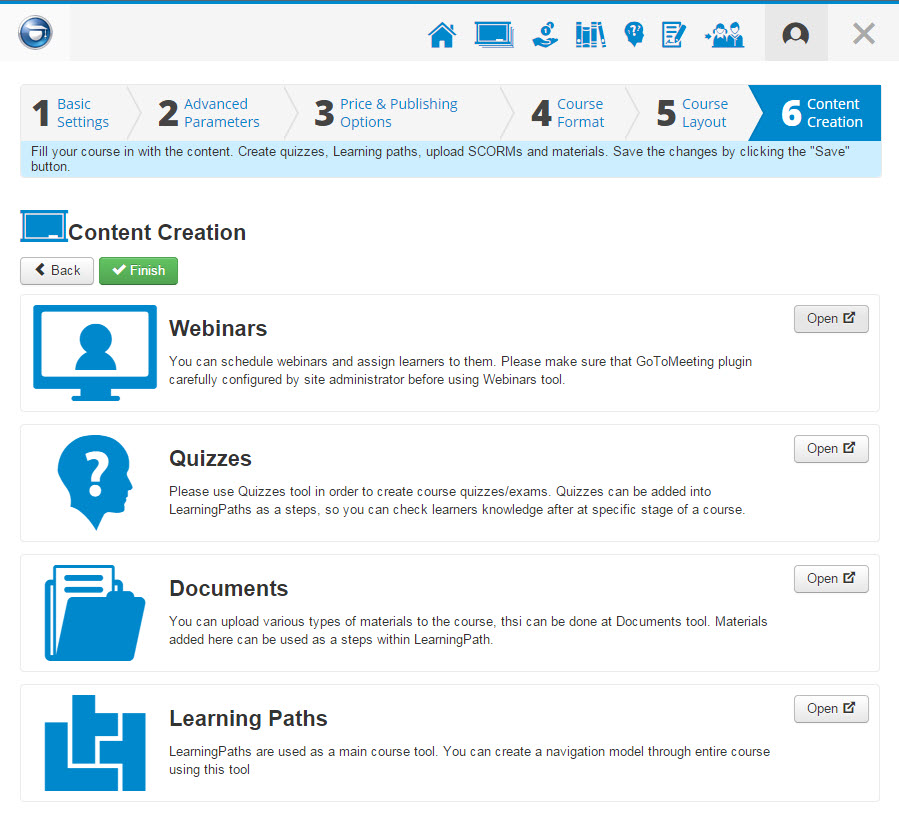 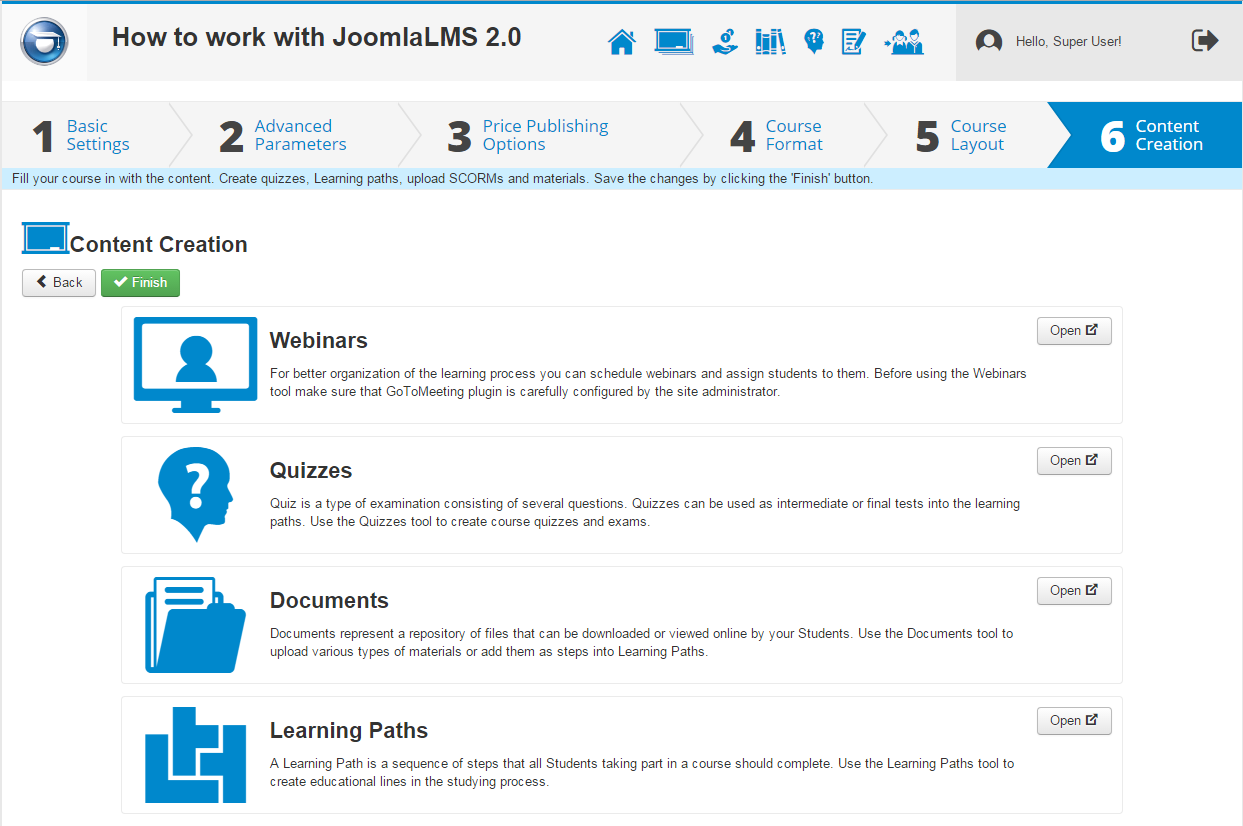    |