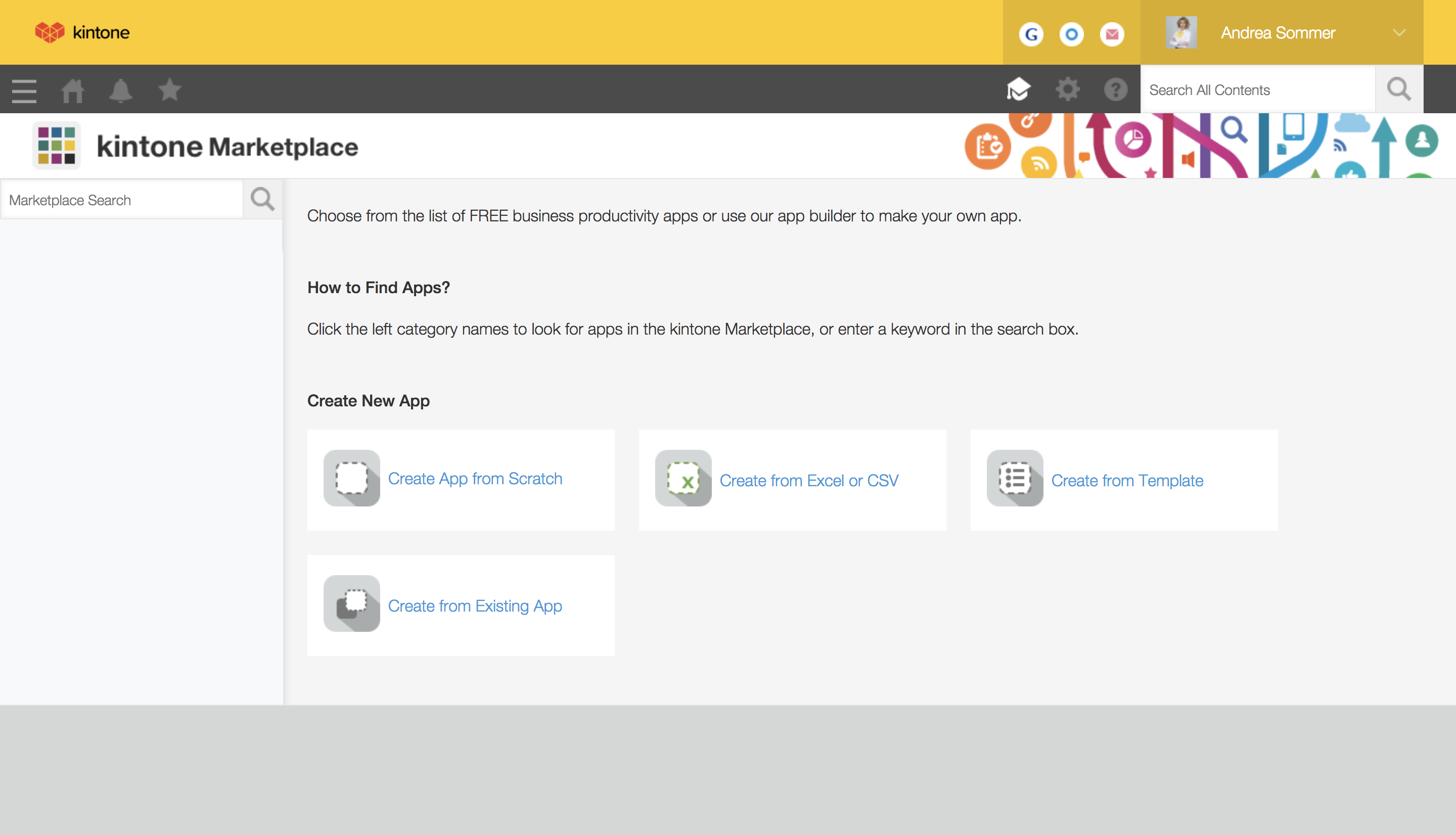
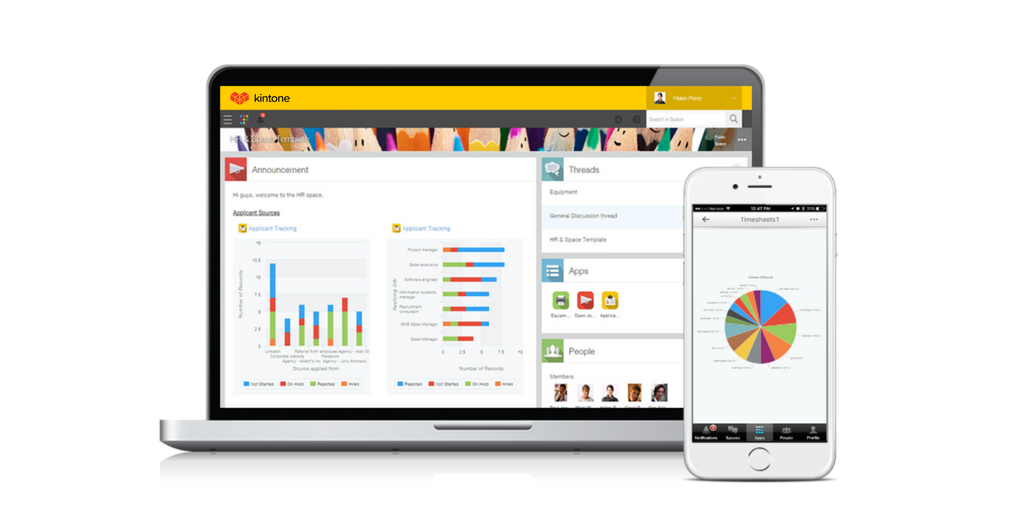
Kintone is a customizable digital workplace platform that lets the user manage data, tasks, and communication in one central place. Over 30,000 customers use Kintone’s no-code platform with more than 1.5 million database and workflow applications custom built for their businesses. The no-code drag-and-drop interface can be used to create custom database applications. Whether it’s sales leads, customer quotes, or inventory management, it can be organized in Kintone and viewed from the…
$24
per month per user
monday CRM
Score 8.5 out of 10
N/A
monday CRM provides control over the entire sales funnel and helps users close deals faster by automating manual work and streamlining sales activities from A-Z.
$15
per month per seat
Pricing
Kintone
monday CRM
Editions & Modules
Professional Subscription
$24
per month per user
Basic
$15
per month per seat
Standard
$20
per month per seat
Pro
$33
per month per seat
Enterprise
Contact Sales
Offerings
Pricing Offerings
Kintone
monday CRM
Free Trial
Yes
Yes
Free/Freemium Version
No
No
Premium Consulting/Integration Services
No
No
Entry-level Setup Fee
Optional
Optional
Additional Details
All subscriptions have a minimum requirement of 5 users.
18% discount for annual pricing. Plans start with 3 seats.
More Pricing Information
Community Pulse
Kintone
monday CRM
Features
Kintone
monday CRM
Low-Code Development
Comparison of Low-Code Development features of Product A and Product B
Kintone
9.4
Ratings
11% above category average
monday CRM
-
Ratings
Platform Security
9.50 Ratings
00 Ratings
Platform User Management
9.60 Ratings
00 Ratings
Reusability
9.50 Ratings
00 Ratings
Platform Scalability
9.60 Ratings
00 Ratings
Sales Force Automation
Comparison of Sales Force Automation features of Product A and Product B
Kintone
-
Ratings
monday CRM
7.5
Ratings
3% below category average
Customer data management / contact management
00 Ratings
7.60 Ratings
Workflow management
00 Ratings
7.50 Ratings
Territory management
00 Ratings
8.20 Ratings
Opportunity management
00 Ratings
7.40 Ratings
Integration with email client (e.g., Outlook or Gmail)
00 Ratings
8.00 Ratings
Contract management
00 Ratings
7.20 Ratings
Interaction tracking
00 Ratings
6.30 Ratings
Marketing Automation
Comparison of Marketing Automation features of Product A and Product B
Kintone
-
Ratings
monday CRM
6.7
Ratings
12% below category average
Lead management
00 Ratings
6.70 Ratings
CRM Project Management
Comparison of CRM Project Management features of Product A and Product B
Kintone
-
Ratings
monday CRM
6.3
Ratings
19% below category average
Task management
00 Ratings
6.10 Ratings
Billing and invoicing management
00 Ratings
5.20 Ratings
Reporting
00 Ratings
7.70 Ratings
CRM Reporting & Analytics
Comparison of CRM Reporting & Analytics features of Product A and Product B
Kintone
-
Ratings
monday CRM
6.7
Ratings
12% below category average
Forecasting
00 Ratings
6.10 Ratings
Pipeline visualization
00 Ratings
7.30 Ratings
Customizable reports
00 Ratings
6.60 Ratings
Customization
Comparison of Customization features of Product A and Product B
Kintone
-
Ratings
monday CRM
6.9
Ratings
8% below category average
Custom fields
00 Ratings
7.50 Ratings
Custom objects
00 Ratings
6.20 Ratings
Scripting environment
00 Ratings
6.90 Ratings
API for custom integration
00 Ratings
6.90 Ratings
Security
Comparison of Security features of Product A and Product B
Kintone
-
Ratings
monday CRM
6.9
Ratings
19% below category average
Single sign-on capability
00 Ratings
8.80 Ratings
Role-based user permissions
00 Ratings
5.00 Ratings
Integrations with 3rd-party Software
Comparison of Integrations with 3rd-party Software features of Product A and Product B
Kintone
-
Ratings
monday CRM
6.5
Ratings
12% below category average
Marketing automation
00 Ratings
6.50 Ratings
Platform
Comparison of Platform features of Product A and Product B
Kintone is great if you want a software that will help you in managing your data, and keep track of which tasks are assigned to whom. It also helps to streamline communication and information in one central place. However, it is not for you if you are looking for something complex that has to manage a lot of data.
I think it's a fantastic tool for a small business or startup. It has many of the same features as other CRMs, and my favorite thing about it are the pre-built Sales Dashboards that generate your forecast, pipeline, deal value, everything you would expect to see when analyzing your sales efforts. I think the parts of it that aren't as scalable are the outbound sales efforts with email. I don't think you can set up drip campaigns or automated workflows through monday the way you can through HubSpot and Salesforce.
I feel that Kintone is not well enough known yet. This means that other apps/APIs are not necessarily easy to connect with Kintone. Yes, you can use Zapier though for interfacing with other apps.
It would be great if it could give more customized options to change the look and format of certain things. You can make price quote apps, for example, but have to rely on 3rd party apps or programming skills to customize the look and fields.
If you make a table as an input field, it cannot connect to other internal Kintone apps for lookups and such.
I think there is more potential to make more customized data graphs.
Perhaps individual archive boards for individual boards - sometime's it's difficult to locate an archived item to account when something is done so until projects are finished, I often leave items on the board when it could be 'cleaner'
More color shades for groups and labels
Keep adding new widgets for dashboards to provide an even greater overview
I still think that there's a room for Kintone's future, and high expectations for them in additional features and innovative tools and supports. Truly hope that they will support email features, and standardized supports for various plug-ins with the 3rd party software and apps. In the meantime, we will have to consider our ways of doing our work in all aspects
Kintone is agile app and most of the time we can easily come up with new apps. However, there should be more feature-based drag and drop and or a visual-based usability, as we all want to minimize the number of clicks and dropdown menu selections as much as possible. Thanks.
It was a little tricky when I first set up all of my automations and to kind of navigate my board and create it initially. So now that it's set up it's super easy to use so that's why I gave a seven in this rating.
The support from Kintone has been excellent. On numerous occasions, customer service representatives have proactively reached out to us to see if we needed help with anything. They also scheduled Zoom calls one month after we went live to go over any questions we had. Additionally, they assigned a local account representative to check in on us periodically to provide any necessary help.
We only ever needed to us the FAQs and quick google searches as everything we needed to do was very straightforward and intuitive to do. We found the simple and easy design and interface helped prevent having any issues. A colleague did need to reach out for help and stated that it was quick and useful
Everyone has their own tastes of things and way they want to work. Asking them to adapt to the changes with the new tools or apps is always difficult. We would want to start with a very small but best example within the organization, which in our case was that the employees will not be bothered by the bosses by being asked to find the documents, status of the progresses, or major things/requests/projects.
Kintone is the easiest product to create from and the cost is the lowest I believe. In addition, reconfigurability and extendability are great. If you look for a low code tool, you can try Kintone. But as same as another low code tool, don't expect too much.
I personally perfer monday's interface to Asana's, although they are both very similar in concept. I also feel that monday is better suited for cross-functional project management, which is something necessary to the way Dr. Squatch operates. Asana may be better suited to companies who have smaller teams and a simpler scope of project management, but for a company with the complexity of ours, monday's customizable features and ease of visibility was the better suited platform for our needs.