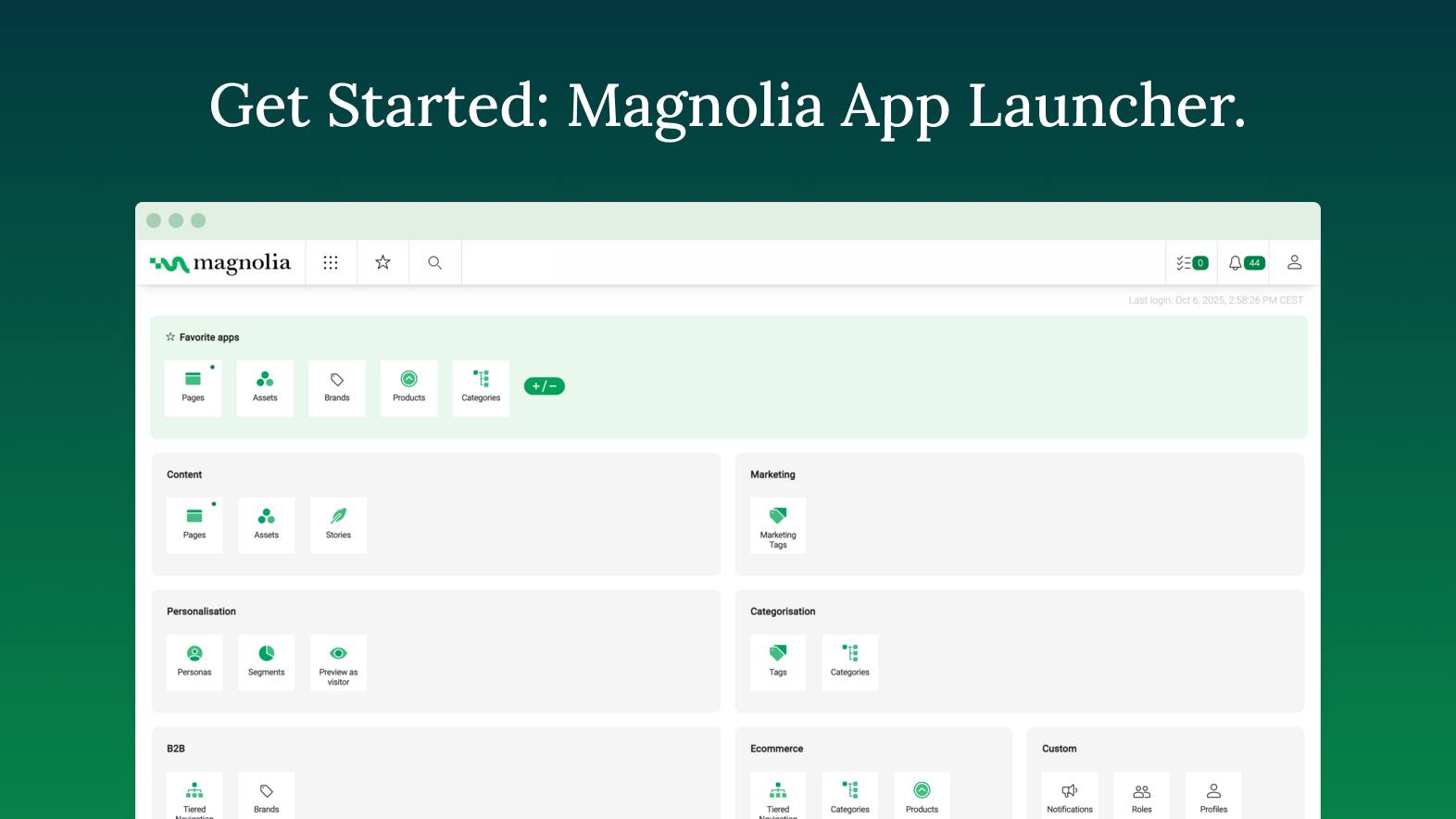
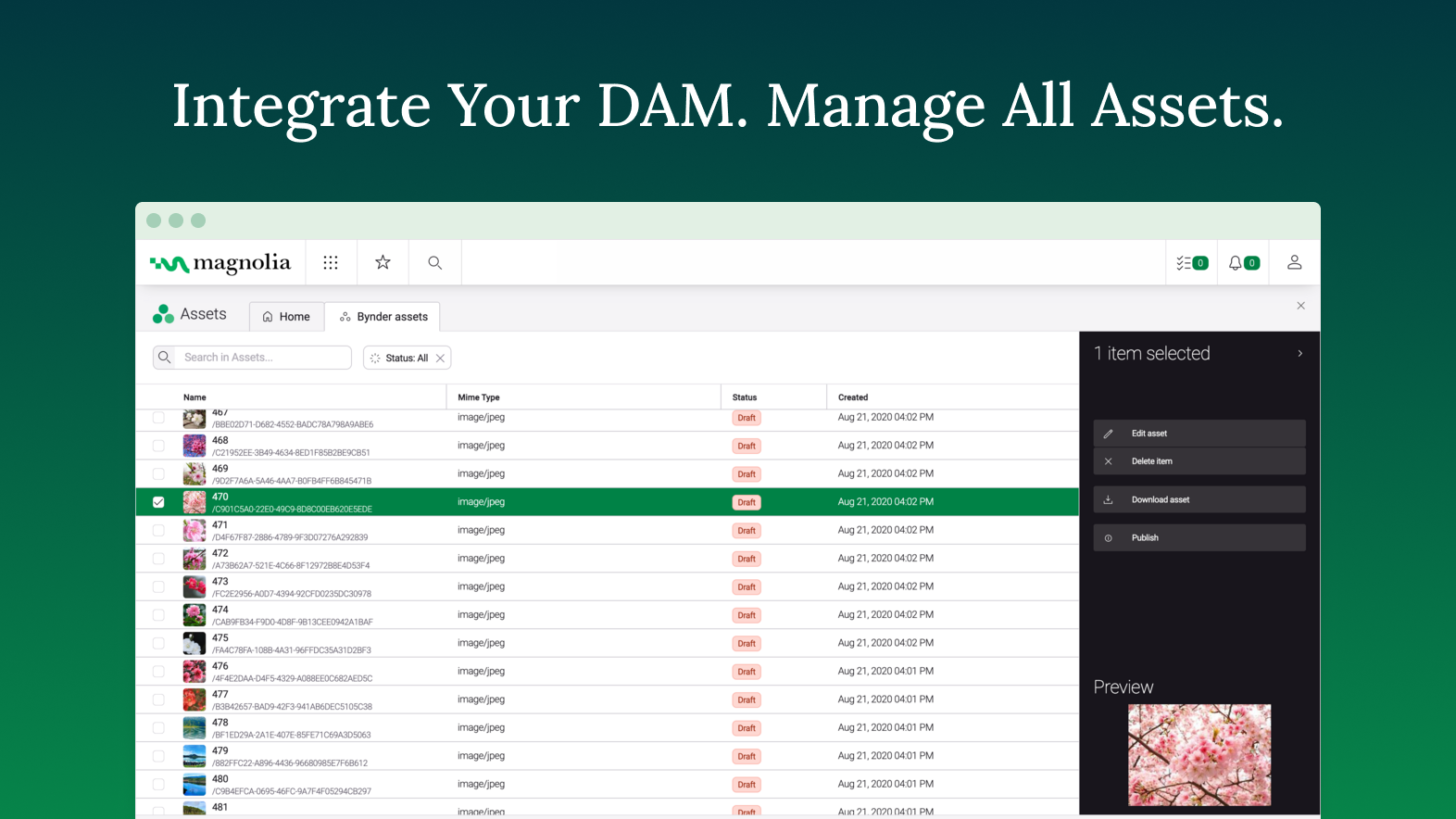
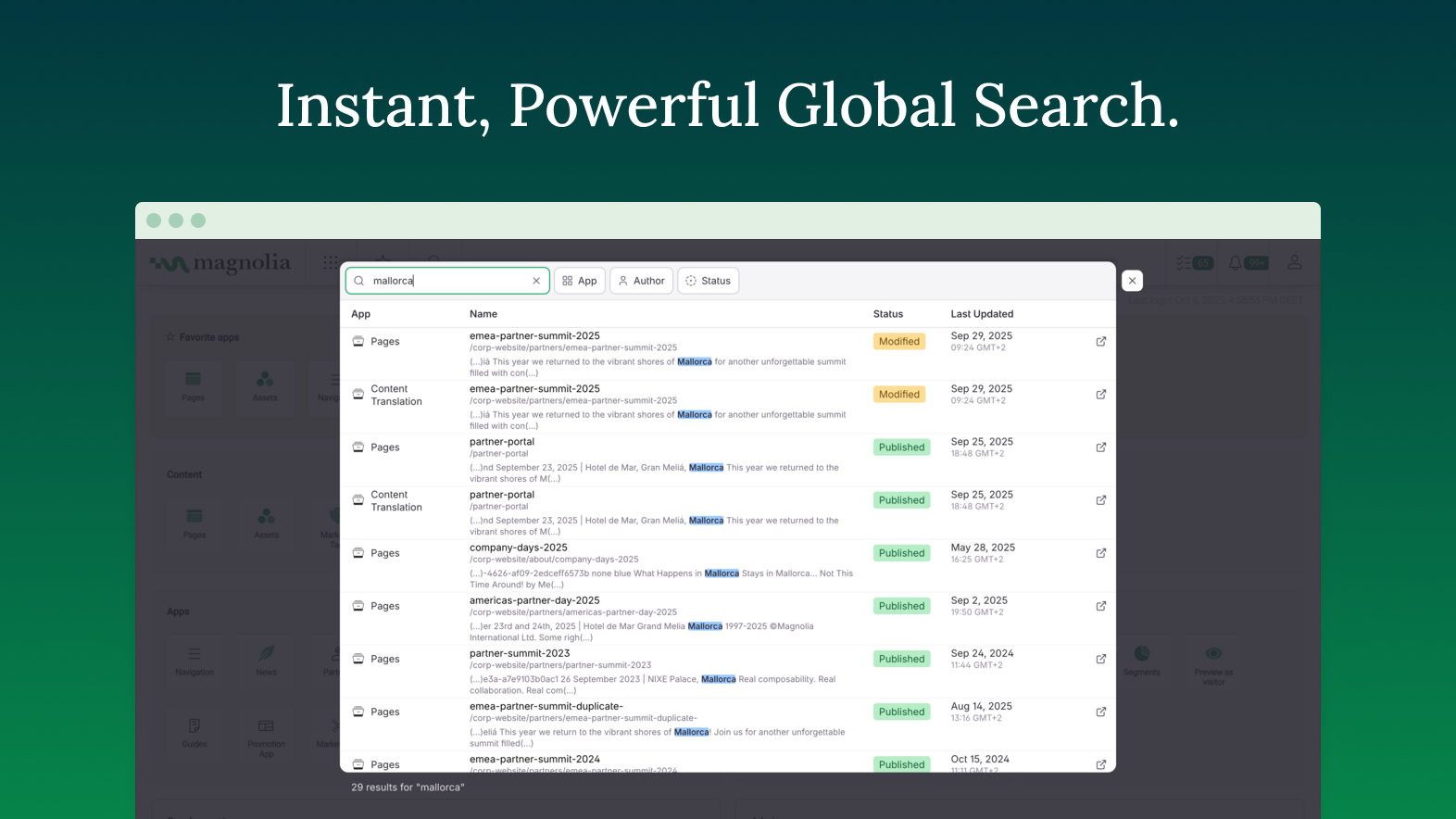
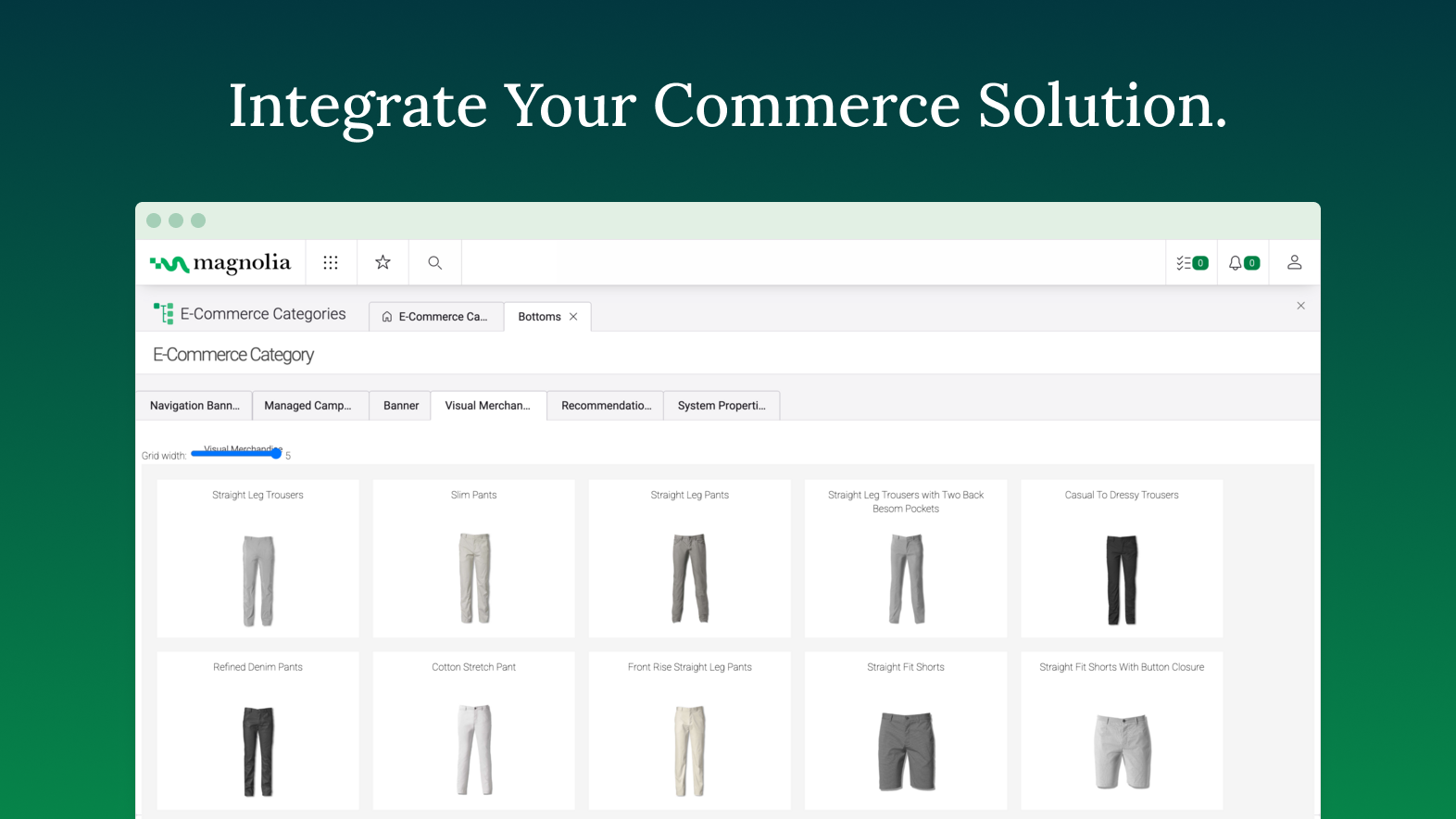
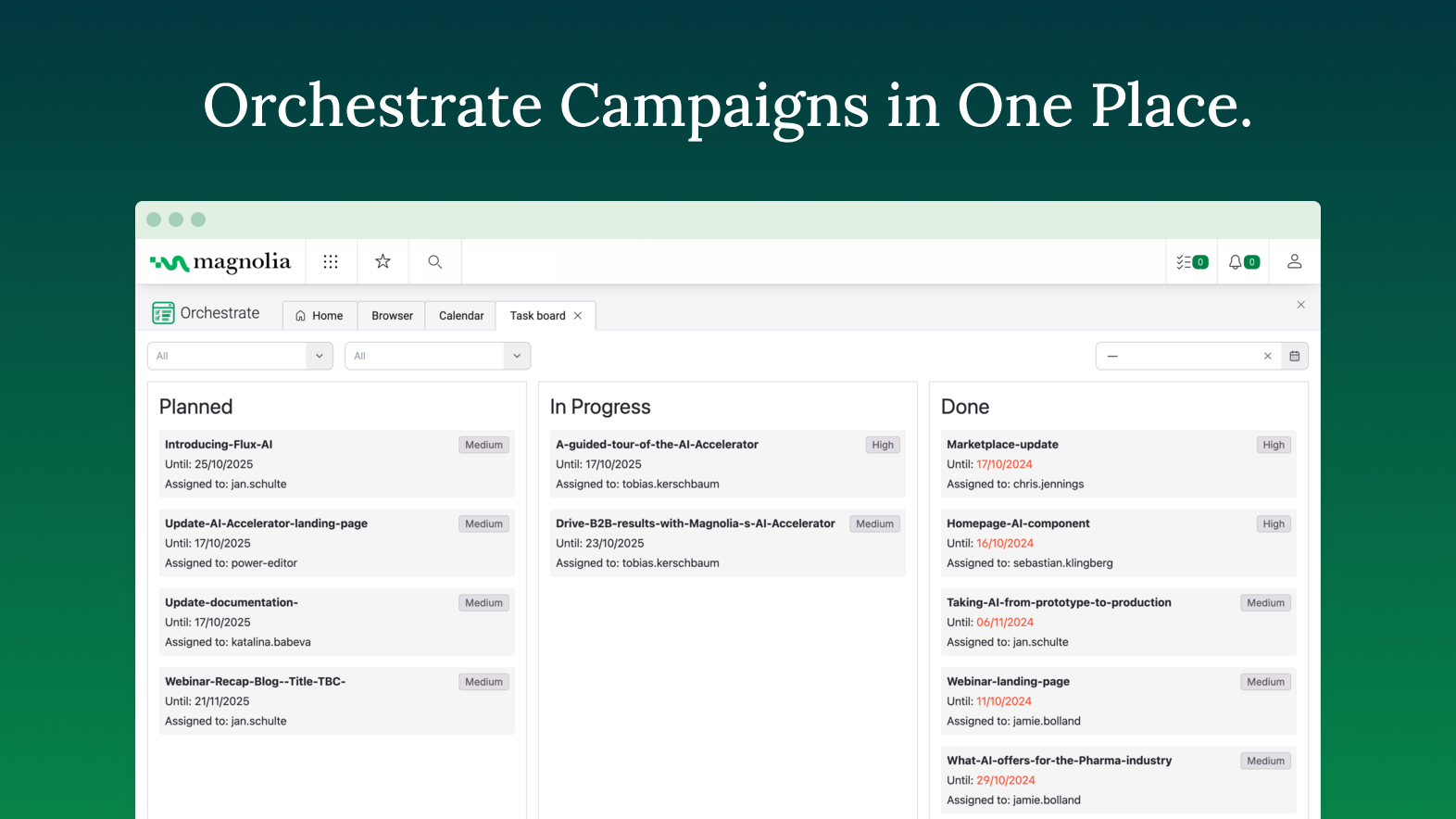
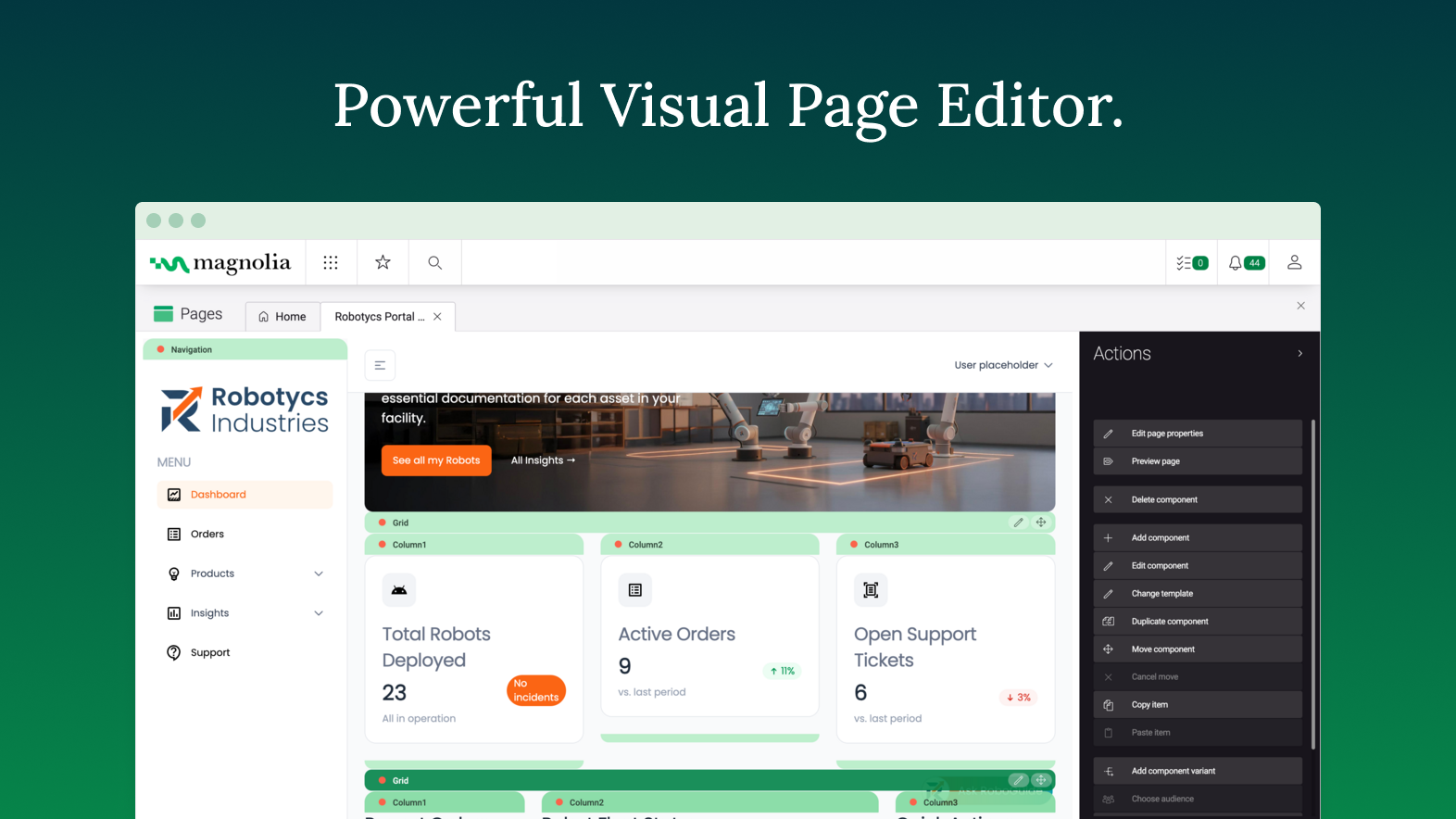
Founded in Switzerland in 1997, Magnolia is a CMS used to build composable digital experiences. Magnolia helps create fully integrated customer experiences and speeds up digital delivery of content. Magnolia boasts 480 enterprise customers, thousands of Community Edition deployments, and more than 200 certified Magnolia Partners around the world. They further state that their enterprise customers include Sanofi, Generali, the Atlassian, The New York Times, Harley Davidson, and Union…
$3,500
per month
Square Online
Score 7.4 out of 10
N/A
Square Online (formerly Weebly) is a basic content management system with blogging and eCommerce features. It can be utilized for building standard websites or specialized webpages for online stores.
$13
per month
Pricing
Magnolia
Square Online
Editions & Modules
DX Core
$3500
per month
DX Cloud
$6000
per month
Personal
$13
per month
Professional
$16
per month
Performance
$29
per month
Free
Free
Free
Offerings
Pricing Offerings
Magnolia
Square Online
Free Trial
Yes
No
Free/Freemium Version
No
Yes
Premium Consulting/Integration Services
No
No
Entry-level Setup Fee
No setup fee
No setup fee
Additional Details
—
Pricing decreases when paid annually:
Personal - $10/Month
Professional - $12/Month
Performance - $26/Month
More Pricing Information
Community Pulse
Magnolia
Square Online
Considered Both Products
Magnolia
Verified User
Anonymous
Chose Magnolia
Magnolia DXP offers similar or more capability compared to the other platform, while much easier to implement. For example, Adobe Experience Manager tend to be more monolithic in nature, heavier footprint compared to Magnolia. Hence when implementing a DXP, it is much faster to …
The Broadleaf CMS was quite basic and was not a full fledged CMS and hence we had to chose Magnolia to address the business requirement for our B2B platform
Magnolia is in a league of it's own vs the other platforms I have previously used. Rather than being a turnkey solution Magnolia puts the power into the hands of your company and developers allowing you to build anything you can imagine. Being a DXP rather than a CMS Magnolia …
Magnolia is not as costly as other enterprise grade platforms and is easier to deploy, more reliable and less resource hungry. It's often also easier to use and certainly easier to use than it's Open Source counterparts. It also manages content in a much more structured manner …
I've used several CMSs like AEM and EpiServer, and comparatively, they all excel at different things. Magnolia is the best to develop for/against. Episerver has the best/most fluid UI in terms of content editing, and the overall admin experience AEM is just all around sucks.
Similar to how one might choose a specific programming language to solve a specific problem, Magnolia has its place among the rest, depending on the use case. While it does not have the most pleasant user experience compared to others, its customization options are streets …
Cost was prohibitive for SiteCore. We liked the support that Magnolia gives us in terms of being an actual Company. We love open-source, but have had problems with Umbraco in the past in terms of upgrade paths etc.
Of all the ones we looked at that met our requirements Magnolia was clearly the best value for money and had a solid background that you could trust and that could take care of you in case of problems.
For us, Magnolia is the best option for our needs. FirstSpirit by eSpirit is missing on the list. We are moving away from FirstSpirit as it feels outdated. Wix has better usability, but is not suitable for enterprise. WordPress I would only recommend for private projects. …
Putting all together: capabilities, support, community and price... Magnolia is the best combination, maybe not the best on each aspect, but for sure in the combination
I choose Magnolia in front of everyone since it is one of the content managers that best adapts to all the modifications that are required by businesses
One of the most important points that magnolia has over other products is the possibility of extending its functionalities. Being open-source, it is possible to inspect how everything is done and replicate it to change functionalities. In this way, many features that customers …
I use magnolia because my client asked for it in the beginning because he had a long history of using magnolia for years. I think magnolia is middle-hight rated in the stack of similar products. Maybe it's not very well-publicized and it needs better marketing techniques or …
Good documentation and examples Online demos to mess with and test functionalities Easier to install Better knowledge about the product Ability to centralize content of the same type in apps Better performance in some scenarios Better usability: In the newest versions, …
Especialista Digital Experiences Platforms en atSistemas
Chose Magnolia
Magnolia is a good competitor in the DXP scenario: Reduced costs License costs are contained, what brings customers the ability to develop their business with a minor impact Open source platform It helps customers to adapt the platform to some special needs DXP …
Magnolia has all flexible capabilities that offer the user the best cloud marketing experience and great functionalities for effective data analytics generation. Reporting through Magnolia tools is also another important aspect since it allows the production of effective …
Magnolia has an automatic, and speedy social media publication extension, which spread content to all social sites. Also, the insertion of extensions and plugins is more effective when on Magnolia against the opponents. Magnolia admits and adopts diversity, hence, it is a …
We selected Square Online because it was able to do everything we needed it to do in one, concise dashboard. From employee logins to analytics and sales data to POS sales and inventory management, this product handles it all.
Square Online is a lot like the other quick build e-commerce systems out there (such as Wix and Weebly). It helps you get online quickly, neatly, and with very minimal overhead. We specifically used it as a checkout method from some targeted landing pages teaching customers …
We kind of bounce between Square Online and Paypal Zettle. We have tried a lot of different programs (and I mean a lot), and of course, there are negatives and positives to each, but Square Online has landed on top. It is the easiest to use on the go, customers are familiar …
This is a much easier platform for web editing. You very rarely need to use HTML codes for anything. It's all drag and drop. WordPress is integrated with GoDaddy. Using that program will make you mad after using Weebly. I am sure WordPress offers more in the line of design, but …
Five years ago we did a rebrand for our company and built a completely new website. This was good opportunity for us to make sure that Weebly was the platform we wanted to use for our web design. We looked into several other companies and found that Weebly offered the most …
Weebly stacks up well against its competitors because it is priced relatively, has excellent functionality and the option to add lots of plug-ins and add-ons. Weebly is ranked as one of the top Blogging and eCommerce site builders online for someone without the expertise of …
Weebly is easier to use than these platforms. One can easily create stylish looking websites without needing to type even a single line of code. We find Weebly super easy to use and they also provide a code editor which is usually not present in the similar website creators. …
I selected Weebly because I thought their themes weren't as janky as WordPress. I also like their price structure and overall easiness of maintaining the app. It also syncs with other applications that I use, like Hatchbuck. I like the support and reliability of Weebly so far …
I have not explored many alternatives. You can also sell digital downloads on Wix for example - that would be the one thing that I would have to have in a competing service. Wix also has more templates and more styling options. Weebly also lets you export your entire website - …
Weebly is the easiest to use and most robust platform I've found so far. It has its downsides relative to the other ones, like a limited number of templates, and not being great for e-commerce or blogging. It's really a matter of figuring out what's right for your business in …
If you want convenience and cost-effectiveness, Weebly is the go to. If you need a tool that's much more than just a basic website builder, Hubspot would be a great alternative (more expensive, more coding required, but a lot more features). Alternatively, since Weebly doesn't …
Weebly's designs, plugins, and customization options are a little more advanced in some cases than other similar programs. Wordpress requires a different level of expertise and knowledge of code, keywording, and plugins, so I wouldn't even compare them. Wix is a little more …
Weebly has a different selection of themes that I just believed better suited my needs. It all depends on what you need out of your website builder. Weebly’s interface can be more appealing to the user, cleaner and more accessible to those not well versed in code and who need a …
Assistant Director of Health Promotion and Wellness
Chose Square Online
We used Weebly because the online sales platform for GoDaddy at the time was WAY too complicated, and truthfully, we could not figure out to use it. Weebly really worked for us because of how easy and intuitive it was for the user. That was a really big selling point for us.
Weebly is very intuitive and practical to use software, though prices of ".com" domains are too high they are presenting quality service to create and edit your site on the way you want. I used WordPress and Squarespace myself for my blog, they are also reasonable and good …
Firstly, especially the design difference was shown among them. Weebly has the most modern design. The the second difference is the simplicity, besides other ones also have drag and drop feature, Workflow is completely different. Weebly is ultimately easy to set up, navigate …
Weebly is a great tool for marketing and advertising. It is perfect for a small business and allows us the ability to get information to customers regarding merchandise, current sales and promotions, store hours and locations etc. The other softwares that I have used are …
I personally did not select Weebly for the business that I currently work for. The business owner selected Weebly as the software for the company and this was the first marketing software of this type that I have used so I do not have any other experience to compare it to.
Weebly is still one of my favorite web builder software which means they continue to modify the platform for simplicity and speed. Weebly has a robust small business, e-commerce upgrade and almost for every type of website. All you have to is create your website quickly using …
Weebly was always one of the top-rated solutions in the website-builder arena. We had experience with GoDaddy, and were sadly disappointed in the clunkiness and general lack of quality features. We finally chose Weebly over its runner-up, Squarespace, because it was a cheaper …
Wix, for some reason, seems to be the latest, newest, freshest option and competition for Weebly. Their drag and drop design is VERY easy. Their tempates seem more fresh and hip.
Weebly allows us to do more customized work than WordPress does. This allows us to tell a better, more complete story than we were able to through WordPress and gave us more freedom to put our storyboards that were in our heads to life on the website. It was easier to format …
If you need a business CMS that brings along a good amount of features and also give you the chance to develop features on your own, Magnolia would be a good choice. Even if you have not the fitting infrastructure around, Magnolia provides you different ways like SAAS oder PAAS. If you have to review your code our have any problems the team behind will helps in a short time. Without using the connectors it is not so easy to connect special functionalities like Marketing tools or optimization tools. The DAM is very slow if you have an huge amount of documents and pictures to store for your website - you have to add an external DAM.
Weebly is a great platform if you need a brochure-ware website. It's got some great features and you can't beat how easy it is to use. On the downside, the blog and e-commerce functionality is limited. Although there are several fairly easy to use platforms out there, I use it for many of my clients that are just starting out or need one they can eventually manage and update themselves as their businesses evolve -- which is especially true in the beginning or at the startup of a business. However, it can also scale, since you can create almost any number of pages and add content like audio and video. Additional functionality may be added through embeds.
Versatility of defining actions for custom handlers.
Reloading classes when code is modified in a local dev environment is nice. While it doesn't seem to work when changes extend beyond the method body (i.e., adding methods), it remediates the pain of long startup times.
Magnolia is an innovative CMS, for example it is possible to use the ipad to manage the contents. Magnolia’s team works hard to improve the product; the community is small but active and the support for the enterprise version is good. Magnolia’s team asks the users what they think and what they need, and the new functionalities planned for Magnolia 5.3 are very exciting for example the content personalization.
Weebly is consistently adding features that line up with our needs. The ease of use makes it the perfect program for us since we have users of multiple age brackets and knowledge of web design. We love that we can give users access to only the pages they are affiliated with
There are a ton of small things that could make this CMS great Off the top of my head... 1) Better navigation between a component and its corresponding node in the jcr ( devs often have to flip between a page and a spot in the jcr even though there could be a button to take you from a page/component in the pages app to its location in the JCR) 2) Why does a content editor need to open the page to edit the page properties? They could just as easily edit the dialog from the tree view if they have many pages to touch, and it would save them time by not having to render the page.
Very easy to use and intuitive to design after all of our business needs. From the website and POS system to how we represent ourselves internally and to our customers... Square is second-to-none in helping our business and others in our same boat become the kind of businesses we want to be when it comes to our inventory and sales of these kinds of products.
It's a lean and performant platform. You don't need to put reverse proxy servers in front of it to speed it up (although that does make it go even quicker) as there are various layers of caching built in to the application. While it's a little cryptic, the internal caching system is actually quite configurable and can be tuned to the right sort of content.
Often what tends to surprise many an IT manager is that you can run it on relatively modest hardware. We've often been met with "are you sure ?" but the reality is that it doesn't need a whole lot of horsepower.
You always get an answer based on your SLA. But you always get a solution. That's the successfactor in this case. To often i was frustrated about people in a company without even a clue what there product is about or how to solve a problem. Magnolia's Support Team does a very good job and try to help you in most of the cases
Magnolia DXP offers similar or more capability compared to the other platform, while much easier to implement. For example, Adobe Experience Manager tend to be more monolithic in nature, heavier footprint compared to Magnolia. Hence when implementing a DXP, it is much faster to build using Magnolia, at a much lower TCO. The other platform like Kontent.ai and Strapi are pure headless platform and offer lesser features. What really make Magnolia different is the APAC team, who are all out to support their client in the implementation, ensuring their client maximize their platform and the project implementation is successful. This is some thing that is not experienced when using other platform(s)
Overall, Weebly is a fantastic app to integrate into the classroom or school setting. I usually give students an option when designing web pages/websites and Weebly is often the choice. However, when it comes to pure blogging and older students learning how to track their digital footprint, I usually lean toward having them use WordPress. But Weebly is simpler with less time needed to get started as opposed to WordPress. Students need to understand simple HTML, embedding other tools/apps, and the basics of web design without the coding/HTML background and Weebly helps support this.
We have placed web content management in the hands of the organisation than retained it within the technology team.
We were able to quickly move to MVP and release and we are now focussed on moving the platform forward at some pace whilst not being burdened with BAU work inside the technology team as so much as self-service to trained organisational users
The use of the SAAS/PASS has inbuilt business resiliency as specialist work and aspects such as underlying security is done by Magnolia and we are able to focus internal effort on building out the platform.
Weebly has saved us a lot of time with site maintenance - if we need to make a change, it's easy to get in and out without spending a lot of time trying to code.
Weebly is cost effective, and right now we're getting just about everything we need from the tool so we're saving money (compared to other products).