Mailgun is a transactional email API service which was owned and supported by Rackspace (acquired in 2012) and then spun off in 2017 as an independent and standalone entity. It is now supported by Sinch since that company's acquisition of Mailgun and Mailjet, through acquiring Pathwire.
$35
per month
Sendwithus
Score 8.0 out of 10
Small Businesses (1-50 employees)
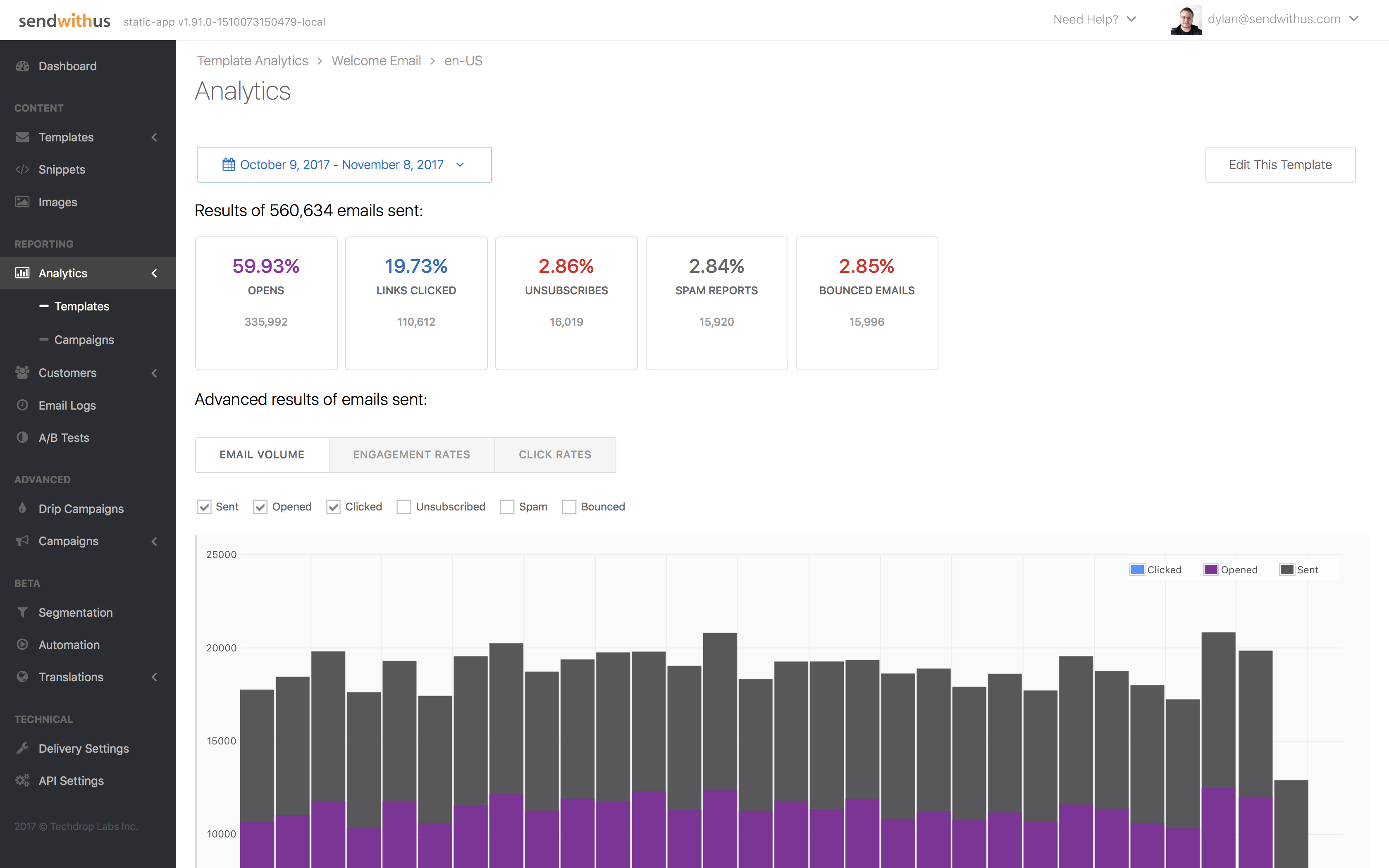
Sendwithus is a communications platform built around advanced email content management. The platform aims to simplify email creation with a robust API, an intuitive visual editor, and built-in device testing, allowing for collaborative email strategy and execution. The cloud-based product offers a centralized hub for email content creation, approval, and publishing. The goal is to empower marketers and product managers to efficiently create and test meaningful, dynamic communications…
$0
per month
Pricing
Sinch Mailgun
Sendwithus
Editions & Modules
Foundation
$35
per month
Growth
$80
per month
Scale
$90
per month
Flex
Free
Free Trial
$0.00
per month
Lite
$150.00
per month
Enterprise
varies
Offerings
Pricing Offerings
Sinch Mailgun
Sendwithus
Free Trial
Yes
Yes
Free/Freemium Version
Yes
No
Premium Consulting/Integration Services
No
No
Entry-level Setup Fee
No setup fee
No setup fee
Additional Details
—
Our GDPR-compliant Enterprise platform, Dyspatch, allows global organizations to centralize security, compliance, and reputation management while streamlining collaborative creation, revision, and approval workflows.
Even with the list of negatives, Mailgun is still a great solution for how easy it is to work with and how ubiquitous it is to find examples and libraries out there on the internet. The company has great support and are usually quick to address and fix things. I do think they have some room for improvement with the lack of templates and the outdated UI log handling/filtering.
In my opinion, this software works very well in newsletter campaigns. I regularly use this software for sending newsletters on various events in my organization and this software gives me satisfactory results. Sometimes when I used its API functionality, it didn't work well so I stopped it. I create my email templates in the Email Editor and send them to my contacts. That's the easiest process I follow.
Creating a user account on this tool is very easy, and it offers a very easy user interface.
Its email constructor is very easy to operate. Users can easily create and edit their emails through this constructor. It also shows a preview of the constructed template before sending it to customers.
Its drip campaign feature is very good for great results on your campaigns.
Mailgun is used by spammers, and sometimes your assigned mail server will get blacklisted because of other users on it.
If you end up with a mail server that is blacklisted, your mail will go nowhere. And, below the $300 and up pricing tiers, there is no one at Mailgun to help you get this problem resolved. You are just stuck.
In other words, Mailgun is unreliable as a mission-critical service. I would strongly recommend using a service with better processes in place.
The time for the initial setup is very quick, since you can start sending (thus developing) from their sandbox in no time. The actual configuration involves, as usual, some DNS changes that may require time but are well explained and documented. Once everything is set up, there are a lot of monitoring tools that you can use to optimize your lists.
There have been a few minor outages through the years, but nothing more than a few minutes. These small outages are to be expected in any kind of a SaaS product, but Mailgun handles them very well. We designed our software to just retry sending after a while if there is an outage. As far as I know, we have never had to do more than a few retry cycles. This is all automated on our end, so we rarely even notice. Our customers have never noticed any mail sending outages.
The API and the deliverability of emails is excellent. Their API is very responsive and performs perfectly fine. I have no complaints there. Their management interface though (accessed through the web) is pretty slow though. Searching through lists of emails when I'm tracking down a problem for a customer can take 10+ seconds which is annoyingly high for a modern web app.
MailGun's support staff is both friendly and helpful. They were very instrumental early on with helping out during the setup process by answering questions, providing documentation on best sending practices, detailing information about the advantages of sending from a dedicated IP rather than an IP pool, and helping us to remove ourselves from blacklists.
Not really a con but I typically choose SendGrid over Mailgun simply because I've been using SendGrid for so long. Overall, SendGrid and Mailgun are both rock solid and very affordable. You could probably flip a coin on which one to use. I would definitely look into SendGrid's Accelerate Program too.
Its user interface is quite impressive. And its drip email feature gives us the maximum outcome on our promotional campaigns. It also helps us to reduce unsubscribe rate on our email campaigns. I also find some templates on this tool very much relatable to the kind of information I share with my clients so I don't need to alter those templates much.
Over the past six years, Mailgun has scaled with our growth very easily. We haven't had to make any code changes to handle our larger volume today, and their pricing has scaled naturally with our growth. As far as I know, there is nothing we will need to do in order to grow 10-fold. Mailgun just handles the load really well.