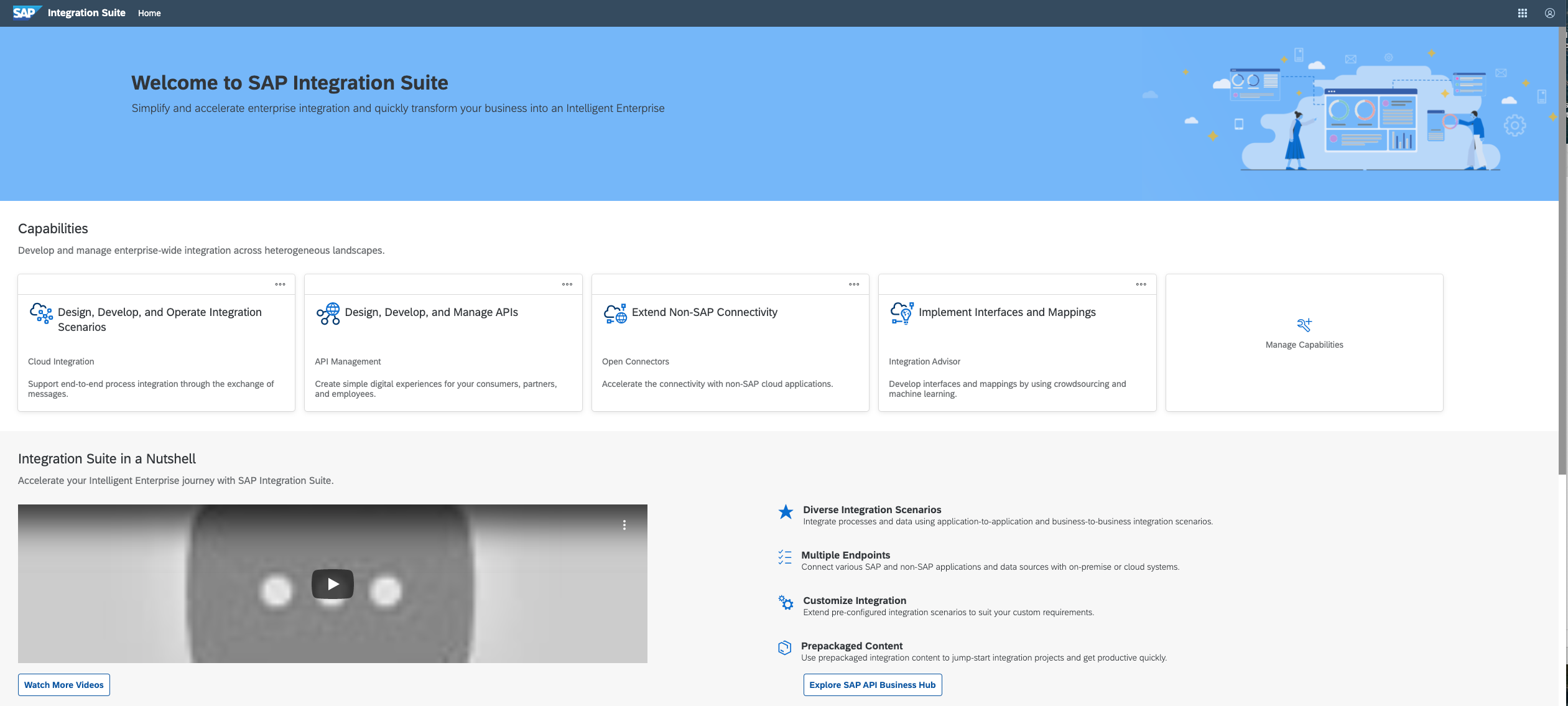
SAP Integration Suite is an integration platform-as-a-service (iPaaS) that helps quickly integrate on-premises and cloud-based processes, services, applications, events, and data. It is used to accelerate innovation, automate more processes, and realize a faster time to value.
N/A
Pricing
Microsoft BizTalk Server
SAP Integration Suite
Editions & Modules
No answers on this topic
No answers on this topic
Offerings
Pricing Offerings
Microsoft BizTalk
SAP Integration Suite
Free Trial
No
Yes
Free/Freemium Version
No
No
Premium Consulting/Integration Services
No
No
Entry-level Setup Fee
No setup fee
No setup fee
Additional Details
—
Access to free tier services does not expire while there is an active Pay-As-You-Go or CPEA account with SAP. Once a free tier service limit has been reached users have the option to update from a free to a paid service plan in the same account.
More Pricing Information
Community Pulse
Microsoft BizTalk Server
SAP Integration Suite
Considered Both Products
Microsoft BizTalk
No answer on this topic
SAP Integration Suite
Verified User
Anonymous
Chose SAP Integration Suite
The best thing about SAP Integration Suite is the prepackaged content and ready-made adapters—they make setup so much quicker and cut down on custom work. Plus, since our team already knows SAP inside out, it’s a natural fit. We can jump right in and get integrations up and …
It is perfectly suited if some heavy operation needs to be automated where jobs can be queued up. Scalable app which is required to develop in a lesser time frame. Good for when users should be able to change rules more frequently without any downtime, like promotions. The server is well proven in the market. BizTalk server is the best fit if all other integration adapters are developed using Microsoft applications and if all applications are meant to be processed on a Windows environment.
The case of the SAP Integration Suite shows outstanding capability in handling huge data, and especially when handling corporate portfolio data with multiple owners. But we have noticed that in the cases of moving data from the older banking system, it is necessary to further refine the system. It does an excellent job of the current credit scoring.
BizTalk uses Microsoft Visual Studio as the IDE (integrated development environment) tool, and it's very easy to use.
The orchestration engine of BizTalk addresses resource issue very well for long-running business processes by dehydrating and rehydrating orchestration instances.
BizTalk is very easy to integrate if the development is mainly on the Microsoft software family.
Broad Connectivity: SAP Integration Suite excels in connecting diverse systems, including SAP and non-SAP applications, databases, and third-party services.
Pre-built Integrations and Templates:The suite provides a library of pre-built integrations and templates for common business scenarios.
BizTalk needs to be better at tracking down errors after the fact. Input files by default get deleted after processing successfully, unless you specifically specify that they don't. This can be an issue where you need to see what the input file contained, since you may have errors showing up in your target platform, in our case this was SAP.
BizTalk logging needs improved. It needs to be able to log the content of the messages it sends and receives. It would be good if the log had a link to the input and output files.
BizTalk needs to allow a simple way to preserve the input and output files for debugging purposes. A master setting on the orchestration would be helpful for this.
SAP Integration Suite is very helpful to us in many ways to manage purchase procedures, stocks, and data of vendors and suppliers. Also, it helps to manage data for service providers. SAP Integration Suite has the tool to conduct training and evaluation. Unique features like the cloud can provide access from any place and by any device is very helpful.
Microsoft BizTalk is not an intuitive product. It requires many hours of looking through the settings to achieve what you need. Using 3rd party DLLs is a nightmare as you are forced to register them in the GAC of the server and this process is quite cumbersome just to use a DLL.
BizTalk Server has been supported for more than 15 years. It is well proven in the market. Microsoft has provided excellent support with technical issues.
We did look at Jitterbit dataloader from Salesforce.com. Jitterbit seems like a pretty decent solution if you are doing a lot of uploads into Salesforce.com. However, its not nearly as flexible as Microsoft Biztalk is. Biztalk allows you to create any type of custom solution you wish, whereas Jitterbit is much more limited.
We used to have a in house application in Camel and Karaf as a middleware, and after we migrate to S4HANNA we decide to give a try and move to the cloud with SAP Integration Suite, knowing the capabilities and the needs that we have in the company and the projects that were running on premise in our middleware.