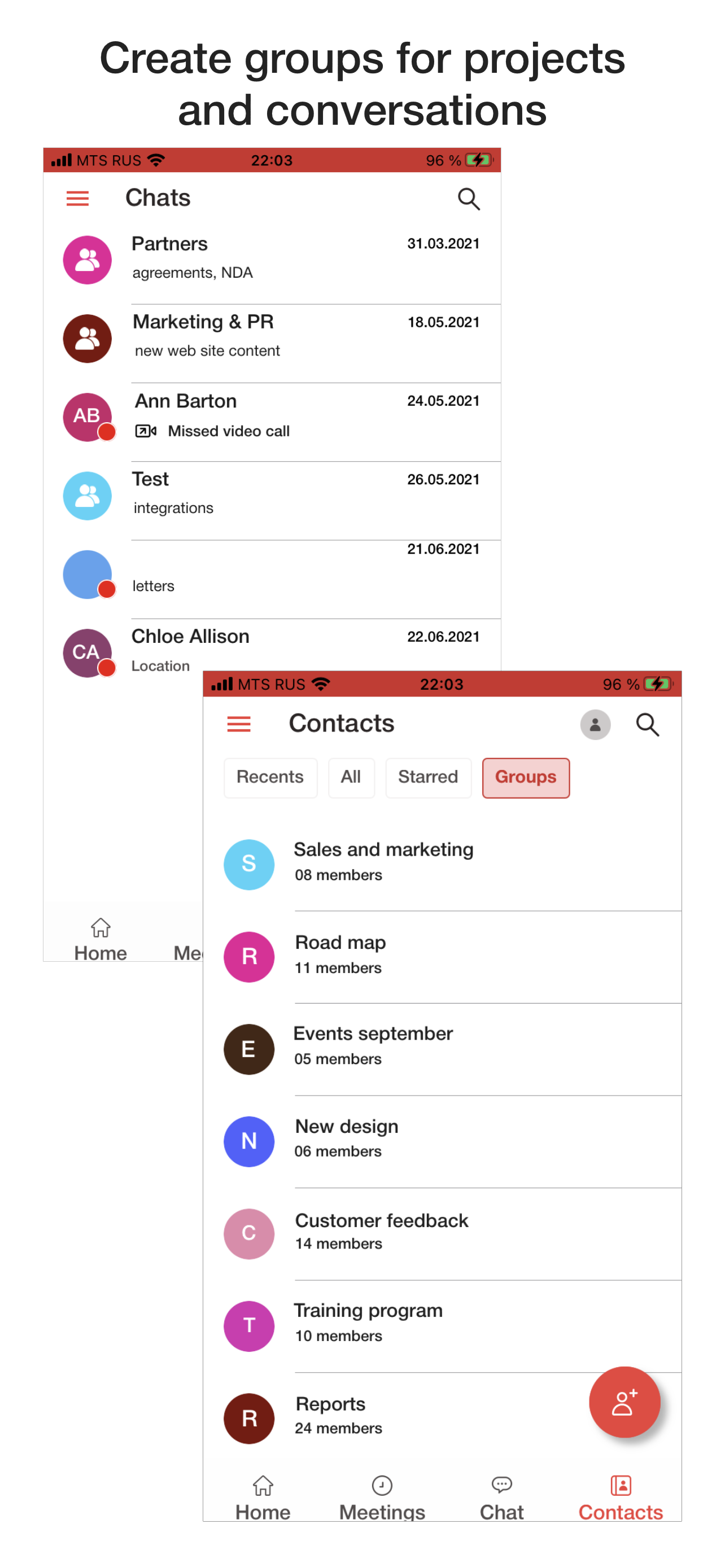
A solution to turn any space into a meeting room designed for inclusive collaboration, where everyone can fully participate.
N/A
VideoMost
Score 9.3 out of 10
N/A
Video conferencing software that enables users to communicate via two-way audio and video calls, send files, and share screen. VideoMost Server is comparable to Zoom but self-hosted video conferencing server. Using both Scalable video coding (SVC and MUX) and traditional MCU (MIX) architecture VideoMost automatically and dynamically adjusts video quality to available network conditions and CPU utilization throughout a conference session, and provides total legacy HW…
N/A
Pricing
Microsoft Teams Rooms
VideoMost
Editions & Modules
No answers on this topic
No answers on this topic
Offerings
Pricing Offerings
Microsoft Teams Rooms
VideoMost
Free Trial
Yes
Yes
Free/Freemium Version
Yes
No
Premium Consulting/Integration Services
No
No
Entry-level Setup Fee
No setup fee
No setup fee
Additional Details
—
—
More Pricing Information
Community Pulse
Microsoft Teams Rooms
VideoMost
Considered Both Products
Microsoft Teams Rooms
Verified User
Anonymous
Chose Microsoft Teams Rooms
Microsoft Teams Rooms has been more cost effective for us than using a separate subscription from another vendor. With our microsoft 365 tenant already in-place we've streamlined our configuration and licensing into a single management portal which really suites us and the way …
Microsoft Teams Rooms is very similar to WebEx and Zoom. Webex is no longer an option, and we use Microsoft Teams Rooms more frequently than Zoom simply due to its functionality and ease of use for our team. It is also more cost-effective than the other options, which is a very …
I consider MTR better because it first allows integration with all the Microsoft apps and is more cost-effective, considering all the included services such as the Office app, Cloud Storage, and email.
Microsoft Teams Rooms is better than Yealink conferencing phones but not better than Webex app or the Webex conferencing devices. Microsoft Teams Rooms have better system features than Yealink devices. Yealink lacks in variety of features and also focuses more on core …
As I know our company has chosen VideoMost because it has a good trial period. During this period our department manager was able to check whether or not it was an appropriate format for us. And it turned out to be a good quality product that we have been using almost for 2 …
We had been selecting the best option for us using such characteristics as price, easy use, necessary tools (whiteboard, screen sharing and etc.) If I need to compare VideoMost with its rivals I can say 1. it is cheaper than Zoom 2. more easy and more convenient to use than …
Microsoft Teams Rooms has been pretty effective for our business. It has allowed multiple members of our team to connect remotely and stay on the same page with any changes, etc. A few times, the screen sharing option didn't work great, but otherwise, the product has been beneficial.
We use it in the retail sphere. It is convenient to use screen sharing cause we work with lots of chats. I believe it is suitable for all types of companies due to VM's tools. It's difficult to say that it can be inappropriate for somebody because it is a thing that we use almost every day.
Camera view selection is a nice feature which allows remote users to choose the camera feedback to select for better experience.
Live reactions like hand claps, thumbs up, raised hands,etc can be used to indicate to presenters that a meeting attendee has a question. This is cool.
We can connect our laptop seamlessly to the Microsoft Teams Rooms to share our content or presentation which makes things very simple.
Microsoft Teams Rooms really 'cleans up' the old clunky way to deliver a meeting. Too often we've seen issues with scheduling and staff not confident to use the equipment in front of an audience. Microsoft Teams Rooms has provided all the tools our staff need and didn't know that they needed and provides them in one familiar solution.
Microsoft Teams Rooms has been more cost effective for us than using a separate subscription from another vendor. With our microsoft 365 tenant already in-place we've streamlined our configuration and licensing into a single management portal which really suites us and the way in which we work as an organization. Managing meetings is just so much better through Microsoft Teams Rooms than any of our experiences with other vendors.