Microsoft To Do replaces the former Wunderlist task management tool.
N/A
Planview ProjectPlace
Score 8.4 out of 10
N/A
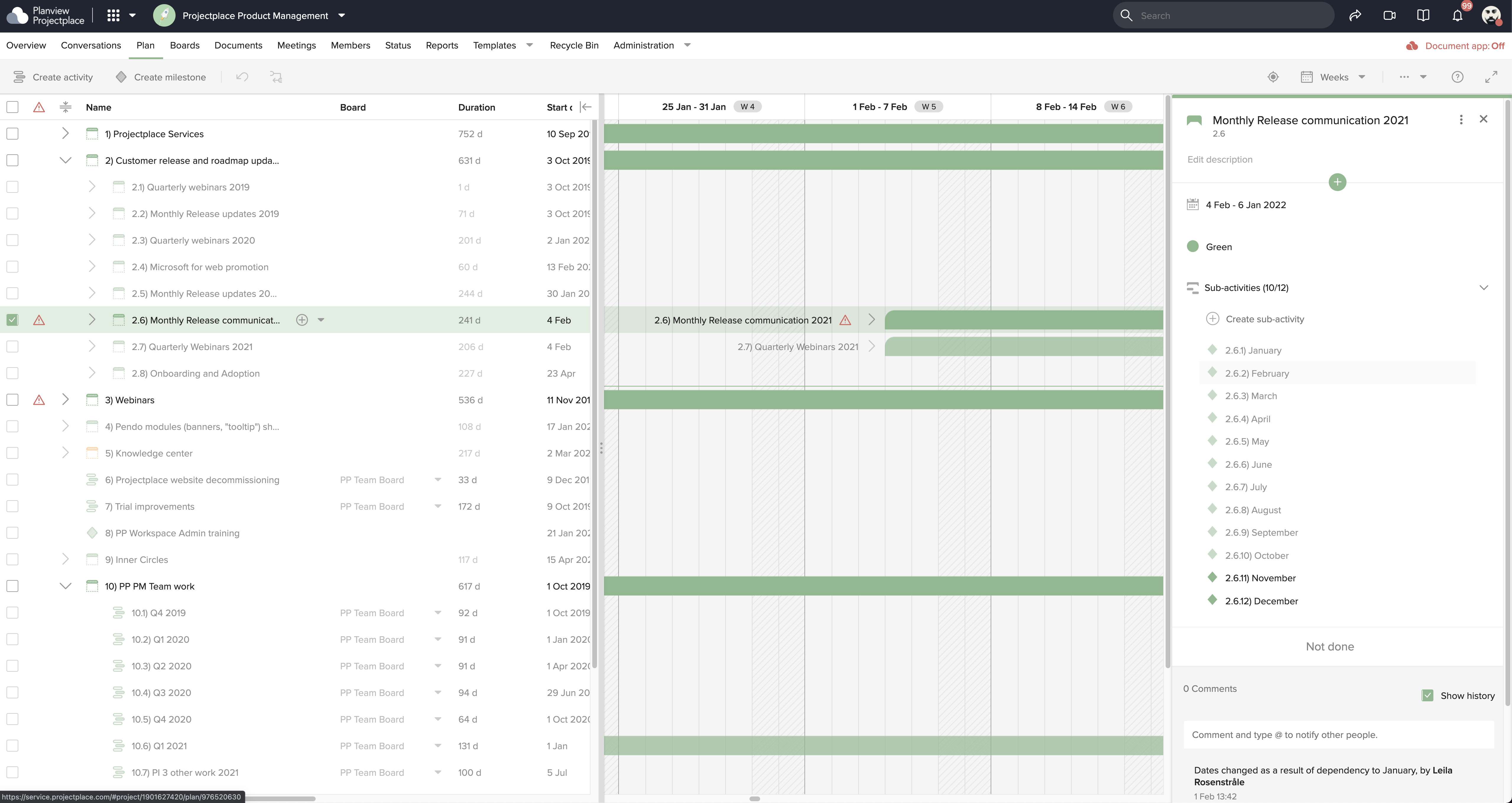
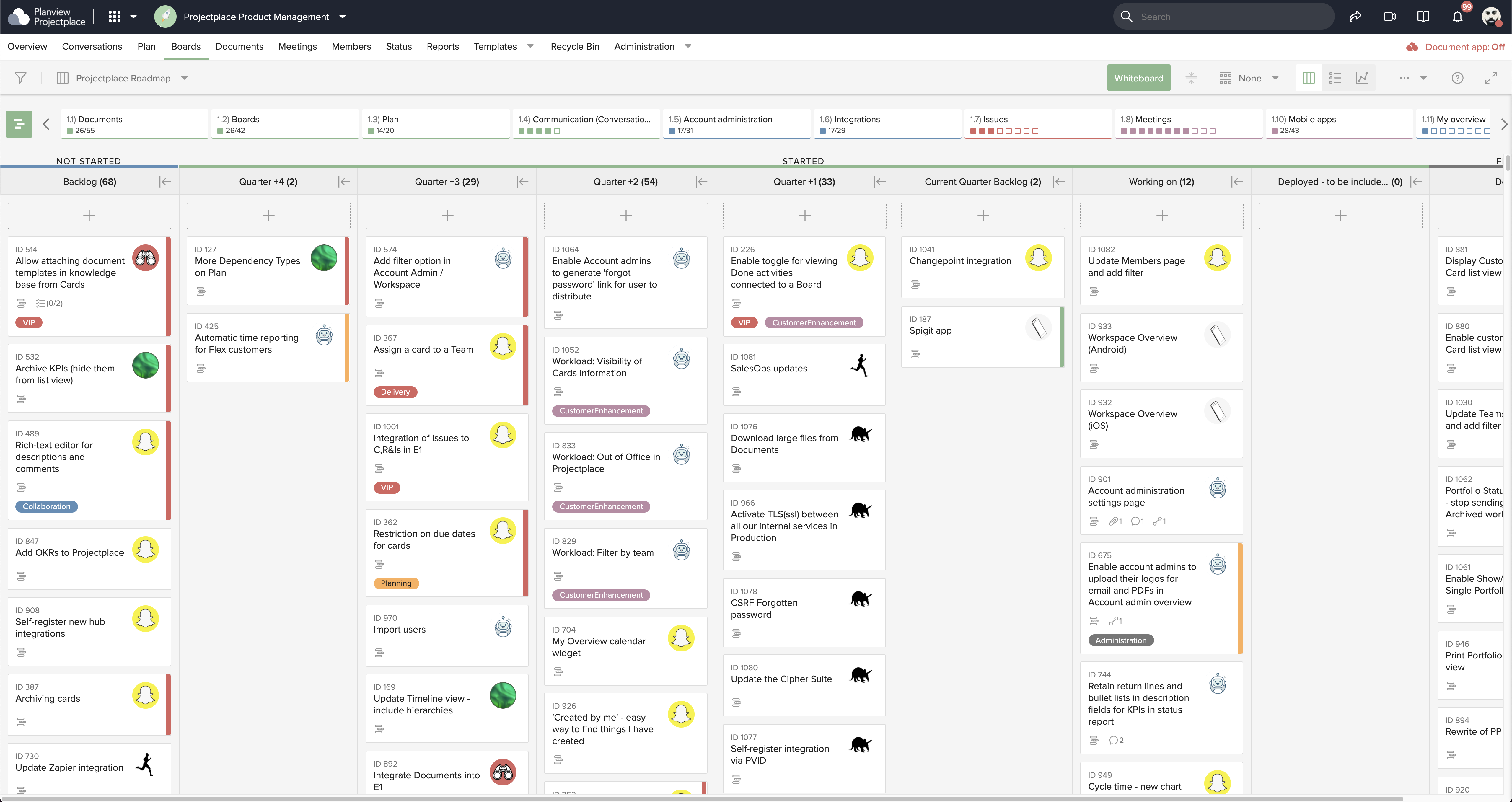
Projectplace is a collaborative work management solution. The vendor says the product is built with teams of all sizes and complexity in mind, from virtual teams of five to entire global enterprises with tens of thousands of active users. It is also designed to incorporate waterfall and agile workflows.
N/A
Pricing
Microsoft To Do
Planview ProjectPlace
Editions & Modules
No answers on this topic
No answers on this topic
Offerings
Pricing Offerings
Microsoft To Do
Planview ProjectPlace
Free Trial
No
Yes
Free/Freemium Version
No
No
Premium Consulting/Integration Services
No
No
Entry-level Setup Fee
No setup fee
No setup fee
Additional Details
—
—
More Pricing Information
Community Pulse
Microsoft To Do
Planview ProjectPlace
Features
Microsoft To Do
Planview ProjectPlace
Project Management
Comparison of Project Management features of Product A and Product B
Microsoft To Do
7.0
Ratings
9% below category average
Planview ProjectPlace
7.7
Ratings
1% above category average
Task Management
8.00 Ratings
8.40 Ratings
Resource Management
7.00 Ratings
6.70 Ratings
Gantt Charts
4.50 Ratings
7.70 Ratings
Scheduling
5.00 Ratings
7.70 Ratings
Workflow Automation
6.40 Ratings
00 Ratings
Team Collaboration
7.80 Ratings
8.70 Ratings
Support for Agile Methodology
5.10 Ratings
8.70 Ratings
Support for Waterfall Methodology
6.30 Ratings
7.80 Ratings
Document Management
6.90 Ratings
9.00 Ratings
Email integration
6.00 Ratings
6.40 Ratings
Mobile Access
10.00 Ratings
7.70 Ratings
Timesheet Tracking
6.60 Ratings
6.00 Ratings
Change request and Case Management
9.00 Ratings
00 Ratings
Budget and Expense Management
9.00 Ratings
00 Ratings
Professional Services Automation
Comparison of Professional Services Automation features of Product A and Product B
Wunderlist is a fantastic task management system, not the best project management system. For a long time, I tried to use Wunderlist to plan large events with multiple users and it wasn't as effective. But, once we simplified our desired outcome to accomplishing tasks that repeat or are unique to a given work-week, we had much more success. Now my assistant can manage her weekly tasks and give feedback through this app. I can also add tasks, assign them and see what is being accomplished
Planview ProjectPlace is a vibrant platform that manages all activities and schedules different roles based on their urgency, importance, and requests. Further, Planview ProjectPlace outlines the need for proper documentation with the aim of accurate referencing. Tasks are credibly shared, and proper reporting is enhanced to transform firms' work environment. ; Lastly, Planview ProjectPlace brings sustainable email integration for enterprises.
Smart due dates are the greatest thing about Wunderlist. I can tell it to "print past due reports on Monday" and then set that up as a repeating event.
It's clutter free. When I'm creating or assigning tasks I like to have a distraction free area to think, and the simplicity of Wunderlist gives me that.
The fact that I can look at it on my phone, on the web, and on my PC and it always looks the same is great. I can always tell what I'm doing b/c of their consistent design choices.
Sub-tasks should have their own separate due dates
The main list needs some more intuitive tools to sort the list in any way I choose
Hovering over links should show a description of how to use it. For example, it would have been nice to know right away that double-clicking on a task is the way to open the details list.
Under the time tracking, it would be nice to have a set template that would load each week and not have to click a button to load the previous week's template.
Somehow making it more intuitive.
Having to add in each service line and each detail that I cover for every service line each week is a bit ridiculous.
I have loved using Projectplace the last few years, however with recent budget issues, we likely need to cut costs in this area, and Projectplace is on the higher price point for project management platforms. There are also a lot of features in Projectplace that our team doesn't utilize/doesn't apply to our workflow needs.
The actual user interface and the way to navigate around the app is very intuitive and easy to learn/use which would make me give it a high ranking, but the syncing issues drop down my rating because there are times where you add an item to the list and then it just disappears. Then when you add it again the sync will happen and now you have duplicates. The other negative with the usability is adding extra information to an item, such as files or comments or assignments. You can do it but it's difficult to tell which items have this information from the main screen. You have to click on them individually.
Easy to use platform and provides the user with an amazing experience and straightforward tools that empower and help execute tasks with fast performances that allow quick and easy service delivery. Easy on implementation and get started immediately with enterprise-ready Planview Projectplace and start to connect with teams and departments at once.
I have not had an issue where I needed to reach out to Wunderlist, but I know their contact and online chat is easy to access and feel confident that they would be helpful. My only worry is Wunderlist is becoming Microsoft to-do in May 2020, and I believe the app will become worse after that.
I do not think Planview Projectplace is as polished and refined as other project management tools, nor is it as simple and easy to use as other free tools. Integration with the tools we required was difficult to impossible with our staff and toolset. The overall design seemed dated, and we preferred the look and feel of Jira.
It's a small tool compared to bigger project management software, but we found that they work perfectly together. It helps you declutter the larger PM tools, keep your smaller tasks in-line and make sure they get completed. When you're working in a creative agency, ideas and tasks are flying around, so having a tool like this that keeps you accountable and reminds you of your tasks is a must!
It offers a simpler alternative that's easier to manage by the less tech-savvy people. I also think that Planview Projectplace has managed to keep the product updated compared to other project management tools. Miro is perhaps the one that comes to mind, but while evaluating, we saw fewer issues with Planview Projectplace. Overall, the decision came down to the project manager, that had previous experience and recommended the product. For me, using a product from a smaller company is better because I know that there will be a focus on improving it, unlike, for example, Microsoft products that can be discontinued at any moment.
We reduced the number of meetings of teams and companies by 5 times because now all participants have access to comments and know at what stage the project is located.
Simple to use common to-do lists allow you to manage the projects of the group and give all its participants a clear idea of who is responsible for each task. There is no need to waste time explaining the business processes and responsibilities of team members
Wunderlist for business stores all group correspondence together with tasks.
This is convenient for all participants and for management because sometimes important moments are lost in other messengers or chats. Now you can do everything in one application. The number of problems with this
[We have the] ability to support remote work through projects that scale across multiple groups
We have large-scale quarterly projects, so the ability to save and duplicate project templates are helpful for us to keep track of tasks down to the specific card