Chose MicroStrategy Mobile
NA

| Product | Rating | Most Used By | Product Summary | Starting Price |
|---|---|---|---|---|
 MicroStrategy Mobile | N/A | MicroStrategy Mobile enables users to bring analytics, transactions, mapping, multimedia, and business workflows to life in custom mobile apps, personalized for any industry or any role. Users can convert any information system or web application into a user-friendly, highly-performant native mobile app—optimized for both iOS and Android. Users can scale to the most demanding enterprise needs in terms of user numbers and data volume. With multi-factor and biometric… | N/A | |
 Xamarin | N/A | N/A | N/A |
| MicroStrategy Mobile | Xamarin | |||||||||||||||
|---|---|---|---|---|---|---|---|---|---|---|---|---|---|---|---|---|
| Editions & Modules | No answers on this topic |
| ||||||||||||||
| Offerings |
| |||||||||||||||
| Entry-level Setup Fee | No setup fee | No setup fee | ||||||||||||||
| Additional Details | — | — | ||||||||||||||
| More Pricing Information | ||||||||||||||||
| MicroStrategy Mobile | Xamarin | |
|---|---|---|
| Considered Both Products |  MicroStrategy Mobile  Alex Andekian Sr. BI Architect Chose MicroStrategy Mobile MicroStrategy is much better. | Xamarin  Duy Mai IT Project Leader Chose Xamarin Android Studio and IOS SDK are some of the competing programming methods for mobile development that competes with Xamarin. However, these utilize other programming languages like Java, or Objective C. In addition, these methods may be used more directly with Android or IOS …  Florence Birgen IT Manager Chose Xamarin We use both Xamarin and React Native to create cross-platform applications fast. React Native is relatively new at our company and few developers have embraced coding in it as compared to developers building in Xamarin. I have noticed developers have it easy jumping from coding …  Kyle Kochtan Technical Lead Chose Xamarin Xamarin allows us to natively code against IOS and Android as opposed to just putting a Skin over it. Because of this native code stack the performance on Xamarin is off the charts better. You can really see the performance when you are using native phone features like GPS, …  Markus Hopfenspirger Geschäftsführer Chose Xamarin As I said before: Code sharing and using existing skills was the most important factor to choose Xamarin. With phonegap code sharing exists but business logic must be written in JS.  Patrick Steger Owner Chose Xamarin Coming from a .NET background I always wanted to like Xamarin. Now that Microsoft bought them and made the product available to all, it's a no brainer.  Siya Ul Haqu Director Chose Xamarin In Native app development we need to employ specialized developers solving some business problems in different technologies. Xamarin solves that problem to some extent delivering a native application experience. Hybrid has the same code base but suffers from lack of performance.  David McCann Senior Software Engineer Chose Xamarin Xamarin runs natively on MacOS, and the debugger and other integration and auto-complete tools are far better than Eclipse for C# .NET. It also carries much of the plugin/add-on capabilities that are so desirable on Atom. Eclipse is a better for generalized software …  Calvin Fisher Director of Product Development Chose Xamarin None of the HTML-based cross-platform solutions can easily provide a native look and feel like Xamarin can. I've had to rescue multiple organizations that went down this path only to be disappointed with the results.  Jordan Max Software Developer Chose Xamarin Apache Cordova is nothing more than a HTML Web VIew App. I've built an app using Cordova and it was a mess. With Xamarin, you get the platform level capabilities, which make the performance, in theory, no different than real native development. Cordova is not suitable for any … |
| MicroStrategy Mobile | Xamarin | |
|---|---|---|
| Small Businesses |  Swiftify Score 9.0 out of 10 | Swiftify Score 9.0 out of 10 |
| Medium-sized Companies | Swiftify Score 9.0 out of 10 | Swiftify Score 9.0 out of 10 |
| Enterprises | Swiftify Score 9.0 out of 10 | Swiftify Score 9.0 out of 10 |
| All Alternatives | View all alternatives | View all alternatives |
| MicroStrategy Mobile | Xamarin | |
|---|---|---|
| Likelihood to Recommend | 8.4 (0 ratings) | 7.0 (0 ratings) |
| Likelihood to Renew | - (0 ratings) | 10.0 (0 ratings) |
| Usability | - (0 ratings) | 10.0 (0 ratings) |
| Support Rating | - (0 ratings) | 10.0 (0 ratings) |
| Implementation Rating | - (0 ratings) | 10.0 (0 ratings) |
| MicroStrategy Mobile | Xamarin | |
|---|---|---|
| Likelihood to Recommend |
|
|
| Pros |
|
Markus Hopfenspirger Geschäftsführer |
| Cons |
|
|
| Likelihood to Renew | No answers on this topic |
Duy Mai IT Project Leader |
| Usability | No answers on this topic |
Duy Mai IT Project Leader |
| Support Rating | No answers on this topic |
Duy Mai IT Project Leader |
| Implementation Rating | No answers on this topic |
Duy Mai IT Project Leader |
| Alternatives Considered |
Alex Andekian Sr. BI Architect |
David McCann Senior Software Engineer |
| Return on Investment | No answers on this topic |
Jordan Max Software Developer |
| ScreenShots | MicroStrategy Mobile Screenshots 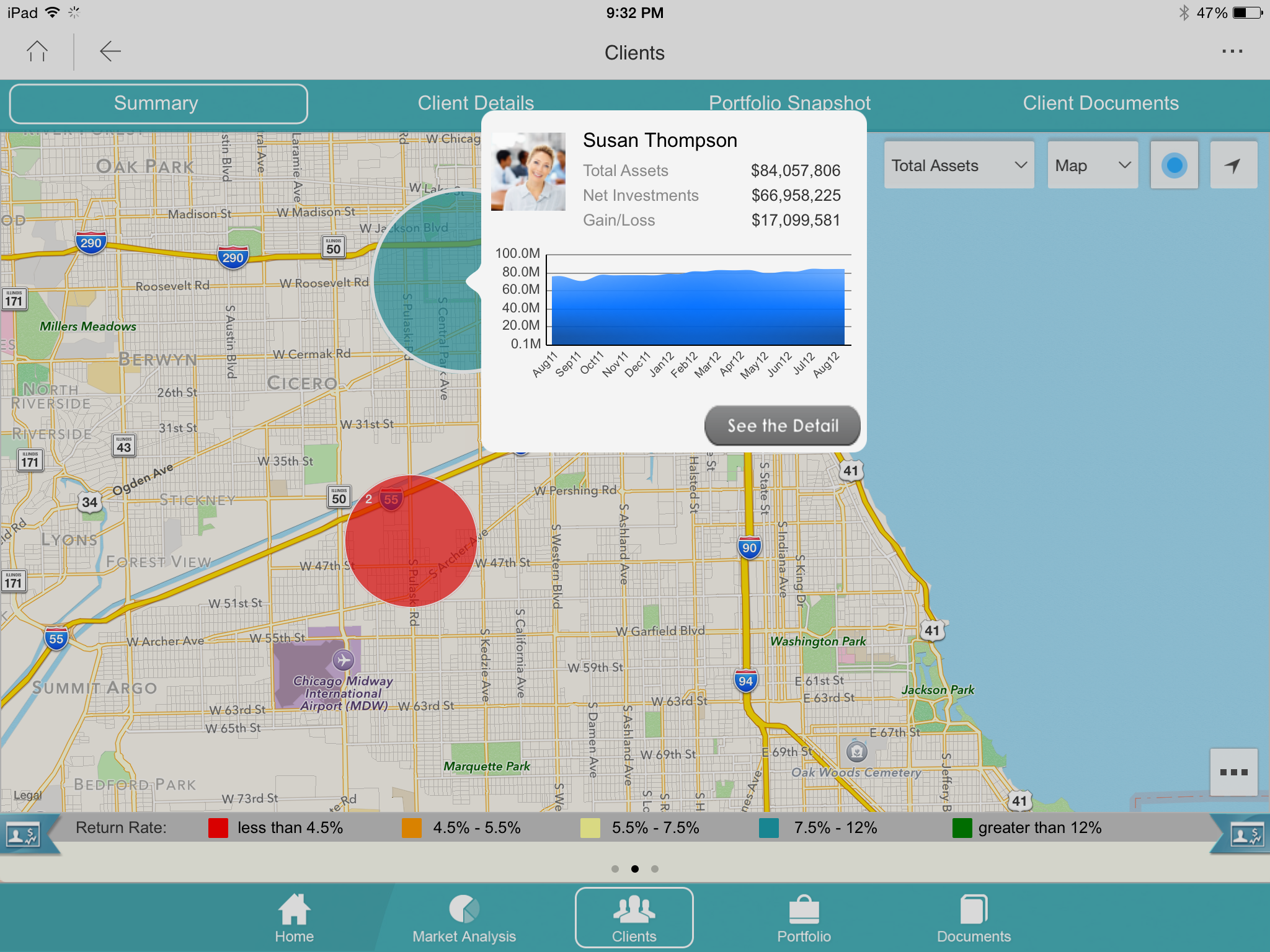  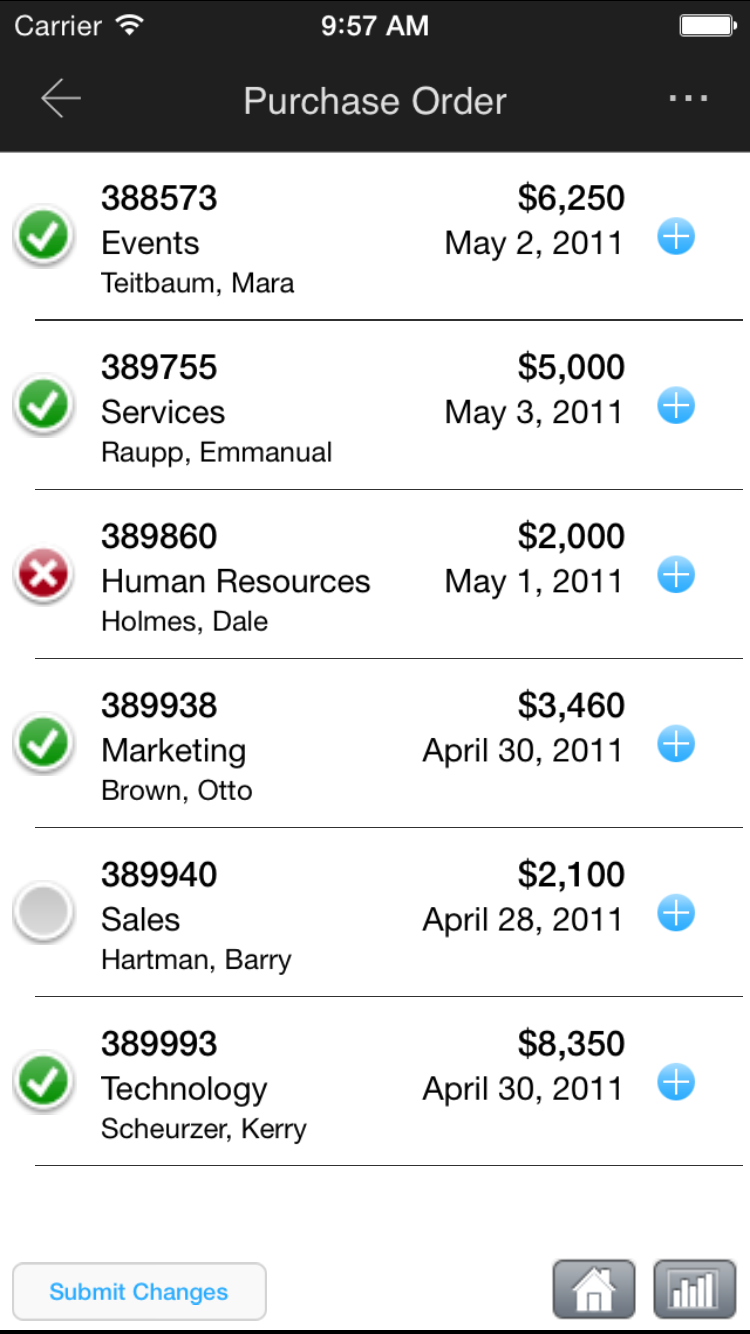   |