Chose MindMeister
I was unaware of ClickUp at the time. I thought MindMeister would be able to solve some story telling and automation challenges the team was facing. It failed to do that and the team disbanded as a result.

| Product | Rating | Most Used By | Product Summary | Starting Price |
|---|---|---|---|---|
 MindMeister | N/A | MindMeister is an online mind mapping tool that lets users share maps with an unlimited number of users and collaborate with them in real-time. MindMeister is used to brainstorm ideas, plan projects, take meeting minutes, develop business strategies, and create presentations. MindMeister runs in any standard web-browser as well as on iOS and Android devices, so users can access, edit and present their mind maps anytime, wherever they are. With MindMeister, users… | $45 per 6 months per user | |
 OmniGraffle | N/A | OmniGraffle is a wireframing tool for Mac users. | N/A |
| MindMeister | OmniGraffle | |||||||||||||||
|---|---|---|---|---|---|---|---|---|---|---|---|---|---|---|---|---|
| Editions & Modules |
| No answers on this topic | ||||||||||||||
| Offerings |
| |||||||||||||||
| Entry-level Setup Fee | No setup fee | No setup fee | ||||||||||||||
| Additional Details | MindMeister offers 6-monthly and yearly subscriptions. Discounts for educational users and non-profit organizations are also available. Up to 22% discount for yearly pricing. | — | ||||||||||||||
| More Pricing Information | ||||||||||||||||
| MindMeister | OmniGraffle | |
|---|---|---|
| Considered Both Products |  MindMeister  Mark Firth LinkedIn Lead Generation Coach|Inbound LinkedIn Leads|LinkedIn Sales Coach|Social Selling|Closing Chose MindMeister Mindmiester is not good compared to miro  Luciano Gardesani Marques Account Executive Chose MindMeister We found MindMeister as the most complete tool considering our needs and context of use. Other tools that we had the chance to test/evaluate offered similar features for brainstorming and log of information, but we felt MindMeister was very easy-to-use, especially thinking …  Calum Maxwell Managing Director / Account Manager Chose MindMeister Whimsical and I highly recommend the software.  Gary Shouldis Founder & CEO Chose MindMeister We chose MindMeister as the UI seemed easier to use. We were not able to take LucidChart for a full test drive due to the limited free plan so we opted for MindMeister in the end as it seemed to have what we needed, which it did. The collaboration features of MindMeister also …  Miroslav Bobryshev 3D Asset Artist / 3D Generalist Chose MindMeister There are many similar programs, but I also use the Freemind open sourced program to work offline, but working collectively in it is not very convenient with this application, so we use the MindMeister.  Sarah Ciras Rousseau High School Special Educator Chose MindMeister I have also used LucidChart and Google Draw to create mind maps and concept maps in the past. I think that MindMeister is by far the cleanest and most user friendly of the three. Google Draw does not have anywhere near the same functionality. LucidChart tends to be clunky and …  Carlos Eduardo de Souza Co-founder & Manager Chose MindMeister I’ve tried Mindnode for Mac, but it’s a native app, so MindMeister is always accessible (as a web application) and has even more features.  Daniel Cruz CEO Chose MindMeister I really like the Mindmeister interface. Clean, beautiful and organized. One of the factors that made me choose Mindmeiter was the direct integration with Meistertask. It is absolutely amazing to delegate tasks to your team directly through the mind map.  Chris Glandon Technical Specialist Chose MindMeister I've not used any other programs, I've been told about others, however I'm happy with MM and I always use it.  Murilo Pinto, PMP® Product Design/Development Engineer Chose MindMeister I used to have FreeMind software, but it has very few resources compared to MindMeister.  Chip Nowacek Founder and Lead Researcher Chose MindMeister As a full graph editor, yEd needs added structure to do tree structures as well as MindMeister. FreeMind is a great tool if you work alone. It allows all sorts of customization and scripting. It is Java-based. We don't work alone. Based on FreeMind, Freeplane adds it's own …  James Carrington Chief Technology Officer (CTO) Chose MindMeister Just as mind maps are applicable to just about anybody in any field of work, MindMeister is probably the best piece of software on which to create them. SimpleMind for MC/PC is very good, if not better in terms of user experience, but it's not cloud based so sharing maps is a … | OmniGraffle  Jeff Eaton Senior Digital Strategist Chose OmniGraffle Because we're primarily a Mac shop, Visio was a non-starter. (It's monstrously complex compared to OmniGraffle, which works against the quick-and-dirty just-enough-documentation ideal common on agile teams.) We've used Draw.io on internal projects and when coordinating with …  Matt Railey Director of User Experience and Technology Chose OmniGraffle To sum up:
 Kirk Brote Director of Product Experience Chose OmniGraffle OmniGraffle is a solid Mac based Visio with much added functionality specific to wireframe designs. The libraries, although somewhat out of date, allow rapid designs with low fidelity, exactly what you want in wire frames. We use Sketch increasingly to handle the layout of the …  Fred ALPI Chanteur, guitariste, producteur Chose OmniGraffle It is definitely much more adapted to my needs than PowerPoint, and there are actually not so many tools in that category. As I haven't tried other software like Lucid Chart or Sketch, which appeared recently, I can't really make a comparison. I must say that Omnigraffle fits …  Adeleye Lufadeju Senior Web Designer - User Experience Chose OmniGraffle Axure RP is almost unnecessarily complicated in some areas and the UI can be drastically improved. FlairBuilder is great overall but lack of or slow support is what hurts it. OmniGraffle is one of my top 2 choices currently and InvisionApp is the other.  Jeffrey Young UX Technical Lead / Senior UX Consultant Chose OmniGraffle Omnigraffle handles flows and diagrams better than other tools I've listed above. However, Axure is far superior for creating wireframes and turning them into interactive prototypes (basically "coding" using if/then logic statements). Sketch is much better for detailed design … |
| MindMeister | OmniGraffle | |
|---|---|---|
| Small Businesses |  MindManager Score 8.3 out of 10 | MindManager Score 8.3 out of 10 |
| Medium-sized Companies | MindManager Score 8.3 out of 10 |  Cvent Event Diagramming Score 9.5 out of 10 |
| Enterprises |  Miro Score 9.2 out of 10 | Cvent Event Diagramming Score 9.5 out of 10 |
| All Alternatives | View all alternatives | View all alternatives |
| MindMeister | OmniGraffle | |
|---|---|---|
| Likelihood to Recommend | 1.0 (0 ratings) | 10.0 (0 ratings) |
| Likelihood to Renew | - (0 ratings) | 10.0 (0 ratings) |
| Support Rating | 10.0 (0 ratings) | 10.0 (0 ratings) |
| MindMeister | OmniGraffle | |
|---|---|---|
| Likelihood to Recommend |
Sarah Ciras Rousseau High School Special Educator |
|
| Pros |
Gary Shouldis Founder & CEO |
|
| Cons |
Chip Nowacek Founder and Lead Researcher |
 John Rougeux VP Marketing, North America |
| Likelihood to Renew | No answers on this topic |
|
| Support Rating |
Gary Shouldis Founder & CEO |
|
| Alternatives Considered |
|
Jeff Eaton Senior Digital Strategist |
| Return on Investment |
Luciano Gardesani Marques Account Executive |
|
| ScreenShots | MindMeister Screenshots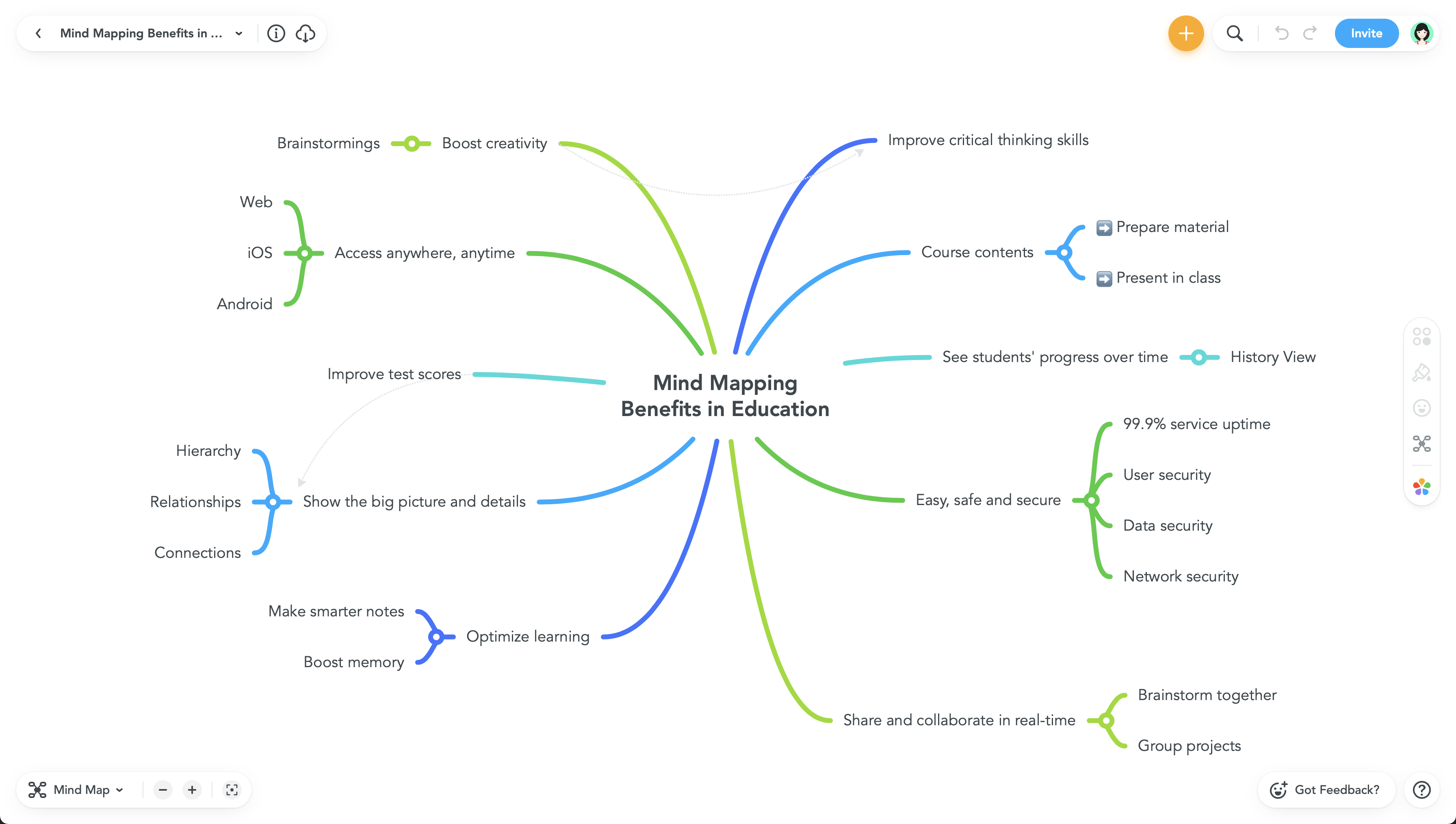  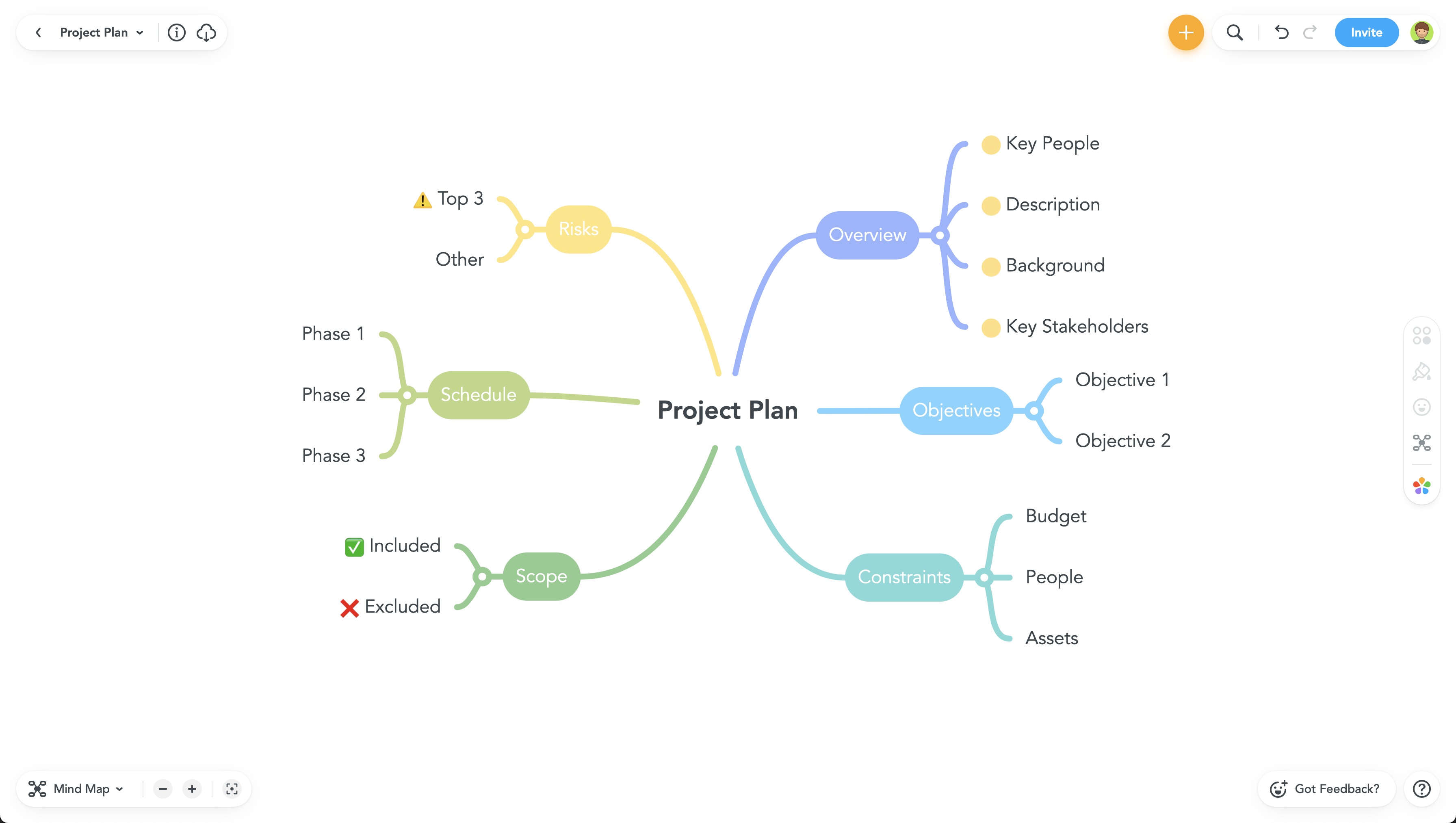 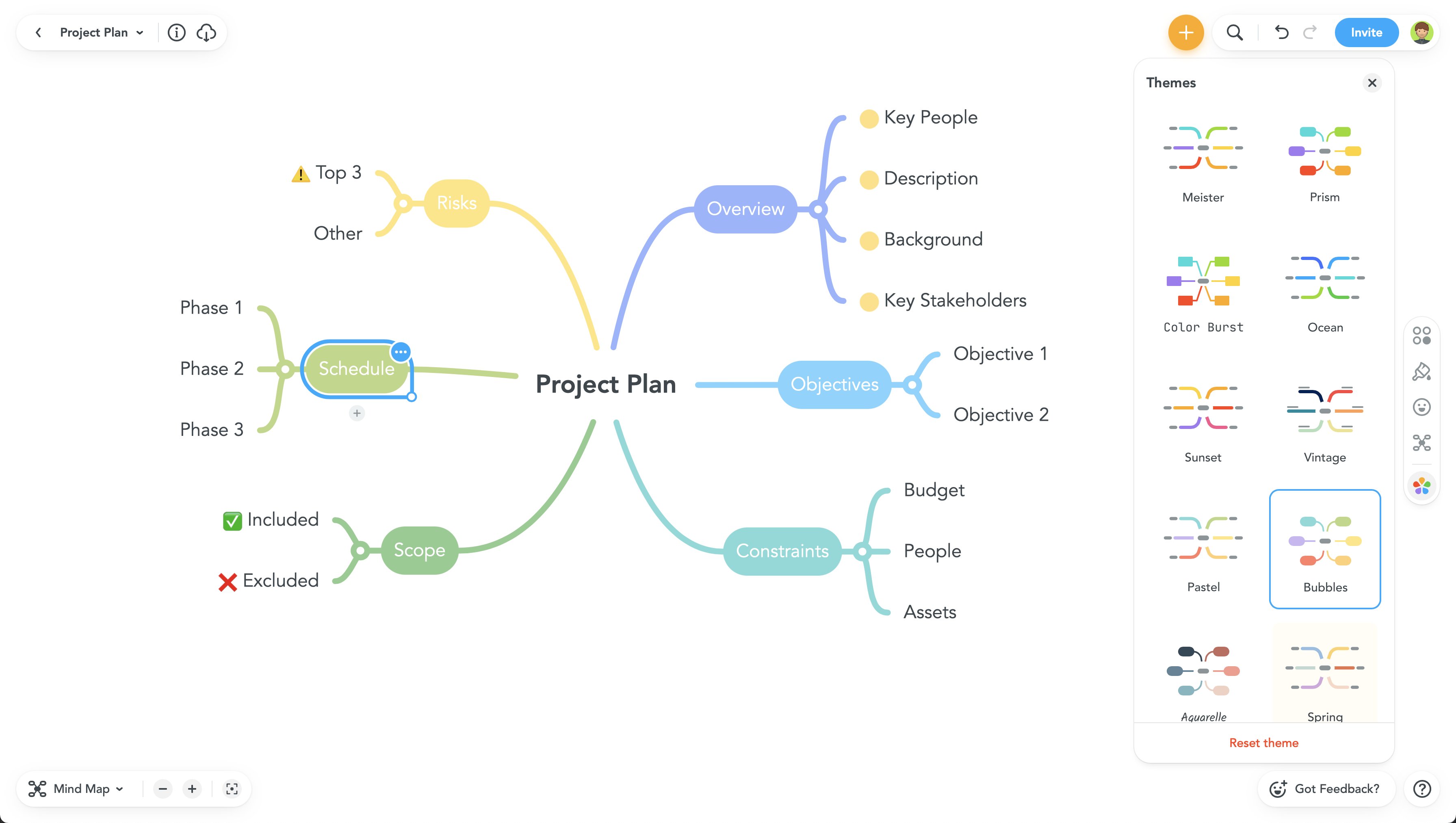 |