Chose MindMeister
I was unaware of ClickUp at the time. I thought MindMeister would be able to solve some story telling and automation challenges the team was facing. It failed to do that and the team disbanded as a result.

| Product | Rating | Most Used By | Product Summary | Starting Price |
|---|---|---|---|---|
 MindMeister | N/A | MindMeister is an online mind mapping tool that lets users share maps with an unlimited number of users and collaborate with them in real-time. MindMeister is used to brainstorm ideas, plan projects, take meeting minutes, develop business strategies, and create presentations. MindMeister runs in any standard web-browser as well as on iOS and Android devices, so users can access, edit and present their mind maps anytime, wherever they are. With MindMeister, users… | $45 per 6 months per user | |
 YouTrack | N/A | YouTrack is a project management tool for agile teams. YouTrack allows one to track projects and tasks, use agile boards, plan sprints and releases, keep a knowledge base, work with reports and dashboards, and create workflows that follow business processes. | N/A |
| MindMeister | YouTrack | |||||||||||||||
|---|---|---|---|---|---|---|---|---|---|---|---|---|---|---|---|---|
| Editions & Modules |
| No answers on this topic | ||||||||||||||
| Offerings |
| |||||||||||||||
| Entry-level Setup Fee | No setup fee | No setup fee | ||||||||||||||
| Additional Details | MindMeister offers 6-monthly and yearly subscriptions. Discounts for educational users and non-profit organizations are also available. Up to 22% discount for yearly pricing. | — | ||||||||||||||
| More Pricing Information | ||||||||||||||||
| MindMeister | YouTrack | |
|---|---|---|
| Considered Both Products |  MindMeister  Mark Firth LinkedIn Lead Generation Coach|Inbound LinkedIn Leads|LinkedIn Sales Coach|Social Selling|Closing Chose MindMeister Mindmiester is not good compared to miro  Luciano Gardesani Marques Account Executive Chose MindMeister We found MindMeister as the most complete tool considering our needs and context of use. Other tools that we had the chance to test/evaluate offered similar features for brainstorming and log of information, but we felt MindMeister was very easy-to-use, especially thinking …  Calum Maxwell Managing Director / Account Manager Chose MindMeister Whimsical and I highly recommend the software.  Gary Shouldis Founder & CEO Chose MindMeister We chose MindMeister as the UI seemed easier to use. We were not able to take LucidChart for a full test drive due to the limited free plan so we opted for MindMeister in the end as it seemed to have what we needed, which it did. The collaboration features of MindMeister also …  Miroslav Bobryshev 3D Asset Artist / 3D Generalist Chose MindMeister There are many similar programs, but I also use the Freemind open sourced program to work offline, but working collectively in it is not very convenient with this application, so we use the MindMeister.  Sarah Ciras Rousseau High School Special Educator Chose MindMeister I have also used LucidChart and Google Draw to create mind maps and concept maps in the past. I think that MindMeister is by far the cleanest and most user friendly of the three. Google Draw does not have anywhere near the same functionality. LucidChart tends to be clunky and …  Carlos Eduardo de Souza Co-founder & Manager Chose MindMeister I’ve tried Mindnode for Mac, but it’s a native app, so MindMeister is always accessible (as a web application) and has even more features.  Daniel Cruz CEO Chose MindMeister I really like the Mindmeister interface. Clean, beautiful and organized. One of the factors that made me choose Mindmeiter was the direct integration with Meistertask. It is absolutely amazing to delegate tasks to your team directly through the mind map.  Chris Glandon Technical Specialist Chose MindMeister I've not used any other programs, I've been told about others, however I'm happy with MM and I always use it.  Murilo Pinto, PMP® Product Design/Development Engineer Chose MindMeister I used to have FreeMind software, but it has very few resources compared to MindMeister.  Chip Nowacek Founder and Lead Researcher Chose MindMeister As a full graph editor, yEd needs added structure to do tree structures as well as MindMeister. FreeMind is a great tool if you work alone. It allows all sorts of customization and scripting. It is Java-based. We don't work alone. Based on FreeMind, Freeplane adds it's own …  James Carrington Chief Technology Officer (CTO) Chose MindMeister Just as mind maps are applicable to just about anybody in any field of work, MindMeister is probably the best piece of software on which to create them. SimpleMind for MC/PC is very good, if not better in terms of user experience, but it's not cloud based so sharing maps is a … |  YouTrack  Andrew Elia CEO (Chief Executive Officer) Chose YouTrack YouTrack is more cost effective than all the commercial options. It's way more powerful and easier to use than the Open Source ones. It's a good middle ground and it does everything we need. Our software projects are of moderate complexity and YouTrack handles them well. … |
| MindMeister | YouTrack | |||||||||||||||||||||||||||||||||||||||||||||
|---|---|---|---|---|---|---|---|---|---|---|---|---|---|---|---|---|---|---|---|---|---|---|---|---|---|---|---|---|---|---|---|---|---|---|---|---|---|---|---|---|---|---|---|---|---|---|
| Project Management |
| |||||||||||||||||||||||||||||||||||||||||||||
| Professional Services Automation |
|
| MindMeister | YouTrack | |
|---|---|---|
| Small Businesses |  MindManager Score 8.3 out of 10 |  Stackby Score 9.0 out of 10 |
| Medium-sized Companies | MindManager Score 8.3 out of 10 |  InEight Score 8.3 out of 10 |
| Enterprises |  Miro Score 9.2 out of 10 | InEight Score 8.3 out of 10 |
| All Alternatives | View all alternatives | View all alternatives |
| MindMeister | YouTrack | |
|---|---|---|
| Likelihood to Recommend | 1.0 (0 ratings) | 8.0 (0 ratings) |
| Usability | - (0 ratings) | 8.5 (0 ratings) |
| Support Rating | 10.0 (0 ratings) | - (0 ratings) |
| MindMeister | YouTrack | |
|---|---|---|
| Likelihood to Recommend |
Sarah Ciras Rousseau High School Special Educator |
|
| Pros |
Gary Shouldis Founder & CEO |
|
| Cons |
Chip Nowacek Founder and Lead Researcher |
Andrew Elia CEO (Chief Executive Officer) |
| Usability | No answers on this topic |
|
| Support Rating |
Gary Shouldis Founder & CEO | No answers on this topic |
| Alternatives Considered |
|
Andrew Elia CEO (Chief Executive Officer) |
| Return on Investment |
Luciano Gardesani Marques Account Executive |
|
| ScreenShots | MindMeister Screenshots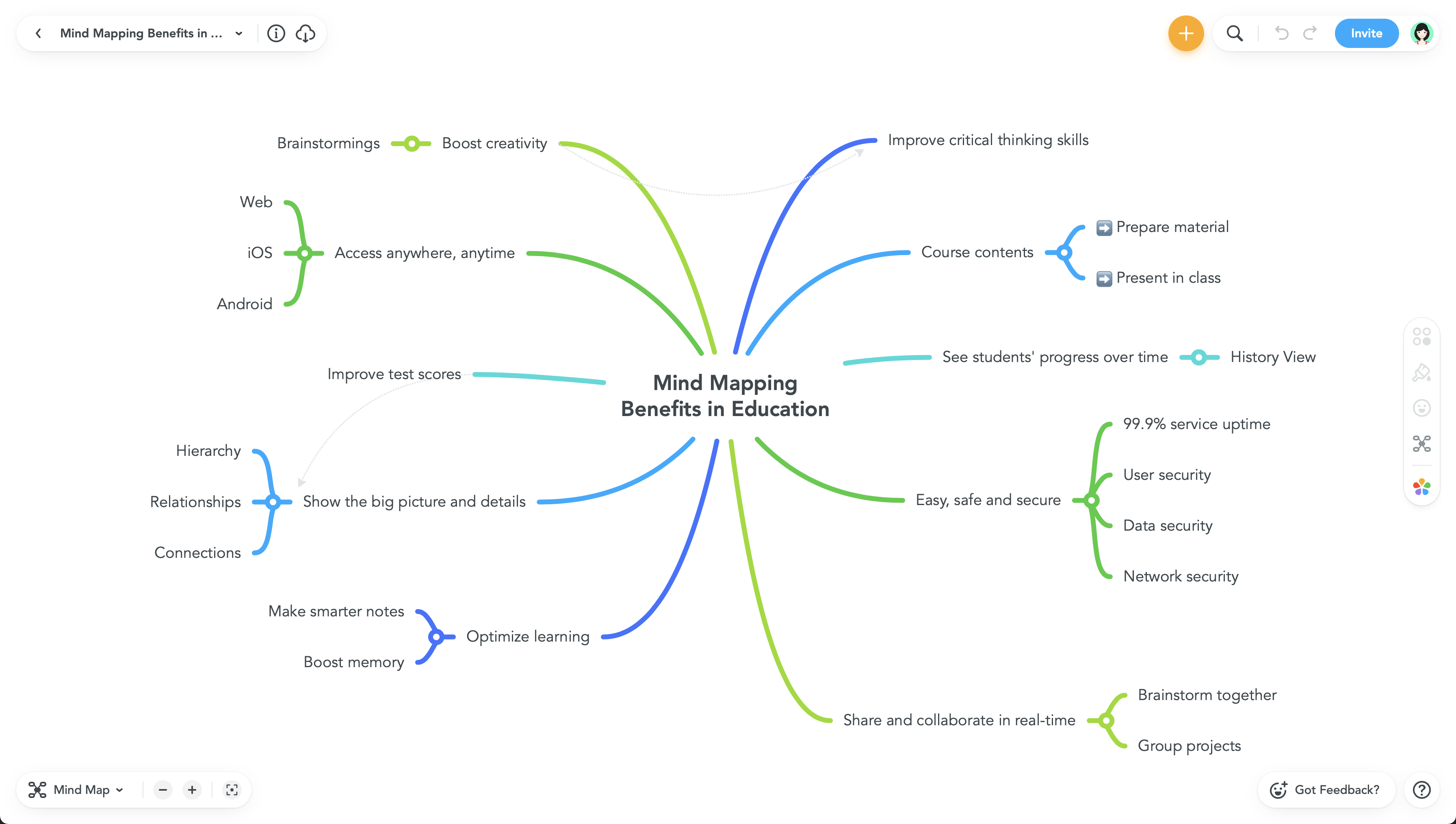  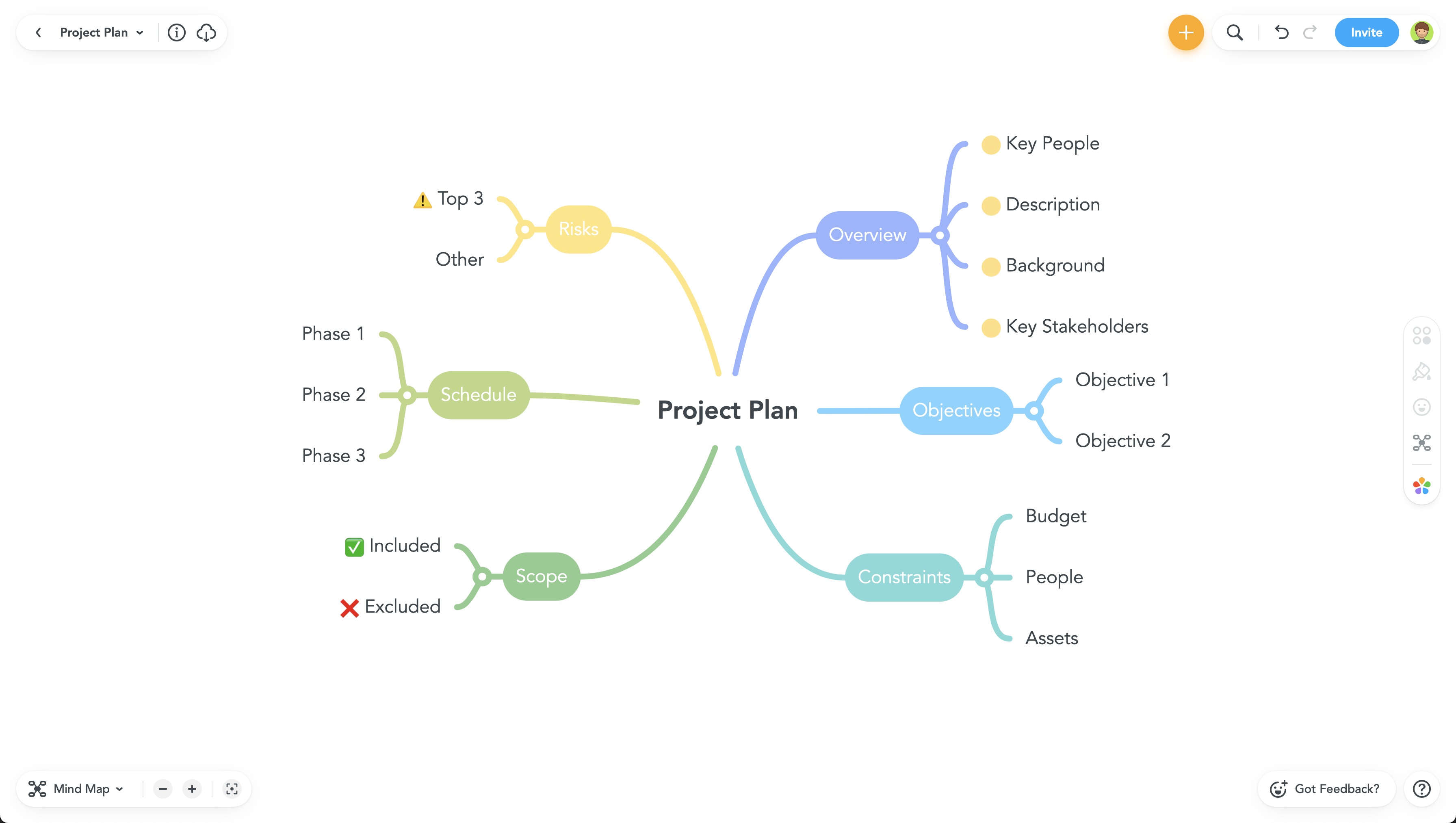 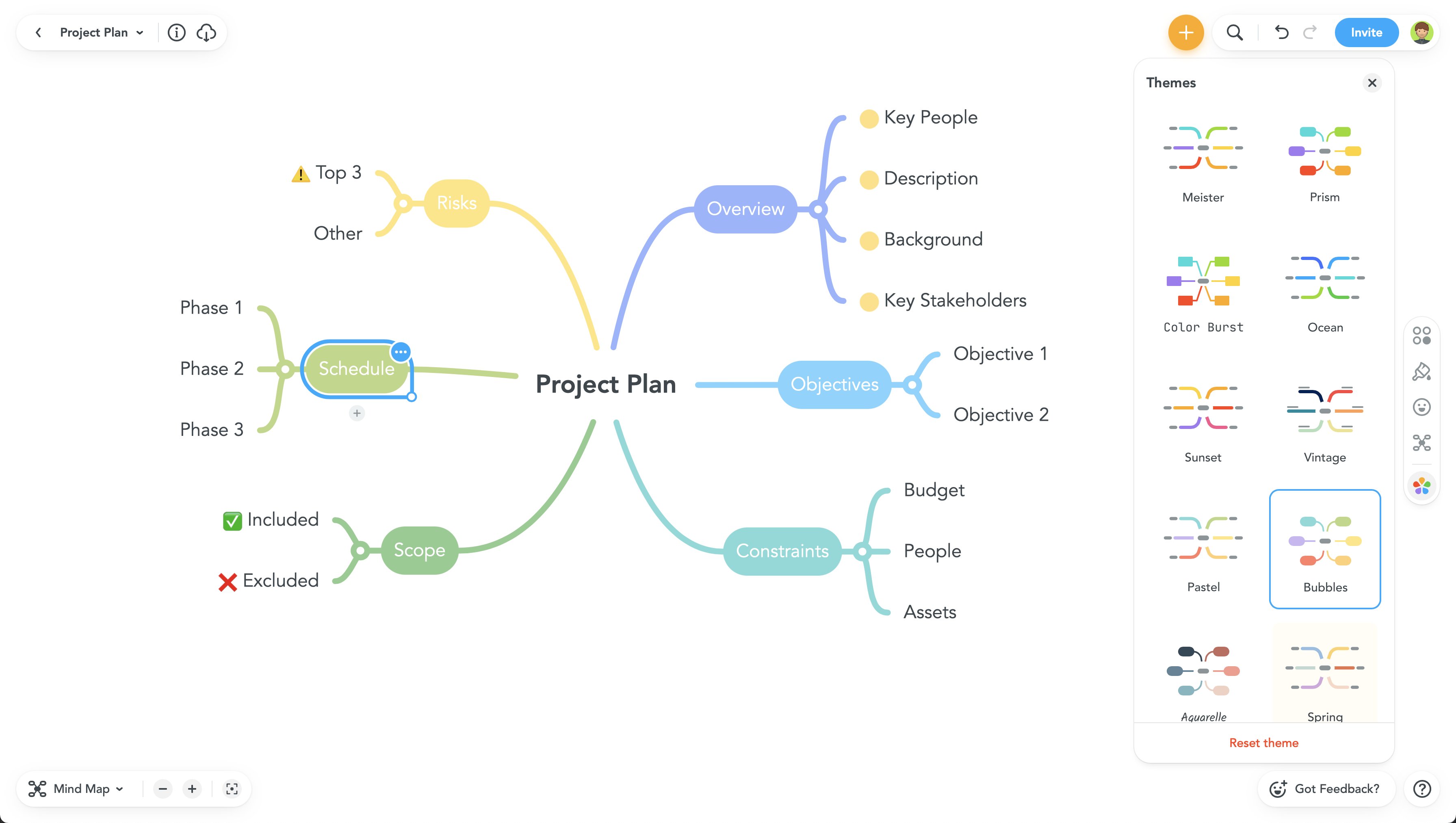 |