Microsoft IIS is an application server and infrastructure.
N/A
NGINX
Score 9.2 out of 10
Enterprise companies (1,001+ employees)
NGINX, a business unit of F5 Networks, powers over 65% of the world's busiest websites and web applications. NGINX started out as an open source web server and reverse proxy, built to be faster and more efficient than Apache. Over the years, NGINX has built a suite of infrastructure software products o tackle some of the biggest challenges in managing high-transaction applications. NGINX offers a suite of products to form the core of what organizations need to create…
N/A
Pricing
Microsoft IIS
NGINX
Editions & Modules
No answers on this topic
No answers on this topic
Offerings
Pricing Offerings
Microsoft IIS
NGINX
Free Trial
No
Yes
Free/Freemium Version
No
Yes
Premium Consulting/Integration Services
No
No
Entry-level Setup Fee
No setup fee
Optional
Additional Details
—
—
More Pricing Information
Community Pulse
Microsoft IIS
NGINX
Considered Both Products
Microsoft IIS
Verified User
Anonymous
Chose Microsoft IIS
After using both Microsoft IIS and free Linux alternatives, like NGINX and Apache, I have to say I much prefer the Linux products in every way. Configuration is clearer (you have to edit config files deep in Linux somewhere, but once you've done it once, it's easy). Logging is …
Nginx is hard to support for smaller multiple projects, which is one reason we use the Microsoft IIS server, which is best fit for a set-up once and forget scenario. The Apache server is more recommended for smaller sized projects due to its cost factor, as the Microsoft IIS …
Apache and Nginx are both lower overhead solutions compared to IIS, but require extensive configuration through files or command lines. For someone creating a website for the first time, these solutions are difficult to understand and implement.
Apache and Nginx are what we use for our large websites and public data. When dealing with the type of traffic we see on our sites IIS just doesn't scale out well. For our staff levels, Apache and Nginx are very hard to support for all of our projects so we can't always use …
IIS is easier to configure and manage. Doesn't require deep knowledge of the product to manage it. Doesn't require for IT team to learn Linux/Unix OS for basic web hosting. However, for advanced IT specialists, all three solutions could be useful and can work together.
I feel each has their own strengths, when it came to developing the in house applications ASP gave us more features so we went with IIS to support those features.
IIS is a different animal than most webservers. I don't know that I'd compare IIS to other products. The differences and reasons to use each are so diverse.
Microsoft IIS is the only official way to run ASP.NET framework sites and for Microsoft System management tools (SCCM and WSUS). While open source options like Apache and NGINX are more commonly used in our department, to maintain the best compatibility we use IIS in certain …
Microsoft IIS server is not open source and it comes with its own overhead in terms of cost which is not the case with Nginx as we do not need to purchase a handful of other products in order to get an HTTP server up and running. If I compare it to Apache Server, it …
Nginx is one of the top three web servers and sits in the second position in terms of the amount of servers deployed. The main competition comes from Apache and Apache-based forks on Linux based servers, and less-so from Microsoft IIS on Windows based servers. As stated …
MS IIS and Apache HTTP Server both provide many similar services. However the configuration simplicity, and performance characteristics helped us choose NGINX above the other 2 products.
Other Web servers are either not performant enough or locked to a platform. The main competitor in my opinion is the Apache Web Server, that can be extended in functionality through a diverse set of modules to perform almost any task related to a network server. But at scale, I …
I selected Nginx because it is easy to learn, use, and maintain. I almost never have to troubleshoot it ever since I deploy it. It just meets my need for a personal learning experience. It works well with PHP and MySQL on Linux. That is why I chose it at first.
It's lightweight and it does not require complex configurations for simple scenarios. If you want you can accomplish some other complicated tasks like reverse proxies which are well supported by the product.
Nnginx is more light-weight than many other web servers, has a very expressive configuration language, easier to configure than tools like IIS and Apache, easy to install certificates for SSL, much easier to model complex routing scenarios than IIS, easier to configure than …
IIS as a web application server is perfectly suited for .net, .net core, asp.net applications. Our core ESB runs on IIS and has hundreds of gigabytes of data moved through it every day spread across millions of transactions. We have other mission critical applications that deliver our results to patients and doctors relying on IIS web application servers. If you stay in the Microsoft development stack, IIS is a top tier, efficient, and reliable web server.
Nginx is well suited for serving any static content - whether that be images, JS files, HTML files, CSS files, videos, etc. If you have a high-traffic website, Nginx will be a great fit because it handles large number of requests extremely efficiently. Nginx has full support on Unix systems, but only has limited support on Microsoft Windows machines.
A big advantage that we use all the time is reviewing the logs that automatically get generated in IIS. It has helped us troubleshoot various problems in our applications over the years.
IIS integrates really well with Visual Studio and TFS. We are able to quickly deploy new applications and changes to applications when requested by the business.
IIS has proven that it is easy to configure and maintain with minimal effort.
Straight-forward configuration format that users of all skill levels can learn, and yet is powerful enough for the huge breadth of features that Nginx provides.
Massive scale right out the box. We've never had a Nginx instance overwhelmed by requests, and if we did it would be trivial to spin up more Nginx instances to handle the load.
SSL termination means that we can deliver content over HTTPS without needing our individual services to require TLS support. This saves us a lot of time and headache while keeping us secure.
Nginx is open-source and free, meaning that anyone can use it to power their services, from individual projects to billion-dollar websites.
Nginx often requires some initial configuration. It's worth doing, because you'll end up with great results, but it can be slightly daunting for someone to get started using it. Apache might have a leg up in that regard--When you install Apache, typically it's just about ready to do what you want already. But the issue with Apache is that most people skip the extensive tuning phase required after that, and with nginx it becomes more just a part of the configuration process.
Sometimes, the configuration syntax, even though it's powerful and terse, isn't the most intuitive. Luckily there's plenty of documentation about what things mean and how to accomplish certain things. There may not be much that can be done about this--to have a powerful web server, you need a powerful-enough configuration language.
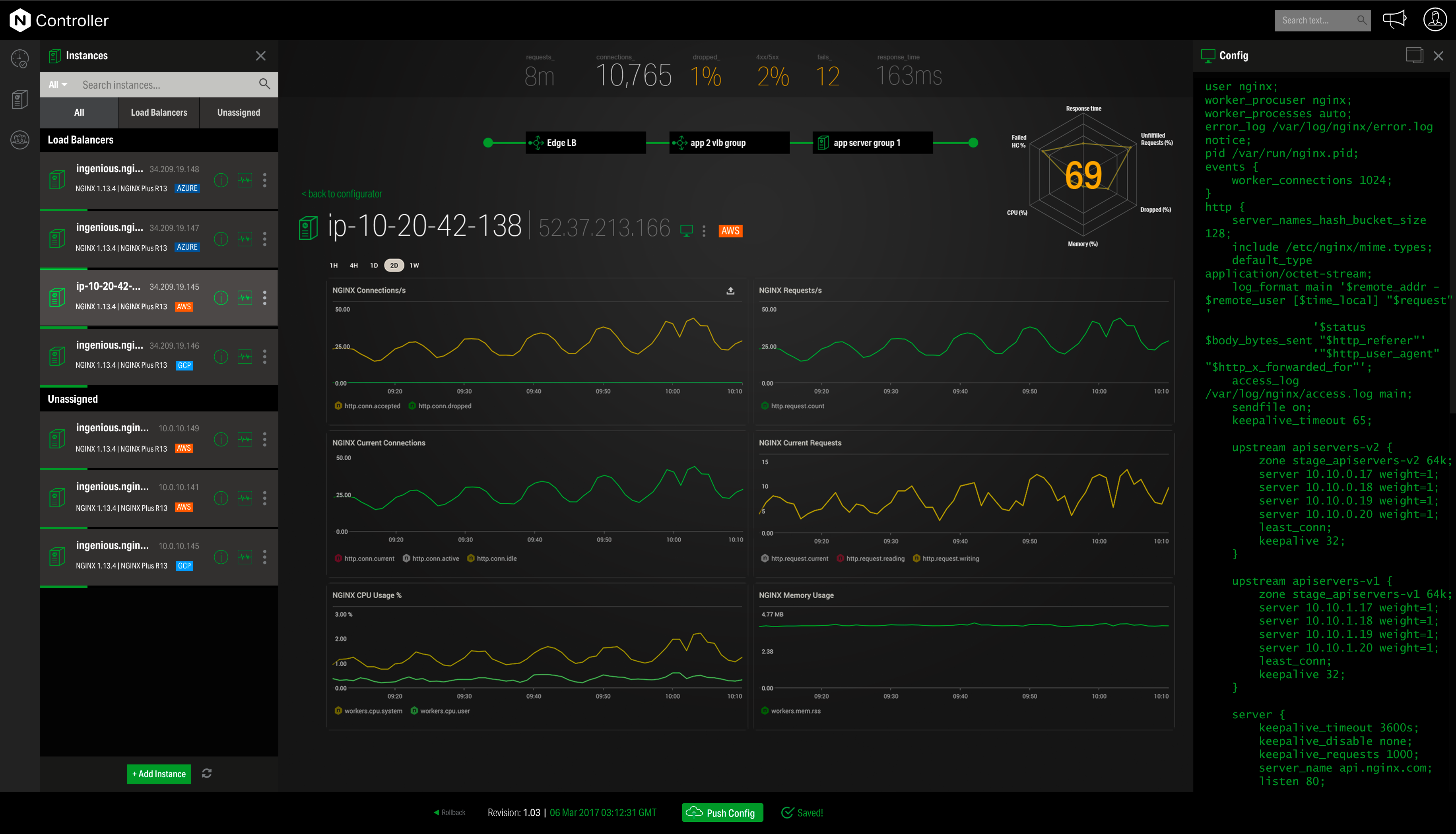
The nginx brand is somewhat fragmented, and it can be confusing. There's the open source nginx web server, which I've primarily been referring to. But then there's NGINX Plus, a premium subscription-based service which works with a range of other NGINX products (NGINX WAF, NGINX Amplify, NGINX Controller). I've met a number of people who weren't very familiar with nginx, and instinctively went to nginx.com first, and from there it seems like everything costs money. It's only when they realize there's a different site, nginx.org, that they find what they went looking for.
We have no intention to replace all applications running on top of the IIS platform. Not all applications support other platforms and not all support staff are skilled in Linux/Apache platform support. Whereas IIS may not be the best performing or most secure web platform available, for the aforementioned reasons, it is impossible not to continue use of this product.
In general, Microsoft IIS is an alright product. It comes natively with Windows Server. It has good enough GUI to set things up & tweak things around. Once properly setup, it runs stably enough. And with enough Powershell magic, having a CI/CD pipeline to automatically deploy a new version of the application is doable.
Front end proxy and reverse proxy of Nginx is always useful. I always prefer to Nginx in overall usability when you have application server and database or multiple application servers and single database i.e. clustered application. Nginx provides really good features and flexibility which helps the system administrator in case of troubleshooting and also from the administration perspective. Also, Nginx doesn't delay any request because of internal performance issues.
ARR (application request routing) in Microsoft IIS Server enables the web-admins to increase the web app reliability and availability through the rule based routing and load balancing of HTTP requests which in turn provides highly available server. IIS 7.0 Manager also provides kernel as well as user mode caching for faster performance and in case if the server fails, the IIS server has good amount of details logged in its log files which help understand and debug the cause quickly. Load balancing facilitates IIS server to fight against availability issues.
In my experience, I have never had significant issues with IIS performance. Sometimes I've experienced issues with loading time, but it is mostly related to the web site code. However Amazon, Microsoft and Google providing free cloud services with very limited resources, and in that scenario, "heavy" websites on IIS could be the issue. In other situations - performance is good.
As mentioned earlier there is so much documentation or guides or stack overflow questions out there that someone will have faced the same or very similar scenario to what you are going through that you will almost certainly find a solution to what you are after.
Community support is great, and they've also had a presence at conferences. Overall, there is no shortage of documentation and community support. We're currently using it to serve up some WordPress sites, and configuring NGINX for this purpose is well documented.
On Windows, Microsoft IIS is easier to implement and maintain than Apache web service. Normally if you need to host PHP or other apache native content on a Windows server, it's recommended to use WAMP or equivalent software to simplify the installation, administration, and configuration of resources. However, you can use Microsoft IIS and other web services on the same server, taking care to keep separate folders and port usage for each system.
I have found that [NGINX] seems to perform better throughout the years with less issues although I've used Apache more. I would definitely recommend [NGINX] for any high volume site and I've seen this to usually be the case from most provided web hosts who will pick [NGINX] over alternatives
Microsoft IIS Server is scalable if the underlying server configuration is done correctly. Use x64 edition v/s 32bit and using 32bit mode application pools are some of the tweaks to be done to make the IIS server scalable. There are too many small configurations need to be carried out in order to make a highly scalable IIS server hence not giving full score in this area.
Speed of development. You don't need to be an expert to expose your website through some DNS
Robust, there has never been any downtime because of IIS itself.
The ease of use can have (and has had) some negative impact because it's too easy to implement something, and then forget. When a server is taken down, those unthoughtful implementations come to light the hard way.
When we first migrated our primary bidding environment architecture to Nginx, it was under duress due to Apache's inability to keep up when we consolidated away from an HAproxy model to a central HTTP proxy. So we even when we did not know what we were doing, we were able to make it work in a bad situation, and everyone was quite happy.
The biggest complaint I have is that I find the module compilation requirements for nginx+ rather burdensome. If we pay for Nginx+, I'd love to see then have pre-built modules for ready for each release of more modules. We are spending our own time engineering an in-house solution for module testing for nginx+ releases, which is disappointing.
I've also, as the primary Nginx person at my organization, inserted my expertise into other projects, and have saved our company lots of money getting rid of big $$$ appliances for general SSL proxying.
Speaking of Nginx replacing SSL appliances, we had an instance where we had to suddenly enable elliptic-curve SSL ciphers and our big $$$ appliances (you know who they are), were falling over. Even their SSL accelerator cards, after all, are just a few extra cores to process SSL. But in an environment of our size, we use DNS to spread the load to hundreds of frontend proxies with dozens of cores each to spread this load out, all at a lower price than ONE of the appliance pairs running Nginx. We couldn't even tell the change in load in our Nginx architecture when we enabled the ciphers.