Chose NinjaOne
We came from Manage Engine and it is a night and day difference. I would never imagine going back after working with NinjaOne

| Product | Rating | Most Used By | Product Summary | Starting Price |
|---|---|---|---|---|
 NinjaOne | N/A | NinjaOne automates the hardest parts of IT, delivering visibility, security, and control over endpoints. The NinjaOne endpoint management platform increases productivity for IT teams and managed service providers, and comes with unlimited onboarding, training, and support. | N/A | |
 Zoho Desk | N/A | Zoho Support is a Saas help desk / ticketing system aimed at SMBs. I competes most often with Zendesk, and Desk.com. | $0 |
| NinjaOne | Zoho Desk | |||||||||||||||
|---|---|---|---|---|---|---|---|---|---|---|---|---|---|---|---|---|
| Editions & Modules | No answers on this topic |
| ||||||||||||||
| Offerings |
| |||||||||||||||
| Entry-level Setup Fee | No setup fee | Required | ||||||||||||||
| Additional Details | NinjaOne is a subscription service with a charge rate per month. For more detailed pricing information, contact NinjaOne directly to request a demo or to start 14-days free trial. | A discount is offered for yearly billing. | ||||||||||||||
| More Pricing Information | ||||||||||||||||
| NinjaOne | Zoho Desk | |
|---|---|---|
| Considered Both Products |  NinjaOne  Justin Mott CTO Chose NinjaOne We have used many RMM providers and the UI, cost and experience has all been better with NinjaOne. Datto wasn’t able to improve anything in the three years that we use them, in fact they were sold to and immediately started trying to sell us the other services they had.  Derek Gneiting Systems Administrator Chose NinjaOne NinjaOne is very simple to use and navigate. There are fewer layers of pages to navigate to get to what you want. This is a time saver and it makes it easier to find what you are looking for.  Scott Brewster Chief Technology Officer Chose NinjaOne We liked the per device pricing and the UI of the platform most when we decided to leave Datto RMM. We believe that NinjaOne's constant development to improve the product has been really helpful. The quality of the community posts with scripts we can use to automate things …  Michael Kerzner Service Delivery manager Chose NinjaOne NinjaOne feels like it is way beyond its competitors. Their UI is fantastic, with the exception of no Dark Mode. It is very responsive and easy to navigate. Also, NinjaOne bills monthly with no contract commitment. This makes it much more accessible to smaller and medium-sized …  Kurt Sholly, MISM Director of Technology Chose NinjaOne NinjaOne has what it takes and is very cost effective for what it provides an IT team. We would not be able to do what we do without it. Cost comparison wise, NinjaOne is the best option we found that has such a wide breadth of capabilities like it does.  Stephanie Sava Sr Help Desk Analyst/Phone System Administrator Chose NinjaOne Ninja does a few things better than Goverlan Reach, like the integrated ticketing. But honestly, Goverlan was much more user-friendly for everything else. N-able has a lot of features, but they're not easy to use, if you can even find them.  Rudy Shaw IT Director Chose NinjaOne NinjaOne has more overall features than these competitors bundled in their package. Both of these other products have separate add-ons that will accomplish the additional features that NinjaOne bundles in. While it seems that both may be slightly more powerful when it comes to …  Nesta Hayward Director of Technology Chose NinjaOne NinjaOne isn't as versatile as N-able. NinjaOne doesn't have as many features or settings as N-able. N-able is far more complex, which isn't always a good thing. For vary large-scale MSPs, it might be a better choice. However, for a small to medium-sized team, NinjaOne is an …  Trevor Jones, CRSM IT Director Chose NinjaOne NinjaOne blows Connectwise out of the water. You can take a college kid right out of school and put them in front of NinjaOne and they will have no issues at all. IT is that easy to use! Connectwise on the other hand uses an academy to get you trained and ready. Yeah if you … |  Zoho Desk  Greg Rellaford Account Manager and Retention Specialist Chose Zoho Desk We used HubSpot before, and it didn’t work very well for our needs. Zoho Desk is part of a much larger Zoho implementation. We’d like to have everything in one place, and Zoho provides that ability.  Sanjay Singh Business Development Manager Chose Zoho Desk I have used Asana and Zoho desk and decided to go with Zoho due to the ease of intergration into other applications and platforms, the more affordable costing, a faster mobile application and for the slightly better automation capabilities. Asana is nice but the cost and …  Kevin Almond Head of Customer Success Chose Zoho Desk We selected Zoho Desk as we needed a platform that was going to allow the business to grow through both usage and staffing numbers. We wanted something cost-effective but still offered standard features in an effective cloud-delivered solution but would still allow …  Humayun Farooqi Customer Success Manager Chose Zoho Desk Zoho Desk is easily a winner for trouble ticket handling as Bitrix24 was not offering any dedicated trouble ticketing tool and we had no option but to use the Tasks section of Bitrix24 to handle our existing customers. Also Bitrix24 neither did have any dedicated mobile …  Rose Carmela Project Manager Chose Zoho Desk Vision Helpdesk and WixAnswers.com  Sofia Martinez Accounting Consultant Chose Zoho Desk Zoho Desk is always good at building different platforms for automation, so this one is also the best help desk platform available in the market. I can easily add the feedback with a report to easily convey the message accordingly. It can easily integrate with your existing …  David Yates President Chose Zoho Desk After trialing and using Zoho Desk, we decided to move onto another product. Zoho has many features that make it a great product, but ease and intuitiveness of use was lacking for us.  Dave King Director of IT Chose Zoho Desk We evaluated products that were not free, but due to budget reasons we could not justify a purchase. So this free solution stacks up among the best in my opinion for no cost.  Jack Mattheus Human Resources Management Chose Zoho Desk • In the acquisition of Zoho Desk I did not have the final decision but I have contributed as my analysis in the implementation. We decided to switch services since this tool is much more complete in terms of functionalities that help us to easily resolve and follow up on our …  María Fernanda Cruz Coordinator Chose Zoho Desk Value for money simply beats the rest. Also, as part of the Zoho Suite, integrations are wonderful, for example to CRM or consolidating Reporting with other apps such as Zoho Projects. Integration to advanced Analytics is also very helpful. In terms of features, they are pretty …  Leonard Johnson Technical Support Chose Zoho Desk Atera had a lot of features. You could install an agent to monitor updates, and you could deploy AV. Zoho Desk was easier to go through tickets and replies. It felt like Atera had more features, so it was slower. At times you would want to search for an old ticket in Atera, and …  Julien Bras Innovation Team Leader Chose Zoho Desk We have selected Zoho Desk because we already using Zoho CRM.  Khashi Rahmani Territory Manager Chose Zoho Desk Desk.com was too complicated and was cost prohibitive. We had switched from Desk by Salesforce to Zoho Desk  Miguel Useche Wordpress developer Chose Zoho Desk Zoho Desk comes at a better price, and it offers integration with other Zoho applications so you can keep your information in a single place. Their support is good and will guide you through many things. Also their API is similar to other Zoho platforms, so employees can … |
| NinjaOne | Zoho Desk | |||||||||||||||||||||
|---|---|---|---|---|---|---|---|---|---|---|---|---|---|---|---|---|---|---|---|---|---|---|
| Monitoring Tasks |
| |||||||||||||||||||||
| Management Tasks |
| |||||||||||||||||||||
| Incident and problem management |
| |||||||||||||||||||||
| Self Help Community |
| |||||||||||||||||||||
| Multi-Channel Help |
|
| NinjaOne | Zoho Desk | |
|---|---|---|
| Small Businesses |  Panda Systems Management Score 9.8 out of 10 |  Agiloft Service Desk (discontinued) Score 9.0 out of 10 |
| Medium-sized Companies |  Action1 Score 9.5 out of 10 | Agiloft Service Desk (discontinued) Score 9.0 out of 10 |
| Enterprises |  TeamViewer Score 8.5 out of 10 |  SysAid Score 9.1 out of 10 |
| All Alternatives | View all alternatives | View all alternatives |
| NinjaOne | Zoho Desk | |
|---|---|---|
| Likelihood to Recommend | 9.4 (0 ratings) | 7.8 (0 ratings) |
| Likelihood to Renew | 9.9 (0 ratings) | - (0 ratings) |
| Usability | 8.0 (0 ratings) | 9.4 (0 ratings) |
| Support Rating | 9.1 (0 ratings) | 8.7 (0 ratings) |
| NinjaOne | Zoho Desk | |
|---|---|---|
| Likelihood to Recommend |
|
Greg Rellaford Account Manager and Retention Specialist |
| Pros |
|
Sofia Martinez Accounting Consultant |
| Cons |
 Brett Carson Director of IT |
|
| Likelihood to Renew |
| No answers on this topic |
| Usability |
 Steve Ricketts Director Of Technical Services |
|
| Reliability and Availability |
 Kevin Brant Service Desk Engineer | No answers on this topic |
| Performance |
Kevin Brant Service Desk Engineer | No answers on this topic |
| Support Rating |
|
|
| In-Person Training |
Kevin Brant Service Desk Engineer | No answers on this topic |
| Online Training |
Kevin Brant Service Desk Engineer | No answers on this topic |
| Implementation Rating |
| No answers on this topic |
| Alternatives Considered |
|
Humayun Farooqi Customer Success Manager |
| Scalability |
Kevin Brant Service Desk Engineer | No answers on this topic |
| Return on Investment |
Michael Kerzner Service Delivery manager |
|
| ScreenShots | NinjaOne Screenshots 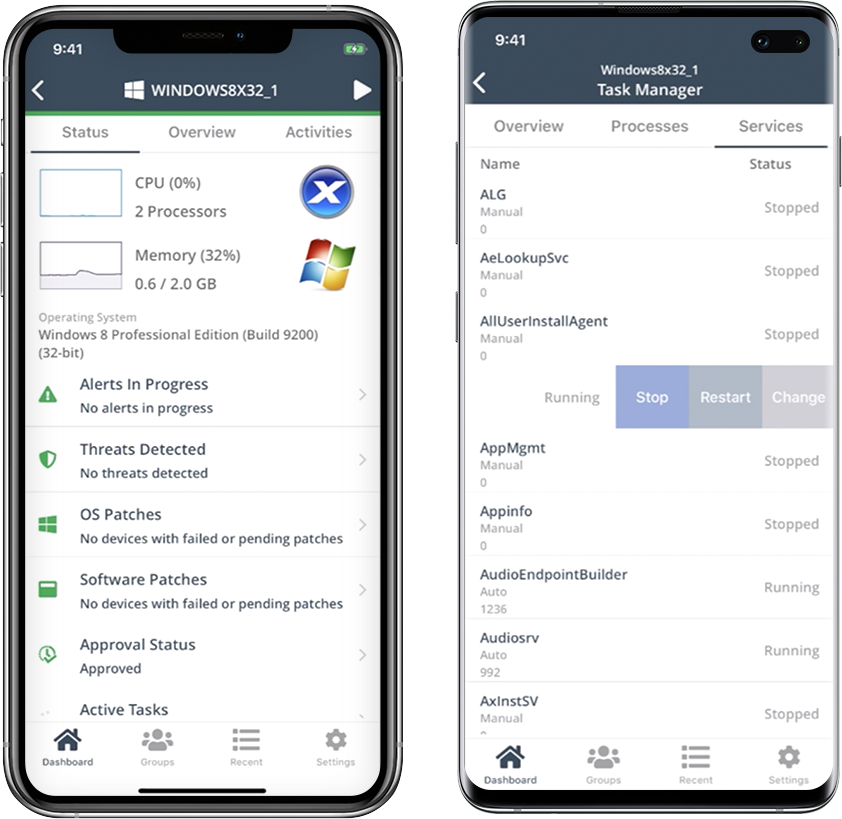    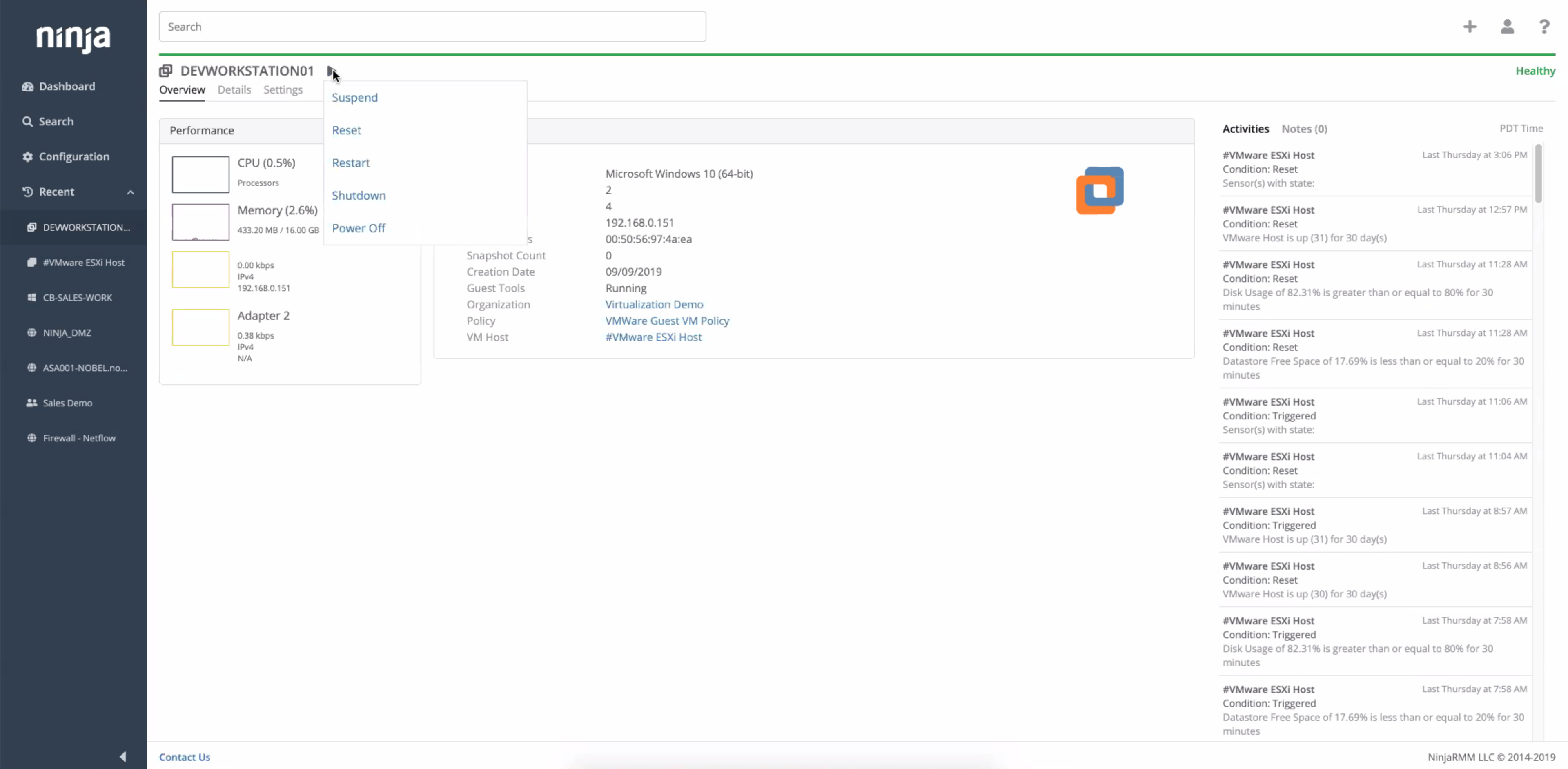 | Zoho Desk Screenshots      |