Azure DevOps (formerly VSTS, Microsoft Visual Studio Team System) is an agile development product that is an extension of the Microsoft Visual Studio architecture. Azure DevOps includes software development, collaboration, and reporting capabilities.
$2
per GB (first 2GB free)
Octopus Deploy
Score 10.0 out of 10
Mid-Size Companies (51-1,000 employees)
Australian company Octopus Deploy offers their eponymous automated deployment and release management software that integrates with the user's preferred CI server and adds deployment & ops automation capabilities. Octopus Deploy enables developers, release managers, and operations folks to bring all automation into a single place. The vendor states that by reusing configuration variables, environment definition, API keys, connection strings, permissions, service principals, and automation logic,…
$12
Pricing
Azure DevOps Services
Octopus Deploy
Editions & Modules
Azure Artifacts
$2
per GB (first 2GB free)
Basic Plan
$6
per user per month (first 5 users free)
Azure Pipelines - Self-Hosted
$15
per extra parallel job (1 free parallel job with unlimited minutes)
Azure Pipelines - Microsoft Hosted
$40
per parallel job (1,800 minutes free with 1 free parallel job)
Basic + Test Plan
$52
per user per month
Cloud
Free 30 day trial
unlimited targets/users/projects
Server
Free 30 day trial
unlimited targets/users/projects
Enterprise
Starting at $18 per month
Enterprise
Starting at $18 per month
Server
Starting at $12 per month
Cloud
Starting at $12 per month
Offerings
Pricing Offerings
Azure DevOps Services
Octopus Deploy
Free Trial
No
Yes
Free/Freemium Version
No
Yes
Premium Consulting/Integration Services
No
No
Entry-level Setup Fee
No setup fee
Optional
Additional Details
—
Octopus Server edition is available as a 30 day free trial on our unlimited tier for any scenario, including production, and commercial use. After the trial period ends you can keep your working configuration and upgrade to a paid license and continue deploying uninterrupted.
Octopus Cloud is an alternative that is hosted by us, and is also available as a 30 day unlimited trial. No credit card is needed to create a Octopus Cloud trial instance. You can convert the Cloud trial to a paid instance at any time during or after the trial period, and keep all of your instance configuration.
Octopus also offers an Enterprise tier which offers advanced features for teams at scale including, advanced high availability, insights & DORA metrics, ServiceNow & Jira Service Management integration, unlimited instances, 24/7 support & service credits, and a Customer Success Manager.
Volume discounts are available above 500 targets, and temporary bursting for certain scenarios is supported.
ADO is well suited for the visibility of day-to-day tasks and responsibilities as well as things such as Features, user stories, etc. Off the top of my head, I can't think of any scenario where it might not be well suited, as you can customize ADO to your liking to a degree.
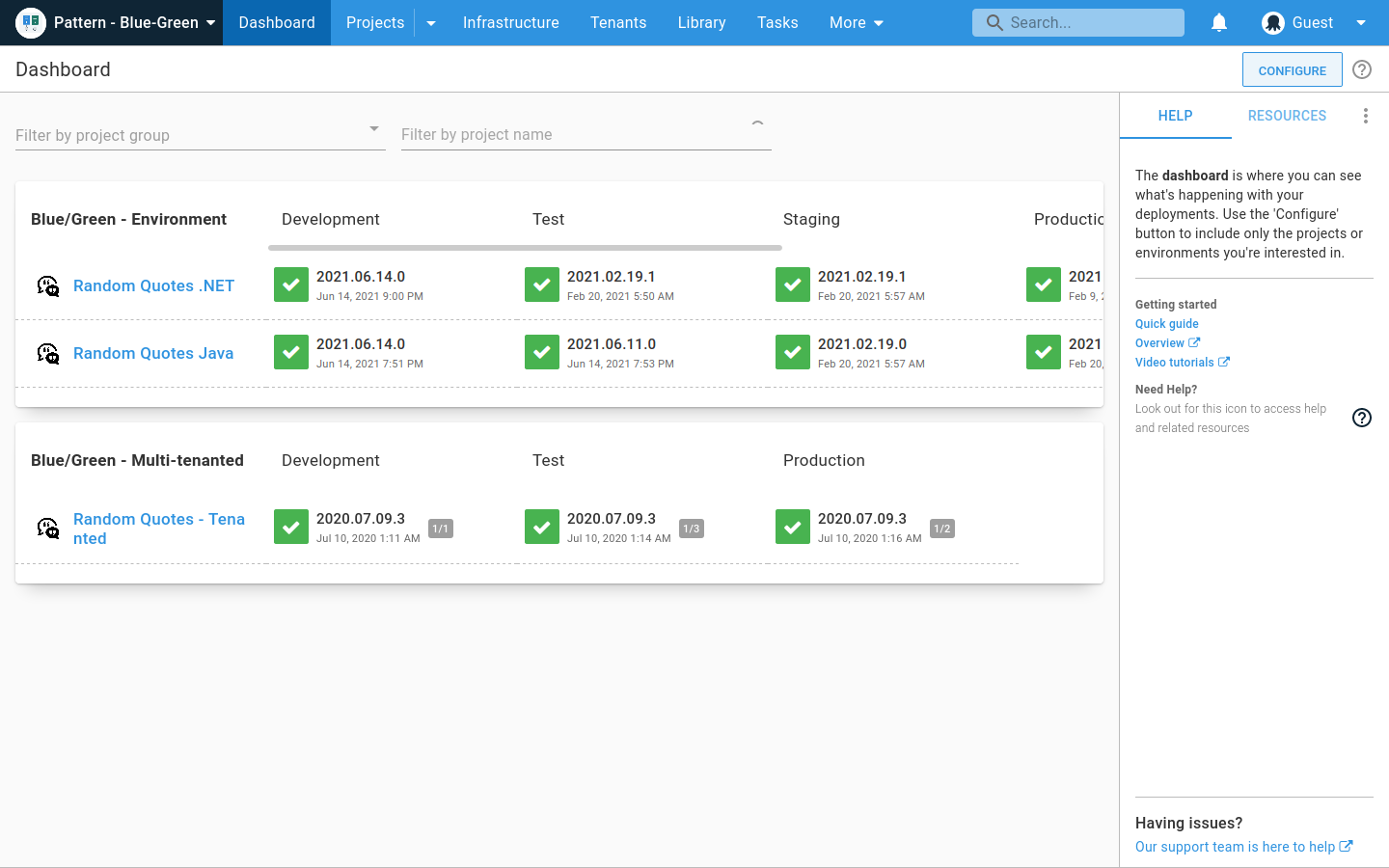
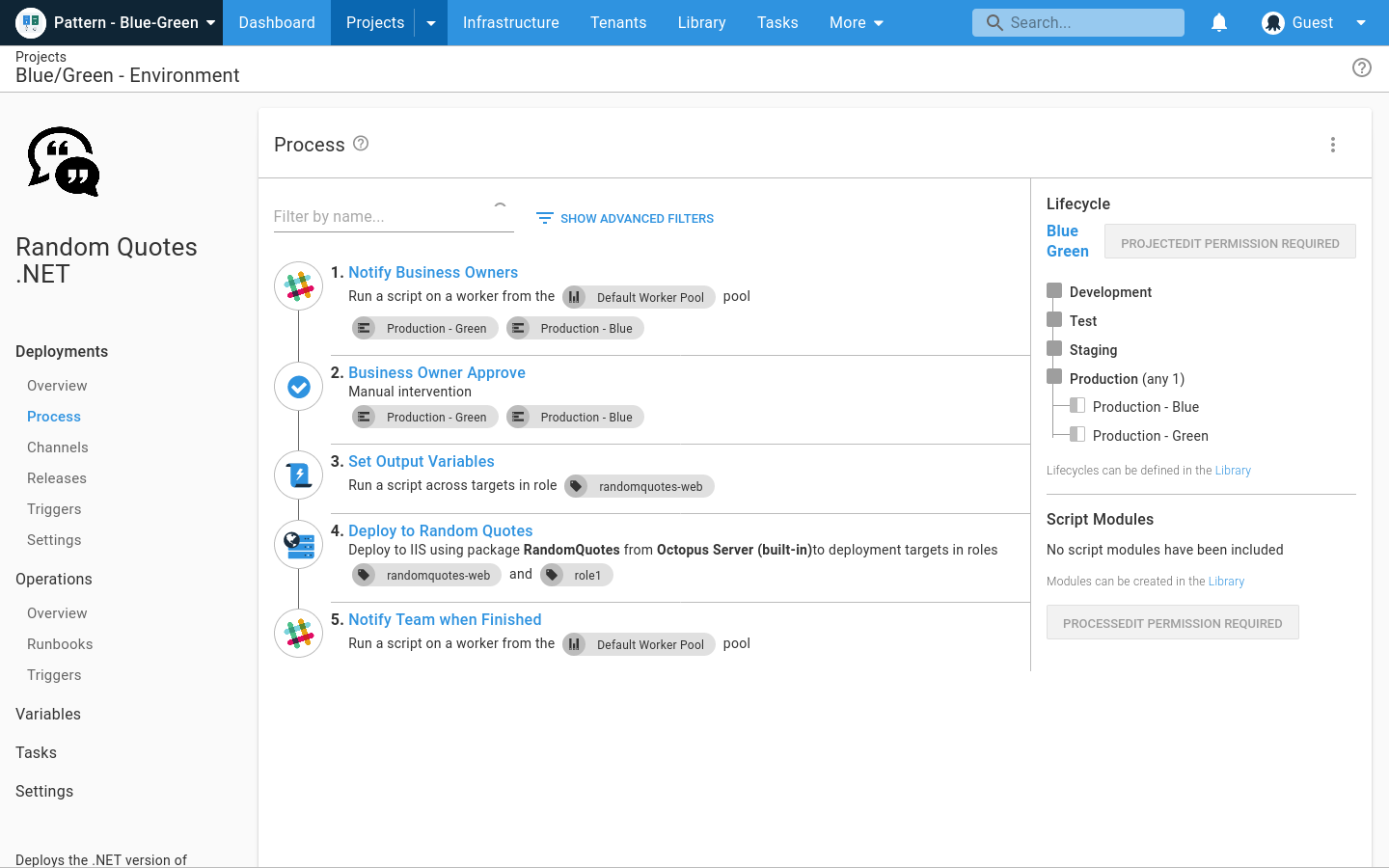
The ability to manage different stages and define a workflow is very useful for ops troubleshooting as well as deployment. You can see which version each environment has for each project, and promote or redeploy versions.
You can view deployment logs and dig deep into problems or long deployment steps.
Finding old releases can be a pain, and there isn't a good way to compare releases.
It does not really lend itself well to viewing what the content of a release is further than the version number. Ideally, you would be able to tie a deployment to the builds from the build server as well as specific commits from source control.
Flexible Requirements Hierarchy Management: AZDO makes it easy to track items such as features or epics as a flat list, or as a hierarchy in which you can track the parent-child relationship.
Fast Data Entry: AZDO was designed to facilitate quick data entry to capture work items quickly, while still enabling detailed capture of acceptance criteria and item properties.
Excel Integration: AZDO stands out for its integration with MS Excel, which enables quick updates for bulk items.
Many different platforms, languages, and operating systems are supported. You can deploy to your own server or the cloud. You can deploy to Windows, Linux, etc.
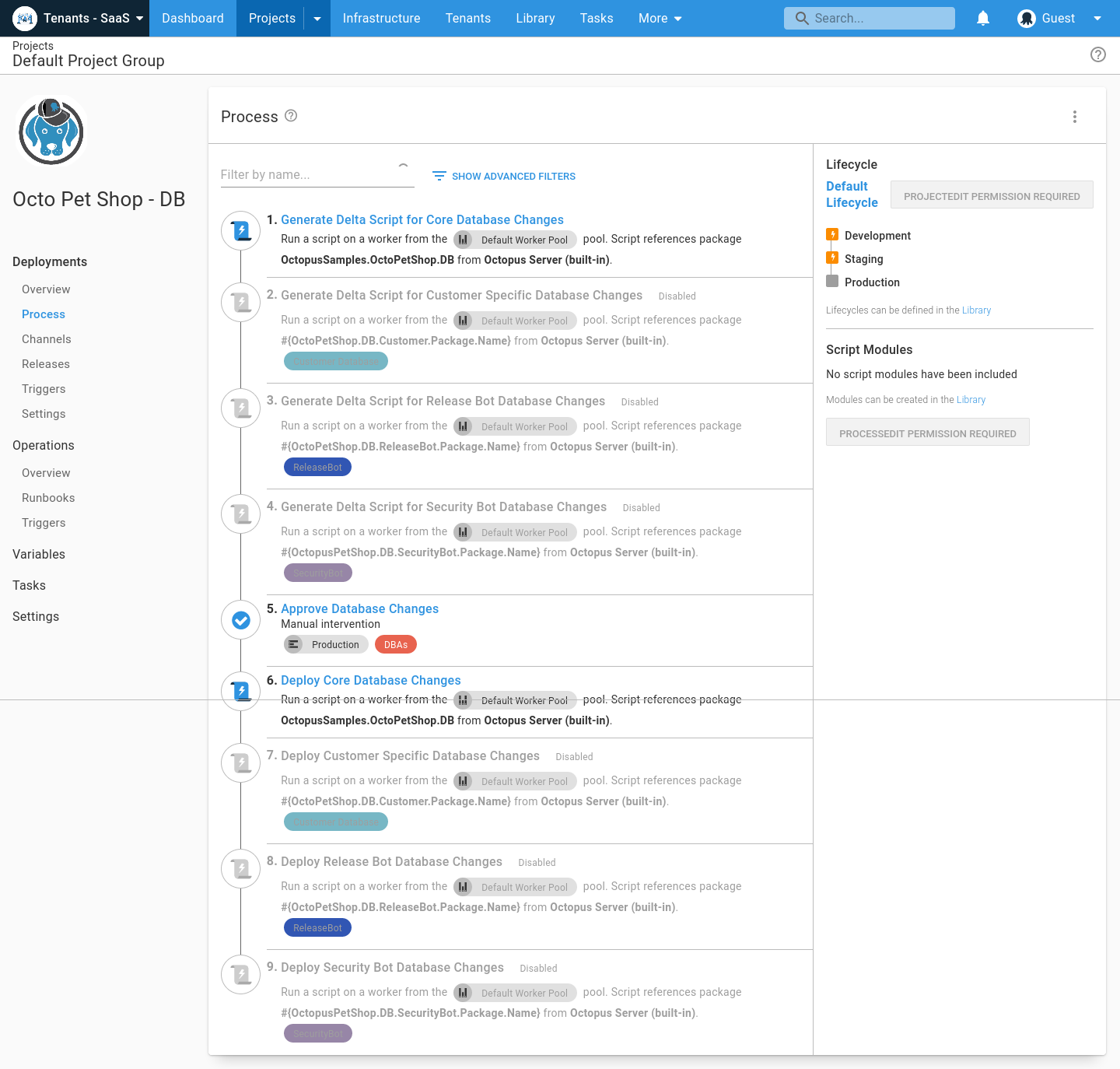
Many different "step templates" are included, which make it very easy to deploy what you want, how you want. Such as deploying over SSH, FTP, etc.
Support is very responsive and personable. You won't just be talking to a robot or a script. They will either solve your problem or understand it enough to solve it in a future release.
Their documentation is well thought-out and very helpful. I have found very few missing pieces.
Need to make the changes so that it doesn't occupy most of the CPU utilization and memory
Execution of Bulky SQl Queries leads to either the SQl being out of exception or the VS being unresponsive
Integration with Microsoft products is easy, but with non-Microsoft products it is more difficult, and you have to make a lot of configuration changes to integrate
With every upgrade of the Visual Studio, like from VS 2010 to VS 2013 , we need to upgrade our hardware/machine, as the VS hardware requirement also increases
If code is getting compiled in one visual studio, like in VS 2010, that the same code could possibly give an error when compiled in VS 2013, due to certain changes in keyword, data format, etc., with the VS upgrade
Support for non-Microsoft applications needs to be improved to bring it on par with other comparable automation tools.
It doesn't yet provide integration options with other IT management tools like JIRA and HP Support to implement continuous delivery and true DevOps processes.
Support for AWS/Azure has been included very recently and it's not still very mature and feature rich and is expected to improve further in upcoming releases.
I don't think our organization will stray from using VSTS/TFS as we are now looking to upgrade to the 2012 version. Since our business is software development and we want to meet the requirements of CMMI to deliver consistent and high quality software, this SDLC management tool is here to stay. In addition, our company uses a lot of Microsoft products, such as Office 365, Asp.net, etc, and since VSTS/TFS has proved itself invaluable to our own processes and is within the Microsoft family of products, we will continue to use VSTS/TFS for a long, long time.
Azure DevOps is a powerful, complex cloud application. As such there are a number of things it does great and something where there is room for improvement. One of those areas would be in usability. In my opinion it relies too much on search. There is no easy way to view all projects or to group them in a logical way. You need to search for everything.
Some functionality feels slightly hidden in the menu system. For example: script modules are in the same menu as packages, where I feel that are not related entities. One is code for the deployment, the other is the thing that you are deploying...
Octopus Deploy is a software that runs very effectively, is easy to use, does not require such a high learning curve, provides the necessary tools to carry out the functions it offers, making it a very flexible software, it also allows that can be configured according to the needs of the user and provides integrations with other very advantageous tools since they are carried out in a very favorable way.
When we've had issues, both Microsoft support and the user community have been very responsive. DevOps has an active developer community and frankly, you can find most of your questions already asked and answered there. Microsoft also does a better job than most software vendors I've worked with creating detailed and frequently updated documentation.
Octopus Deploy support has always been there for us, even when using the free tier, we get responsive hands-on help. We haven't needed to use that level of support since the documentation is clearly written, and help is readily available within the interface itself. Using Octopus Deploy is a truly joyful experience.
Jira is fantastic for project management and customer facing portal. It is not good for pure development (no integration with Git, pipeline management, automated testing features). If DevOps were to integrate and adopt the project features of Jira as well as the customer facing interfaces, I feel it would be a complete project management system.
Octopus Deploy was the obvious choice at the time, its strong .net support, robustness, ease of use, and integration into an existing process was a big plus. Also, Octopus Deploy was kind enough to give my organization a not for profit community licence. In addition, the product comes from a local Brisbane based company and it is always good to support local businesses when you can.
Any automated deployment process will save your company a ton of money on testing and bugs. When you don't automate your deployments, you can't be certain that what you are moving between environments is the exact same code with the same or appropriate configuration. What you tested might not be what got deployed.
We've saved a lot of money using Octopus over the mostly manual process we were using before. We've removed a lot of the errors that come from manual, human intervention.
Octopus has also allowed us to accomplish more with fewer people. It is easy to bring new people up to speed on the deployment process, and we can be confident of success after very little training.