PowerSchool
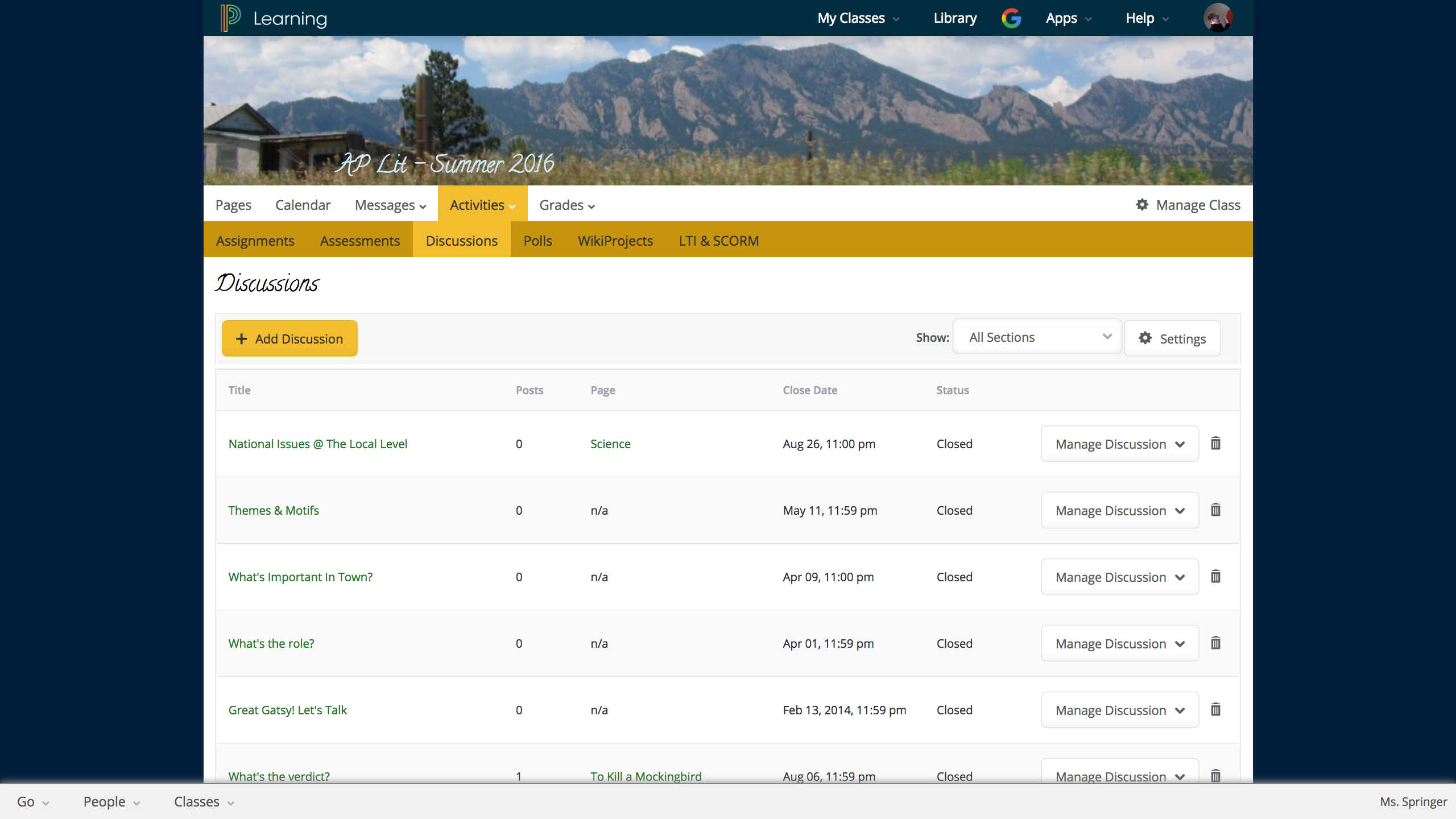
Unified Classroom is a learning management and classroom collaboration solution suite. It aims to empower teachers with real-time student interaction inside and outside the
classroom, bringing in more social and collaborative learning. Teachers can
quickly create and deliver rich engaging lessons, electronically collect,
annotate, and grade work, and easily collaborate and share with other
educators. Unified Classroom includes PowerSchool solutions Assessment, Gradebook, Learning,…
N/A
Renaissance Accelerated Reader
Score 9.9 out of 10
N/A
Renaissance Accelerated Reader® is designed to save educators time by empowering them with Learnalytics® to make differentiating independent and close reading practice effortless – all while maintaining the flexibility necessary to fit within existing classroom routines. Students are engaged in reading self-selected authentic books and articles.
Short comprehension quizzes and built-in close reading practice activities, combined with automatic and educator feedback, keep students…
PowerSchool Unified Classroom is far and away better than what Brightspace offers. The grade book is auto-synced with PowerSchool SIS, Brightspace is not. Brightspace is built for colleges and not for K-12 education. It's not very user-friendly, limited in the content you can …
I have used markbook and gradebook. Each system had good features that were slightly different but the fact that this one is web based and accessible makes it the best of the 3 I have used. The learning curve to using the program is similar to the other 2 and overall has …
PowerSchool is similar to schoology but actually has one less component: assignment uploads. Schoology is very helpful because it also students to upload their assignments on dropbox, which syncs automatically to the grade book, which allows me to view who has submitted things …
Renaissance Accelerated Reader for me is better than other programs. I haven't had much experience with the other programs but for me this was the easiest to understand and to develop. I have been looking into learning more about the Renaissance Accelerated Reader program in …
They go hand in hand. What I loved was that when they would read a book on MyOn, it would take then directly to the AR quiz. This helped my lower leveled students who struggle when typing. I also like that they can pick whether it reads them the book or not.
Renaissance Accelerated Reader has a greater variation of books available to all students. While MyOn has its own books that are easily accessable an testable through Renaissance Accelerated Reader. I love the fact that students can read books at home that they already have, …
I have not used any other products like this. I have used Accelerated Reader for about 20 years, and I have nothing else to compare it to. I have NOT used A/B Smartly, but I could not skip this question so I had to randomly select something. AR is a good product. If it …
Renaissance Accelerated Reader offers so much more than accountability. If used properly, Renaisssance Accelerated Reader provides statistics and data teachers can use to align lessons and group students. The program offers visual reports and goal setting as well as rewards. As …
I love Renaissance Accelerated Reader because it is always consistent and it tries to keep up with and turn out products that will engage students. Accelerated Reader is the best at what it does and gives me great data to help monitor my students' reading comprehension without …
I have not used any of the products listed. However, AR has been my choice of product. My school system choice this product because it interfaces well with all other reading and testing programs that have been purchased. It is an excellent product, but that is a given since it …
STAR assessments work well with [Renaissance] Accelerated Reader. The STAR assessment can inform students what material they will be able to comprehend and help guide teachers when they are trying to help students find books to read. STAR assessments also help teachers focus …
I love having access to Renaissance Accelerated Reader for science class. I loved the Renaissance Accelerated Math program just as much, but currently I do not have access to it through my district. All Renaissance products I have used in my 18 years in education have been …
We have been using Accelerated Reader for quite some years at our school district. I think it is a good program that gives students the tools to become better readers. The website is user friendly and very self explanatory. Students are able to track their progress and set …
Our teachers and students love Freckle! The students are able to interact with the platform on a student-specific pathway. The students love the pig and the interactive graphics.
I don't know another program like this. We do have many online resources that we use, but nothing like Accelerated Reader. I like that even when we use ebooks such as Capstone, we can link the book to Renaissance so that they can take the test immediately after the book ends.
We use both DRA and Renaissance products in our school. I like DRA for benchmarking and for in-depth responses from students. I can use DRA to pinpoint errors because I can see the answers, unlike the STAR assessments (the placement tests given in conjunction with Accelerated …
We use PowerSchool Unified Classroom with our Teacher/Student work. Teachers can hand out assignments and have them edited and returned to the teacher in an organized folder, in which the teacher can review, grade, and send back to the student. Papers are never lost this way. Another way that PowerSchool Unified Classroom is used is to deliver assessments for district tests.
I have found Renaissance Accelerated Reader to be well-suited for elementary readers. I don't have experience using it with high school students; however, I know that for our elementary readers, there are no shortages of tests available. Our students can read trade books, articles within the program, or even stories from our textbooks and take tests on them
If used correctly, Accelerated Reader helps students grow with their reading comprehension and vocabulary skills. I advise teachers to have one on one conversations with students when setting goals (allow students to have input) so that the students are given more responsibility to achieve their own goals.
Renaissance's online chat/customer service is outstanding. They can usually answer my questions and do so in an understandable manner. They seem to be willing to help and will follow through if necessary.
There are many reports that Accelerated Reader administrators can use to help decipher the data created from their students taking Accelerated Reader quizzes.
Creating Spanish reports similar to the ones accessed in English.
Simplifying the way books students can find an AR quiz. It does not find books if students are missing a "question mark" or "exclamation mark".
Deleting a quiz when a student enters the wrong book title and begins a quiz. It has been difficult to remove a quiz and the quiz appears even after the monitor password has been entered.
[Renaissance] Accelerated Reader is a great way to track student progress, motivate students to read, and measure their comprehension. Accelerated reader gives both teachers and students immediate feedback. There are countless options of books for students and can help increase student interest in books and improve students' reading ability.
I give Renaissance Accelerated Reader a great 10 in usability rating. I give this rating because overall the program is very easy to use and for the most part easy to understand. I am currently in my first year working in the library and with the teachers using the Renaissance Accelerated Reader program so there is still much to learn, but it has been an overall great experience so far. All of the data is easy to read and there is so much information to look over in case anything is missed or not understood. I have so far been very happy with the Renaissance Accelerated Reader program and what it has done for the students.
They are very responsive to the issues that we have and follow through with their assistance. Having a live assist that is available when our teachers need it is essential too. They also seem to listen to suggestions on making improvements and have been transparent with us when renovations are done.
Renaissance Reader has a great support team, and generally, they are quick to respond when needed. The live chat tool is a life-saver when trying to get your problems solved in real-time. They also have a lot of online support articles that ensure that you can get your questions answered without necessarily having to use the live chat during the school day.
Extensive training on Ren Place is necessary. There are a myriad of reports that we need help understanding. I have joined Ren Royals and have learned a lot from that support piece.
PowerSchool is similar to Schoology but actually has one less component: assignment uploads. Schoology is very helpful because it also students to upload their assignments on dropbox, which syncs automatically to the grade book, which allows me to view who has submitted things on time and who hasn't. I'm able to create Rubrics in Schoology itself which also helps the grading process because it ties in directly to their overall grade after I submit their rubric scores. Powerschool is helpful because it allows for attendance and access across the board with all parties.
STAR assessments work well with [Renaissance] Accelerated Reader. The STAR assessment can inform students what material they will be able to comprehend and help guide teachers when they are trying to help students find books to read. STAR assessments also help teachers focus on comprehension and vocabulary skills which then lends to help students understand what they are reading and utilize [Renaissance] Accelerated Reader.