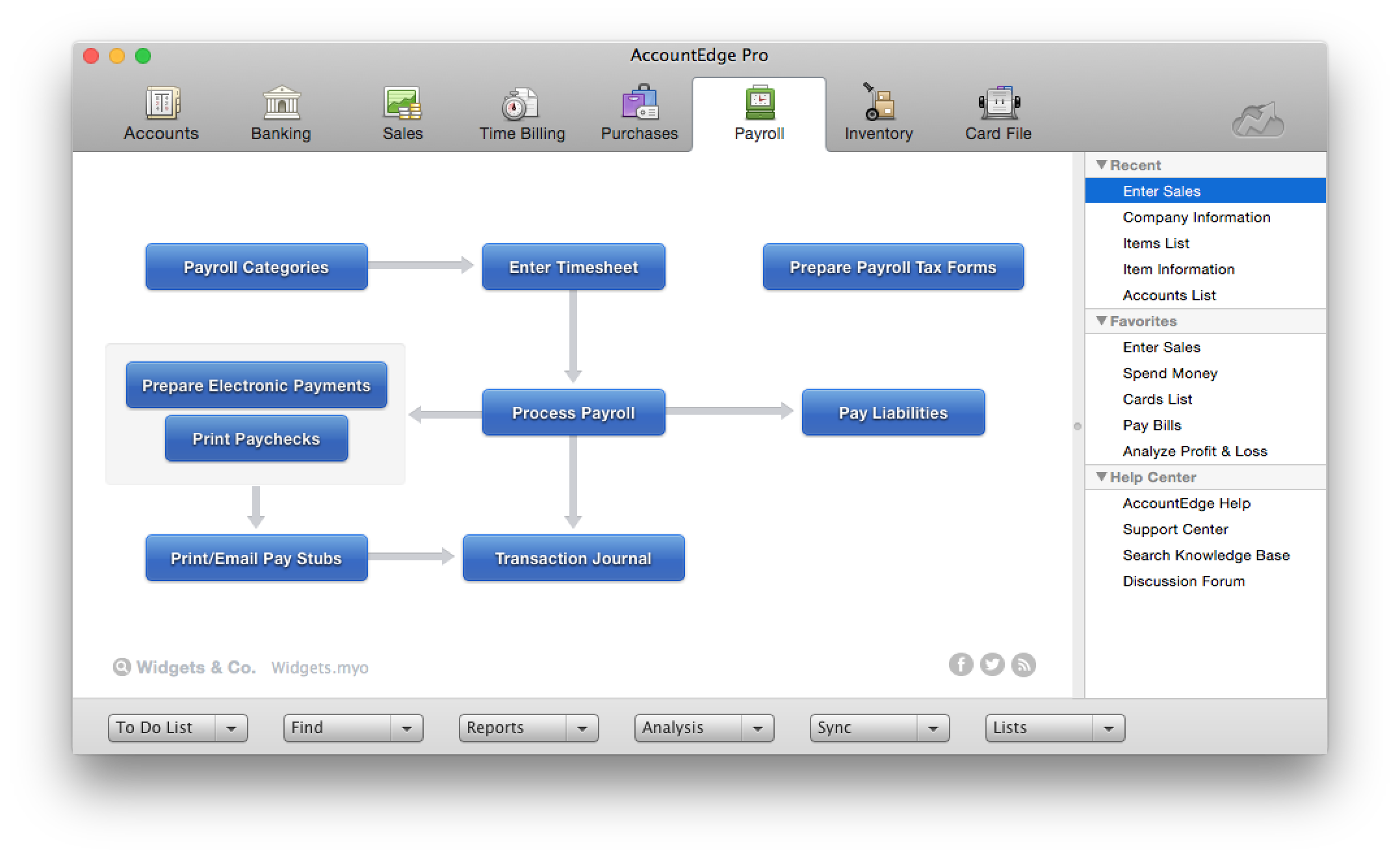
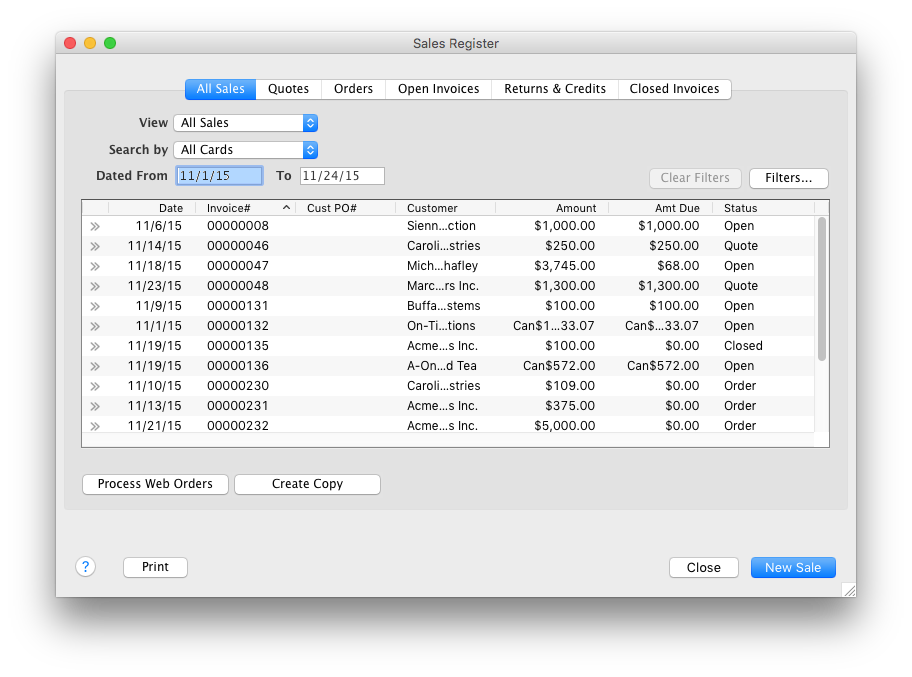
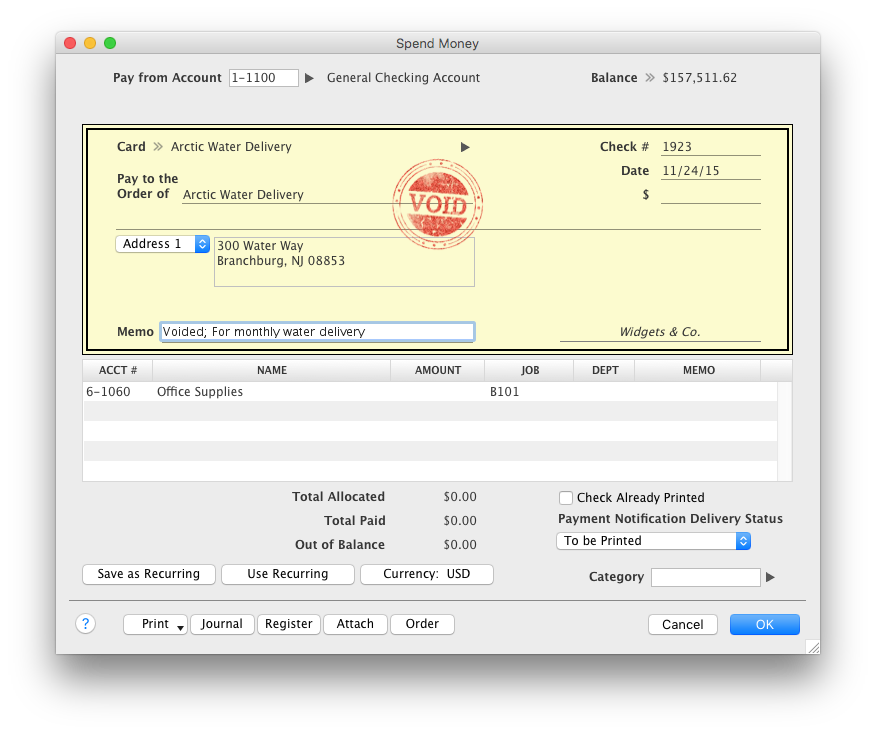
AccountEdge is a small business accounting software for Mac and Windows users. AccountEdge allows business owners to organize, process, and report on their financial information. Its features include accounting, integrated payroll, sales and purchases, contact management, inventory, and time billing. It was acquired by Priority Software in January 2018 to expand that company's small business portfolio.
$20
per month
Zoho Books
Score 9.0 out of 10
N/A
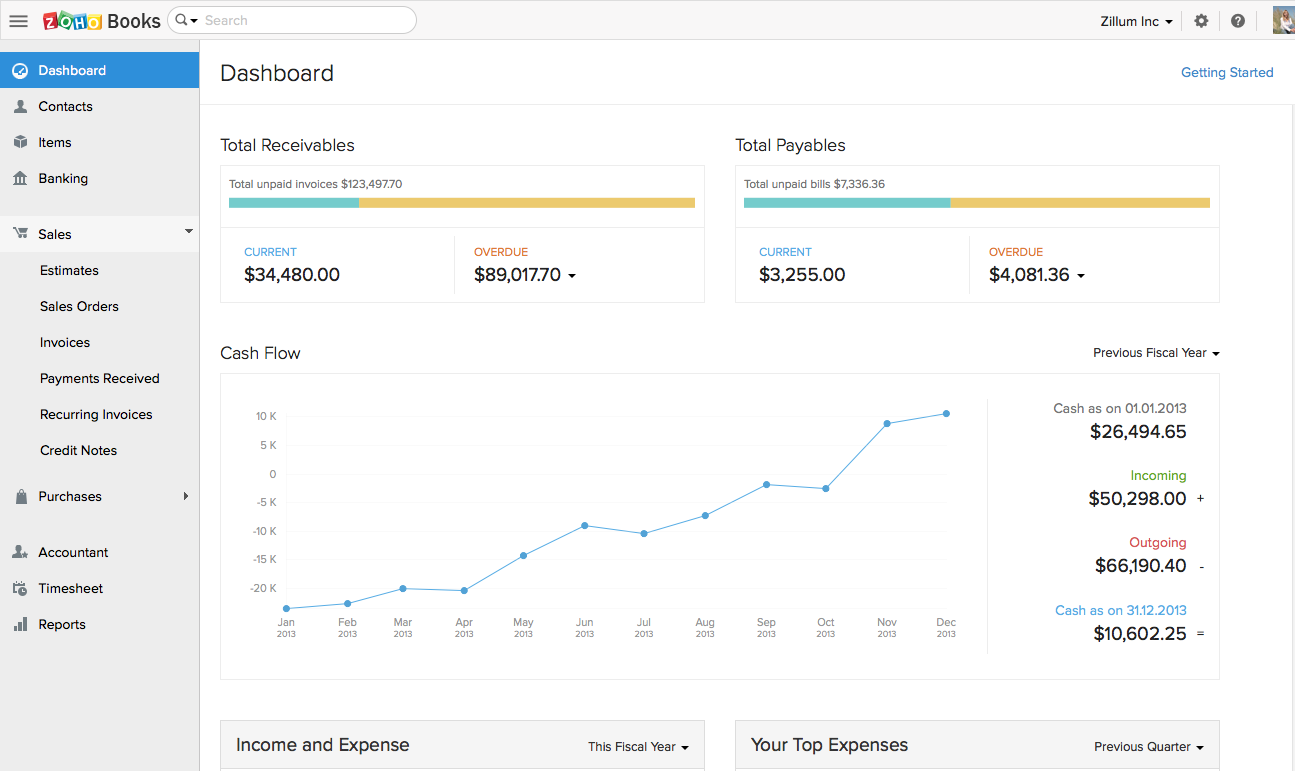
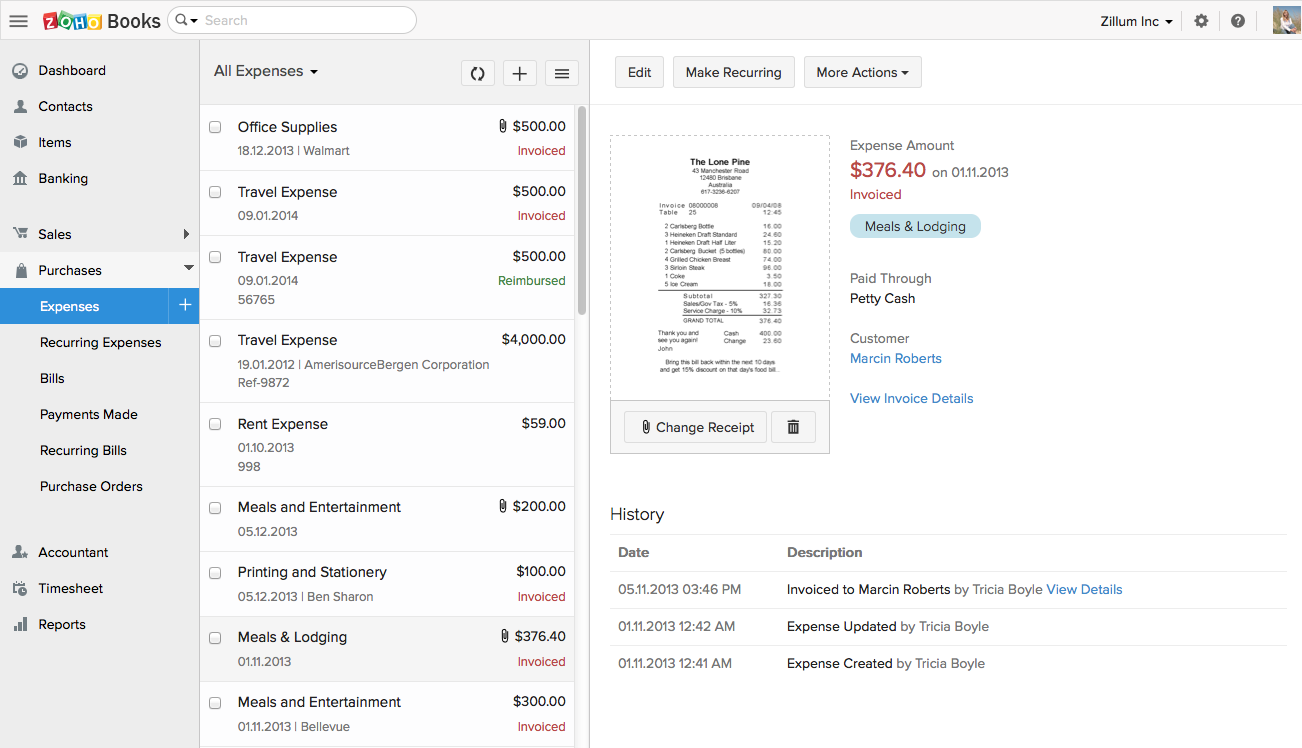
Zoho Books is an accounting solution that is designed to help small businesses manage their finances. This solution includes dashboards and a wide variety of reports. Business users can automate tasks and set up custom workflows.
Zoho offers a 14 day free trial.
$0
For businesses with turnover <50K USD per annum
Pricing
AccountEdge
Zoho Books
Editions & Modules
AccountEdge Pro
$20
per month
AccountEdge Network Edition
$30
per month
AccountEdge Hosted
$50
per month
Free
$0
For businesses with turnover <50K USD per annum
Standard
$20
per month per org
Professional
$50
per month per org
Premium
$70
per month per org
Offerings
Pricing Offerings
AccountEdge
Zoho Books
Free Trial
Yes
Yes
Free/Freemium Version
No
Yes
Premium Consulting/Integration Services
No
No
Entry-level Setup Fee
No setup fee
No setup fee
Additional Details
—
Zoho Books is available for both monthly and yearly plans. Users who sign up for the annual plan get a discount.
More Pricing Information
Community Pulse
AccountEdge
Zoho Books
Considered Both Products
AccountEdge
Verified User
Anonymous
Chose AccountEdge
Originally the decision was made for us when Quickbooks abandoned Mac users for a number of years. However, now that QuickBooks has returned to serving the Mac market, we are satisfied with AccountEdge's support of our platform. The user-friendly interface has made it easy for …
I have considered Quickbooks, but a cursory use did not lead me to believe that it was a good replacement for us. I might take a look again in the future if we can't link bank accounts to AccountEdge soon.
Originally Account Edge topped out other comparable accounting suites with the feature set sought after for account management, order-invoice creation & user based role deployment on the server side out to workstation use. This has not changed to current revision & we are …
I think AccountEdge is superior to Peachtree, which is not a high bar. Its compatibility with MAC OS is good, but I think Xero will be taking much of the Mac based customers as it appears to be a better product.
My hands down preference is to keep my accounting off of the cloud but that is not always the case with my clients. So, to make this comparison somewhat fair I will consider only the items containing parity in cloud vs desktop.
A number of my clients use QuickBooks, mostly on PCs, so I'm quite familiar with what it does. I'm just glad I'm using AccountEdge for my own accounting, because it's more straightforward and doesn't create 'hidden' transactions. Some years ago, a client on QuickBooks …
For Mac enthusiasts, AccountEdge is the complete installed software solution for small to medium-sized businesses, as it has so many capabilities that QuickBooks for Mac lacks. However, it holds your hand less than QuickBooks for Mac does, so you ought to know what your are …
Some of my clients use QuickBooks, some use AccountEdge. Hands down I prefer the user friendliness of AccountEdge over QuickBooks. There is no comparison in the return on profit when having the proper tools to be able to do a task efficiently and quickly. The more time wasted …
AccountEdge had already been implemented when I started working at Lake Industries.I have some experience in several other accounting & CRM software. AccountEdge has really come together in the last couple of years. The software is strong, easy-to-use, and great for daily …
AccountEdge is a much easier product to learn, and it is also much better integrated. That being said, AccountEdge could definitely use a few updates to bring it forward into today's world of technology.
I have a client who is in the firearms manufacturing industry that makes components. They had been using QuickBooks credit card processing feature and their service was recently canceled by QuickBooks for political reasons. QuickBooks is a privately held company so they can do …
I have used QuickBooks in the past and, although I really liked it when I started with them, when I switched to a Mac computer they were not at all compatible. AccountEdge filled the gap with a small learning curve where QuickBooks just couldn't satisfy. The only other products …
Zoho Books has a much simpler GUI and the reason we selected Zoho is because of the integration of Zoho Books across other applications and especially into Zoho products. One of the other reasons is the time log feature we can easily pair up with a client service ticket to show …
equally comparable to other payment processing made online, the benefit of using Zoho is that it has so many other apps and tools that are easily integrated like Zoho Sign, e.g. for sending out quotes etc. but also can be connected via an API to many other commercial platforms …
Much simpler than QuickBooks Desktop. For our needs, the pricing for Zoho Books when bought through a Zoho One subscription was a much better value. Our outside Audit firm was also able to follow Zoho Books much easier than our previous records.
I found Zoho Books to be more intuitive and user friendly. I also appreciated that it is cloud based, unlike the versions of QB I had used in the past. So our team was able to work remotely when needed, which was especially helpful during a pandemic.
We had a lot of problems with Exact Online, support-wise and price-wise. So Zoho Books wins on every point there. While Exact offers way more options, it tends to be really slow... and complex. Again Zoho Books wins.
If you want an easy-to-use tool and not pay a lot of money, …
I believe it is way easier to use, has more robust features, seamless integration with other Zoho apps like CRM, Projects, etc. is super useful and has saved a lot of time. Streamlining this process has been easy, and the end result is better reporting, improved decision making …
Cloud vs. desktop, this and the fact that Zoho Books syncs with our other Zoho apps were the most pressing reasons for switching to Zoho Books. As mentioned previously, we consider our accounting software to be an integral part of doing business efficiently, and we can now do …
Easier to integrate with other Zoho apps. It’s also customized for mobile use making it easy to use wherever I am. I can get real-time updates on payments while in the field via the mobile app. The software is customizable and adaptable so I can easily make it fit various …
[QuickBooks and Zoho] are very comparable until you open your wallet. While they are both neck-and-neck with one another in features, QuickBooks does have the integration advantage. There are many more platforms that integrate with QB than Zoho Books. But Zoho has so many …
The very easy to read dashboard, the clear categorization, the customization features, the easy learning curve and the seamless integration with other Zoho products (that we use a lot and frequently) are for our company the reasons why we favored Zoho books over other …
I love the price/quality ratio of Zoho Books, and it's an awesome application to handle all your accounting, inventory, and buying processes. It's simple to use so the company doesn't have to spend too much time and money on training new employees.
Zoho Books was an easy choice for us because of the features and smaller learning curve. Most of our staff have been able to come in and learn how to use it within hours versus the days it used to take to learn QuickBooks. Also being online, we are able to have real-time stats …
Quickbooks is the standard. ZOHO Books will give it a run for its money. Your accountant may not like the fact that you switch over to Zoho Books, but since it's completely web-based, you are able to give them access to your account easily.
The main difference here was the time tracking functionality that goes to a project specific nature. We do multiple projects with the same client and need to be able to split our time amongst those different projects for the purpose of reporting and invoicing.
Commercial Photographer: Google Street View | Trusted
Chose Zoho Books
Zoho Books is plain clunky. It does integrate with their CRM and other apps and that was why I had been attracted to it. But if you are in Australia, be very careful if you are moving from Zoho invoices. You won't get transferred data to the Australian platform and you will …
In comparison, Zoho is about the same price but comes with a lot more customizable fields. There are other solutions that feed right in and make it so there is only one place you need to go to get a full picture of your business and what you need to do to keep it running …
One of the best business decisions we have made in our company is getting Zoho Books. Customer service is really really fast. If you have a problem or questions they will get to you within minutes and they are constantly improving the application and listening to our feedback …
It's cloud based and AccountEdge wasn't at the time we needed it, a cloud based app. Zoho Books updates come automatically which makes it real convenient. Pricing was comparable and with AccountEdge it seems we were having frequent networking issues when being used by …
We made the switch from Quickbooks to ZohoBooks because of the CRM integration. Though Zoho Books has proven to be less hectic and less of a search when it comes to finding the needed features. In other words, its very user friendly! Everything is set up in a very simple, easy …
I selected Zoho Books initially for the best price, it offered and thereafter I became a fan of using the software and It was a nice experience using it overall, I even recommended at times in the place of Tally ERP 9. The more once used, the more it can be recommended to …
Would rank Zoho Books high up there among the options in the market. It has a wide feature base, smooth interface and comes highly trusted and reviewed.
If you are handling a large client list, and are selling services, it is dead easy. If you are managing/selling a physical inventory, it seems like it has great options to do that quite well (disclaimer, I do not use those functions, but I have paid attention as that functionality was built into the software). If you want to link your bank account to a bookkeeping platform, this is not the software for you (at least so far).
Zoho Books is good for a company or organization that wants to keep track of invoices, payments, and cash flow. If you do not have a full-time accountant in your organization, it can work well as whenever you hire one or have someone check your books, the information they need will be there, provided it has been entered into Zoho Books. It works as a one-man operation or a small team. For larger teams, it would depend on how much information needs to be input on a daily basis.
The projects feature is what we use a lot it helps setting up projects as well as tracking expenses and bills for the whole project. The budgeting feature is very developed, allowing you to budget by total project cost, total project hours, hours per task, or hours per staff.
Customer Estimates and Invoices are very easy to setup and send directly from the app (it also has a very nice and customizable reminder option).
Stock and pricing listings is very intuitive and easy and makes it a very helpful and time saving feature.
Bank reconciliation and Financial reporting are very developed and make it easy to share information with bookeepers and accounting specialists.
Probably our biggest beef is the sales pitch a while back to incorporate their POS system Checkout that was supposed to integrate hand in glove with AccountEdge (it never really did.) Now the company has abandoned the POS program (even the website is now a 404 error page). Checkout is glitchy, and rather than improving it, they just dropped it and left users like us who bought into it unsupported. That doesn't reflect well on the company's customer service in our view. We've been AccountEdge users from back when it was MYOB, but our confidence in their future dependability has been strongly impacted by this move, and if something else came along, our hard-earned loyalty might not be as firm as it has been in the past.
Some tasks in AccountEdge take a long time to complete (go get a coffee while the spinning beachball turns).
Don't know the feasibility, but it would be nice to have access to older transactions, maybe even in some kind of read-only format.
Without a doubt, when you need to do accounting use the program that will get the job done in the least amount of time with the least amount of errors. Once you are using a program that works you stay with it year after year and you will find yourself even excited about the updates
The intuitive interface does all the tasks we need our accounting software to do. Some tasks are slower to process than I would like but overall very usable. Customizable forms let us choose to either go with the easy ready-made out-of-the-box options or retool them to better fit our specific needs.
Customization is the biggest struggle for us and most of the time we need to involve a tech person. The chat support is a great feature and very helpful. It would be great to be able to customize and create invoices and correspondence (templates) such are reminders in multiple languages within one organization. The currency (USD) would be the same. We have clients in different countries that don't speak English but pay in USD.
One of the finer advantages of desktop software, it's always available. AccountEdge doesn't suffer from outages or sluggish internet like web based applications do. It's always there when you power on your device!
On the few occasions we have needed tech support over the years, they were responsive and worked to get to the root of the issues. However, even though Checkout POS is a separate application, it was pitched to us as a natural extension of the functionality of our AE software that would integrate seamlessly. The company's support for Checkout has been minimal at best, and now totally abandoned. That colors our view of Priority's support unfortunately. And to be honest, that's why it's a 9 instead of a 10. So to be fair, AccountEdge's support itself has been very good over the years.
The support team feels very disjointed. We have filtered through a number of "lead" contacts and are frequently spammed by other Zoho members. Once getting an appropriate support contact on the phone - the team is very helpful, it just takes a lot of hoop jumping to get there. We actually unsubscribed from their support package as we were not getting the value we were looking for.
My hands down preference is to keep my accounting off of the cloud but that is not always the case with my clients. So, to make this comparison somewhat fair I will consider only the items containing parity in cloud vs desktop. AccountEdge vs Xero. AccountEdge has superior interface and key response because an internet connection is generally not as responsive as localized software. Period. I also feel that AccountEdge is far more robust in features as well as how my data is presented (visually). I require uniform naming/wording conventions so I can better assimilate data. While this is possible in Xero, it's not as easy to accomplish because of screen response and keyboard workflow. Mouse oriented vs. keyboard oriented. AccountEdge vs QuickBooks for Mac. Succinctly put: cross-platform. AccountEdge data files do not require "saving as" Windows copies or any other such nonsense conversion. They just work equally well on either platform. So for users whose platforms do not match their accountant's, there is simply no issue. Additionally, Acclivity will give a user's accountant a copy of the software for free.
Cloud vs. desktop, this and the fact that Zoho Books syncs with our other Zoho apps were the most pressing reasons for switching to Zoho Books. As mentioned previously, we consider our accounting software to be an integral part of doing business efficiently, and we can now do that considering our systems are all integrated.
If I didn't have AccountEdge, I would have to make do with Excel spreadsheets, or go back to paper, as I did before 1995, and I wouldn't be able to access client information as easily as I can here.
It allows me to manage cash easily, so if clients are slow-paying, I can borrow funds to meet expenses, without incurring overdraft fees, until they come through.