Proposify is an online proposal software designed to give users control and visibility into the most important stage of a sales process: the close. From deal design to sign-off, the vendor states users get the confidence and flexibility to dominate deals, and further states users will: Create impressive sales documents that stay consistent and error-free. Receive the insights to scale a process, make timely engagements, and accurately…
N/A
Qvidian RFP & Proposal Automation
Score 7.0 out of 10
Enterprise companies (1,001+ employees)
Proposal management and RFP response software
N/A
Pricing
Proposify
Qvidian RFP & Proposal Automation
Editions & Modules
No answers on this topic
No answers on this topic
Offerings
Pricing Offerings
Proposify
Qvidian RFP & Proposal Automation
Free Trial
Yes
No
Free/Freemium Version
Yes
No
Premium Consulting/Integration Services
No
No
Entry-level Setup Fee
Optional
Optional
Additional Details
Get a free trial version of our Team Plan for 14 days. You're welcome to switch to our Free plan if you need more time with the product. No credit card required. No contracts. Pick the plan that meets your needs when you're ready.
—
More Pricing Information
Community Pulse
Proposify
Qvidian RFP & Proposal Automation
Features
Proposify
Qvidian RFP & Proposal Automation
Proposal Creation & Organization
Comparison of Proposal Creation & Organization features of Product A and Product B
Proposify
7.6
Ratings
5% below category average
Qvidian RFP & Proposal Automation
7.6
Ratings
5% below category average
Proposal branding
9.20 Ratings
7.90 Ratings
Proposal templates
9.20 Ratings
8.00 Ratings
Proposal content library updates
8.40 Ratings
8.00 Ratings
Guided proposal creation
3.80 Ratings
7.10 Ratings
Searchable proposal database
7.30 Ratings
7.00 Ratings
Proposal Collaboration & Workflow
Comparison of Proposal Collaboration & Workflow features of Product A and Product B
Proposify
5.6
Ratings
37% below category average
Qvidian RFP & Proposal Automation
7.1
Ratings
13% below category average
Proposal collaboration & approval
7.30 Ratings
8.00 Ratings
User permissions/proposal editing controls
4.70 Ratings
7.00 Ratings
Sales proposal workflow
6.60 Ratings
7.20 Ratings
Proposal automation user interface
3.80 Ratings
6.20 Ratings
RFP management & response
00 Ratings
7.10 Ratings
Proposal Delivery
Comparison of Proposal Delivery features of Product A and Product B
We use proposals for client contracts. They are several pages long with a lot of legalese. We also use them for NDA contracts with clients. Mainly we use Proposify for client project proposals. The proposals include description, main project points, price, timing, scope, process, cost, and everything the client can expect. I like that we were able to design a custom cover for our proposals. Proposify does one thing very well and that is proposals. I like that it doesn't try to be everything
Functionality and support are my two main areas. I want to be able to speak to someone when I have an issue. To Quvidian's defense, my company didn't see the value in sending someone to NH for the training. I'd used an RFP machine before so they thought that was sufficient. It was a poor decision on the company's part because although it was similar, it was not the same.
So our favorite feature is the huge time savings. If anybody's ever done proposals on Word or Excel; it’s a head wreck. Proposify is great because there are beautiful templates there ready to go, it saves you a ton of time, and they are visually appealing. We get lots of feedback from our clients when we send them out proposals that our proposals look amazing.
There are great, sneaky metrics that we absolutely love. You get notifications on your phone via the app when somebody opens the proposal and when they've signed off on it. But you can also go into the app and see how much time people are actually spending looking at your proposal.
Because you send out the proposals and you can have automated reminder emails, there’s communication back and forth within the proposal that you can have-- the clients can actually write notes back and forth. It just makes the whole thing super smooth and it integrates with most of your CRMs out there.
The search function ranks information based upon usage and is adaptive, learning/improving rankings with every search. This makes finding the right piece of information quick and easy.
The tool offers flexibility to build various types of sales documents (proposals, presentations, case studies). This drastically reduces the time it takes to put together a client-facing document.
The content management functionality allows for various content formats and related content can be connected. This simplifies tracking content updates by knowing which other pieces of information may also need review and update when a change is made outside the normal update cycle.
The text editor is slow, buggy, and the Achilles heel of the Proposify platform. It got worse with the launch of their new UI.
The new interface was launched way before it was ready for prime-time. As a result, there are still quite a few bugs Proposify has yet to fix. Once you upgrade to the new interface, you can't go back.
It's not uncommon to have sections of a proposal disappear entirely from the PDF version.
Depending on the browser, formatting can be far different that the creator intended.
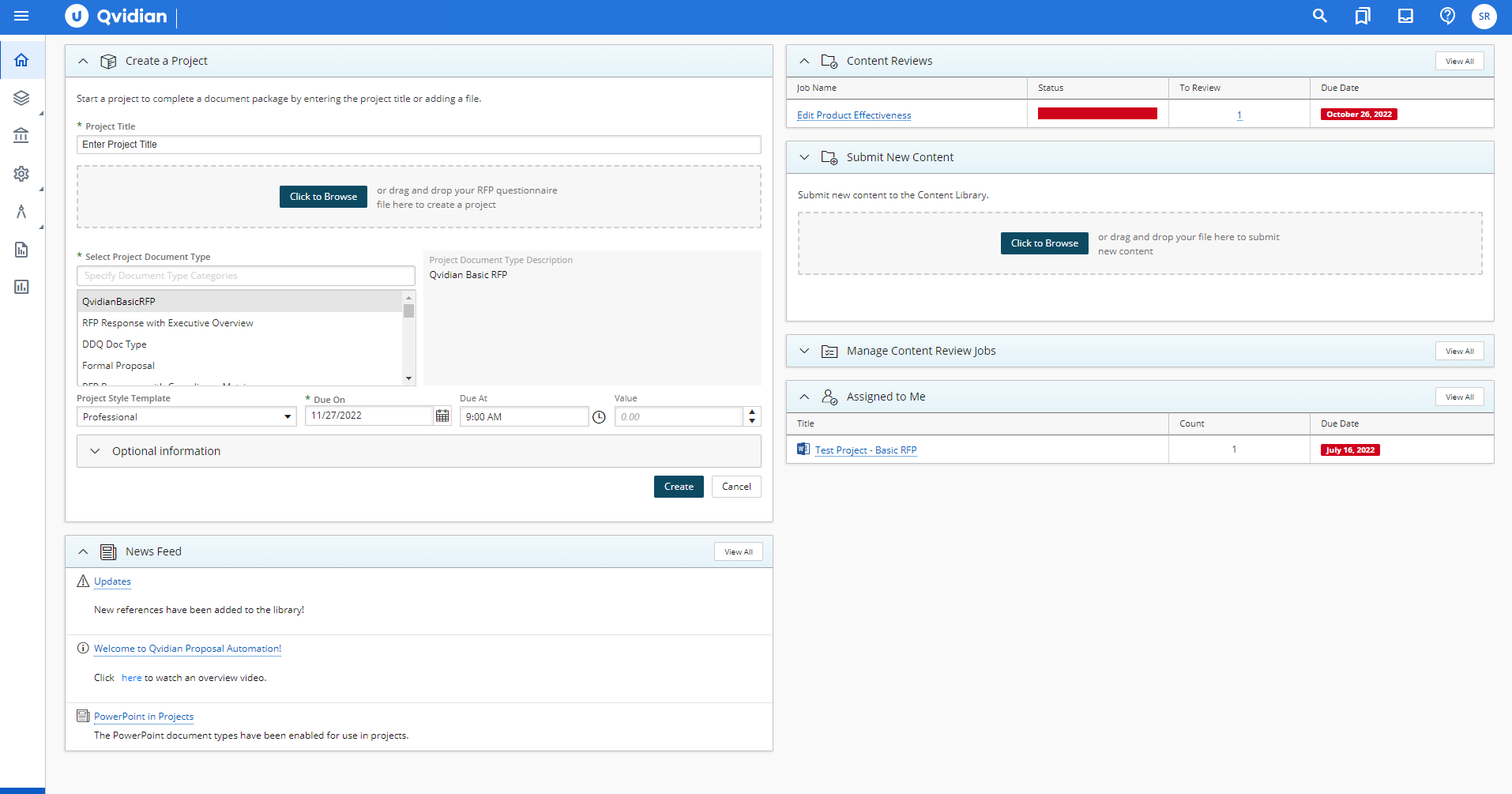
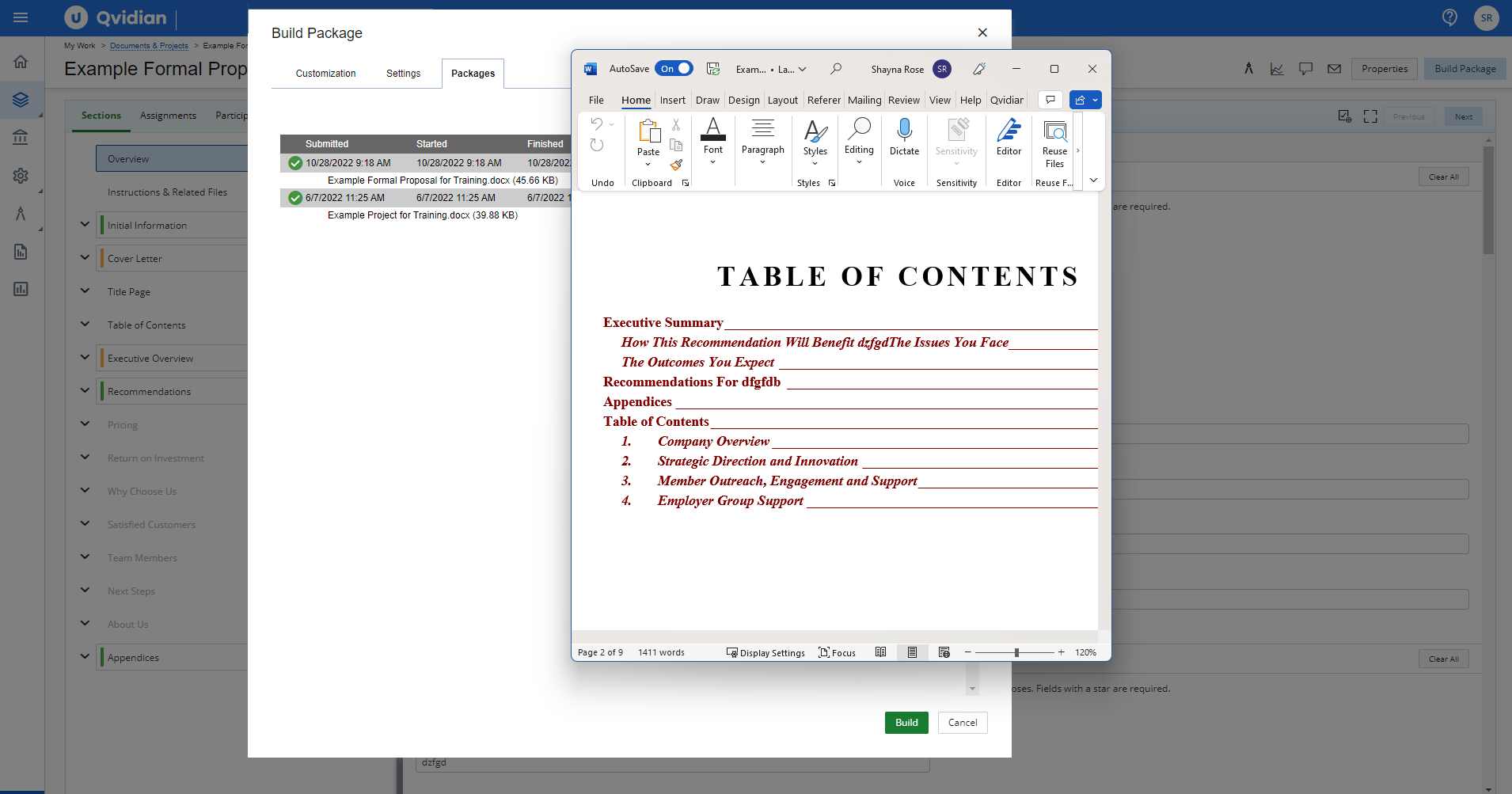
This is a weird one but when adding content to the 'Q' the tab in word sometimes disappears. Not sure why that happens and we haven't really tried to trouble shoot yet. My solution at the moment is just closing it and re-opening it. Sometimes it works and sometimes I have to do it a few times.
While being a great place to keep content for our team to access, there is always the thought of whether the information is still accurate. Especially when comes to statistics and facts. We at times get so used to just using what is in our boilerplate that we forget to question whether information is accurate or not. This is more of an observation for users rather than an issue with 'Q' however the information is only as good as it's accuracy.
We've already renewed our contract with Qvidian and plan on using it for the foreseeable future. Apart from the fact that Qvidian has all the features we need to respond to RFPs and maintain a large informational database, the time that would need to be spent researching and testing out a different piece of software just wouldn't be worth it. All of our users are well learned in Qvidian, and it's easy to teach to new users. Having to learn a brand new application when the current one works great is pointless. "If it ain't broke, don't fix it" applies here.
Overall it's great. There's definitely a learning curve, and I wish that some things were easier to use. For example, changing images isn't the easiest thing to do in it, but I'd love to be able to quickly add and change header images in my proposals. So far I've figured it out, but each time I do it I forget how it's done since it's not intuitive.
The shift they made in architecting documents from content to outline, is now reversed allowing outline creation first, then content which is more natural. But, due to the fact that we went through a migration of content to get to the new version, it feels less optimized than if we would have re-implemented.
End users having to configure settings more often than desired
I've actually never used Proposify support, so I'm unable to speak about it. I suppose that's a good thing. If I did need to use it, I would hope that they'd be responsive and intelligent, but, again, since everything has worked smoothly I don't really know how the support functions or how good it is.
They are very much in support of great customer service. They respond quickly with emails and in some cases phone calls to resolve any issues and often times user questions in the past when I could not figure something out.
Live instructor training is expensive, though we have had instructors come to our offices for a ‘refresher’ before. The refresher was more of a “let us fix that for you” than a training on how to do it ourselves.
We looked for a solution after we spent countless hours and years maintaining a MS Word Template system. Proposify takes many features and streamlines them, mak[ing] them interactive and clean. It's nice to digitally deliver a proposal that a customer can view online- it ads a "creative expectation" for a design agency to fulfill this approach facing a client. It's expected rather than a MS Word doc sent via email or printed and hand delivered. The export to PDF is a nice feature if you need to print.
Of the competitive vendor demos I have reviewed over the years, each may have its own strength. Some may be set up to drive compelling differentiators or solutions (E.g., propLIBRARY.com). Some may be built on existing CRMs (E.g., Qorus). Some may have tablet-friendly interfaces (E.g., SAVO). Others focus on collaboration (E.g., XaitPorter). There is nothing wrong with any of these models. You will just have to perform your own gap analysis and see what best addresses your needs. For Blackboard Inc., none of the aforementioned competition offered a holistic and robust replacement for our current PA tool. We have senior writers to craft compelling differentiators. We use SFDC, not SharePoint as our EA CRM. While our strategic writing and architectural needs outweigh having the slickest tablet-friendly user interface, we still have an interface and user experience that is geared toward usability and performance while being cognizant of adoption. New collaborative tools are a big draw, especially when responding to private sector proposals with a 10-to-20 day turnaround. However, not only has this not been a pain point for us (we currently have a versioning process in place) but the conversion and adoption hurdles just for one feature where there is already a workaround in place does not justify the migration.
The use of templates within Proposify has empowered our sales team to reduce the amount of time it took to send out a proposal by almost 50%!
The ability to add user-selectable "add-ons" to a proposal saw a 10% increase in overall sale price.
Developing the templates within the somewhat limited parameters that Proposify's design interface offers did require some significant time from our design team.
Our experience has been largely positive. It's allowed our RFP team to quickly and efficiently produce very professional documents. This has lead to more time being able to speak to the clients needs specifically. We've received lots of positive feedback from clients saying that the RFP looked tailored to them, and not just some content dumped in a binder. That was our goal.