Sage 300 vs. Webexpenses

Overview
ProductRatingMost Used ByProduct SummaryStarting Price
Sage 300
Score 7.6 out of 10
N/A
Sage 300 (formerly Sage 300 ERP) is a business management solution that includes strong accounting and financials, as well as multi-currency and multi-language capabilities. Built on accounting best practices, users will be able to track, control, and plan the financial health of their business.
$1,655
Lifetime License per Seat
Webexpenses
Score 9.2 out of 10
N/A
Webexpenses is a global provider of spend management solutions, combining integrated Expense Cards with cloud-based software for businesses of all sizes across 70+ countries. Serving industries such as retail, finance, technology, construction, and not-for-profit, Webexpenses gives businesses control over company spending by automating processes, proactively enforcing policies, and controlling costs. Features The Webexpenses…N/A
Pricing
Sage 300Webexpenses
Editions & Modules
Sage 300 ERP Standard
$1,655
Lifetime License per Seat
Sage 300 ERP Advanced
$1,665
Lifetime License per Seat
Sage 300 ERP Premium
$1,665
Lifetime License (unlimited seats)
No answers on this topic
Offerings
Pricing Offerings
Sage 300Webexpenses
Free Trial
NoYes
Free/Freemium Version
NoNo
Premium Consulting/Integration Services
NoNo
Entry-level Setup FeeNo setup fee$250 null
Additional DetailsOur pricing is by module and by license and can range depending on what the customers requirements are. Most of our financial and operational modules are $1655.00 each, plus user license, plus an annual business care of 24%.
More Pricing Information
Community Pulse
Sage 300Webexpenses
Considered Both Products
Sage 300
Chose Sage 300
Better reports, looks professional

Chose Sage 300
Sage 300 cloud is much more detailed than the other.
About the same in being user friendly
A better layout
Chose Sage 300
Sage 300cloud is a great cloud/web based option when stacked against Sage 300 and Sage 100 Contractor. These other two systems are on premise and require licenses to access. Sage 300cloud can be accessed from any web page and is a pay as you go model. Oracle JD Edwards …
Chose Sage 300
Sage 300 was selected before I came to this company, these are others I've previously used or evaluated. I'm happy overall with Sage 300, as it does what it needs to, even if it's not super fancy. The functionality is as robust as you need it to be; it's scalable.
Chose Sage 300
We have been an Accpac company since day one (1999). We have not tried a competitor, although some of our 'sister organizations' have switched to Altus Dynamics recently. There are also some Great Plains users that we talk to once in a while, but at this time we are not …
Chose Sage 300
Sage offers more features allowing your business to continue to grow and develop while utilizing the same software. Also, the ability to manage the users is more simplified in Sage.
Chose Sage 300
Sage is much better at multicurrency support
Chose Sage 300
As an accountant I find that Sage 300 works logically from an accounting perspective as opposed to other accounting packages that are aimed at users without an accounting background. MAS 500 is an excellent and powerful product but is not appropriate for the company size that I …
Chose Sage 300
Sage 300 is easier to use and more flexible in reporting that products I've used in the past.
Chose Sage 300
The cost was less and it was able to allow donation tracking easily.
Chose Sage 300
Sage deals with Canadian issues much better than the products above. It has better multicurrency capabilities.It address Canadian taxes especially GST input tax credits better. It has better options for Canadian payroll and Candian payments including EFT and Credit Card …
Webexpenses
Chose Webexpenses
this is the only apps we used for the same purpose
Chose Webexpenses
Webexpenses is easier to use and understand to me and my colleagues. you literally can just look at the page and you can see the hwole graph of everything and the pie chart that is displayed so that you dont have to figure it out yourself
Chose Webexpenses
I cannot remember the name of the product I used previously but compared to that this one is a lot more user friendly and efficient.
Chose Webexpenses
Webexpenses can be integrated with accounting and payroll software (like Sage, SAP, or QuickBooks) for seamless processing and reporting.
Chose Webexpenses
I used an internal programme in CBRE Ireland and it was not user friendly and you'd have to input the same information over and over for every expense added.
Chose Webexpenses
Previously have not used any.
Chose Webexpenses
For me, Webexpenses is slightly better than Concur, but I was not involved in selecting it over Concur.
Chose Webexpenses
Webexpenses was chosen as they were very responsive, flexible and qualitative at the beginning, not anymore, after 4 years.
Chose Webexpenses
Previously i had only used excel sheets for my expenses
Chose Webexpenses
The biggest difference between Webexpenses and Concur honestly lie in the simplicity of what is needed from the employee and their expenses. Concur asks for a lot of itemization sometimes and may even have to import other receipts and invoices that are spent by the employee and …
Chose Webexpenses
Webexpenses is, from what I remember as it was about 6 years ago I used it, very similar to Concur. Find both easy to use.
Chose Webexpenses
They are different systems so I can not compare them against each other but these systems are more user friendly.
Chose Webexpenses
I would say SAP Concur is slightly easier to use that Webexpenses
Chose Webexpenses
I am unable to provide any detail to this question as I have not used these products, but I am aware of these products and other applications.
Chose Webexpenses
Immediate reporting, saving time at the end of the month.
Chose Webexpenses
I was not part of the decision team; the system was introduced before I joined the company.
Chose Webexpenses
The ease of use of the platform has been the biggest benefit of this system. We didn't need to provide any structured training to our staff, we just sent out the link and people were able to intuitively use the platform. Other competitors were harder to navigate and to use.
Chose Webexpenses
I much prefer Web Expenses to Concur. Although one functionality that Concur had, a user could email their receipts from the registered user email to Concur then these receipts would be available for the user add to their expense claim.
Features
Sage 300Webexpenses
Payroll Management
Comparison of Payroll Management features of Product A and Product B
Sage 300
9.1
Ratings
16% above category average
Webexpenses
-
Ratings
Pay calculation9.20 Ratings00 Ratings
Benefit plan administration9.20 Ratings00 Ratings
Direct deposit files9.10 Ratings00 Ratings
Salary revision and increment management9.10 Ratings00 Ratings
Reimbursement management9.10 Ratings00 Ratings
Customization
Comparison of Customization features of Product A and Product B
Sage 300
6.1
Ratings
22% below category average
Webexpenses
-
Ratings
API for custom integration9.10 Ratings00 Ratings
Plug-ins3.00 Ratings00 Ratings
Security
Comparison of Security features of Product A and Product B
Sage 300
9.4
Ratings
12% above category average
Webexpenses
-
Ratings
Single sign-on capability9.30 Ratings00 Ratings
Role-based user permissions9.40 Ratings00 Ratings
Reporting & Analytics
Comparison of Reporting & Analytics features of Product A and Product B
Sage 300
9.1
Ratings
14% above category average
Webexpenses
-
Ratings
Dashboards9.10 Ratings00 Ratings
Standard reports9.10 Ratings00 Ratings
Custom reports9.10 Ratings00 Ratings
General Ledger and Configurable Accounting
Comparison of General Ledger and Configurable Accounting features of Product A and Product B
Sage 300
7.0
Ratings
11% below category average
Webexpenses
-
Ratings
Accounts payable9.40 Ratings00 Ratings
Accounts receivable9.40 Ratings00 Ratings
Cash management9.10 Ratings00 Ratings
Bank reconciliation6.50 Ratings00 Ratings
Expense management9.10 Ratings00 Ratings
Time tracking1.00 Ratings00 Ratings
Fixed asset management3.00 Ratings00 Ratings
Multi-currency support1.00 Ratings00 Ratings
Multi-division support9.30 Ratings00 Ratings
Regulations compliance9.10 Ratings00 Ratings
Electronic tax filing4.00 Ratings00 Ratings
Self-service portal1.00 Ratings00 Ratings
Global Financial Support9.10 Ratings00 Ratings
Primary and Secondary Ledgers9.10 Ratings00 Ratings
Intercompany Accounting9.20 Ratings00 Ratings
Localizations1.00 Ratings00 Ratings
Journals and Reconciliations9.40 Ratings00 Ratings
Enterprise Accounting9.10 Ratings00 Ratings
Configurable Accounting9.10 Ratings00 Ratings
Centralized Rules Framework9.10 Ratings00 Ratings
Standardized Processes9.10 Ratings00 Ratings
Inventory Management
Comparison of Inventory Management features of Product A and Product B
Sage 300
5.1
Ratings
36% below category average
Webexpenses
-
Ratings
Inventory tracking1.00 Ratings00 Ratings
Automatic reordering9.10 Ratings00 Ratings
Location management9.10 Ratings00 Ratings
Manufacturing module1.00 Ratings00 Ratings
Order Management
Comparison of Order Management features of Product A and Product B
Sage 300
1.0
Ratings
154% below category average
Webexpenses
-
Ratings
Pricing1.00 Ratings00 Ratings
Order entry1.00 Ratings00 Ratings
Credit card processing1.00 Ratings00 Ratings
Cost of goods sold1.00 Ratings00 Ratings
Order Orchestration1.00 Ratings00 Ratings
End-to-end order visibility1.00 Ratings00 Ratings
Order exception Resolution1.00 Ratings00 Ratings
Expense Management
Comparison of Expense Management features of Product A and Product B
Sage 300
-
Ratings
Webexpenses
8.5
Ratings
1% below category average
Employee Expense Reporting00 Ratings8.70 Ratings
Corporate Card Reconciliation00 Ratings8.40 Ratings
Payment Management
Comparison of Payment Management features of Product A and Product B
Sage 300
-
Ratings
Webexpenses
8.2
Ratings
0% above category average
Customizable Approval Policies00 Ratings8.10 Ratings
Financial Document Management00 Ratings7.80 Ratings
Payment Status Tracking00 Ratings8.20 Ratings
Payment Audit Trail00 Ratings8.60 Ratings
Duplicate Bill Detection00 Ratings8.10 Ratings
Advanced OCR00 Ratings7.80 Ratings
Electronic Funds Transfer00 Ratings8.70 Ratings
Best Alternatives
Sage 300Webexpenses
Small Businesses
QuickBooks Self-Employed (discontinued)
Score 8.9 out of 10
Dext
Dext
Score 9.8 out of 10
Medium-sized Companies
Zoho Books
Zoho Books
Score 9.0 out of 10
Precoro
Precoro
Score 2.8 out of 10
Enterprises
Oracle Fusion Cloud Enterprise Performance Management
Score 10.0 out of 10
Emburse Chrome River
Score 9.2 out of 10
All AlternativesView all alternativesView all alternatives
User Ratings
Sage 300Webexpenses
Likelihood to Recommend
7.6
(0 ratings)
9.1
(0 ratings)
Likelihood to Renew
8.4
(0 ratings)
9.2
(0 ratings)
Usability
8.0
(0 ratings)
9.1
(0 ratings)
Availability
-
(0 ratings)
9.3
(0 ratings)
Performance
-
(0 ratings)
9.6
(0 ratings)
Support Rating
8.6
(0 ratings)
8.5
(0 ratings)
In-Person Training
-
(0 ratings)
8.7
(0 ratings)
Online Training
-
(0 ratings)
9.8
(0 ratings)
Implementation Rating
-
(0 ratings)
7.8
(0 ratings)
Configurability
-
(0 ratings)
6.5
(0 ratings)
Ease of integration
-
(0 ratings)
7.3
(0 ratings)
Product Scalability
-
(0 ratings)
9.3
(0 ratings)
Vendor post-sale
-
(0 ratings)
8.7
(0 ratings)
Vendor pre-sale
-
(0 ratings)
9.1
(0 ratings)
User Testimonials
Sage 300Webexpenses
Likelihood to Recommend
I believe that Sage 300 ERP is appropriate for a wide variety of companies looking for a system to maintain information in a concise manner. The level of complexity with which it is used is determined by the user group. Therefore, this product is great for companies that are just starting to grow right through to more mature companies looking for detailed data and analytics from their systems.
Read full review
Really suits me well for making mileage claims, the map works well and it has an accurate log of addresses. Very handy and easy to be able to add any necessary receipts. Could be a good idea to include live road closures? but I understand that's quite tricky to do. Really easy to be able to move routes when you have gone a different way than recommended.
Read full review
Pros
  • The installation directions are clear and easy to follow.
  • The ability to import and export data is also easy allowing you to perform mundane tasks easily and efficiently.
  • The security features allow you to fine tune the permissions for the end users so that they cannot see data that you do not want them privy to.
Read full review
  • imports credit card transactions from our corporate card program without issue
  • allows for easy set up of new users
  • is a very intuitive, easy to learn tool
  • has a very responsive support and customer service team
  • Set up and configuration was thorough, and they were able to work through our unique issues, such as custom segments in NetSuite.
  • It is a very inexpensive product. Well worth the cost.
Read full review
Cons
  • Although I do like the Bank Reconciliation module, I wish it was a bit more advanced and less clunky. Some transactions cannot be reversed and the module seems slower than others.
  • When using copy and paste on all modules, sometimes I receive an error message and the program closes.
Read full review
  • When you click add receipts after putting the details of your expense, you get the impression that you have done something incorrect from the prompt that you receive
  • Two options for adding receipts can confuse people when training them on how to use
  • An easy to access FAQ would be helpful
Read full review
Likelihood to Renew
It is a solid stable product with a large user community and large ISV community. Support and Training are easy to access and obtain and there is larger reseller channel to ensure the firm you work with is honest. It is scalable and there are multiple deployment and payment options.
Read full review
It depends if alternative systems for other functions (HR / Payroll) have expenses functionality included as a supplementary service. If they’re part of a total system then having a separate system for expenses when another system provides the functionality (even if mildly less efficient, etc) then it wouldn’t be viable
Read full review
Usability
Sage 300cloud is intuitive and user friendly after some training. It does require implementation and training but once that's done, this software is easy to use and navigate. Support for Sage 300cloud is spot on and offers assistance over the simplest to [the] most complex of tasks. Finding information or learning new tasks within Sage 300cloud is relatively easy and educational.
Read full review
Based on what I have used it for, it was very easy to use and navigate. The approval process was already setup on the back end so there was no confusion on my end. Notifications were sent to my email based on status which made it helpful to understand where an expense was in the process.
Read full review
Reliability and Availability
No answers on this topic
it is always available when I need it
Read full review
Performance
No answers on this topic
Some times image uploads can be slow and you have to alter the image resolution to increase the speed
Read full review
Support Rating
Support for Sage 300cloud is similar to Sage support. Depending on which channel you get to and which Specialist you get, the Support can be spot on and rapid. However, there can be wait times and [occasionally], new functionality isn't always well supported. Support documentation is great and [easily] accessible. Additionally, Support Consultants are great resources when it comes to learning and troubleshooting Sage 300cloud.
Read full review
The support for the initial setup was great, but since then we have only had to contact support once when we had problems uploading credit card files. The help we received at this time was not good and we ended up trying various things until we resolved the problem ourselves. The online support tutorials are good, but searching for a specific issue is difficult.
Read full review
In-Person Training
No answers on this topic
All went well.
Read full review
Online Training
No answers on this topic
It was difficult to train multiple people via video, as they learned at different speeds, and most of the user champions were not as capable with systems and finance processes as our dept.
Read full review
Implementation Rating
No answers on this topic
As long as you have people that are fully aware of the setup steps to get users into the software then I would see no issues arising for any company.
Read full review
Alternatives Considered
Sage 300cloud is a great cloud/web based option when stacked against Sage 300 and Sage 100 Contractor. These other two systems are on premise and require licenses to access. Sage 300cloud can be accessed from any web page and is a pay as you go model. Oracle JD Edwards EnterpriseOne and Oracle JD Edwards World are better for larger organizations that are heavy into Service and Work Order Management.
Read full review
The ease of use of the platform has been the biggest benefit of this system. We didn't need to provide any structured training to our staff, we just sent out the link and people were able to intuitively use the platform. Other competitors were harder to navigate and to use.
Read full review
Scalability
No answers on this topic
because as the business has grown to has the user base
Read full review
Return on Investment
  • Hard to say - Accpac (in one form or another) is all we have ever used, thus there is no real comparison to make to show impact vs another application.
  • Sage 300 ERP is the backbone of our organization - efficiently dealing with payroll and budgets in excess of 30 million dollars per year.
Read full review
  • Easy integration with your existing finance / accounting software.
  • Lot of time is being saved in maintaining records and now going completely online.
  • Love the option of Scan receipts with Google-vision-powered optical character. This also resulted in less use of paper in our office.
Read full review
ScreenShots

Webexpenses Screenshots

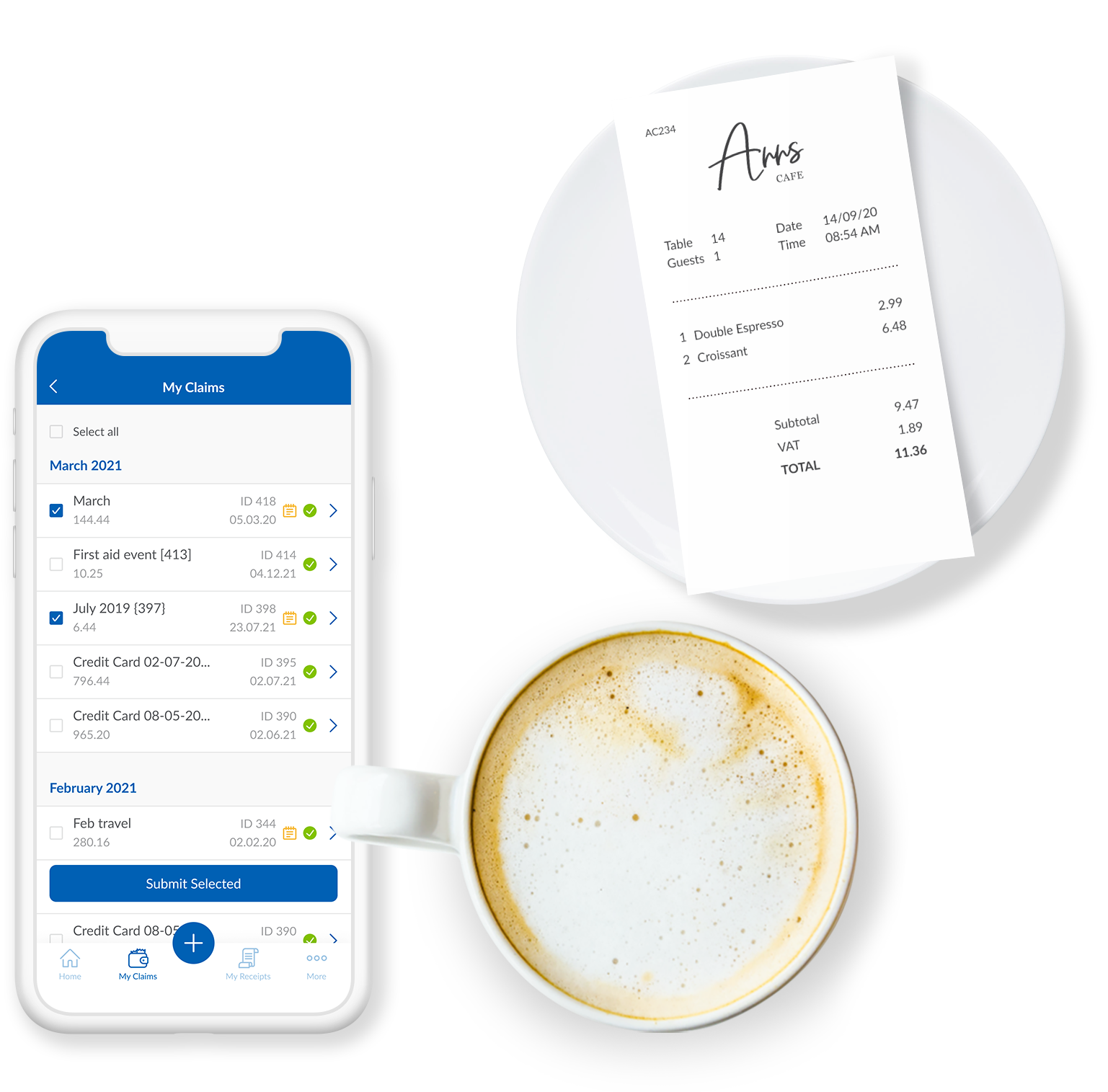
Screenshot of the Webexpenses mobile app, that captures receipts instantly.Screenshot of Webexpenses, accessed through a desktop, iOS, Android or Windows device.Screenshot of mileage tracking with Webexpenses.Screenshot of a display of expense-related spend, reported and tracked with customisable reports.Screenshot of the mobile app, where users' expenses can be built, submitted and approved.Screenshot of Webexpenses payments and expense reimbursements.