Microsoft Azure is a cloud computing platform and infrastructure for building, deploying, and managing applications and services through a global network of Microsoft-managed datacenters.
$29
per month
SAP Integration Suite
Score 8.5 out of 10
N/A
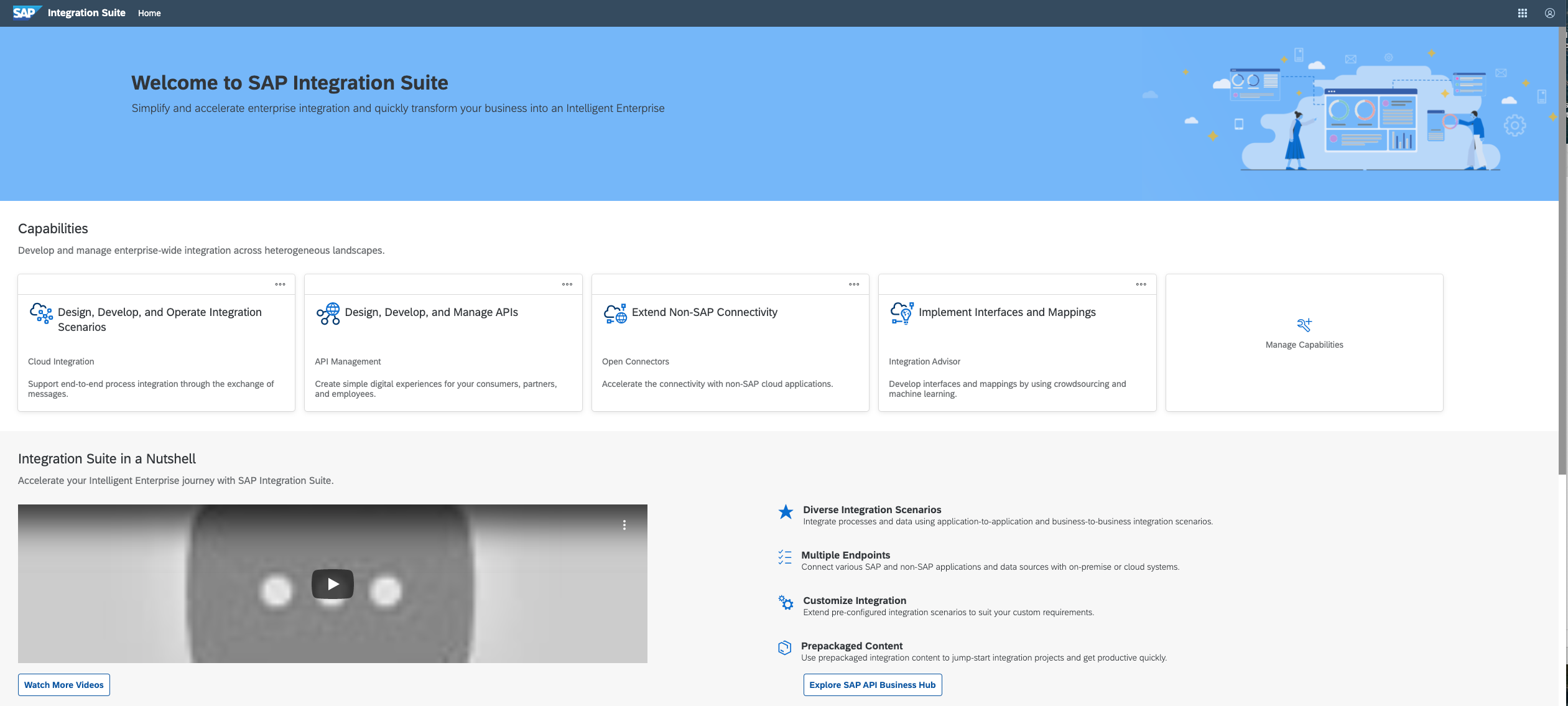
SAP Integration Suite is an integration platform-as-a-service (iPaaS) that helps quickly integrate on-premises and cloud-based processes, services, applications, events, and data. It is used to accelerate innovation, automate more processes, and realize a faster time to value.
N/A
Pricing
Microsoft Azure
SAP Integration Suite
Editions & Modules
Developer
$29
per month
Standard
$100
per month
Professional Direct
$1000
per month
Basic
Free
per month
No answers on this topic
Offerings
Pricing Offerings
Microsoft Azure
SAP Integration Suite
Free Trial
Yes
Yes
Free/Freemium Version
Yes
No
Premium Consulting/Integration Services
No
No
Entry-level Setup Fee
No setup fee
No setup fee
Additional Details
The free tier lets users have access to a variety of services free for 12 months with limited usage after making an Azure account.
Access to free tier services does not expire while there is an active Pay-As-You-Go or CPEA account with SAP. Once a free tier service limit has been reached users have the option to update from a free to a paid service plan in the same account.
More Pricing Information
Community Pulse
Microsoft Azure
SAP Integration Suite
Features
Microsoft Azure
SAP Integration Suite
Infrastructure-as-a-Service (IaaS)
Comparison of Infrastructure-as-a-Service (IaaS) features of Product A and Product B
Microsoft Azure
8.5
Ratings
6% above category average
SAP Integration Suite
-
Ratings
Service-level Agreement (SLA) uptime
9.00 Ratings
00 Ratings
Dynamic scaling
8.00 Ratings
00 Ratings
Elastic load balancing
9.00 Ratings
00 Ratings
Pre-configured templates
8.00 Ratings
00 Ratings
Monitoring tools
8.40 Ratings
00 Ratings
Pre-defined machine images
8.00 Ratings
00 Ratings
Operating system support
8.90 Ratings
00 Ratings
Security controls
9.00 Ratings
00 Ratings
Automation
8.00 Ratings
00 Ratings
Cloud Data Integration
Comparison of Cloud Data Integration features of Product A and Product B
Actually, migrating to Microsoft Azure is a good solution for almost any situation, especially when all components of your network are ready to become cloud-based. The only drawback I personally encounter frequently is that older software packages cannot always be easily picked up and moved to Microsoft Azure in an optimal manner.
The case of the SAP Integration Suite shows outstanding capability in handling huge data, and especially when handling corporate portfolio data with multiple owners. But we have noticed that in the cases of moving data from the older banking system, it is necessary to further refine the system. It does an excellent job of the current credit scoring.
Azure simply provides end to end life cycle. Starting from the development to automated deployment, you will find [a] bunch of options. Custom hook-points allow [integration] on-premise resources as well.
Excellent documentation around all the services make it really easy for any novice. Overall support by [the] community and Azure Technical team is exceptional.
BOT Services, Computer Vision services, ML frameworks provide excellent results as compare to similar services provided by other giants in the same space.
Azure data services provide excellent support to ingest data from different sources, ETL, and consumption of data for BI purpose.
Broad Connectivity: SAP Integration Suite excels in connecting diverse systems, including SAP and non-SAP applications, databases, and third-party services.
Pre-built Integrations and Templates:The suite provides a library of pre-built integrations and templates for common business scenarios.
In our experience, Azure Kubernetes Survice was difficult to set up, which is why we used Kubernetes on top of VMs.
Azure REST API is a bit difficult to use, which made it difficult for us to automate our interactions with Azure.
Azure's Web UI does a good job of showing metrics on individual VMs, but it would be great if there was a way to show certain metrics from multiple VMs on one dashboard. For example, hard drive usage on our database VMs.
We have been very satisfied with Windows Azure and now a lot of our business depends on it as more teams are now deploying their applications into Azure. Our next step is to have our Infrastructure team move their resources to Azure. It will take awhile for that to happen but we are positive that it will.
SAP Integration Suite is very helpful to us in many ways to manage purchase procedures, stocks, and data of vendors and suppliers. Also, it helps to manage data for service providers. SAP Integration Suite has the tool to conduct training and evaluation. Unique features like the cloud can provide access from any place and by any device is very helpful.
Microsoft Azure's overall usability has been better than expected. Often times vendors promise the world, only to leave you with a run-down town. Not the case with our experience. From an implementation perspective, all went perfect, and from the user-facing experience we have had no technical issues, just some learning curve issues that are more about "why" than "how"
Support is easy with all the knowledge base articles available for free on the web. Plus, if you have a preferred status you can leverage their concierge support to get rapid response. Sometimes they’ll bounce you around a lot to get you to the right person, but they are quite responsive (especially when you are paying for the service). Many of the older Microsoft skills are also transferable from old-school on-prem to Azure-based virtual interfaces.
As I have mentioned before the issue with my Oracle Mismatch Version issues that have put a delay on moving one of my platforms will justify my 7 rating.
I feel that Microsoft Azure typically outperforms Google Cloud Platform in hybrid cloud capabilities, integration aspects, and, primarily, security compliance features. Azure offered superior integration with Microsoft's enterprise software ecosystem, and it's second to none in my opinion. This made it the natural choice for most, especially if heavily invested in Windows, Office 365, or Active Directory deployments. We chose Azure over GCP because we simply needed Windows workload support as a strong driver, more access to global regions, and let's not forget that most tech teams in an organization are Microsoft Certified, which makes skillset transfer from on-prem to cloud a minimal learning curve over shifting to a different provider.
We used to have a in house application in Camel and Karaf as a middleware, and after we migrate to S4HANNA we decide to give a try and move to the cloud with SAP Integration Suite, knowing the capabilities and the needs that we have in the company and the projects that were running on premise in our middleware.
Times and growth went into it. By balancing on-premises maintenance with continuous cloud improvements, we’ve budgeted and planned endlessly increased capacity.
In today’s world of cyber-crime, clients can put even more faith in what they’ve heard. We built an innovative single-sign-on hub for all users. Also, other business platforms use Azure application gateways, reducing worker switching time and increasing productivity.
Its step can automate to improve the investment. In addition, we can integrate our organization’s credentials into an authorization for other systems.