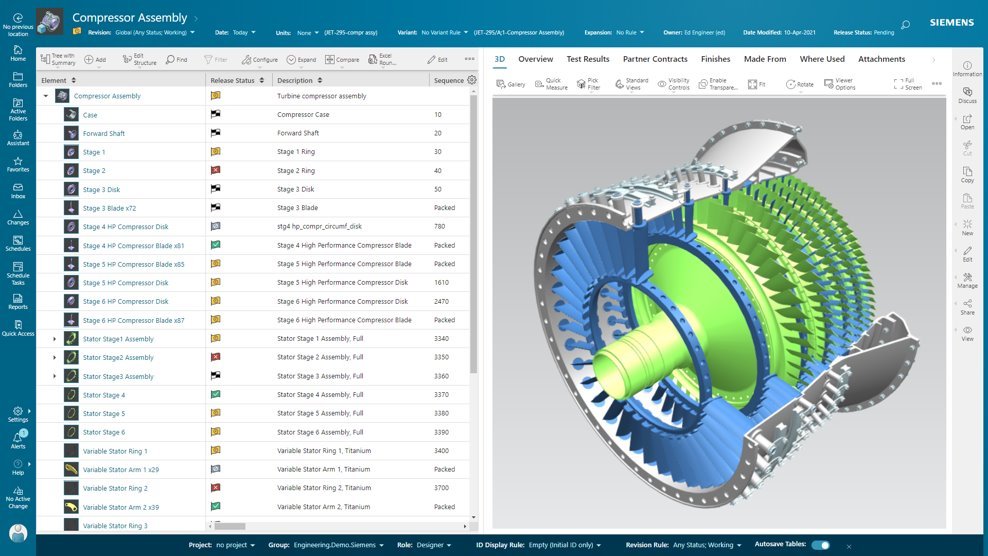
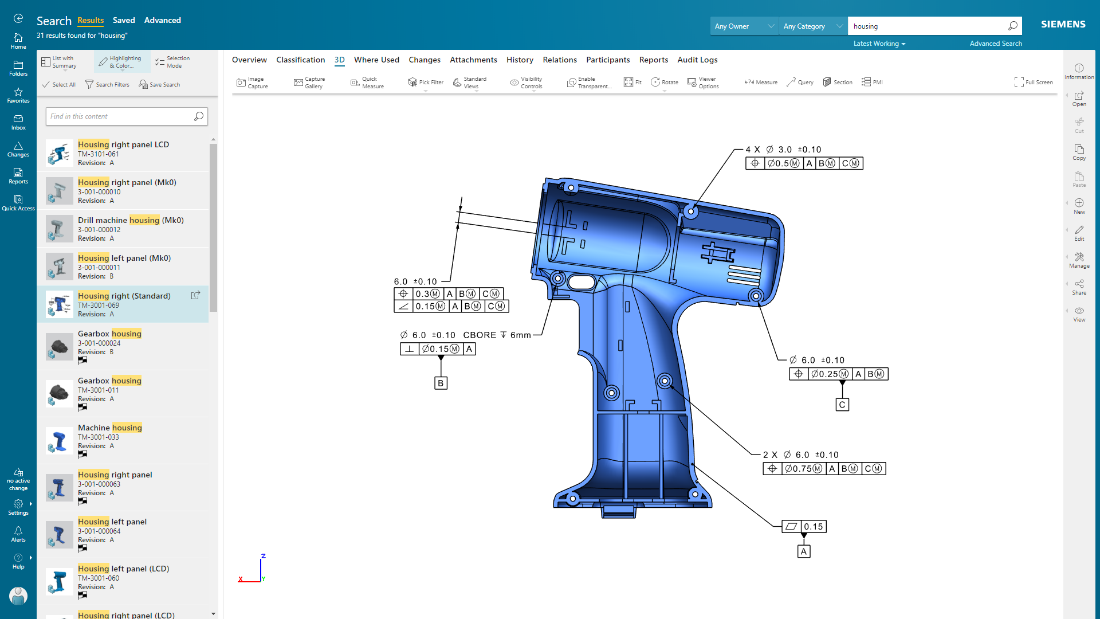
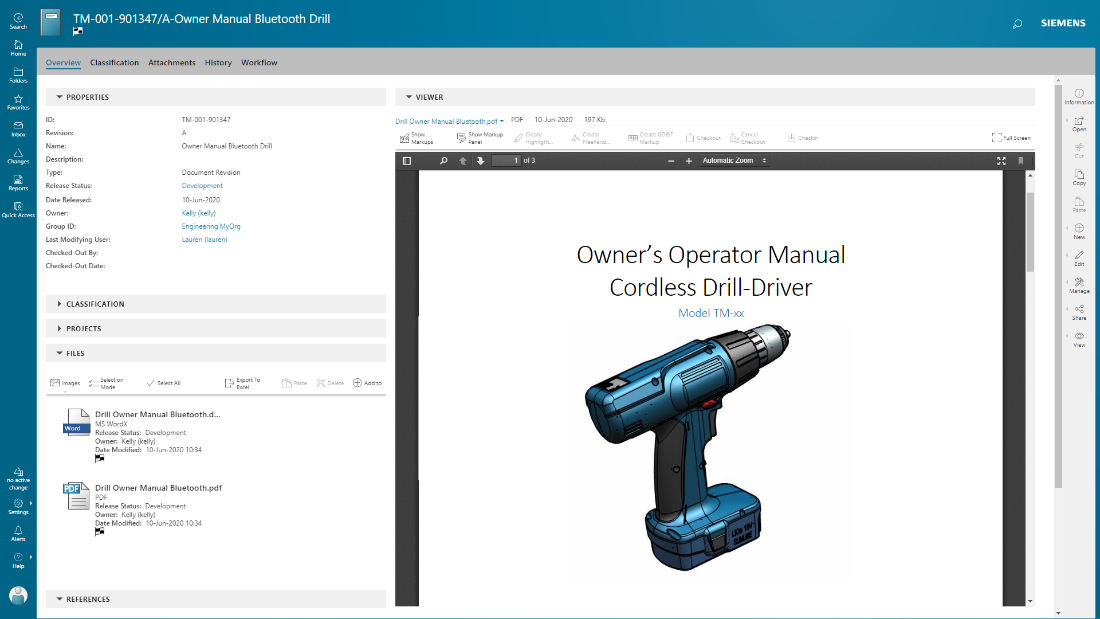
Teamcenter is a product lifecycle management system designed to help organizations integrate and standardize product development processes across functional silos.
N/A
SIMULIA
Score 8.0 out of 10
N/A
SIMULIA from Dassault Systemes is a simulation application for 3d objects.
Teamcenter is perfect for working in large-scale projects related to manufacturing and engineering where collaboration and management of data are crucial. It is evident where the complexity of the products is high such as in automobile and aerospace industries. Some of its features may seem too elaborate for the small business with a less complex process and therefore too expensive. It is less useful in organizations that do not have complex PLM needs or have less IT capacity to implement the system.
It appears to be evolving more towards large users with the 3D EXPERIENCE, while becoming less focused on small users like me, becoming more expensive and limiting the number of cores while most PC's now can easily run 8 cores. Of course it is great for non-linear and highly non-linear scenarios, and especially good at combing a huge variety of element types. I guess it is not best suited for linear analysis due to its high price, but even in this case you have to put in the balance the ability to make the best choice of finite elements and being so straightforward about actually using them.
Data Management: your Parts divided into Item Types.
Data Management: You can easily add pseudo folders to segregate data inside. You don't have to look for anything now.
Change Management: Use the built-in or customize it. Now, you have workflows and can decide who is responsible for every task. It's done automatically.
Project Management - built-in MS Project, can manage tasks and still have a Gantt chart from it.
CAD integration - a lot of time saved when single source of true.
Create and modify designs from within the CAE environment. Although it has very basic capabilities, it is quite capable of generating 2D and 3D parametric designs. I have even generated some "fancy" designs which ended up being a challenge for draftsmen in specialized solid modeling CAD. I also like the fact that being somewhat limited, it forces you to stick to simple and effective design.
Addressing structural instabilities such as snap-through or buckling. This was such a challenge when I started using Abaqus, I had to take a course on "achieving convergence". Coming from there, I can see how SIMULIA has become increasingly able to give you the numerical tools or tricks you need to achieve convergence consistently. In the past I often feared running into different convergence issues as I moved across different produce sizes, leading to changes in the analysis approach, which would make it more difficult to compare them. I just went through a 12-size family in 5 dimensional scenarios each, without a single issue after ensuring convergence with the first couple of sizes.
Beautiful pictures. The post-processing of results enables me to generate highly illustrative, fairly easy to understand and elegant presentations, by controlling transparency and results shown independently on different groups, which I can select by material, location, etc.
I'm going to be a little blunt here. So the way how MPP and bombs are getting separated out, that is creating some issues when we want to implement end-to-end processes. The bomb team, the manufacturing or the sector manager kind of team, tries to give various features for the materials and bombs related to them, but all of those features are not available for BOP. For example, solution variant creation. When we have a variant based structure, I can create a solution variant for bombs, but I cannot create a solution variant for BOPs and this is, I would say something of a gap that Siemens should address and get it fixed. We have to do customization, but if the product is itself giving us then this is an elegant way to push it further. This is what I would say is the issue.
Exporting sketches. For example, you can import dxf for sketches, but you can't export dxf. This is a major drawback for me, because I often communicate with customers through dwg or dxf sketches. If I can't export dxf, my sketches in CAE are "dead". I have to redo them in the dwg sketch. It is so inconvenient, I often end up making the sketches in DraftSight, so I can export them to CAE but I still have the originals in dwg format.
CAE doesn't remember element type assignment by sets. Sometimes when I reconfigure or modify a design, I regenerate sets and surfaces, and this in turn updates material assignments, interactions and loads almost automatically. This doesn't happen with element types, so I often end up submitting a job with the wrong element types.
Mesh regeneration and re-mapping in 2D within the job. I need this a lot to model axisymmetric assemblies with sharp indentation the destroys the original mesh. I had it in MSC/MARC and it worked great. Abaqus has it only for 3D. I have tried alternatives like lagrangian/eulerian and eulerian domains but it's still more complicated.
Because of our current customer needs, we will most likely maintain use of Siemens PLM products for some time. Aside from the initial software cost, we pay for yearly maintenance. Maintaining our yearly maintenance licensing with Siemens, we receive access to all of the latest software releases, as well as premier technical support
As previously mentioned, due to the intense amount of features and modules present in the software, the usability of the software suffers greatly. Many of the features are not used in our context, and many of the modules are not purchased, but the options are still present on the interface leading to a lot of clutter, much of which is never used. The interfaces suffer from a lack of design and tend to feel like a conglomerate of Windows 98 elements.
Extremely well organized and friendly, reflecting the latest approaches in solid modeling and adding the FEA part so seamlessly for the user. It's a joy to use. I'm aware some people would complain about the meshing capabilities and thus prefer using HYPERMESH. Fortunately not my case. I did wish I had HYPERMESH a couple of times, but for most of my projects CAE meshing is fine.
In the time that we have used Teamcenter we have received a good response from the support team, they have great customer service, we have solved the problems that have arisen very quickly, and they are attentive and answer us if we have any questions.
I keep getting the feeling that it is drifting away from small users. I don't feel so comfortable with the SWYM community approach. I felt much better when you could just email or call HKS and you would feel like you were talking to a real expert who understood your situation. When I was reassigned to reseller in Argentina, which is like the other side of the world for me, I appreciated the cultural closeness, but I had to say goodbye to the level of support I had from HKS and learned to "support myself."
Earlier, some of the companies acquired by my organization were using PTC Windchill, but the overall stability, user experience and depth of functionality which are provided by Teamcenter doesn't match with any other PLM software and thus, all the acquired companies which were earlier using PTC Windchill has now slowly started into moving towards Teamcenter.
MARC can do the job from an FEA point of view. It even appears better at a couple of things such as 2D remeshing and surviving with highly distorted meshes. So I regard it as a very competitive alternative. I prefer SIMULIA because the GUI is so much better, especially the ability to create actual parametric designs in CAE. ANSYS doesn't cut it for me. I tried it for 1 month and I would see how much I would struggle with convergence in large deformation and large displacement situations with hyperelastic materials with which I have to deal all the time. Also the GUI is not as well built an integrated as in SIMULIA.
Teamcenter is easily on the best scalable solution. The single source of product information allows us to collaborate more effectively on the product lifecycle. Also, being a cloud solution, it is pretty straightforward to scale as the maintenance required is quite low . In addition, the overall cost is also easily manageable for businesses like ours.
We chose Teamcenter because of its cost-effectiveness, and we can say that it has lived up to our expectations because we have been able to save in other more expensive tools to do what we can do in this one. The ROI has been over 40% because we have integrated it across multiple teams and it has allowed us to reduce the amount of errors in our processes and create a more centralized environment.
I don't even bother doing an ROI. Without SIMULIA I would be pretty much out of business. Except for the fact that I could still have an alternative with MSC/MARC.
Price is becoming a more difficult hurdle for small users. It appears I have survived because there was a 50% discount on my small 6-token package. Without this special price I would have to close my business. I'm currently exploring alternatives.
A more flexible scheme enabling to add tokens over short periods of time or paying per use could be an interesting possibility.