SolarWinds Engineer's Toolset vs. Sunbird DCIM

Overview
ProductRatingMost Used ByProduct SummaryStarting Price
SolarWinds Engineer's Toolset
Score 9.4 out of 10
N/A
SolarWinds® Engineer’s Toolset (ETS) helps users monitor and troubleshoot a network with over 60 tools for network management. ETS allows users to monitor and receive alerts in real time on network availability and health, and perform network diagnostics for faster troubleshooting and resolution of complex network issues. With ETS users can deploy an array of network discovery tools including Port Scanner, Switch Port Mapper or advanced Subnet Calculator, manage Cisco® devices with specialized…
$1,585
Per Instance
Sunbird DCIM
Score 9.0 out of 10
N/A
Sunbird Software headquartered in New Jersey offers their DCIM Suite of applications, available a la carte, as a total DCIM suite, in an asset and capacity oriented bundle or bundled for environmental and power consumption monitoring. The suite includes tools like Asset, Capacity, Change, Energy, Environment, Power, as well as BI & Analytics, to provide end-to-end administrative control over the data center.
$47.88
per year per node
Pricing
SolarWinds Engineer's ToolsetSunbird DCIM
Editions & Modules
One Time Price
$1,585
Per Instance
Power IQ DCIM Monitoring
$47.88
per year per node
dcTrack DCIM Operations
$167.88
per year per cabinet
DCIM Suite Bundle
$237.24
per year per cabinet
Offerings
Pricing Offerings
SolarWinds Engineer's ToolsetSunbird DCIM
Free Trial
YesYes
Free/Freemium Version
NoNo
Premium Consulting/Integration Services
NoNo
Entry-level Setup FeeNo setup feeOptional
Additional Details
More Pricing Information
Community Pulse
SolarWinds Engineer's ToolsetSunbird DCIM
Considered Both Products
SolarWinds Engineer's Toolset
Chose SolarWinds Engineer's Toolset
[Wireshark is just] not the same. It feels like in incomplete product. [SolarWinds Engineer's Toolset] is complete, not buggy and is supported[.]

Chose SolarWinds Engineer's Toolset
I haven't compared any tools similar to SolarWinds Engineer's Toolset. This might be because I'm pretty biased when it comes to monitoring, and reporting solutions. I've found that SolarWinds provides the biggest bang for the buck in my opinion. I'm sure there are other …
Chose SolarWinds Engineer's Toolset
We honestly didn't look at much beyond this because of all of the tools this toolset had in it. We found a use for a good chunk of them right away, and are finding more every month it seems like. We really wanted to make use of the majority of the tools included so we could …
Chose SolarWinds Engineer's Toolset
To be honest, I'm not aware of any other toolset from a competitor that is remotely comparable. All other monitoring systems/vendors tend to use standard browser viewable monitoring systems and the option to use a locally installed software, to obtain the same results is not …
Chose SolarWinds Engineer's Toolset
We have used LogicMonitor, PRTG and WhatsUp Gold previously which are similar to SolarWinds Engineer's Toolset capability. However SolarWinds Engineer's Toolset is completely unique with features like - Realtime monitoring, diagnostics on the fly, network discovery, easy …
Chose SolarWinds Engineer's Toolset
The suite of tools included is better than any other offering that I have found.
Chose SolarWinds Engineer's Toolset
These tools complement the Engineer's Toolset. They are excellent at detecting most issues and at keeping the network monitored and protected. However, when it comes time to dig into an issue, especially a hard to fix intermittent issue, these products lack the granularity of …
Chose SolarWinds Engineer's Toolset
I love the NPM package, but if you are doing one-off monitoring to diagnose, SolarWinds Engineer's Toolset is more than adequate. The main drawback with SolarWinds Engineer's Toolset is the monitoring is only valid as long as you have the laptop on (obviously). NPM provides for …
Chose SolarWinds Engineer's Toolset
Because it's a great tool. Very useful, convenient and reliant, We use it to monitor out production servers and it works just great. I use it pretty much every day, and it is very good monitoring system, that allows proactively troubleshoot certain areas, because you can see …
Chose SolarWinds Engineer's Toolset
SolarWinds by far exceeds the abilities of other products, and is more easily tuned to the environments.
Chose SolarWinds Engineer's Toolset
SolarWinds NPM and NCM use a lot of the tools available in the toolset. This is a nice combo of the two with a little bit of IPAM thrown in. I would say the toolset is geared more toward the field engineer, that will be doing work that may sever communications to the rest of …
Sunbird DCIM

No answer on this topic

Best Alternatives
SolarWinds Engineer's ToolsetSunbird DCIM
Small Businesses
NinjaOne
NinjaOne
Score 9.0 out of 10

No answers on this topic

Medium-sized Companies
Intermapper
Intermapper
Score 8.4 out of 10
Microsoft System Center
Score 9.0 out of 10
Enterprises
Cisco Meraki Dashboard
Score 9.3 out of 10
Microsoft System Center
Score 9.0 out of 10
All AlternativesView all alternativesView all alternatives
User Ratings
SolarWinds Engineer's ToolsetSunbird DCIM
Likelihood to Recommend
8.6
(0 ratings)
9.0
(0 ratings)
Usability
8.2
(0 ratings)
-
(0 ratings)
Support Rating
8.2
(0 ratings)
-
(0 ratings)
User Testimonials
SolarWinds Engineer's ToolsetSunbird DCIM
Likelihood to Recommend
[SolarWinds Engineer's Toolset is] a great tool for monitoring database servers, highly recommended. The very good thing is that it keeps the history for two weeks, and you can see the time slice for all the server activities. Helps a lot to identify the memory and CPU bottlenecks, research blocking issues and kill the sessions, if necessary.
Read full review
There are a few things that need work from flexibility within the asset process documentation. The interfacing with CMDB will be easier if the asset documentation had more flexibility in the standard fields. The product will support our need for a central depository of all assets, connections, and usage within our data centers, which at this time is managed by a spreadsheet with limited access. The ability to review and set goals of environmental and capacity has not been easy, with dcTrack this has become much easier than dealing with Excel tabs.
Read full review
Pros
  • Debugging Tools
  • Saves Time for basic checks
  • Ping, Telnet, SSH right from the console and hence easy user management from console itself
Read full review
  • Inventory tracking.
  • Capacity planning.
  • Integration with PowerIQ - manages power, cooling and humidity status.
  • Provide power and network/SAN connect paths.
  • Statistics on the infrastructure within a given data center.
Read full review
Cons
  • The unifying component that is intended to be the initial interface to the tools seems clunky. I prefer to start the tools individually rather than using it.
  • The port scanner could use some improvements to make it easier to use.
Read full review
  • Connectivity simplified.
  • Flexibility in port and connection definition.
  • Asset documentation of owners, project and responsible teams.
Read full review
Usability
Very easy to use and intuitive. Just be careful with the WAN Killer...it does what it says.
Read full review
No answers on this topic
Support Rating
Our organization uses it regularly. It is reliable, and we keep finding new uses for it
Read full review
No answers on this topic
Alternatives Considered
These tools complement the Engineer's Toolset. They are excellent at detecting most issues and at keeping the network monitored and protected. However, when it comes time to dig into an issue, especially a hard to fix intermittent issue, these products lack the granularity of monitoring needed for these types of issues. Having said that the toolset is not made to do full time enterprise level monitoring. With these tools and the toolset I am able to have a more complete view of the network and deliver higher levels of service and quicker responses to issues.
Read full review
No answers on this topic
Return on Investment
  • Spend less time downloading free buggy tools
  • All the tools in one spot, so you don't have to look around for tools
  • Get to the solution sooner
Read full review
  • Hard to say at this time what I will gain or the company will gain for the user but to understand all assets in a Data Center in a single location is a great tool for support and maintenance cost analysis.
  • To be able to see or understand the power needs of a given location provides the need of understanding cost impact under the different location cost models.
Read full review
ScreenShots

SolarWinds Engineer's Toolset Screenshots

Screenshot of Perform network stress tests with Engineer's Toolset WAN Killer. You don’t need to use real traffic for studying network activities, like testing traffic and load balancing. Instead, deploy Engineer's Toolset WAN Killer to help interactively test connections and adjust the IP traffic generated to achieve the desired network load based on your requirements.Screenshot of Quickly troubleshoot your network with enhanced ping capabilities and packet route tracing, among other network bandwidth usage and monitoring tools included in ETS.Screenshot of Using ETS, you can run scans to gain insight into how routers, hubs switches, and other devices are configured by analyzing SNMP queries and viewing MIB attributes. ETS is designed to help you more easily understand whether your network and ports are using appropriate settings.Screenshot of Config Compare, a part of ETS, is built to compare the running configuration of a Cisco router with the startup configuration. With the Cisco configuration compare tool, you can easily detect the changes made to the network, switch, and router configurations that are not committed to non-volatile memory (NVRAM).Screenshot of Manage your IP network from discovery to address tracking. Discover subnets on a seed router and scan the subnet or a range of IP addresses, generate a list of subnets along with their mask, size, range, and broadcast address and actively monitor subnets to identify and track which IP addresses are in use on your network.

Sunbird DCIM Screenshots

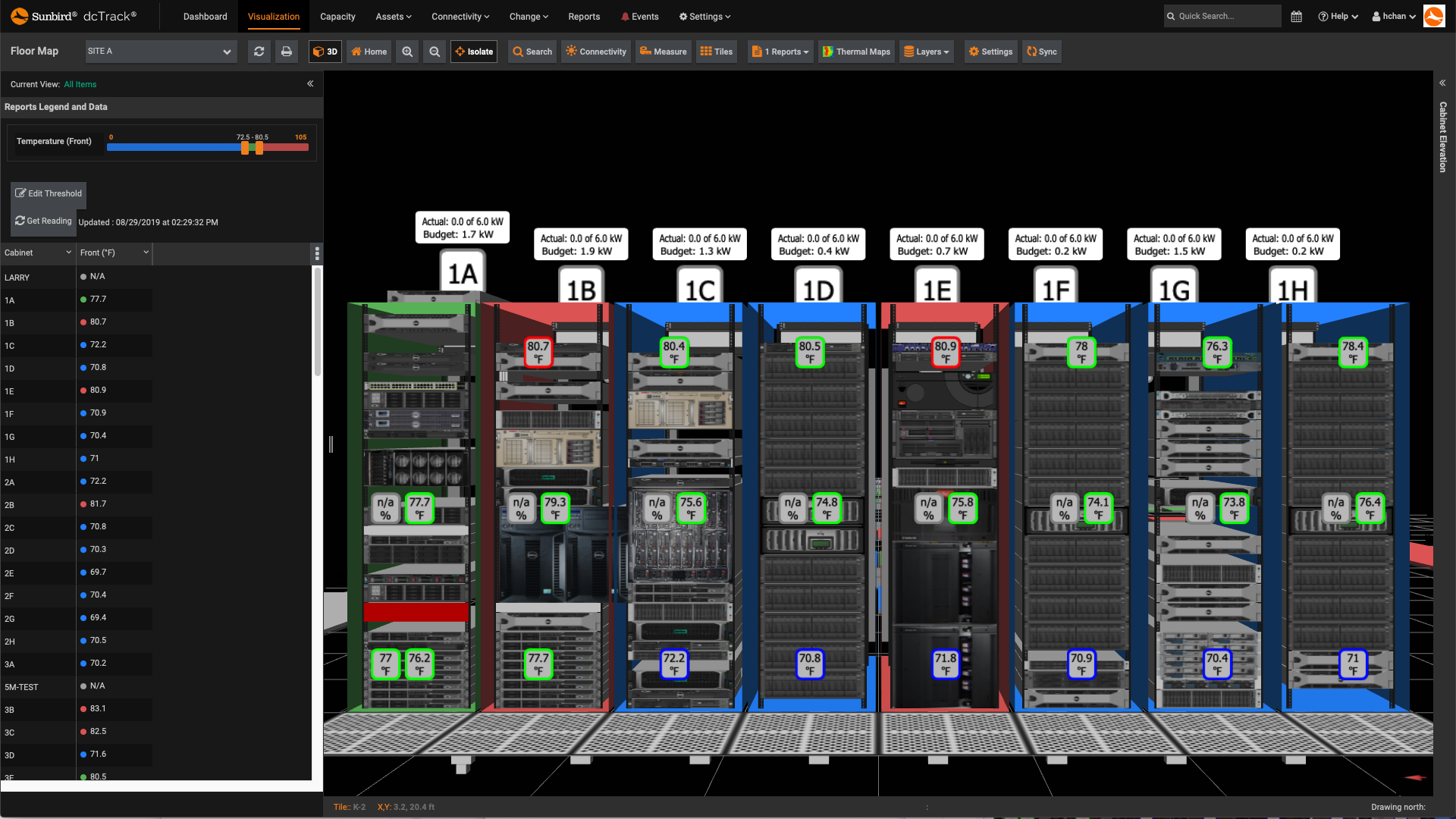
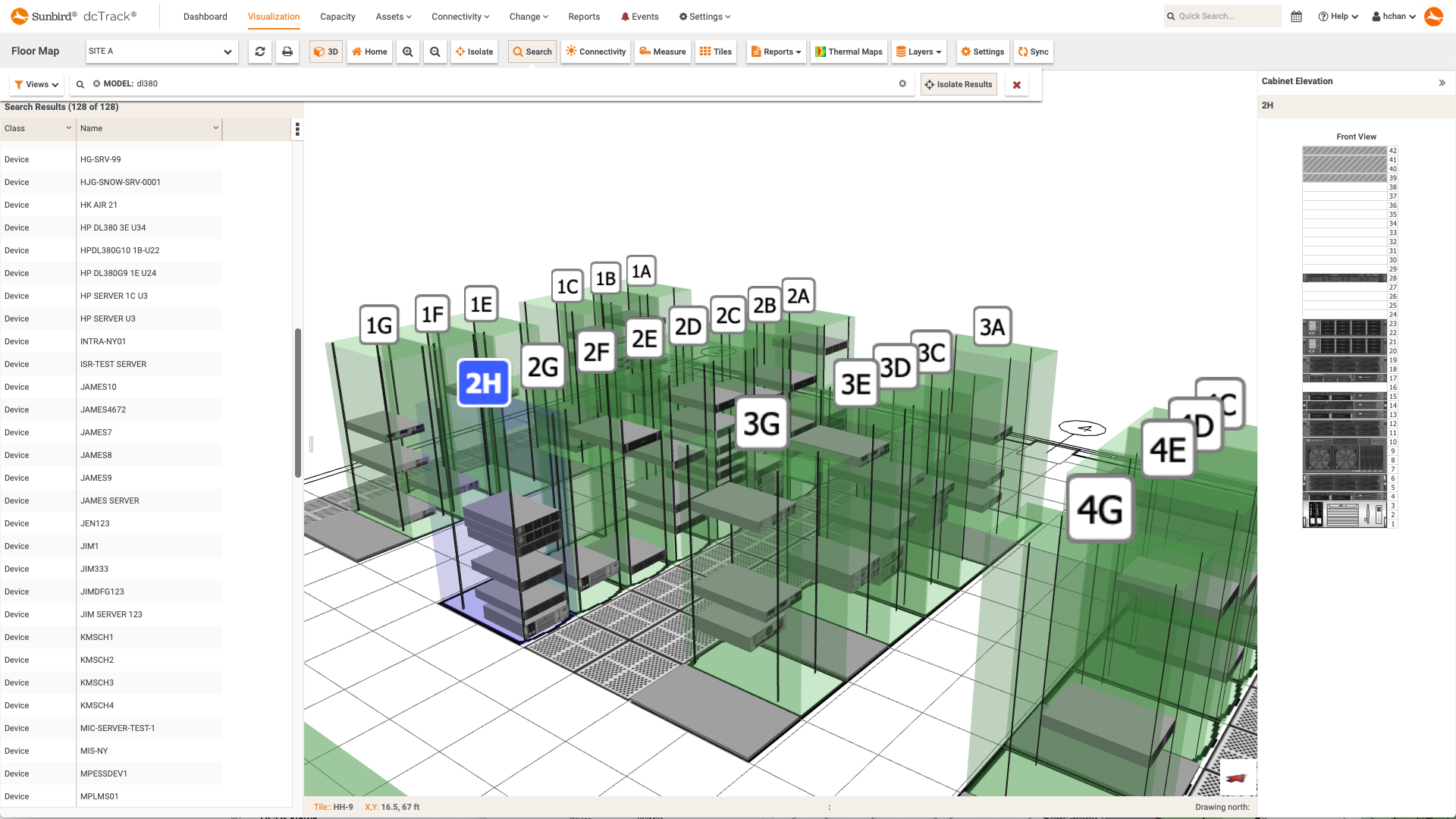
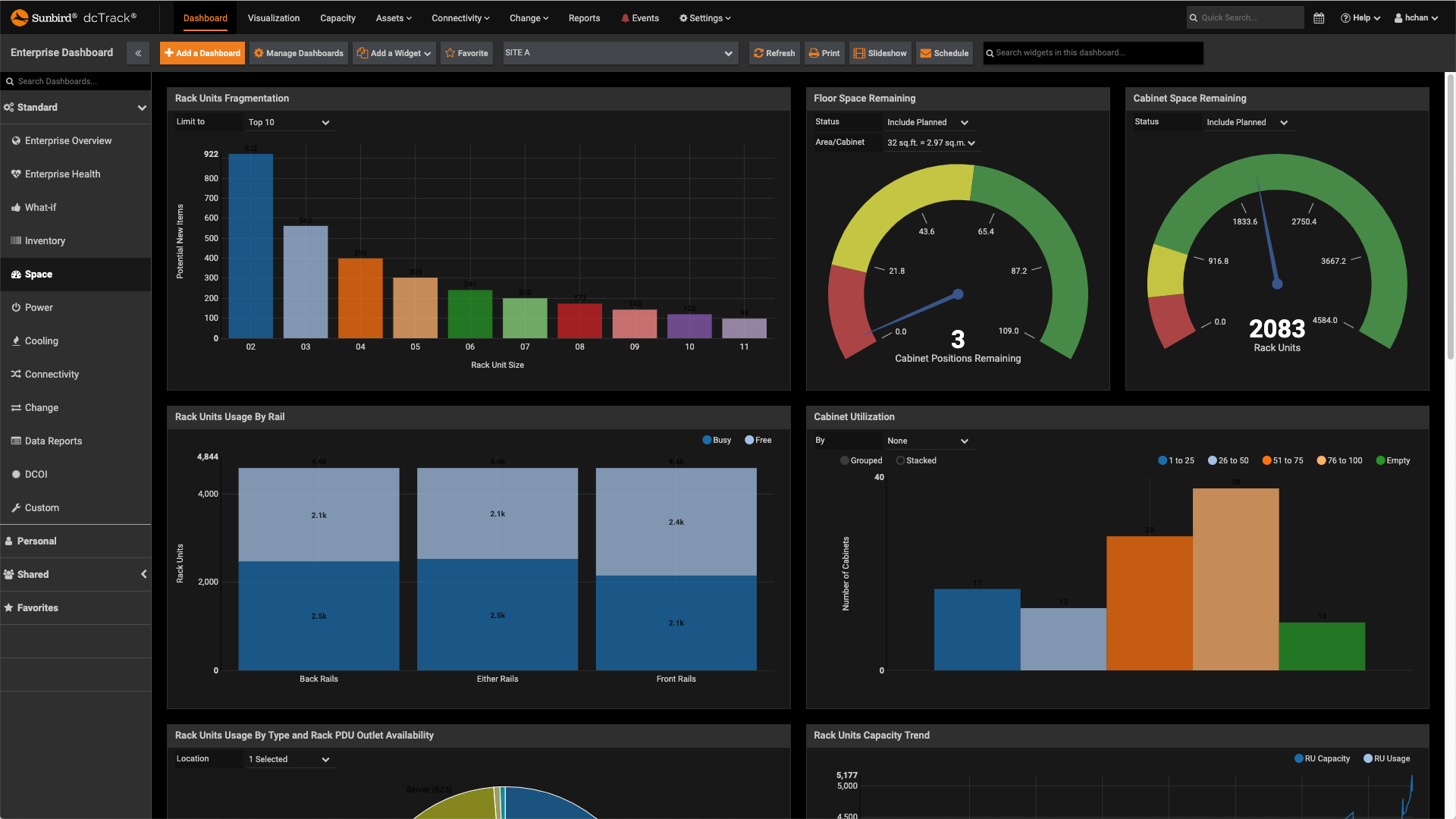
Screenshot of Full Power Path ManagementScreenshot of Isolated Cabinet View with Environmental ReportingScreenshot of Floor Map Search ResultsScreenshot of Zero-Configuration Business Intelligence DashboardsScreenshot of Multiple Floor Map ReportsScreenshot of Thermal Time Lapse Video