AWS Cloud9 is a cloud-based integrated development environment (IDE) used to write, run, and debug code with just a browser. It includes a code editor, debugger, and terminal. Cloud9 comes prepackaged with essential tools for popular programming languages, including JavaScript, Python, and PHP, with no need to install files or configure a development machine to start new projects.
N/A
Strong Workspace
Score 0.0 out of 10
Small Businesses (1-50 employees)
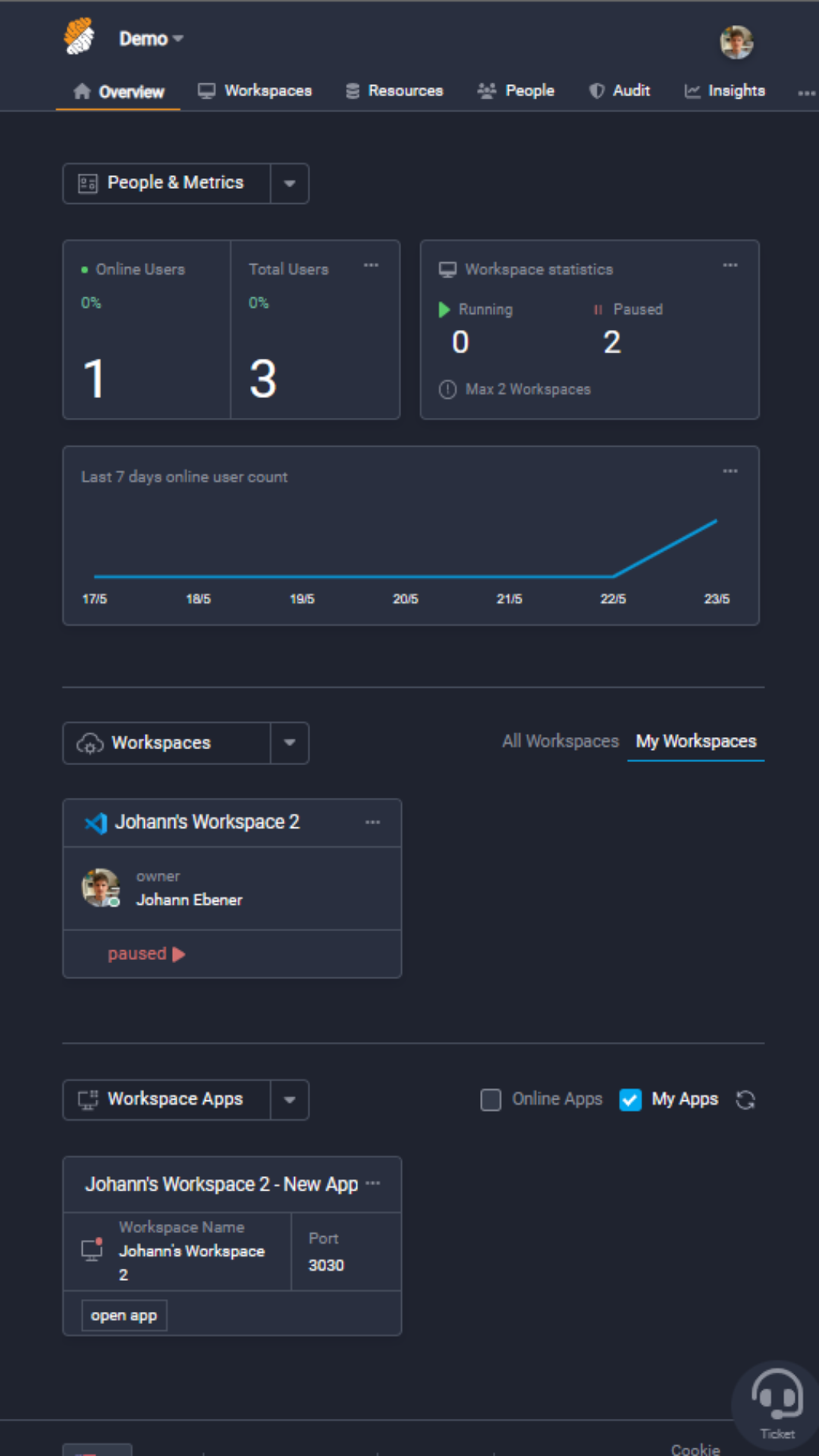
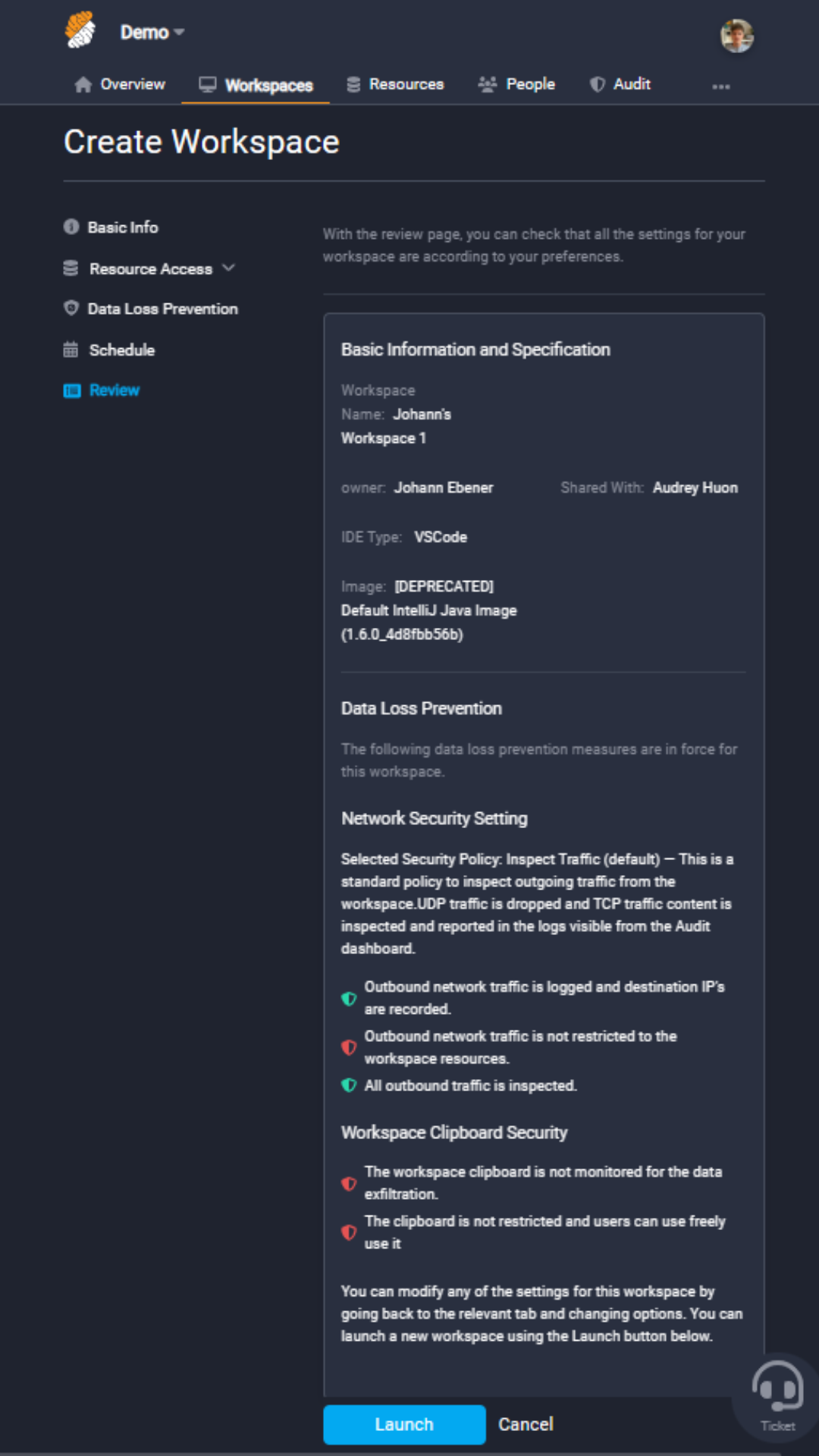
Strong Network allows the management of containers for DevOps online (as opposed to locally on developers laptop) and access them through a cloud IDE or a SSH connection (in the case of a local IDE). These containers provide management of access keys and credentials to multiple types of resources, in addition to providing data loss prevention (DLP). In addition, the solution combines the IDE with a secure chrome browser (remote browser isolation) such that any third party applications for DevOps…
$39
per month Per Workspace (equivalent to 1 linux machine)
Pricing
AWS Cloud9
Strong Workspace
Editions & Modules
No answers on this topic
Starter
$39
per month Per Workspace (equivalent to 1 linux machine)
Advanced
$49
per month Per Workspace (equivalent to 1 linux machine)
Enterprise
+ 50k
per year per user
Professional
$59
per month Per Workspace (equivalent to 1 linux machine)
S3 is a great service for storing unstructured data. It is cheap and us an user we don't have to care about scaling. Amazon S3 is a managed service. We use it for avery simple projects in our organization.
[AWS] Cloud9 offers specific features not available in the competition: Code collaboration using the chat features is the highlight which sets it apart. [The] code completion feature makes [it] very similar to the offline IDE like eclipse. It's much easier to use compared to …
AWS Cloud9 has great advantages over other software that have the same purpose as the one, one of which is that it is available in the cloud so it does not require installation time, as well as being updated, while other tools such as Visual Studio Code require the previous …
Coder provides an exclusively-online experience of Visual Studio Code, including extensions functionality, but is quite slow at times, and doesn't provide good Lambda support. AWS Lambda integrations remain one of the only reasons we stay with Cloud9, besides that, most dev-ops …
AWS Cloud9 is great for product engineering and coding where you must take time to pair program and code in a specific isolated environment. It is entirely cloud based so there's no worry about saving and data consistency. It is all hosted on the Amazon Web Services cloud. It is less appropriate for more general workflows that don't require a specific cloud instance.
Great, fast interface - There is a large list of shortcuts that make development on this IDE an experience that can sometimes even compare to something native.
Integrated debugging/troubleshooting - AWS Cloud9 has integrated debugging tools that are quite well-designed.
Lambda integrations - Cloud9 allows you to instantly run and maintain Lambda functions. It's probably the best IDE for developing on AWS Lambda.
The interface for Cloud9 needs some improvement. It is simply not as powerful and intelligent as a local text editor would be and thus it lacks the capabilities of fast filling when coding. Otherwise, I think it has a fair interface that they have tried mimicking an IDE.
S3 is a great service for storing unstructured data. It is cheap and us an user we don't have to care about scaling. Amazon S3 is a managed service. We use it for avery simple projects in our organization.
This software has been really useful for our company since thanks to the fact that you can work together with other colleagues in the same code, it is much easier to advance in the development of projects and thus be able to make your delivery in a much shorter time.
Because it provides all the necessary tools to develop projects, there is a great saving of time and costs.
It is easy to use so any user can use it and this makes it possible to streamline each project much faster and more if you do not necessarily have to be in the company to advance in them, and this is thanks to the fact that it can be used from anywhere with internet access.