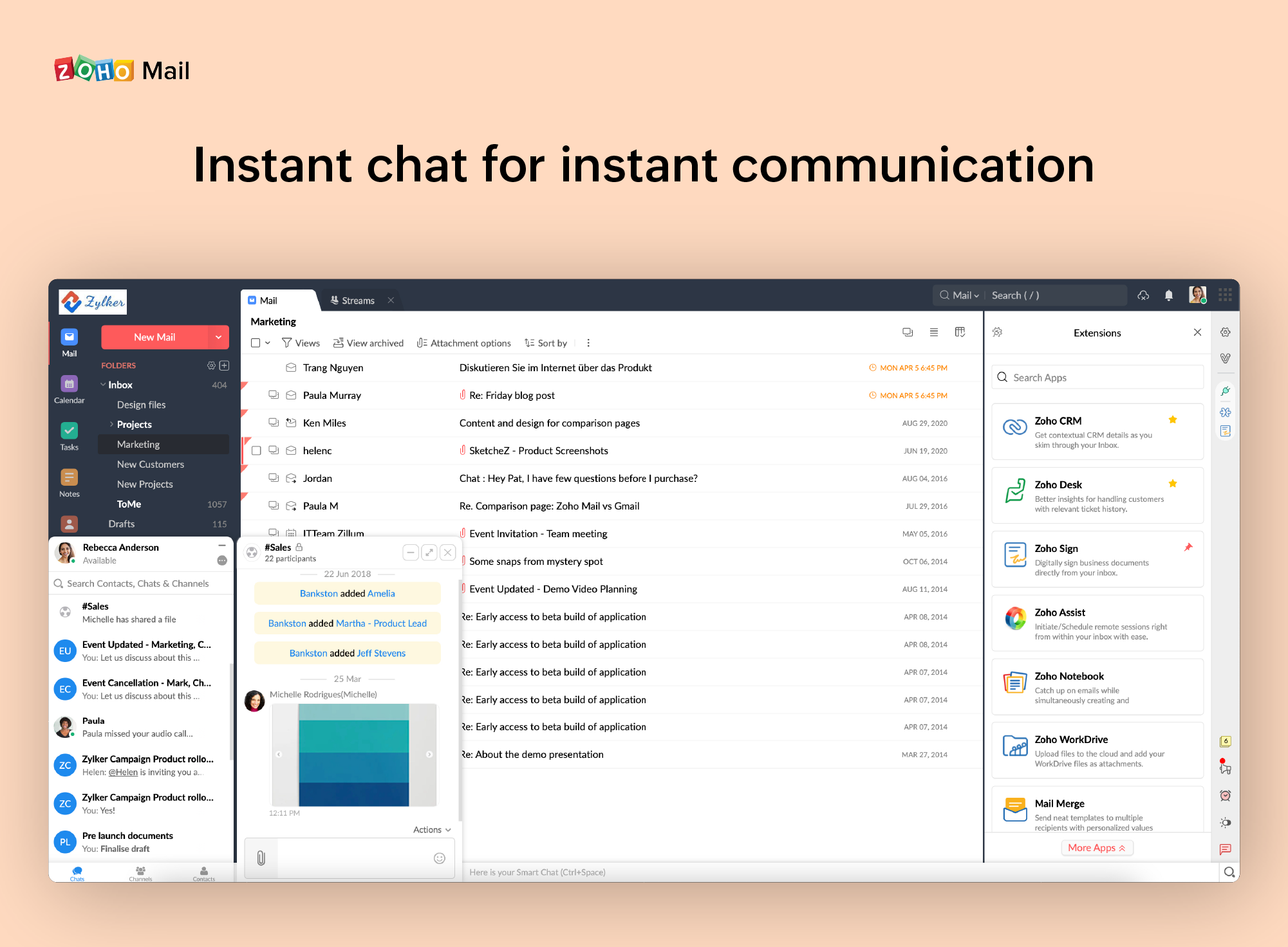
Instant messaging for business allows people to communicate relaying information in real time. However, corporate chat app is a contemporary update to the ancient email communication cutting out time, expense and effort at the same time. Nowadays many organizations are using instant messaging for their daily business conversations. But for effective communication, an easy to use corporate chat app is vital. Troop Messenger is an enterprise-level business communication chat application. It is…
N/A
Zoho Mail
Score 9.3 out of 10
N/A
Zoho offers their business email suite, which includes Calendar, Tasks, Notes, and Contacts bundled with an inbox.
The best aspect of range in a remote setting is feeling connected. I feel as though we are all united because we can easily start a conference with our teammates, making it seem like we are all present. These very little things let us coordinate and work together in a way that …
Troop Messenger enables team communication, file sharing, and meeting facilitation so simple that anyone can do it with little effort. We have switched practically all of our everyday communication to this all-in-one since we first started using Troop Messenger. The real-time …
Troop Messenger makes it incredibly simple to communicate with the team. Direct and group communications are supported very well. Among its outstanding features are bulk messaging, a private chat window, live video conferences, etc. The best aspect is that screen sharing may be …
We are happy using the application and have no complaints about it. It made our daily team communication and collaboration simple and seamless. The best part is its file deck module, where it lets us view all the files that were shared across Troop Messenger in one place, also …
Troop Messenger is the most incredible team communication tool I've come across in a long time. Initially, we had to depend on multiple tools for different requirements, and we now rely completely on them. It serves as the standard against which all team chat apps are assessed. …
We wanted an on-premise chat so as aforementioned we started testing tools with Troop Messenger first, since we liked it without any second thought we opted for it. I wouldn’t its flawless services are the only reason because this tool’s price and security protocols are also …
As a part of a team, I would propose Troop Messenger to each organization. Decisively, I can say that the main apparatus is immaculate and proactive in the whole market. I'm certainly incredible examination has been put resources into fostering this apparatus. According to as …
We created groups based on projects, responsibilities, teams, etc., of course, any tool can facilitate it but Troop Messenger has some key features like Unread Messages, Respond Later and other options, which boost the communication.
After testing various tools we decided to go with Troop Messenger because it is not just about features, it was working very well compared to any tool in the market so we decided to opt for the best tool like Troop Messenger. This tool is easy to use and every functionality …
We are are very concerned about security issues so we were looking for a team chat app compliable with on-premise model. Since, Troop Messenger has on-premise option we opted for it just for security reasons but to our luck this fine working tool has many features consequently …
The reason behind selecting Troop Messenger is it provides many features, it is user-friendly, and I feel it is the best-secured tool for team communication. It is one of the very few popular tools which provides an on-premise option. Troop Messenger is the best team …
Most of our teams are working remotely during this pandemic situation. Few of them are working from low-speed networks area where staying connected with the audio-video calling is the biggest challenge with other team collaboration tools. However, Troop Messenger works well on …
We found Googles offering to be a better fit for our company. Budget friendly, integrated quickly and easily with the CRM and far easier to sort and label emails when compared to Zoho Mail.
Zoho is free. Also, there is no need for a separate IT guy for creating mail, or if any issues come you don't have to find anyone anyone can check and fix all issues from their super admin panel. Zoho overview is much better than outlook and its appearance of getting mail popup …
Zoho mail is a more professional and corporate email client, it shows a better image to customers, in addition to allowing you to manage the users of your company. It has accessible and competitive prices.
• We were using MailsDaddy for little time since it does not have the adequate functionalities to address the business problems we have or improve the quality of collaborative work between departments.
• The main reason we decided to implement Zoho Mail. It is because this …
[Troop Messenger is the] best internal messaging application for businesses of all kinds. Collaboration goes super fast and quick with Troop Messenger. Be it instant messaging, audio-video calling, sharing screen contents, or video conferencing. Team members can seamlessly get along with each other for exchanging productive work conversations.
If you don't have a huge budget and want something that works with minor quirks here and there then Zoho Mail is definitely something you should look into. For half the price of Google G Suite or Office account you get 5GB of storage per user and can send up to 25MB emails without restrictions. Great for small businesses in my opinion. I have had some issues with their spam filter, but we use SpamTitan and just shut off the one that comes with Zoho Mail. Zoho's spam filter isn't horrible but you should definitely use something in addition or instead of what comes with Zoho.
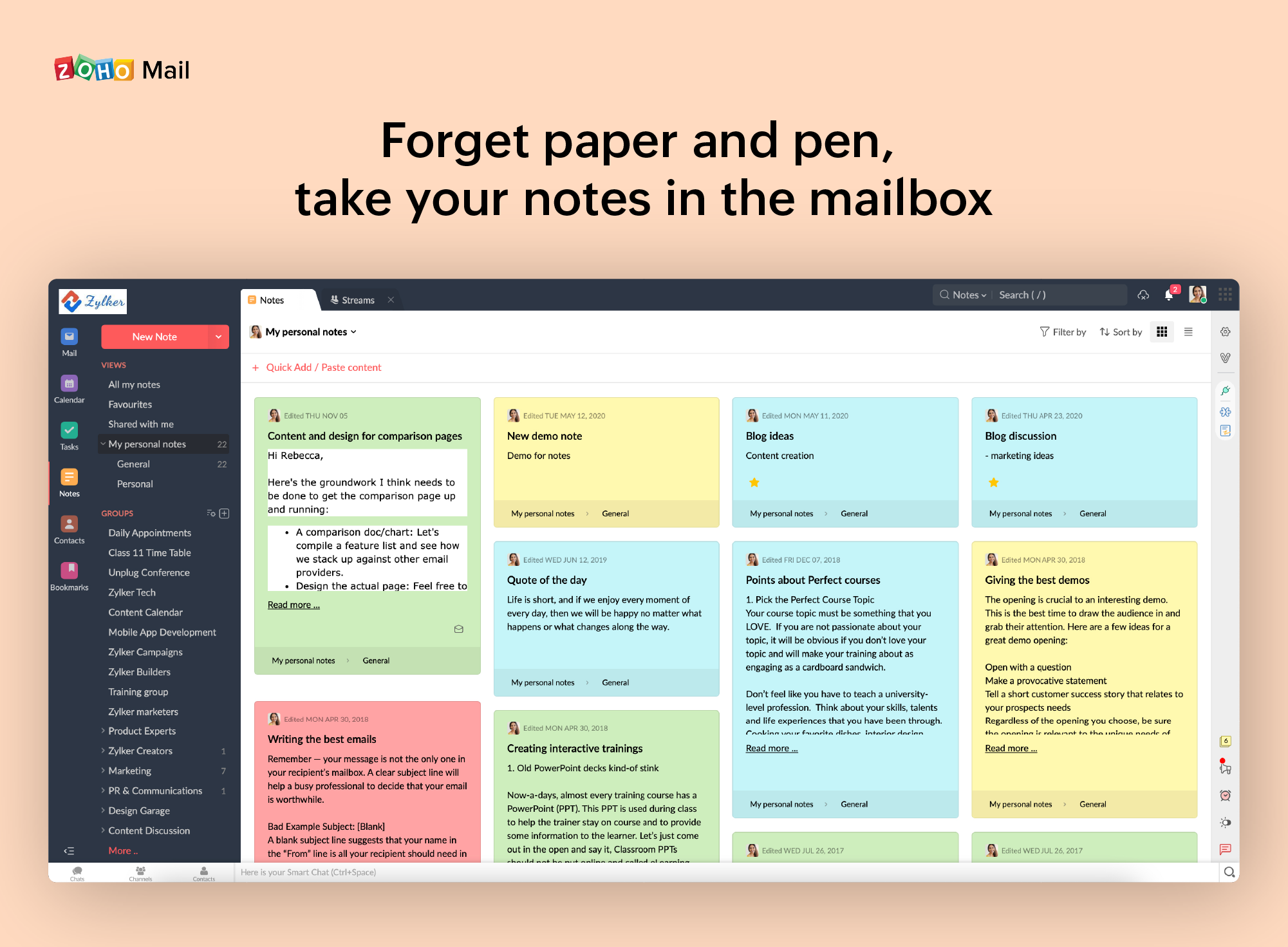
I really like that there is a free version in which a single user can be created. It is really useful because it allows you to evaluate each characteristic of the service without having to buy it.
I also really like the visual aspect of the inbox, which is partially customizable. Because you can make small changes such as changing the color, the language, and among other things.
When receiving an email with images that are not displayed automatically, you have to activate this function manually. It is a bit uncomfortable, I would prefer that it be activated automatically
The filter to search for information is not very accurate and unfriendly
The way to manage the storage capacity and to buy more space for the mail is not very friendly
It is very easy to use and does all you need. It sends newsletters to their own folder. A notification folder for more important things. The Spam folder collect the right amount of spam emails
I have spoken with Zoho several times and their support is always friendly and helpful. I have always been asked for security pins and codes when seeking assistance which helps me to feel my accounts are secure and I have never had to wait on hold to speak with someone for more than 5 minutes. They always seem to have someone available to help. If you call asking for instructions on how to do something they gladly walk you through the process and if you just need something done and don't have time to do it yourself they will happily customize whatever you need without you having to spend all day with it.
We are happy using the application and have no complaints about it. It made our daily team communication and collaboration simple and seamless. The best part is its file deck module, where it lets us view all the files that were shared across Troop Messenger in one place, also waiting for Troop Messenger's new features.
Zoho is free. Also, there is no need for a separate IT guy for creating mail, or if any issues come you don't have to find anyone anyone can check and fix all issues from their super admin panel. Zoho overview is much better than outlook and its appearance of getting mail popup and functionality is better than outlook. My friend suggested for this and also after using I have referred my friend
Our team communication and collaboration is simplified with Troop Messenger. Now that we don’t feel the need to use e-mail for checking our work requirements and updates, we check all of them in Troop Messenger and get on to work. We are able to bring non-employees, such as our customers and clients, into it to exchange business conversations. We don’t feel any negative impacts with it.