Chose IBM Turbonomic
Resource management with openshift and turbonomic forms an ideal set for observing problems and correctly dimensioning the environment

| Product | Rating | Most Used By | Product Summary | Starting Price |
|---|---|---|---|---|
 IBM Turbonomic | Enterprise companies (1,001+ employees) | IBM Turbonomic is a performance and cost optimization platform for public, private, and hybrid clouds used by cloud, infrastructure operations, and architecture to assure application performance while eliminating inefficiencies by dynamically resourcing applications through automated actions. One of the key features of IBM Turbonomic is its ability to continuously adjust application resources in real time. By monitoring resource utilization and application performance,… | N/A | |
 Veeam ONE | N/A | Veeam ONE is virtualization management technology from Ohio based VMware partner Veeam Software. | N/A |
| IBM Turbonomic | Veeam ONE | |||||||||||||||
|---|---|---|---|---|---|---|---|---|---|---|---|---|---|---|---|---|
| Editions & Modules |
| No answers on this topic | ||||||||||||||
| Offerings |
| |||||||||||||||
| Entry-level Setup Fee | Optional | No setup fee | ||||||||||||||
| Additional Details | Volume discounting available. | — | ||||||||||||||
| More Pricing Information | ||||||||||||||||
| IBM Turbonomic | Veeam ONE | |
|---|---|---|
| Considered Both Products |  IBM Turbonomic  Regis Machado Model Product Manager Chose IBM Turbonomic I chose IBM Turbonomic because it is a good tool that integrates any CSP and on-premises solutions. It also helps with difficult tasks related to ARM issues.  MEI KAM WONG CIO (Chief Information Officer) Chose IBM Turbonomic Turbonomic is class apart compared to the others. It helps you achieve what is not possible with the other solutions. Turbonomic can work in an auto-mode and keep delivering savings and business performance. No other product comes even close.  Andrew Starodubtsev DevOps engineer Chose IBM Turbonomic I selected IBM Turbonomic because it is a comprehensive tool that can help me monitor and optimize the entire IT environment. The choice of IBM Turbonomic is often driven by its extensive feature set, scalability, and delivering tangible results. IBM Turbonomic stands out in …  Rehan Kanuga Data Analyst Chose IBM Turbonomic Dynatrace, Apptio Cloudability and CloudHealth by VMware  Kaveen Eashwarage Manager - Special Projects Chose IBM Turbonomic As the organization had experience of years in using IBM products, we had the confidence that they will provide us with great support. And we needed a reliable solution as a financial institute to ensure continuous operations. Even though the price was very high, we made the …  A. Kıvanç Güler Hybrid Cloud Automation Sales Leader, Finance Chose IBM Turbonomic Application awareness is the key success criteria of IBM Turbonomic when the comparison came on the table. To be aware of the application performance and nature when monitoring or analyzing the components and resources of the applications is the key differentiation of the IBM …  Rekha Yadav Development Team Lead Chose IBM Turbonomic IBM Turbonomic is still trying the pick the pace and against the other products in the market. It is equivalent to SolarWinds, LogicMonitor and some part of AppDynamics but far behind SPLUNK Enterpsie and ServiceNow Now Platform due to the fact that they offer open wide …  Nikhil Kumar Sharma Team Building | Product Owner | Capability Building Chose IBM Turbonomic IBM Turbonomic has grown to a respectable level now in the market and after associating with IBM its value has been increased in terms of trust and results. From technical point of view this is a potential solution and provide almost all similar features like its competitors. …  Shawn Robertson Platform Manager Chose IBM Turbonomic Turbonomic blew the doors off the competition. When we did a comparison to our current application that was monitoring our environment, Turbonomic surpassed them with flying colors at the start during the POC. Then during the POC white we were kicking the tires around the …  Jeniffer Ethan Senior Consultant Chose IBM Turbonomic I like Turbonomic it helps us to ensure our applications get the resources they need to perform. With a complete understanding of the application and infrastructure stack, we are able to automate actions and prevent resource congestion across a hybrid cloud environment.  Riya Vadhwani Associate Data Engineer Chose IBM Turbonomic Azure AI (Cortana), ADL Data Systems and Databricks Lakehouse Platform (Unified Analytics Platform)  Chris Bannoura Sr. System Engineer Chose IBM Turbonomic Turbonomic was recommended by one of our vendors to help handle and manage costs. We have not used any other company.  Chris Saenz Lead System Engineer Chose IBM Turbonomic The only comparable alternative has been DRS and sDRS which are native to vCenter. These tools have had to suffice for managing resources and placement. Thusfar, they have been working for us well. Although there is some manual work and reliance on monitoring tools to ensure … |  Veeam ONE  Veli-Matti Mäkelä System Administrator Chose Veeam ONE Veeam One is really easy to install and get working. Compared to some open source products that might need experties and time to get comfortable. Open source products are of course free on basic level, but we get Veeam One with our license of Veeam Backup & Replication which we …  Josefo Cassua IT Engineer Chose Veeam ONE Veeam One is very easy to use, easy to configure and get what you want. The integration for Veeam Backup is perfect, for today i think Veeam need to make Veeam One monitor Microsoft 365 envirioment, this will give great imput and integrated with Veeam Backup for 365 will be …  Zakarieya Abderoef Solutions Architect Chose Veeam ONE Prior to moving to Veeam we used Symantec Backup Exec (VRAY) for managing our backups and VCentre for our VMware environment. The advantage is that Veeam One can monitor both the Vmware Sphere and Veeam Backup environments. It, therefore, provides complete visibility into both …  Amanda Decker Development Coordinator, Advancement Services Chose Veeam ONE Oracle Enterprise Manager is great but very complicated and required someone with skills to set it up. Also, it’s very expensive.  Jon Shurtliff IT Director Chose Veeam ONE Veeam ONE just had great local support and we had a good relationship with them.  Mike Madayag Systems Programmer Chose Veeam ONE Veeam ONE is one of the premier backup solutions for VMWare Virtual Machines that is specifically tailored for VMWare. We feel that it's reporting capabilities to maintain complete histories of all objects, settings, and changes and superior compared to other vendors. |
| IBM Turbonomic | Veeam ONE | ||||||||||||||||||||||||
|---|---|---|---|---|---|---|---|---|---|---|---|---|---|---|---|---|---|---|---|---|---|---|---|---|---|
| Cloud Management |
|
| IBM Turbonomic | Veeam ONE | |
|---|---|---|
| Small Businesses |  VMware Cloud Director Score 8.6 out of 10 |  ConnectWise Automate Score 8.3 out of 10 |
| Medium-sized Companies |  Cohesity Score 9.0 out of 10 |  Logz.io Score 7.0 out of 10 |
| Enterprises |  vRealize Operations (discontinued) Score 10.0 out of 10 |  Zabbix Score 8.7 out of 10 |
| All Alternatives | View all alternatives | View all alternatives |
| IBM Turbonomic | Veeam ONE | |
|---|---|---|
| Likelihood to Recommend | 7.8 (0 ratings) | 8.2 (0 ratings) |
| Likelihood to Renew | 9.0 (0 ratings) | - (0 ratings) |
| Usability | 8.0 (0 ratings) | 8.0 (0 ratings) |
| Availability | 10.0 (0 ratings) | - (0 ratings) |
| Performance | 8.0 (0 ratings) | - (0 ratings) |
| Support Rating | 8.0 (0 ratings) | 9.2 (0 ratings) |
| In-Person Training | 8.2 (0 ratings) | - (0 ratings) |
| Online Training | 10.0 (0 ratings) | - (0 ratings) |
| Implementation Rating | 9.7 (0 ratings) | - (0 ratings) |
| Configurability | 10.0 (0 ratings) | - (0 ratings) |
| Ease of integration | 8.0 (0 ratings) | - (0 ratings) |
| Product Scalability | 10.0 (0 ratings) | - (0 ratings) |
| Vendor post-sale | 10.0 (0 ratings) | - (0 ratings) |
| Vendor pre-sale | 10.0 (0 ratings) | - (0 ratings) |
| IBM Turbonomic | Veeam ONE | |
|---|---|---|
| Likelihood to Recommend |
|
|
| Pros |
Chris Saenz Lead System Engineer |
Zakarieya Abderoef Solutions Architect |
| Cons |
 Thomas Green System Engineer |
|
| Likelihood to Renew |
| No answers on this topic |
| Usability |
|
Veli-Matti Mäkelä System Administrator |
| Reliability and Availability |
 Feather, Joshua IT Manager | No answers on this topic |
| Performance |
| No answers on this topic |
| Support Rating |
|
|
| In-Person Training |
 Giles Ogram Technical Architect | No answers on this topic |
| Online Training |
| No answers on this topic |
| Implementation Rating |
| No answers on this topic |
| Alternatives Considered |
Kaveen Eashwarage Manager - Special Projects |
Josefo Cassua IT Engineer |
| Scalability |
| No answers on this topic |
| Return on Investment |
Shawn Robertson Platform Manager |
|
| ScreenShots | IBM Turbonomic Screenshots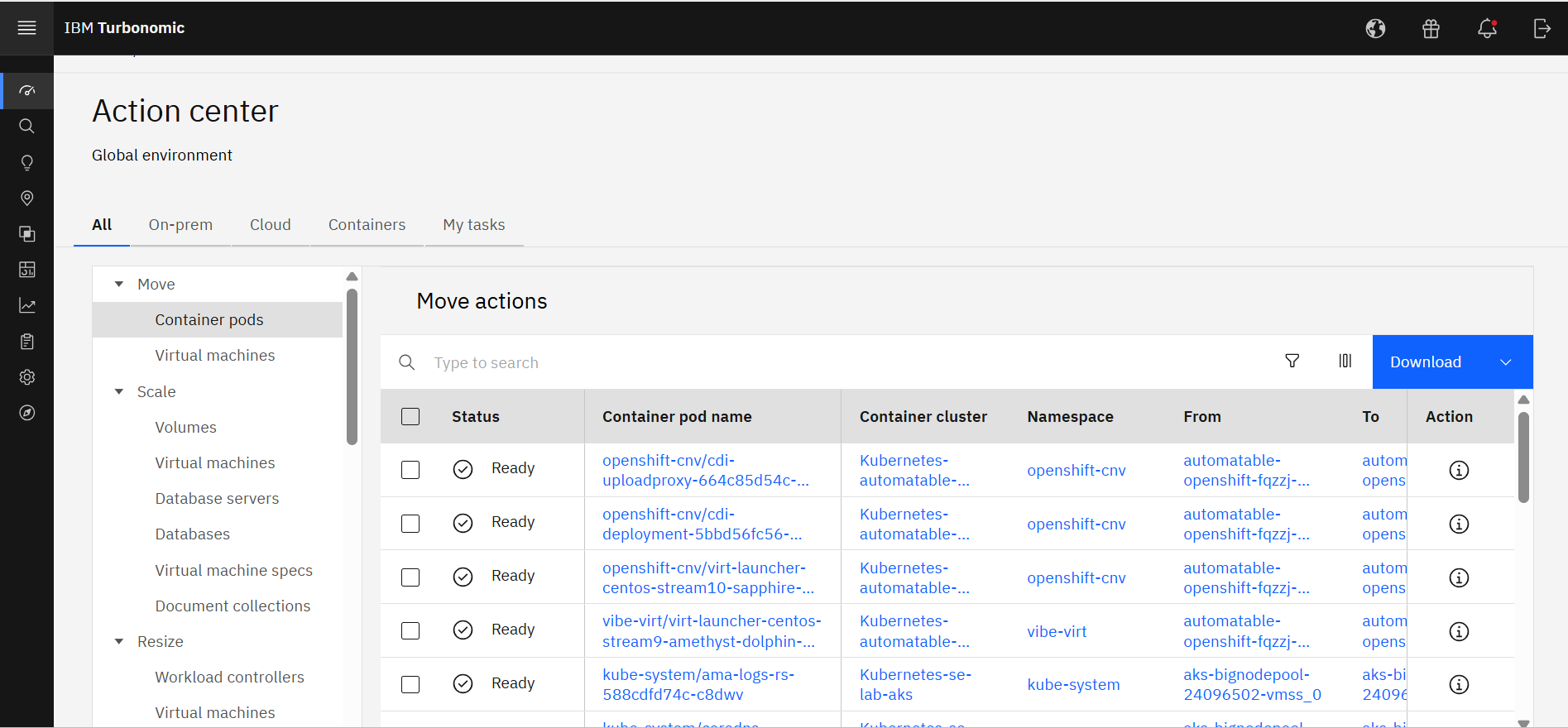 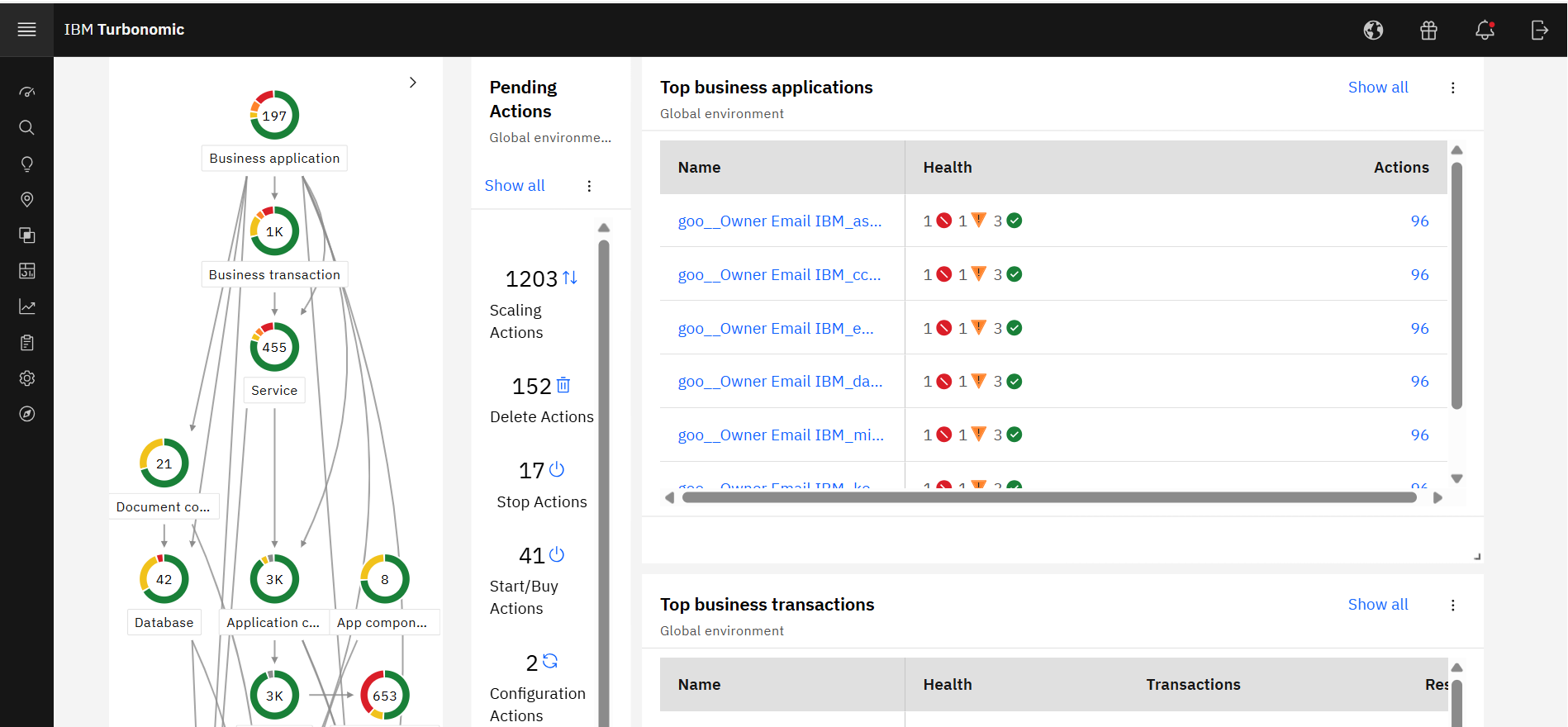 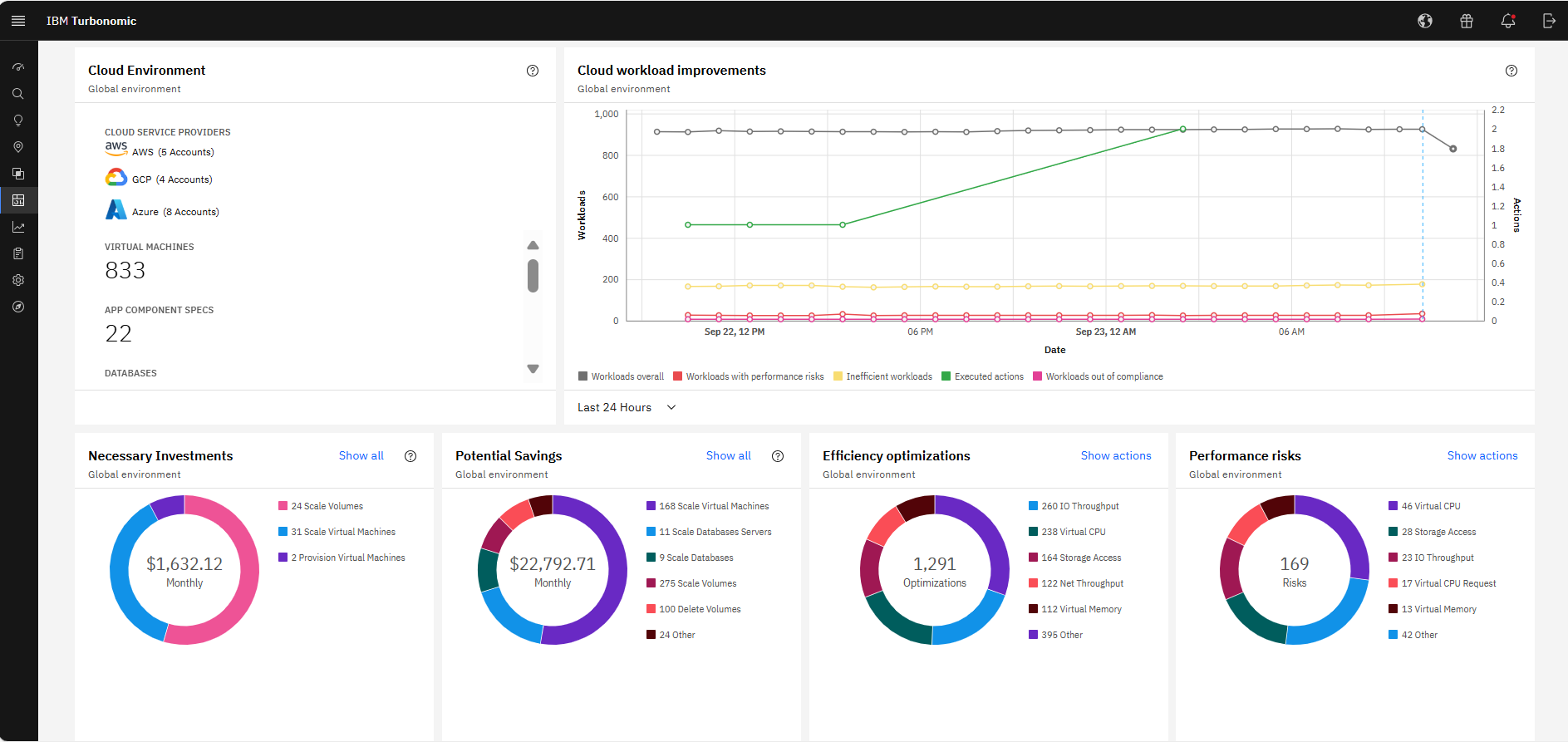 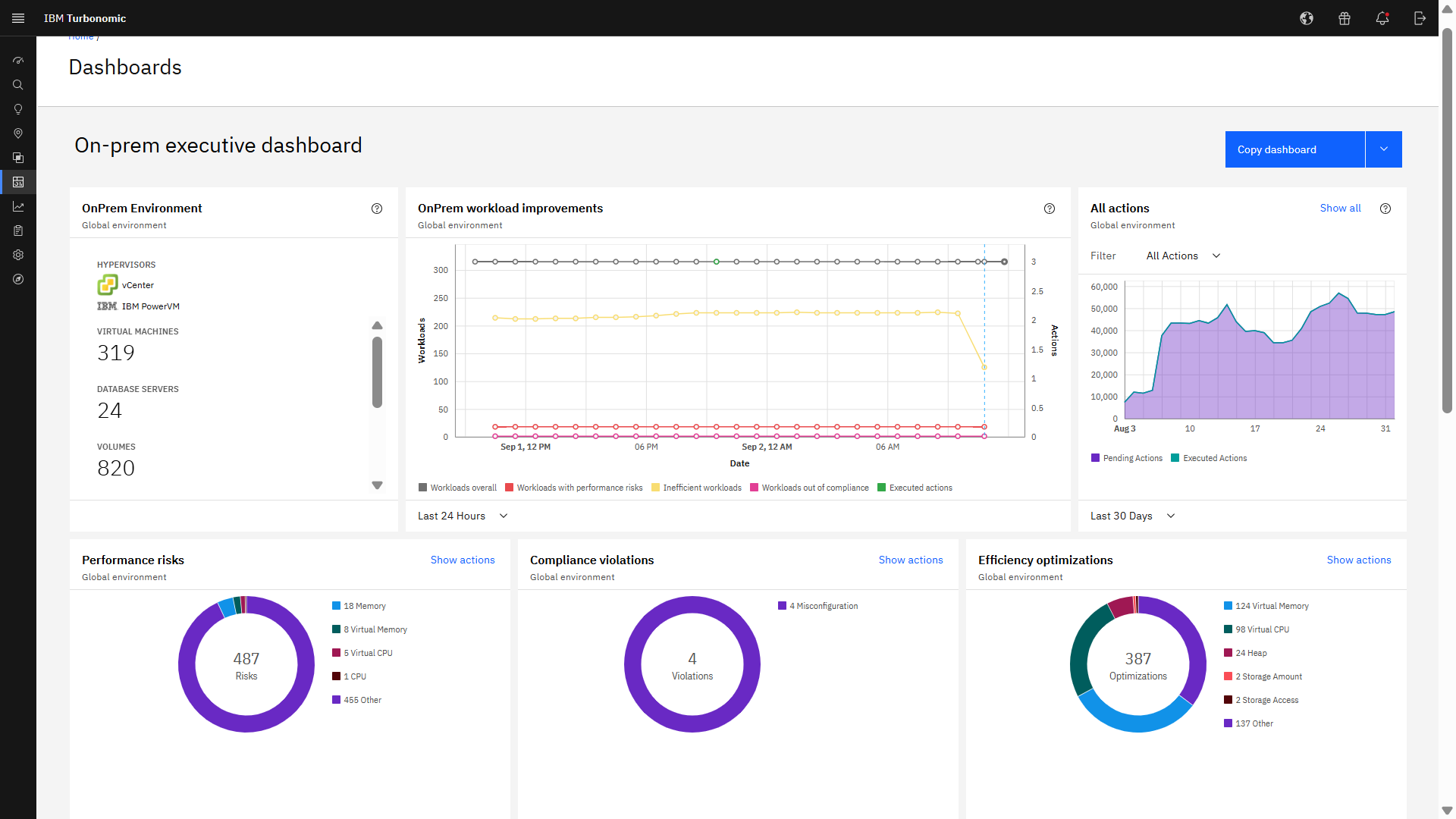 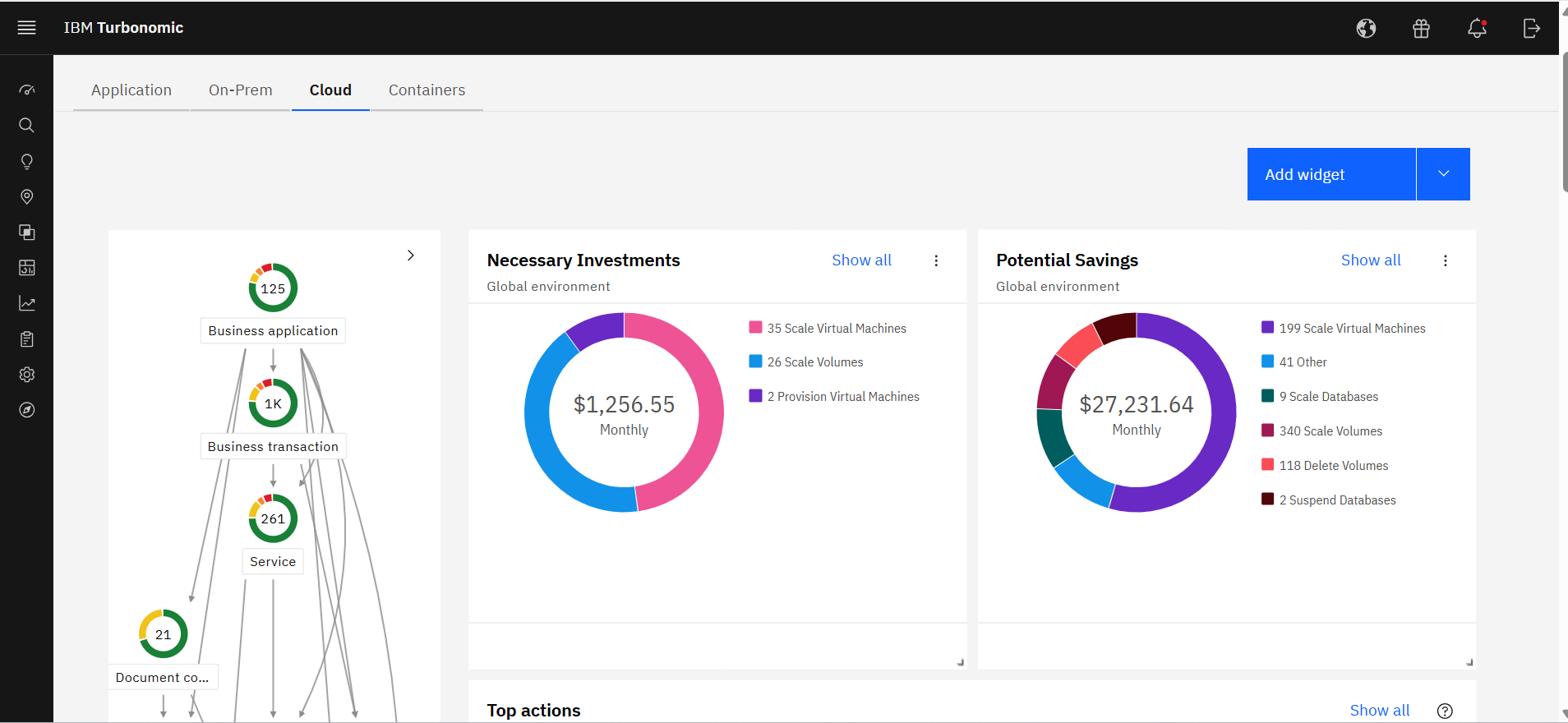 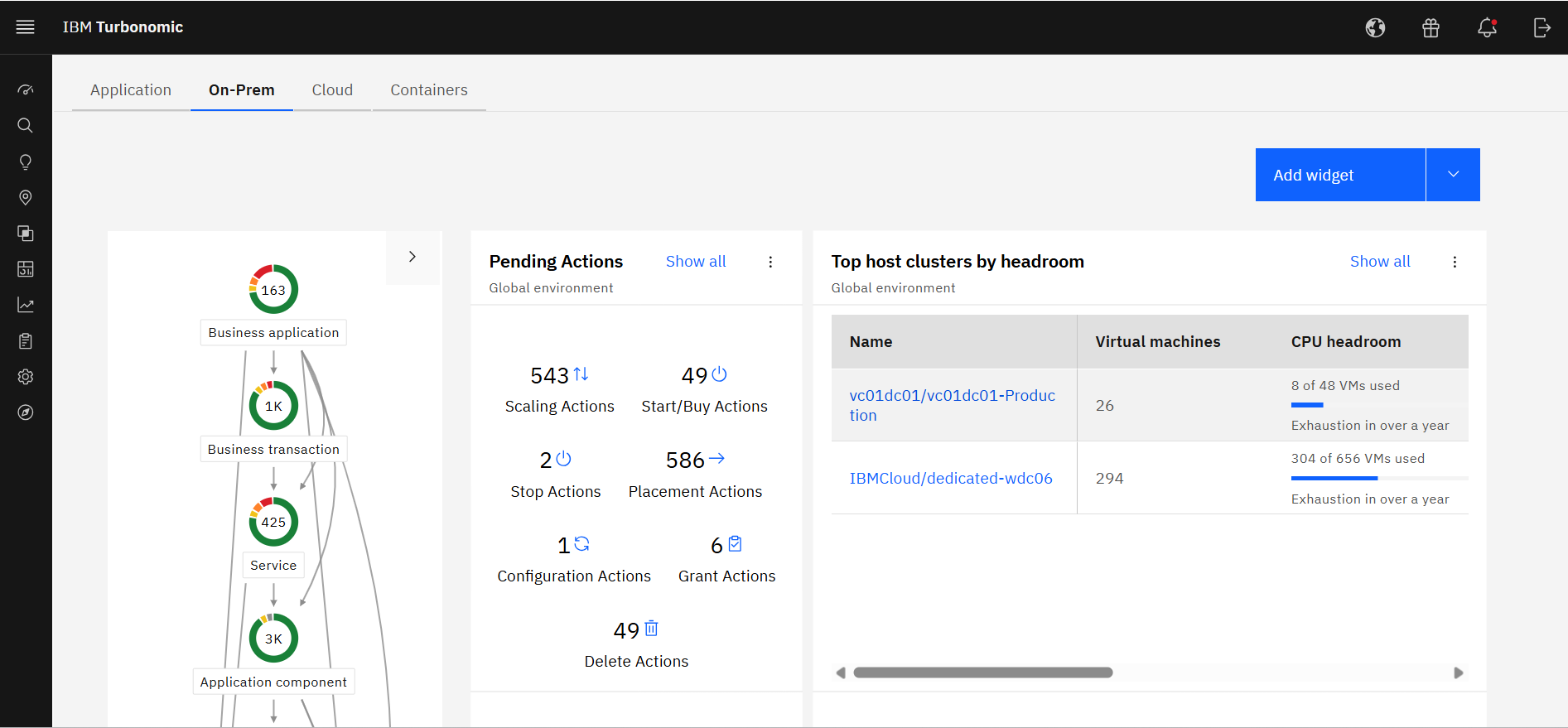 |