Chose Webexpenses
this is the only apps we used for the same purpose

| Product | Rating | Most Used By | Product Summary | Starting Price |
|---|---|---|---|---|
 Webexpenses | N/A | Webexpenses is a global provider of spend management solutions, combining integrated Expense Cards with cloud-based software for businesses of all sizes across 70+ countries. Serving industries such as retail, finance, technology, construction, and not-for-profit, Webexpenses gives businesses control over company spending by automating processes, proactively enforcing policies, and controlling costs. Features The Webexpenses… | N/A | |
 Workday Financial Management | N/A | Workday Financial Management is a native cloud solution built on a global foundation designed to enable accounting teams to operate with greater productivity, superior insights, and adapt to changing business needs. Its AI embedded features improve financial business processes like record to report and opportunity to cash while strengthening internal controls, and enabling consistency across global operations. Powered by an in-memory architecture and object data… | N/A |
| Webexpenses | Workday Financial Management | |||||||||||||||
|---|---|---|---|---|---|---|---|---|---|---|---|---|---|---|---|---|
| Editions & Modules | No answers on this topic | No answers on this topic | ||||||||||||||
| Offerings |
| |||||||||||||||
| Entry-level Setup Fee | $250 null | No setup fee | ||||||||||||||
| Additional Details | — | — | ||||||||||||||
| More Pricing Information | ||||||||||||||||
| Webexpenses | Workday Financial Management | |
|---|---|---|
| Considered Both Products |  Webexpenses  Derek Brookes CIO (Chief Information Officer) Chose Webexpenses I am unable to provide any detail to this question as I have not used these products, but I am aware of these products and other applications. |  Workday Financial Management  Punnareddy Pallerla Sr Software Engineer Chose Workday Financial Management More available features, easy to use, and simple navigation.  Wesley Gillean Regional Controller Chose Workday Financial Management We are still using Applied Epic for our end AMS system to record client and policy info for our agencies. Workday is a great add on tool we use for our consolidated financials.  Michelle Allen Sr. Billing Specialist Chose Workday Financial Management Paycor is not as user savvy  Erin Easterberg Director of Billing & accounts receivable Chose Workday Financial Management Workday Financial Management absolutely blows them out of the water. Hands down is the best choice. It’s the clear winner for all teams using it. It can change your employees lives and day to day software challenges to speed up and develop reports needed across departments.  Zahra Najib Customer Advocate Chose Workday Financial Management
|
| Webexpenses | Workday Financial Management | ||||||||||||||||||||||||
|---|---|---|---|---|---|---|---|---|---|---|---|---|---|---|---|---|---|---|---|---|---|---|---|---|---|
| Expense Management |
| ||||||||||||||||||||||||
| Payment Management |
| ||||||||||||||||||||||||
| Payroll Management |
| ||||||||||||||||||||||||
| Customization |
| ||||||||||||||||||||||||
| Security |
| ||||||||||||||||||||||||
| Reporting & Analytics |
| ||||||||||||||||||||||||
| General Ledger and Configurable Accounting |
| ||||||||||||||||||||||||
| Inventory Management |
| ||||||||||||||||||||||||
| Order Management |
|
| Webexpenses | Workday Financial Management | |
|---|---|---|
| Small Businesses |  Dext Score 9.8 out of 10 |  Zoho One Score 8.9 out of 10 |
| Medium-sized Companies |  Precoro Score 2.8 out of 10 |  Infor VISUAL Score 8.0 out of 10 |
| Enterprises |  Emburse Chrome River Score 9.2 out of 10 |  24SevenOffice Score 9.0 out of 10 |
| All Alternatives | View all alternatives | View all alternatives |
| Webexpenses | Workday Financial Management | |
|---|---|---|
| Likelihood to Recommend | 9.1 (0 ratings) | 8.9 (0 ratings) |
| Likelihood to Renew | 9.2 (0 ratings) | 9.0 (0 ratings) |
| Usability | 9.1 (0 ratings) | 10.0 (0 ratings) |
| Availability | 9.3 (0 ratings) | - (0 ratings) |
| Performance | 9.6 (0 ratings) | - (0 ratings) |
| Support Rating | 8.5 (0 ratings) | 10.0 (0 ratings) |
| In-Person Training | 8.7 (0 ratings) | - (0 ratings) |
| Online Training | 9.8 (0 ratings) | - (0 ratings) |
| Implementation Rating | 7.8 (0 ratings) | - (0 ratings) |
| Configurability | 6.5 (0 ratings) | - (0 ratings) |
| Ease of integration | 7.3 (0 ratings) | - (0 ratings) |
| Product Scalability | 9.3 (0 ratings) | - (0 ratings) |
| Vendor post-sale | 8.7 (0 ratings) | - (0 ratings) |
| Vendor pre-sale | 9.1 (0 ratings) | - (0 ratings) |
| Webexpenses | Workday Financial Management | |
|---|---|---|
| Likelihood to Recommend |
|
|
| Pros |
 Perry Amadon, CPA Controller |
|
| Cons |
|
|
| Likelihood to Renew |
 James Moffatt UK Head of Talent & Development | No answers on this topic |
| Usability |
|
|
| Reliability and Availability |
| No answers on this topic |
| Performance |
| No answers on this topic |
| Support Rating |
|
|
| In-Person Training |
| No answers on this topic |
| Online Training |
| No answers on this topic |
| Implementation Rating |
| No answers on this topic |
| Alternatives Considered |
|
|
| Scalability |
| No answers on this topic |
| Return on Investment |
|
Zahra Najib Customer Advocate |
| ScreenShots | Webexpenses Screenshots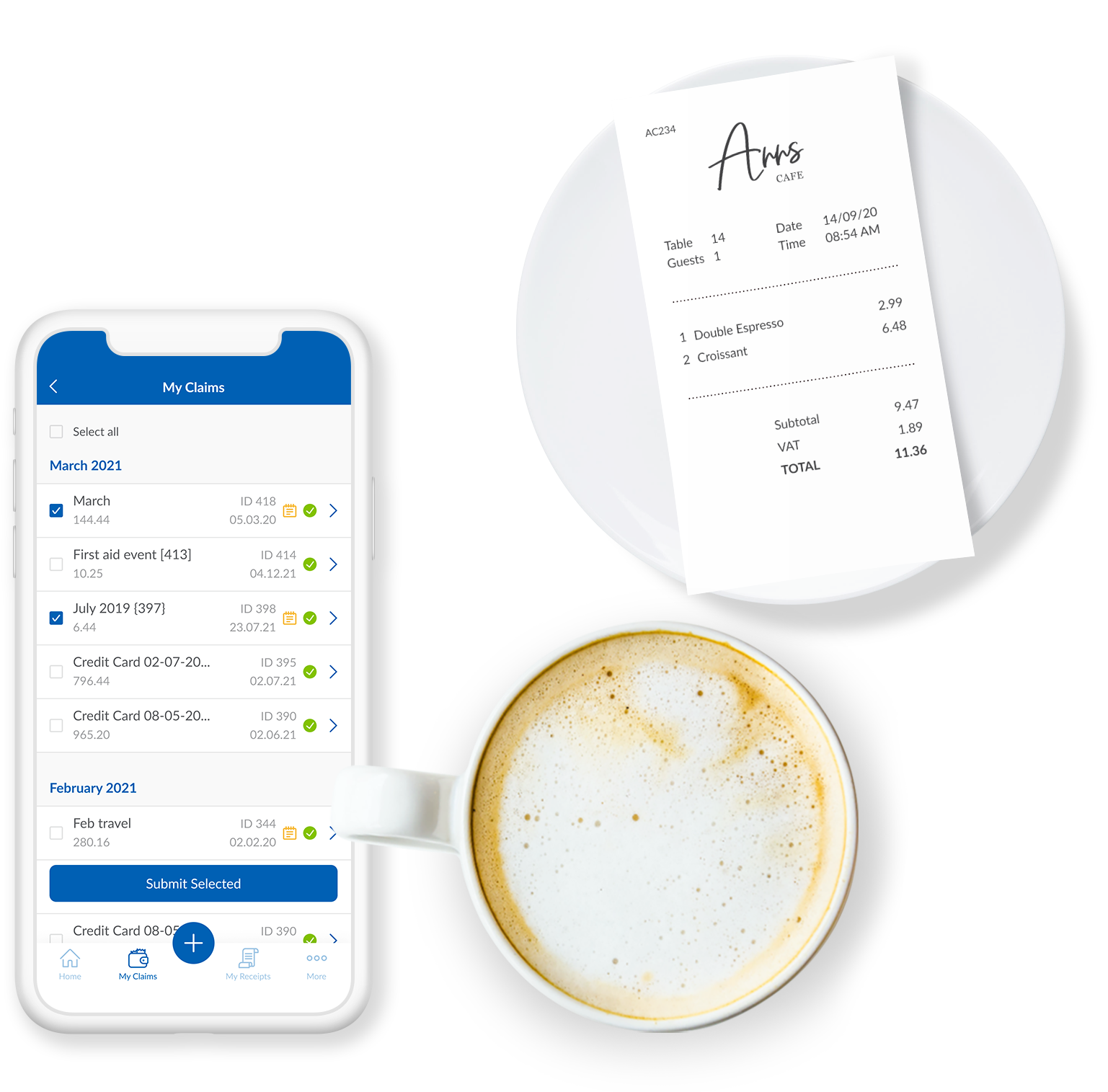      | Workday Financial Management Screenshots   |