Dropbox Paper is a web-based, co-editing tool that includes word processing, document creation and coordination features.
The tool is free to use and allows multiple people to collaborate on a document.
N/A
Workflowy
Score 9.6 out of 10
N/A
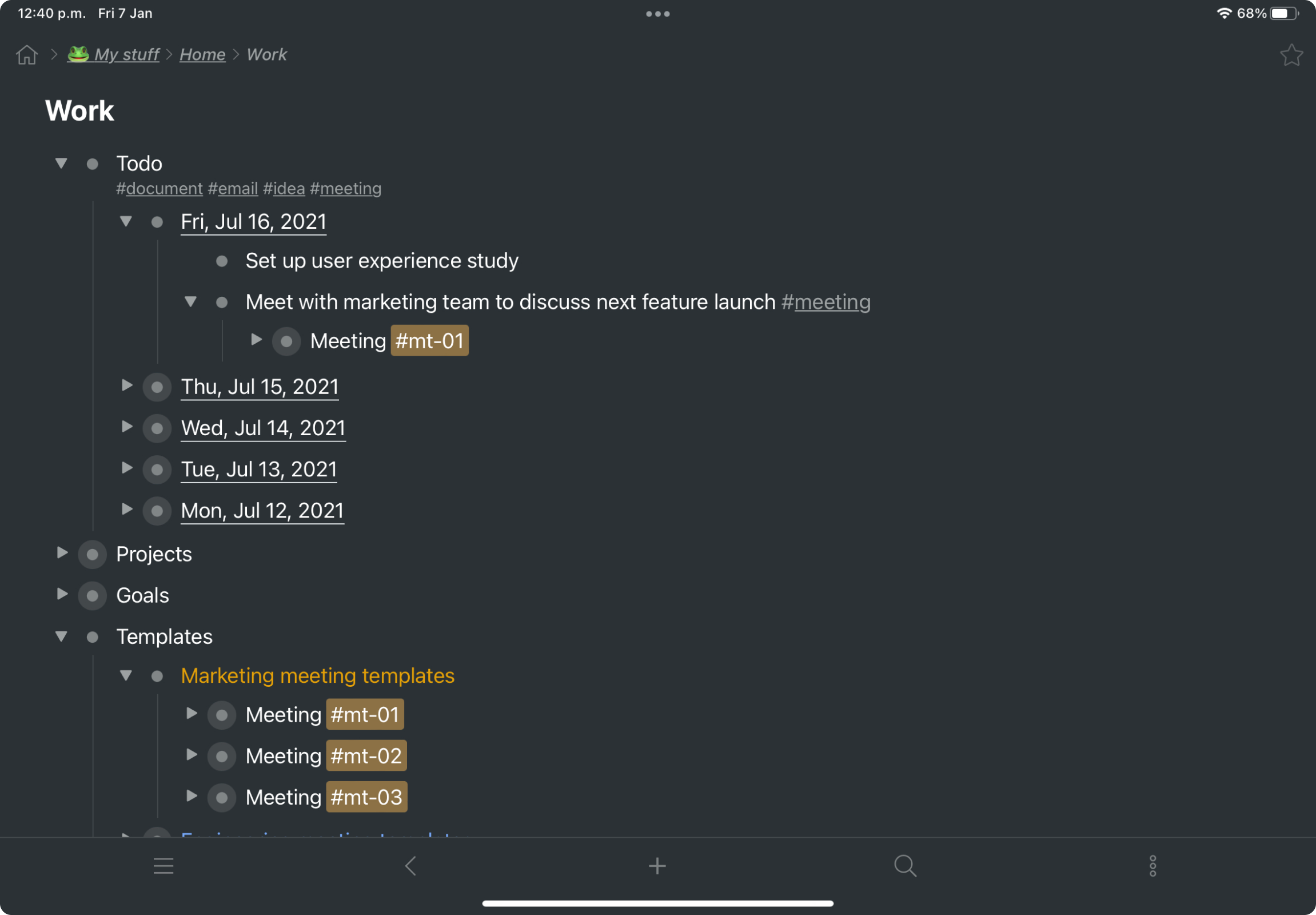
Workflowy is a note-taking and organizational tool designed to help users manage their tasks, notes, and projects. Its simplicity and features make it a choice for individuals and teams looking to streamline their workflow. Infinite Nesting Structure: Workflowy allows users to create lists within lists to an infinite degree, enabling a detailed and structured way to organize information Global Search: Its search function is used to search through all their…
$0
per user
Pricing
Dropbox Paper
Workflowy
Editions & Modules
No answers on this topic
Workflowy basic
$0
per user
Workflowy pro - Monthly
$8.99
per month per user
Workflowy pro - Yearly
$83.88
per year per user
Offerings
Pricing Offerings
Dropbox Paper
Workflowy
Free Trial
No
Yes
Free/Freemium Version
Yes
Yes
Premium Consulting/Integration Services
No
No
Entry-level Setup Fee
No setup fee
No setup fee
Additional Details
—
—
More Pricing Information
Community Pulse
Dropbox Paper
Workflowy
Considered Both Products
Dropbox Paper
Verified User
Anonymous
Chose Dropbox Paper
Paper is a good option for those people looking for a lightweight content creation & collaboration tool & especially if you are already using dropbox. However, all the capabilities that Paper has are not so powerful in-depth of flexibility & range of functionality, for example, …
We briefly tried Prezi, but in all honesty DropBox Paper won out for us simply because it lets you use and integrate so many different media types all together into one project. I know that there are a few features that others really liked about Prezi but for the group as a …
Dropbox Paper is very lightweight and cost-effective compared to competitors. Implementation is straightforward and their support is fast and effective. They have better document management, sharing, and organising capabilities however, their UI and experience are not as good …
Dropbox Paper is a good choice for creating very simply formatted documents. Google Docs and Microsoft Word allow you to create documents with a wealth of features and formatting options. Goole Docs is great for collaborating and document sharing with others. Microsoft has the …
I was not part of the decision making to acquire the Dropbox tool against any of the other options and competitors. However, I can assume that the fact that we have been using Dropbox File Management for many years and many important files are stored and shared in the tool …
Having tried all the other document suites from Google, Apple and Microsoft; I can say that Dropbox Paper is the easiest for template creation and management and being able to create documents the fastest. But as someone who is embroiled in another ecosystem, you will get …
There is also IndiGrid and Calculist. Workflowy outshines them all with it's various layouts, which other apps do not have (except maybe Todoist). Did I mention the ability to keep my hands on the keyboard while I can think and create without interruption?
Dropbox Paper is suited for creating very simple documents, where you are collaborating with other users. It is particularly useful in a work environment that primarily uses Dropbox as a storage and file management solution. If you need to create documents where you need more enhanced formatting features, you would need to use Google Docs, or Microsoft Word.
It is one of the few apps I’ve ever found that handles outlining as well as the ancient program called “ThinkTank” did. It’s better in that it’s accessible anywhere I have web access. Anyway, to address the specific question: I think better if I can just pour my thoughts out onto the screen, and then worry about sorting, editing, and outlining afterwords. Before Workflowy, I was stuck trying everything else. But all the outlining programs were too complex, and all the word processors that offered outlining SUCKED at outlining. Workflowy hits that sweet spot.
Viewing my information from different perspectives. I am visual so I can fully exploit the visual nature of Workflowy and still get granular if and when I need to
Its presentation capabilities can definitely be improved, including how page-by-page presentation is to be done & how aspect ratios are maintained for different resolutions.
More flexibility in text editing would be a great addition to the text editing functionality, for example, additional fonts would be a nice thing to have.
Introducing additional to-do list software capabilities or task management functionality would enhance the software greatly as well.
I now have 12+ years of notes stored in Workflowy - everything from song lyrics to book outlines to classroom notes. It makes it VERY easy to find, VERY easy to sort, and VERY easy to organize.
Paper is a good option for those people looking for a lightweight content creation & collaboration tool & especially if you are already using dropbox. However, all the capabilities that Paper has are not so powerful in-depth of flexibility & range of functionality, for example, for to-do lists or task management there are many other better options out there.
There is also IndiGrid and Calculist. Workflowy outshines them all with it's various layouts, which other apps do not have (except maybe Todoist). Did I mention the ability to keep my hands on the keyboard while I can think and create without interruption?
Dropbox Paper has allowed all of our employees to be much more productive and on track even when we can't be in the office, which from a management standpoint is a huge positive impact. They know that productivity isn't slowing or lacking when everyone isn't actually sitting in the office under their watchful eye.
It has had a huge impact on our turn around time and speed of getting more work and projects completed. The more work you can effectively get done in a time period means more money for the bottom line.
It has made the majority of our team members more accountable and reliable when they know everyone is working together on something and each person has their own checklist of items to complete. It is especially helpful that everyone can see the same checklist, so everyone knows what each other is accomplishing.
Workflowy allows me to keep all of my business and personal information in one place. I can quickly organize, reorganize, link, and add information whether on my phone or on my laptop.