What is Bold Reports, by Syncfusion®?
With the goal of simplifying how enterprises create, store, and share vital business reports, Syncfusion offers Bold Reports, a web-based report management solution.
Bold Reports allows users to embed SSRS-compliant reporting tools, transforming data into actionable insights and giving businesses clear, accessible reporting. The Report Designer, which leverages Syncfusion’s UI expertise to provide dozens of report items, interactive features, appealing styles, and customizable formatting options is used to edit and create reports. The Report Server can be used to publish and export reports, manage their access permissions, and deliver them to users on the web. When reports are available anywhere, pertinent stakeholders can collaborate to make better business decisions.
Key Features and Benefits of Bold Reports
Bold Reports allows users to embed SSRS-compliant reporting tools, transforming data into actionable insights and giving businesses clear, accessible reporting. The Report Designer, which leverages Syncfusion’s UI expertise to provide dozens of report items, interactive features, appealing styles, and customizable formatting options is used to edit and create reports. The Report Server can be used to publish and export reports, manage their access permissions, and deliver them to users on the web. When reports are available anywhere, pertinent stakeholders can collaborate to make better business decisions.
Key Features and Benefits of Bold Reports
- Visualize data in 360°: Users can act based on up-to-the-minute data, without having to switch contexts.
- Connect to any data: Bold Reports' data preparation features eases the job, with no requirement to bring data into one data store. The solution can connect to a data store directly.
- Interactive and parameter-driven reports: Users can interact with paginated reports at runtime to narrow down to specific data.
- Designed for embedding: Business applications, websites, a portal and analytics can be brought together with the embedding capabilities of Bold Reports.
- Multiple export formats: Professional reports can be saved in the most commonly used file formats and shared with analysts and users so they can build action plans to meet their business goals.
- White label and distribute: Bold Reports can be white labelled and branded as a company's own.
- Deploy anywhere: Can be deployed in multiple types of environment.
- User management: With Bold Reports, every aspect of deployment and routine management, such as provisioning tenants, users, groups, and permissions, can be automated through its API layer.
- Security: Granular control over access permissions and data security at rest or in transit.
- Migration from SSRS: Bold Reports utilizes the Microsoft SSRS RDL/RDLC standard that allows complete migration.
- Collaboration: Collaborative business intelligence lets teams look at its metrics and discuss them, as well as post comments and replies right where metrics are displayed.
- Extensibility: Embedded reporting needs to be customizable and extensible to meet the needs of enterprise applications. Bold Reports provides features that make it especially suited for embedded use.
- Report distribution: Its simplified user interface is used to manage and share data entities on demand or on a predefined schedule with stakeholders.
- WYSIWYG designer: Reports can be created with no IT skill needed using the interactive Report Designer, where the user can also pull metrics and visualize KPIs, or build custom reports with no coding effort.
- Part of Syncfusion's developer ecosystem: Syncfusion provides an ecosystem of compatible developer control suites, embeddable BI platforms, and business software. 1,800+ components and frameworks for mobile, web, and desktop development help teams get products to market faster, and the Bold product line delivers a diverse set of enterprise solutions, ranging from data analysis and visualization, to help desk software, to an electronic signature platform.
Categories & Use Cases
Media


1 / 5
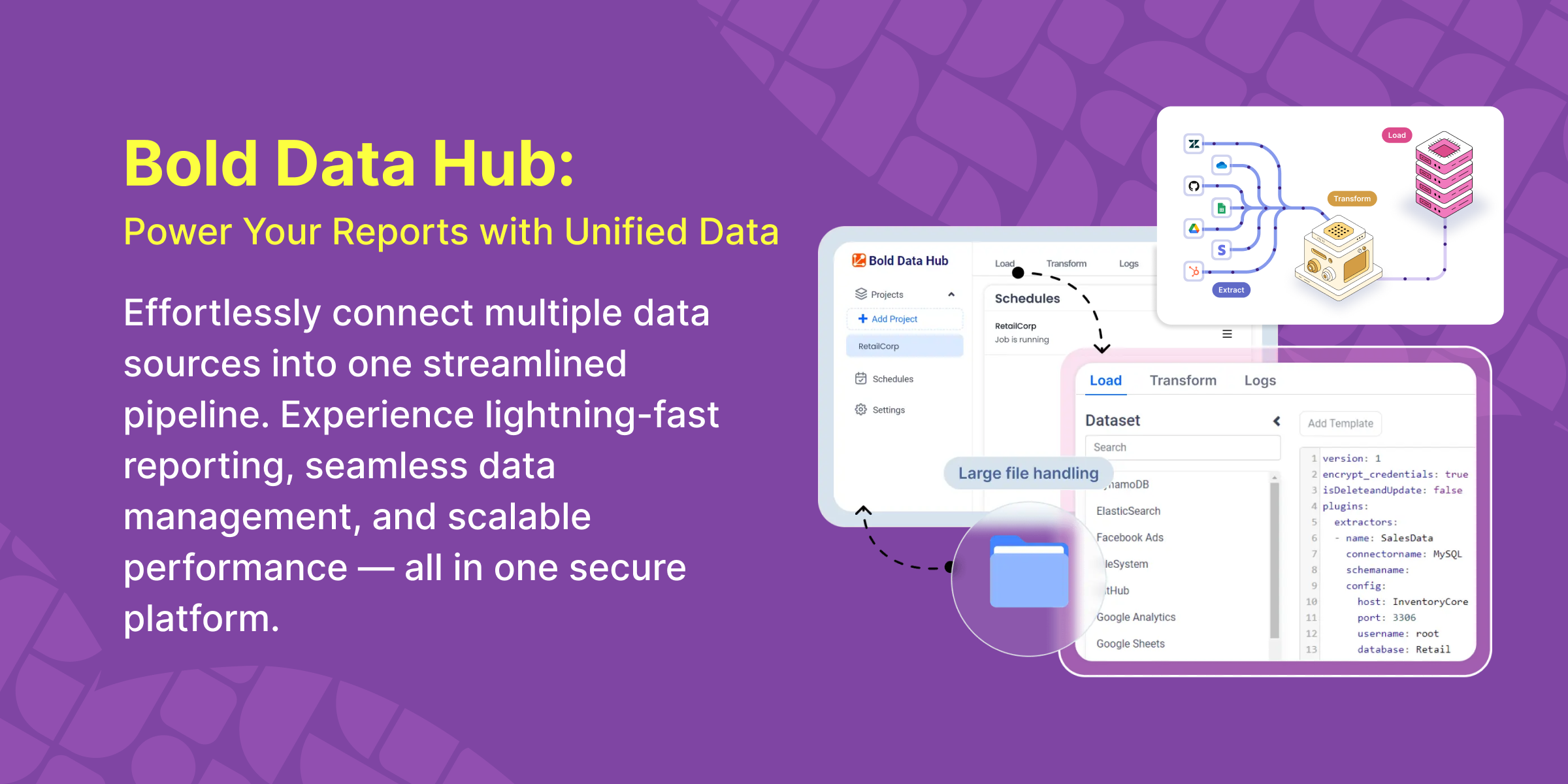
Screenshot of the Data Hub.