A de minimis incentive was given to thank the reviewer for their time. The incentive was not used to bias or drive a particular response, nor was the incentive contingent on a positive endorsement. More Info
Senior Web Developer in Information Technology at Liberty Concepts (11-50 employees employees)
Pros
Codeship provides a set of tools for quickly creating and building our deployment artifacts and push them to the designated servers.
Codeship's hooks allows our developers to simply push tags from our git repositories to initiate a deployment of code to a server. No one outside of the devops team needs any expertise to get our code packages delivered.
Codeship allows us to tie in behat and unit tests easily to prevent delivery of buggy code.
Cons
The only real gripe I have with Codeship is with regards to its single sign-on experience within the website. Occasionally I accidentally try to sign in with my GitHub account instead of my Bitbucket account. By the time I realize the error, it is stuck in a transition state that it does not let me "sign out of". This is fixed by clearing cookies, but it would be nice to see some sort of sign out option before you are fully signed in.
Return on Investment
Faster code pushes with less headaches has led to better efficiency as well as reduced frustration within the development team.
CTO in Information Technology at Trayn (11-50 employees employees)
Pros
Quick setup for continuous integration: push to a specific branch and run deployment scripts to see updates on the corresponding environment
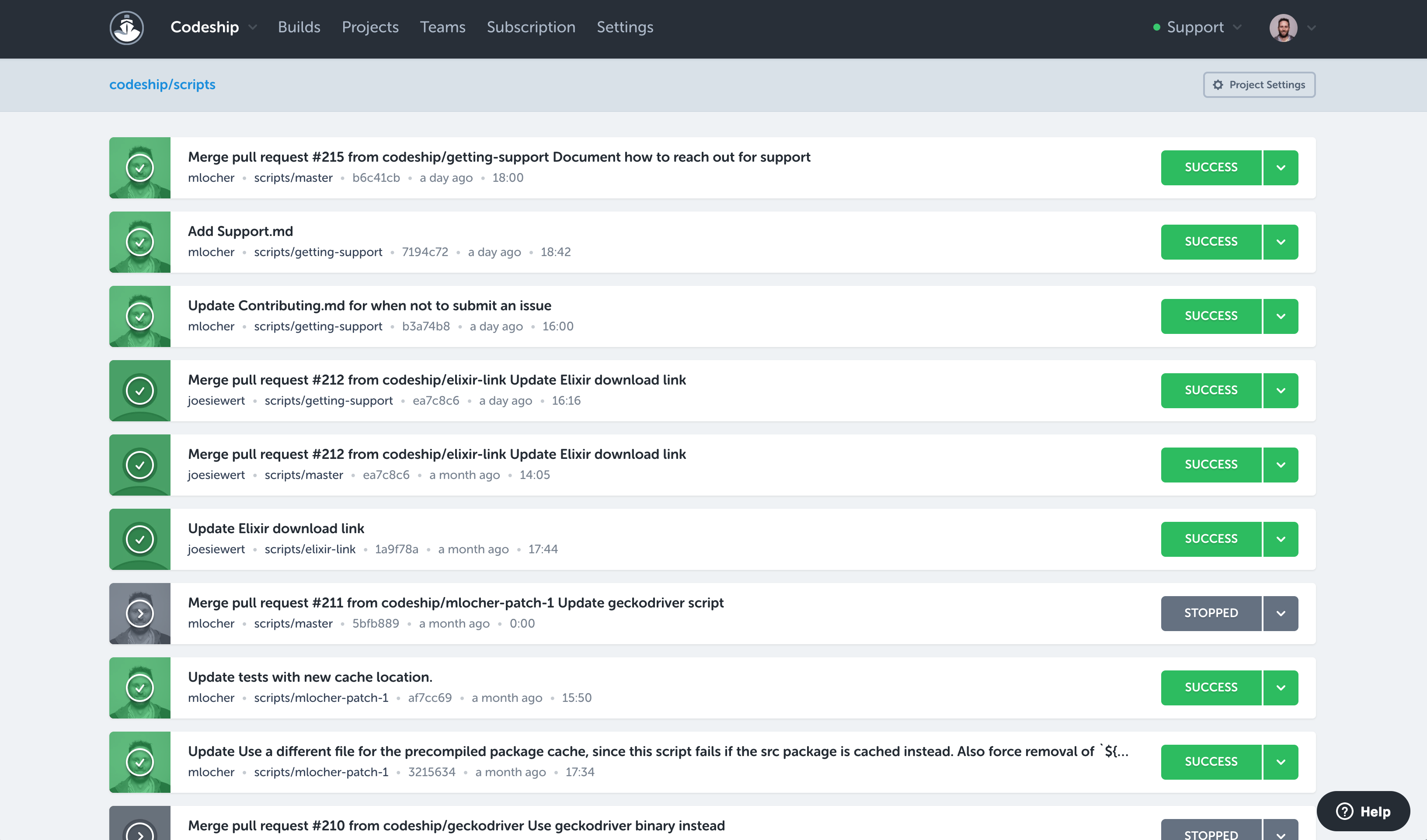
We can quickly see if there is something wrong: whenever we make changes, Codeship runs the whole build and then tests the code before deploying to production. The default setting is to run build and test on all branches, so there is usually no feature branch with a red build that we are not aware of
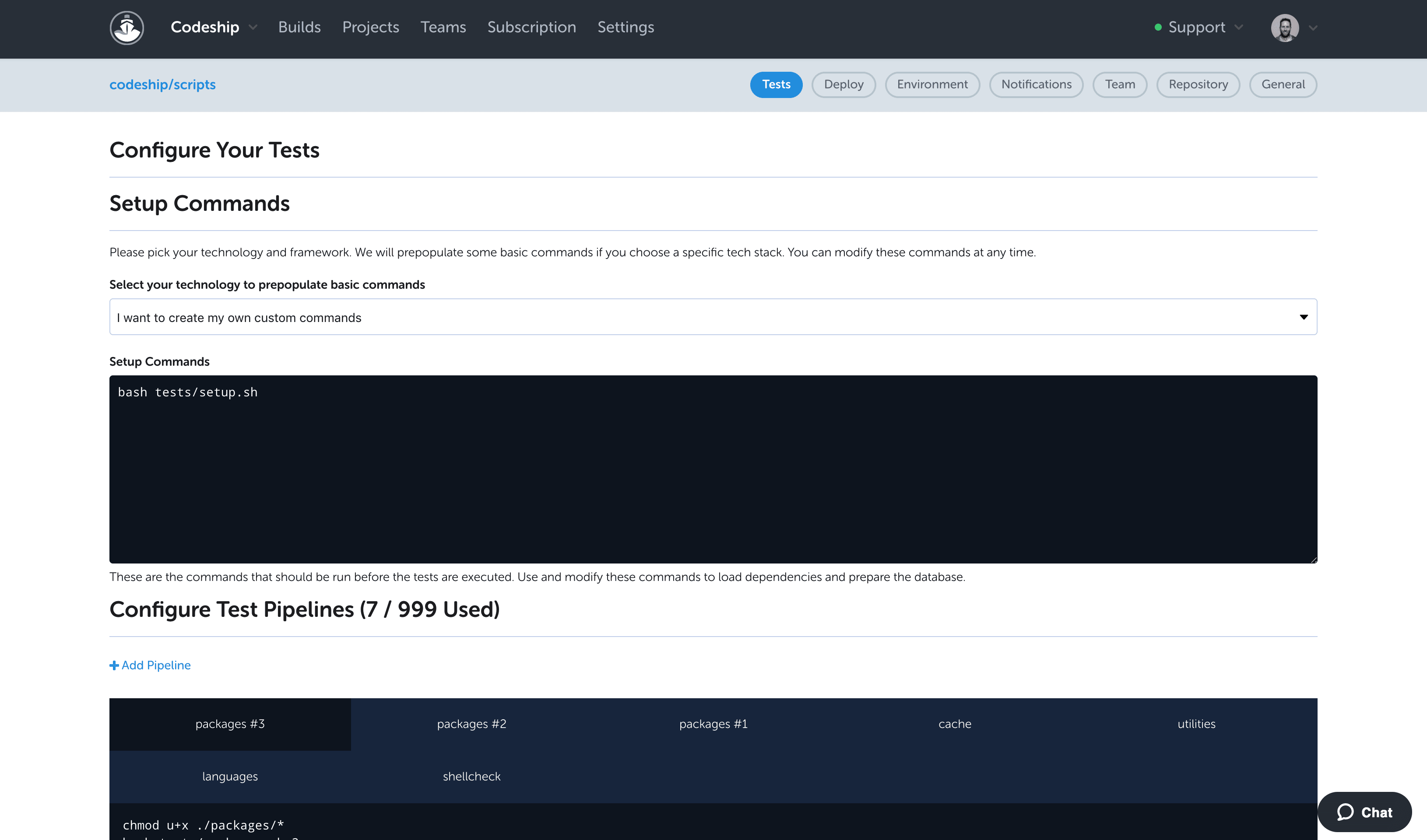
Deployment scripts are very easy to configure and with the limited (but powerful) setup options, we usually have a clear process that describes the deployment. This way everything is clear, even for engineers new to the project.
Cons
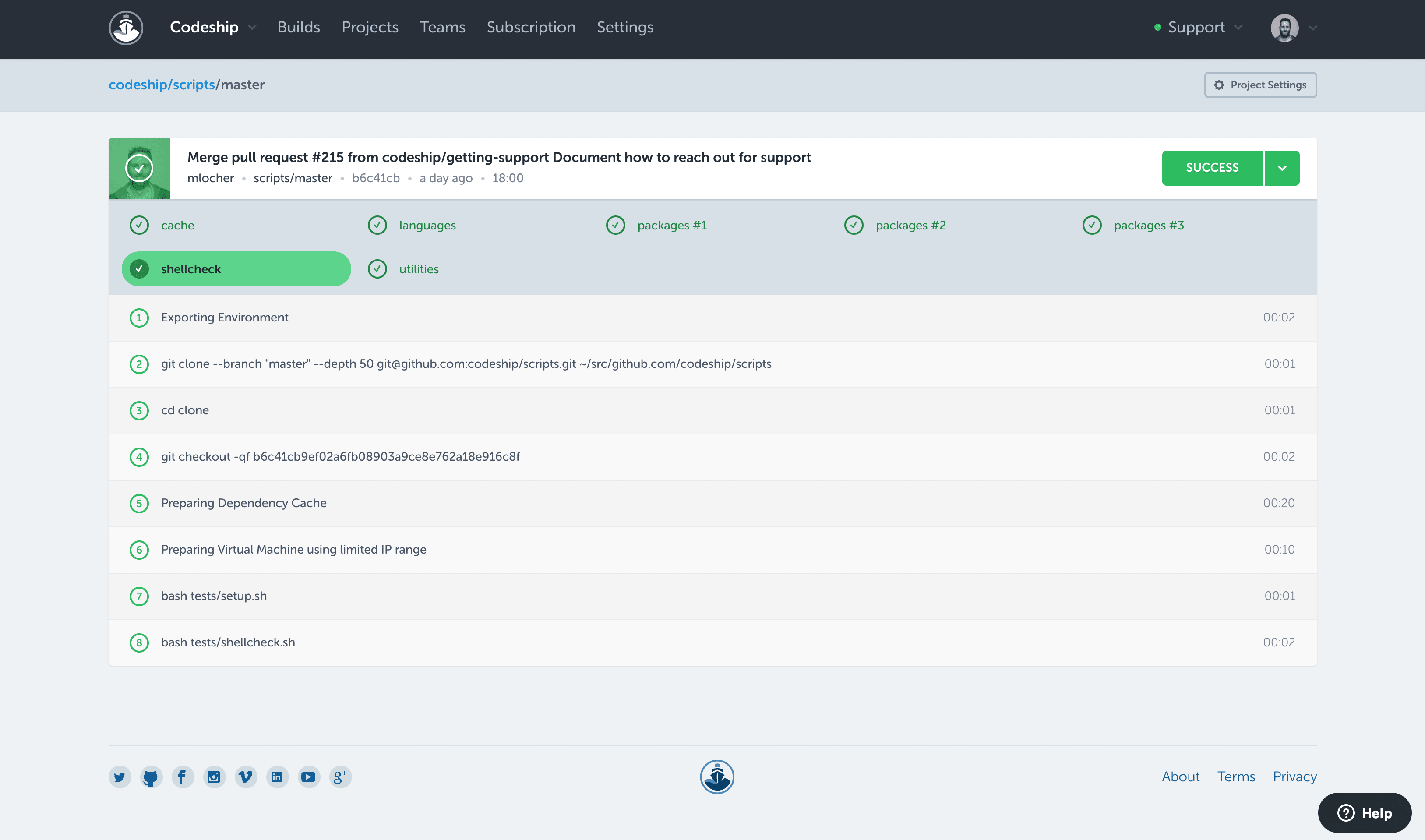
I would like to see a little bit more than the green/red status. If there are tests, it would be good to see how many have failed on a red build.
To improve build times (and reduce feedback times), it would be good to see how long build, tests, and deployment take over time. An overview like that could very easily point to potential areas of improvement. I think Codeship users do not want to bother with the build process, but, if there is anything to improve and increase productivity it's very unlikely that users wouldn't want to do this.
Return on Investment
We have a few small projects with different developers and Codeship shows everyone clearly, if something work, or if it doesn't.
In one small project with a team of three developers, we have configured two builds and it takes 2-5 minutes for everyone on the team to push changes to an infrastructure handling a little over 3M users.
A de minimis incentive was given to thank the reviewer for their time. The incentive was not used to bias or drive a particular response, nor was the incentive contingent on a positive endorsement. More Info
Sr. Software Developer in Research & Development at CONSLOG - Construction Software (11-50 employees employees)
Pros
Build Automation: It's no longer necessary to run many other tools along with the git push command.
Continuous Integration: We were finally able to achieve K.I.S.S. [keep it simple, stupid] methodology at our development environment.
Continuous Deployment: If everything looks good, it no longer needs to be sitting there, waiting for some other bureaucratic task sequence to be run in order to get deployed.
Cons
UX: The overall UX is not bad, but it still needs a lot of improvement.
It took me quite a while to realize that in order to switch projects I needed to press my current project name so a dropdown would appear.
Integration with bitbucket is somewhat hidden from the users's hands. Got to make some improvements there.
Return on Investment
Having the code tested thoroughly. While it's obviously a part of the job that still requires the developer to sit down and to actually have some decent and thorough tests implemented, by using codeship we were able to guarantee 100% that our code was being tested each and every time it got commited and pushed onto our repositories. Leading to a faster, shorter and sure implementation iterative cycle.
Fewer 'man in the middle' processes which required more steps and people involved just to get the code shipped onto our deployment servers.
Almost inexistent learning curve. Codeship is simple to use and very intuitive. Nobody in our development department had a hard time figuring out how to have it properly configured for each new project created there.
Alternatives Considered
Bitbucket, Gitlab and Jenkins
CloudBees Codeship Alternatives
Products similar to CloudBees Codeship that may also meet your needs.