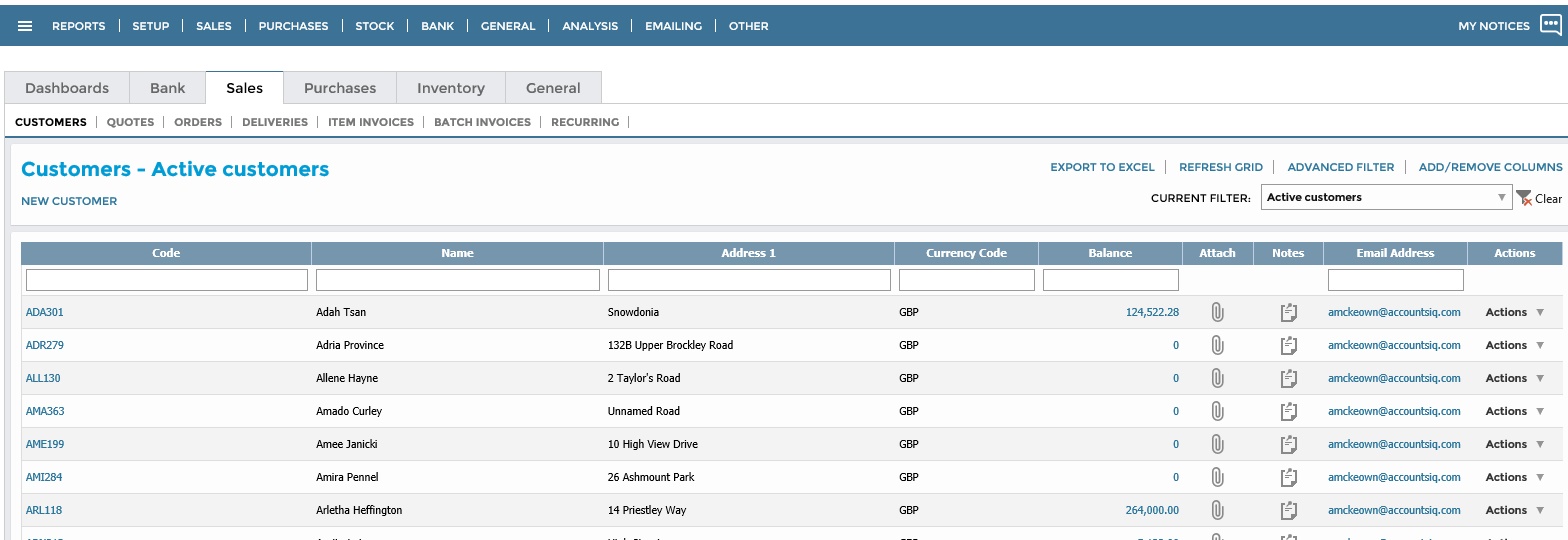
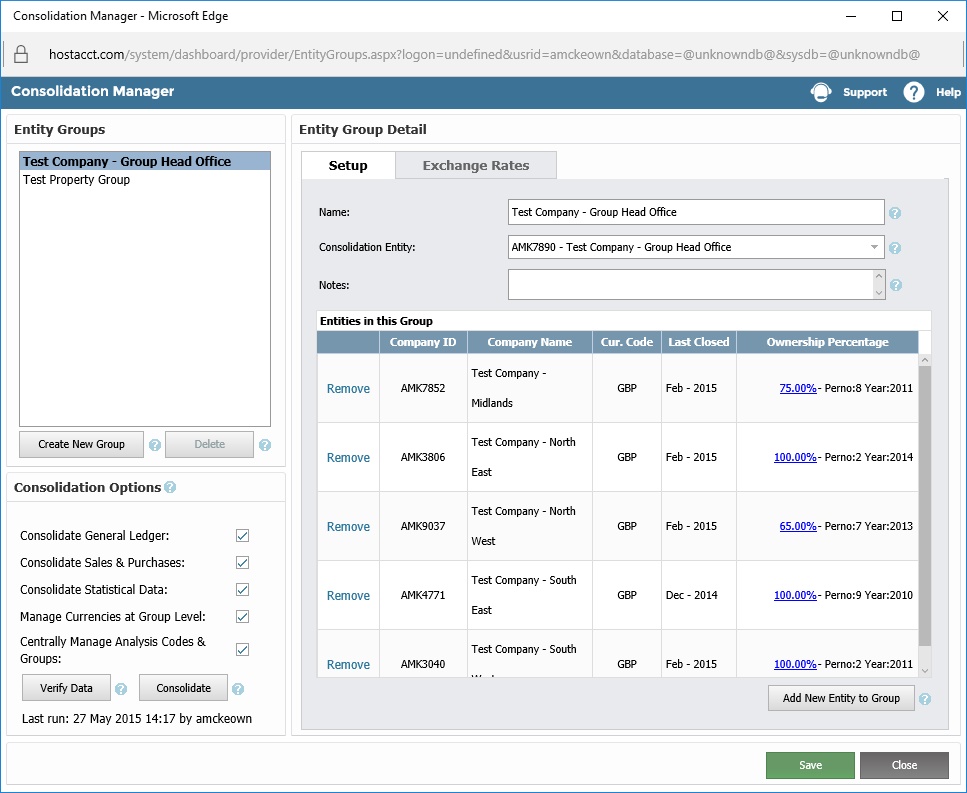
AccountsIQ provides a cloud-based accounting solution that is designed to provide users with access to the applications from anywhere in the world. The solution can be used on any internet connected device (with appropriate security and permissions). With this solution, users can facilitate simultaneous collaboration with multiple users within their organization through this centralized online service. The vendor says this feature makes it a particularly attractive solution for…
$100
per installation
QuickBooks Self-Employed (discontinued)
Score 8.9 out of 10
N/A
A now discontinued accounting solution, QuickBooks Self-Employed featured tools to help the self-employed drive growth and financial stability. It is replaced by the more advanced QuickBooks Solopreneur.
N/A
Pricing
AccountsIQ-Cloud Accounting Software
QuickBooks Self-Employed (discontinued)
Editions & Modules
BookkeeperIQ
$100
per installation
ControllerIQ
$250
per installation
EnterpriseIQ
$400
per installation
EnterpriseIQ with Consolidation
$500
per installation
No answers on this topic
Offerings
Pricing Offerings
AccountsIQ
QuickBooks Self-Employed (discontinued)
Free Trial
Yes
No
Free/Freemium Version
No
No
Premium Consulting/Integration Services
No
No
Entry-level Setup Fee
$5,000 per installation
No setup fee
Additional Details
The product is modular and therefore you can select the functionality you require and only pay for this functionality included. In addition, as the product is scalable, you will need to consider the number of entities a company has on the system.
Freshbooks limited my ability to categorize transactions, specifically removing duplicates or excluding them. I selected QuickBooks Self-Employed because it allowed me to be in control of items. Sometimes accounting is just making sure things are organized the way YOU think, …
Honestly, this was the only option for me when I launched my business. I didn't even look at different companies for account services, since QuickBooks Self-Employed had the features and benefits that I needed to run daily operations of my business. Eventually, I will need to …
To be honest, I haven't shopped around for a bookkeeping package. I've been using TurboTax for well over a decade, and adding on QuickBooks Self-Employed (once I made the switch to freelancing) was a no-brainer. I probably could have used the program to help me keep track of …
President/Client Strategy Partner, Business Development/Government Relations Services
Chose QuickBooks Self-Employed (discontinued)
I selected QBSE because no other system fit my needs as a freelancer and as of now, I've not become aware of a program like this that I would opt out for.
QuickBooks is a great tool for new SoleTraders that need basic accounting software and require digital invoicing for their clients to send via email and access key features via a mobile app on the go. QuickBooks is a straightforward tool to use with a simple design and learning curve for business owners that are not very tech-savvy. For businesses that operate on a larger scale and need to provide access to other users on their team, QuickBooks is limited. This type of business may also require more insights into the business outside of accounting, and QuickBooks won't be able to supply insights outside of that.
There are a number of unnecessary and ongoing prompts to do small tasks, like creating a rule for certain transactions. I could do without those.
There are also occasional glitches with bank setup that produce duplicate transactions which can be a pain to deal with. I also haven't been able to find a way to effectively edit transactions.
I also wish that QBSE integrated with software like Freshbooks, Tripit and Expensify.
I have been using this software for several years now and it has always put out my data in beautiful generated reports that I can use for verification purposes with my financial institute and the IRS. It has all the tools I need to run my business without loosing track of anything
I have never faced any difficulties that required me to contact QuickBooks customer service. QuickBooks has plenty of online tutorials, blog posts, and helpful tips and advice for almost any issues you may face using the desktop or app version of the software. Even if you can not find the right answer on the QuickBooks webpages, there are loads of YouTube videos from experts.
To be honest, I haven't shopped around for a bookkeeping package. I've been using TurboTax for well over a decade, and adding on QuickBooks Self-Employed (once I made the switch to freelancing) was a no-brainer. I probably could have used the program to help me keep track of employee expenses as I was working for others in the past.
A positive impact on my business is, of course, keeping track of income and expenses, and approximate quarterly taxes. QuickBooks is a little better at this than Quicken, I think.
By using QuickBooks (and Quicken) it saves me having to spend money on an accountant. (At least up to this point.)
However, the time I spend on daily or weekly entries takes billable time away from other things.