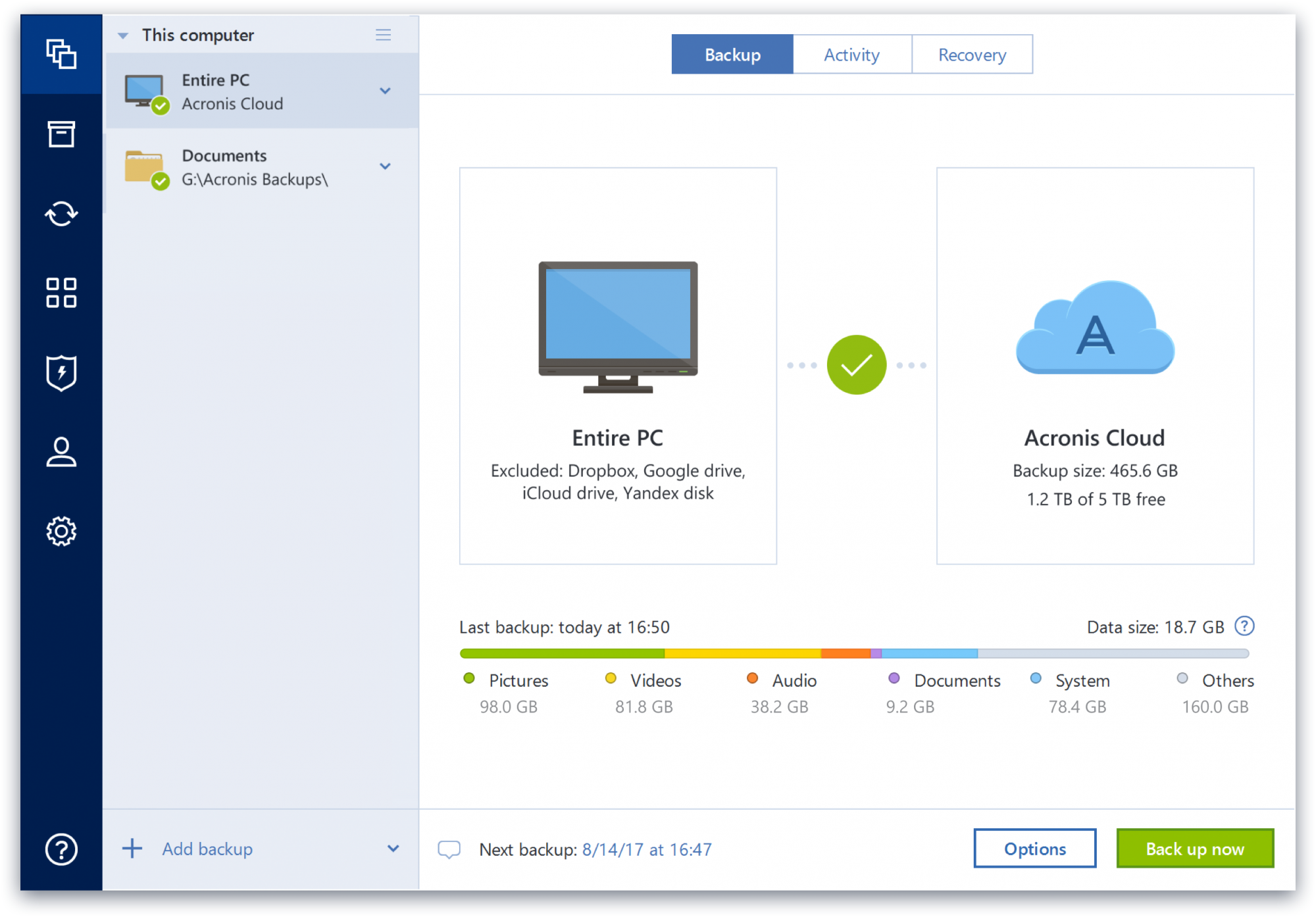
Acronis True Image is a backup, cloning, cyber protection and privacy tool suite for home users.
N/A
Macrium Reflect
Score 9.0 out of 10
N/A
Macrium Reflect is an endpoint and server backup and cloning solution from Macrium Software (aka Paramount Software UK), available in personal and professional editions.
CrashPlan no longer provides software for local backups so I have migrated away from them. They still remain a viable alternative if cloud backups are important. Unfortunately, cloud solutions in ATI are fairly limited in offerings. ATI also has a slightly easier learning curve …
Overall, Acronis has been my preferred full backup product. This is due
in large part to my positive experiences with it over the years, where I
was able to successfully recover both files and full systems when the
It's more targeted on single deployments and you can backup multiple PCs if you need to, also the imaging software is the best, paid solution. Veeam can compare but I think it is on a different feature set than Acronis TI.
Veeam offers Veeam Agent for Microsoft Windows, a product we also install and use. It compares favorably with Macrium Reflect; however, for small firms and individual wanting an added cloud backup of their full hard drive, Macrium wins out in requiring less cloud storage space …
The imaging capability seems to be solid [with Acronis True Image], although I have not had to recover a drive yet so cannot compare. The logs tell me when it is (and isn't) working. The "Cloud Replication" that is supposed to simultaneously replicate the local backup image is perfectly awful and the months of tech support ended with them telling me I had a "VSS issue" on a brand new workstation and that I should just create a separate cloud image. After months of it taking 3-4 DAYS to run, IF it worked, and then failing altogether, I discontinued it. It was even logging (running?) under another separate critical files backup, and forced to use the same encryption password. Setting up a new one failed. The cloud backup of my critical files is still running at kb/sec speeds. The ransomware protection hasn't caught anything yet to my knowledge, and consumes a lot of resources. Changing the settings takes at least 10 minutes to log into the cloud. Cloud storage is tiny and a push to get you to pay more. Will not be renewing.
Macrium Reflect is one of the best partition backup applications available in the market. It can also clone drives in addition to making images of partitions and has a very useful feature of creating a bootable recovery drive for restoring partition(s) in case the OS is not booting. There are also different products for varying needs of the end user- Macrium Reflect Server, Workstation, etc. I have restored my system without any errors many times with Macrium.
Upon a system restore after a crash, the program was able to see my server but was unable to complete the process. However, once I copied everything to a detachable USB hard disk, it had no further problems.
I'd love to see an exact copy of the functionality of Time Machine, except on a PC. Seamless, nearly flawless. It's already pretty decent, though.
Okay, Acronis, you've knocked it out of the park already, but ...it's time to offer some hardware! Develop your own secure version of the Time Capsule that can be plugged into the network. It will only do one thing, and it will be the best at what it does.
Protect my system from data loss and also can manage multiple devices via online cloud from any where and also can set Multifactor authentication for more secure login access. Archive any backup which will use less space and we can transfer it to any other space also so it is very easy as server admin to manage acronics utilities
I have never had an issue with their software and therefore have never had to reach out to their support for anything. I have however used their online help to answer questions about functionality. I found no issues getting the information I was looking for. It seemed that if their own support didn't have the answer, there was a user on their forums who did.
We have not been opening tickets for support from Macrium at the moment, only for licencing issues, but good attention and fast response by the support team. They respond pretty fast to our emails and fixed our issues giving us a good explanation of our case without any complications. Due to the good functionality of the software we have not opened a ticket for support in years.
Acronis fits in with the rest of our software as it saves us a ton of time and money. Usability is incredibly intuitive - and a new employee can be taught the ins and outs in less than 15 minutes. The software is also updated regularly to improve the security and functionality of the suite.
Veeam offers Veeam Agent for Microsoft Windows, a product we also install and use. It compares favorably with Macrium Reflect; however, for small firms and individual wanting an added cloud backup of their full hard drive, Macrium wins out in requiring less cloud storage space by a significant margin. ShadowProtect is a rock solid competitor with a higher price and no free version. It is highly dependable, but more complicated to install and set up. The number of technical issues and quality of technical support have ruled out Acronis products. MSP360 Backup has impressive technology, but we encountered issues with restore times and full drive image restores.
The Windows version is generally reliable and only ran into one issue thus far. Restores are easy and there are many features. On MacOS, it's a completely different story. There is significant resource leakage related to the updater app that can bog down part of a CPU core continuously until it is disabled. The mobile backup feature also needs to be disabled via UNIX command line or CPU usage will go up when a mobile device on the same network like an iPad or iPhone's screen is turned on.