Adobe Captivate is an elearning authoring and course design tool (or LCMS). It supports mobile HTML5 content. Captivate’s users are commonly midsized businesses to enterprises. Adobe Captivate includes some prebuilt assets as well as customizable workflows.
$33.99
per month
TalentLMS
Score 8.6 out of 10
Mid-Size Companies (51-1,000 employees)
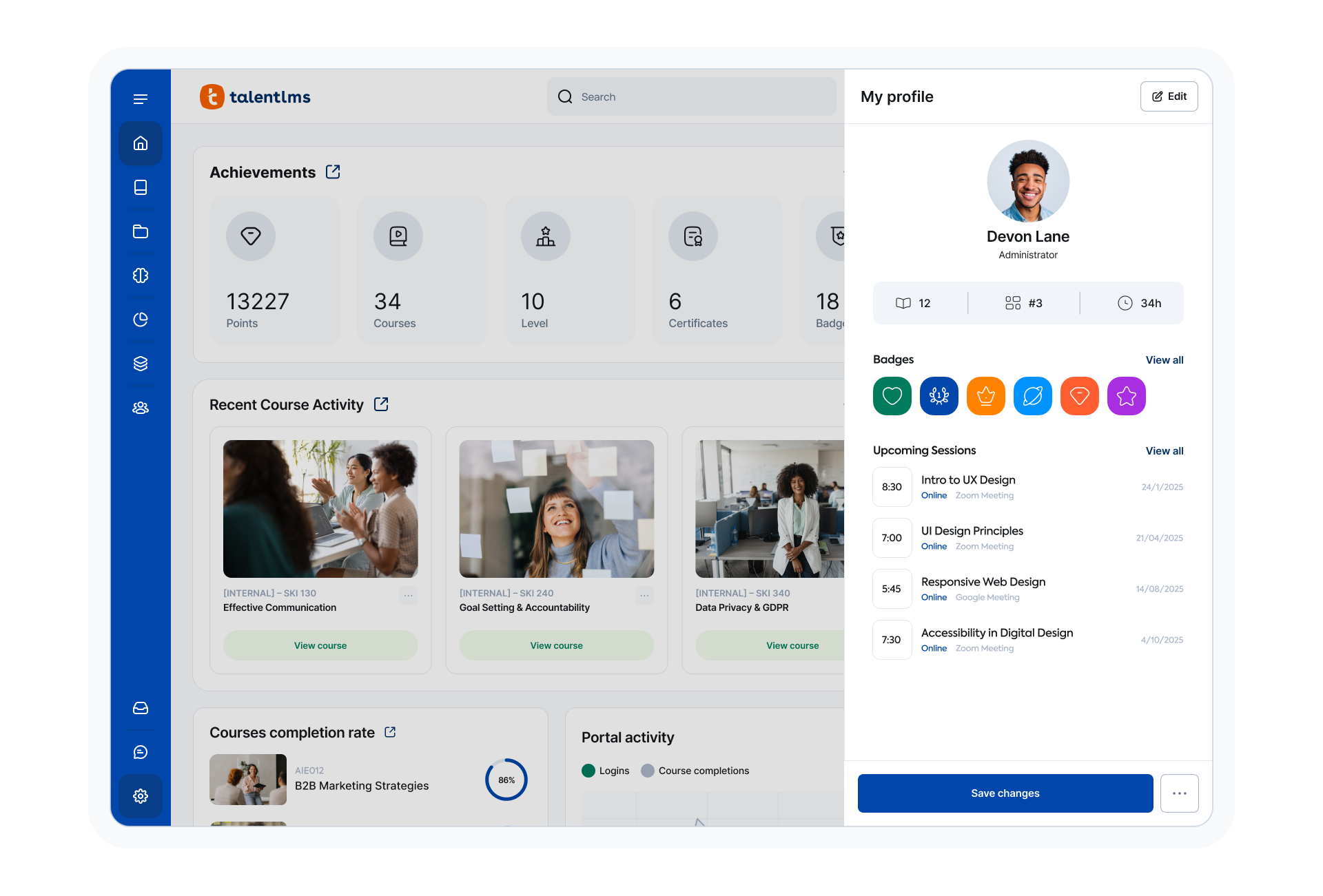
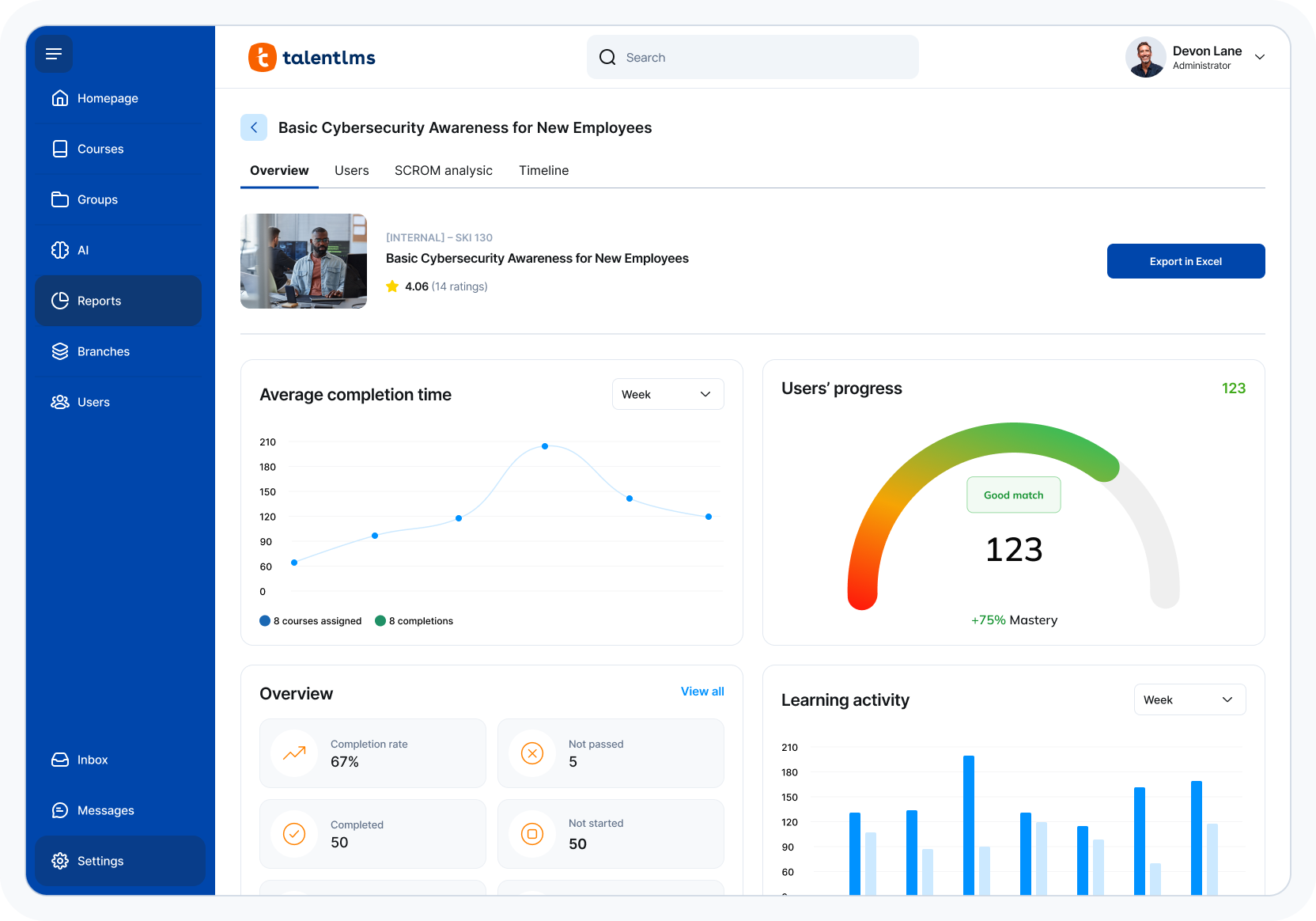
TalentLMS is an LMS built for training success, presented as fully customizable and easy to manage, so that teams embrace training while feeling right at home. It is used to provide the right training to any team and every use, while giving expert guidance and support every step of the way.
$149
per month 1-40 users
Pricing
Adobe Captivate
TalentLMS
Editions & Modules
Subscription
$33.99
per month
Student & Teacher Edition
$399
one-time fee
Upgrade
$499
one-time fee
Pereptual License
1,299
one-time fee
Core
$149
per month 1-40 users
Grow
$299
per month 1-70 users
Pro
$579
per month 1-100 users
Enterprise (Custom plan)
Custom
annual plan Starts at 1000 users
Offerings
Pricing Offerings
Adobe Captivate
TalentLMS
Free Trial
Yes
No
Free/Freemium Version
No
Yes
Premium Consulting/Integration Services
No
No
Entry-level Setup Fee
No setup fee
No setup fee
Additional Details
—
Users can stay on the Forever Free plan and upgrade, or downgrade or cancel at any time. Higher volume plans available at additional cost. Discount available for annual billing, and for nonprofits.
Adobe Captivate outshines all of these other tools -Camtasia, Snagit, Powtoons, After Effects, PowerPoint - when it comes to software demonstrations, simulations and/or training videos that contain software demonstrations ( hybrid video containing software demonstrations). But …
1 common platform for reporting & tracking of
completion for mandatory trainings. Ability to create own training and mandatory trainings are available & accessible for all
employees + contractors
SWAT (internal LCMS) - more flexible but not common to many and difficult to keep up to date Adobe Connect - great for webinars and online classes with live instructor.
At the time Storyline seemed easier to use, but I was already committed to a project and investing time in learning Captivate for it. I also felt some loyalty to Adobe because I had received free Creative Cloud courses through the Adobe Education Exchange.
Adobe Captivate easily outputs to HTML5 and give you a programming timeline. Lectora does not have a timeline which is a disadvantage when trying to program animations or any other time based interactions. Lectora does have programming capabilities, but at times is difficult to …
I use Camtasia for video editing, however, we have Premier Pro and are now learning to use it. Camtasia and Snagit we use for smaller projects. For bigger projects, we use them all.
Can't touch Authorware. Too bad Adobe killed it. I'd love it if Authorware could be resurrected, modernized and export to HTML5. THat would be the ultimate tool. Animate can do a lot more but it takes a lot more time to build.
Adobe Captivate has more availability and content to be able to change around. Again, I like Adobe Captivate more because of all the content that is available and the pre-made options.
While Captivate has some awesome niche features for some circumstances, currently it cannot beat the ease of use with Storyline. Whether it's content, variables, quizes, etc. things are just "easier" in Storyline. Even something as simple as triggering an event when the …
Captivate is more difficult to figure out. However, once you get passed the learning curve it offers more variety and options than Camtasia. It allows for interactions, simulations, and the likes.
Among all of the options that we evaluated TalentLMS presented the best value for the features that we required. In this tier of event management software tell him TalentLMS was one of the few that offered all the features that we needed at a reasonable price.
Docebo's pricing has increased significantly. For one of my customers, we had to leave this tool. I have to admit that Docebo's technical support was very limited compared to TalentLMS. In my opinion, they were also snobbish because we were small customers. So we were relieved …
TalentLMS fit exactly what we were looking for: a user friendly, affordable, customizable LMS. Others didn't allow for creating your own trainings. Or, if they did allow you to create a training, they were extremely expensive. We were not looking for a library of content, so …
TalentLMS is user friendly and simple to learn. It is a well functional tool for professional development. It is stable and allows us to offer courses for 3 different types of learners by utilizing 3 different branches. Canvas was more cumbersome.
Our purchasing committee found that TalentLMS offered the best balance between pricing, features and functionality, along with an intuitive, easy to use interface for setup and ongoing usage. We also found that their sliding subscription levels allowed us to affordably …
We did not try anything prior to using TalentLMS and it was so user friendly and has served it's purpose for our clinic, there was no need to look for another program.
In my opinion, TalentLMS is so much better, it is not even in the same realm of ALM. The ease of use of the interface. Creating Groups. Enrolling Group. Reports!!!!!!!!!
We had to evaluate several platforms, some local in our country and then Adobe and neither could accommodate our business processes. Therefore, we went to a less academic and more commercial-based LMS in order for our business process to work.
I must admit it's been a few years since I last tested Moodle and Docebo, so my current opinion might be biased. That being said, on a pure price-to-performance ratio, TalentLMS blows both out of the water.
Both are good, but the pricing and general value proposition of Talent LMS are better than Trainual in my opinion. Trainual is a bit more modern and cleaner looking from a user interface perspective, but it comes at a higher cost. Both platforms provide very similar features in …
TalentLMS stacks up against them all because It is a very effective & good LMS system. It is user-friendly structured. Everything is well arranged and the information can be obtained in various ways. I appreciate how I can compile graphs and reports on the use of customers and …
Excellent platform. More user friendly and adaptable than Adobe and Ispring. More adaptable than either of these programmes. Better analytics and better reporting that give better information to managers.
Adobe Captivate is well suited for software training. Even though we do not use the software simulation recording feature, we simulate the environment with screenshots and then roundtrip into Photoshop to make edits to a screenshot For example, they added 3 new fields and it affects 25 different slides in the course. I dummy up the 3 new fields in Photoshop, copy the layers with the new fields, flatten and save the screenshot and it's instantly updated in Abode Captivate. I then locate the next slide that needs the same new fields added and round trip into Photoshop and then I just select Paste in Place and flatten and save. The alignment is perfect and the screenshots never leave Adobe Captivate. I had a course that I had to do this to with about 25 slides and it was easy peasy.
TalentLMS is user-friendly enough for someone new to LMS management can get a site up and running in a relatively quick manner. It is rather intuitive to operate. My needs have been a rather small scale of 400 learners and TalentLMS more than meets the need to produce a professional-looking and operational website to send customers and staff. The point here is that although I do not know how well it can be up-scaled, it certainly delivers for small to medium organizations to need to get content online
Easy learning curve. Captivate makes it easy for a new user to pick it up and understand where to begin. Adobe, in general, does this very well and Captivate is no exception. When you begin using Captivate, many of the tasks to create a video come naturally as things are laid out in a way that makes sense.
Embedding with LMS (Learning Management Systems). Adobe has made it very easy to deploy your produced video to any of the popular LMS's available. Captivate also gives you a very easy way of including a SCORM score for any quizzes that must be passed at the end of the video in order to proceed to the next video.
Capturing Audio has never been easier. With Captivate you can easily add voice-over audio that you can record directly inside of Captivate, or import a pre-recorded audio clip. You can import sounds from other sources for effects in the video and Captivate already includes all of the commonly used sounds for mouse-clicks, error sounds, etc.
Templates. There seem to be "themes," but Adobe Captivate has a terrible time saving any sort of object preferences which makes it really difficult when a set of courses need to follow branding guidelines. I have to create a basic course and set up all my colors and whatnot and start every course using that.
Ease of use. It is like pulling teeth sometimes to get Adobe Captivate to do things. You may be able to get it to do it, but it'll be like a dozen or more steps which make creating courses incredibly tedious.
A bigger focus on software simulation. Adobe Captivate isn't designed for simulation, I get that, and I am happy it does as much as it does. However, it could be better to capture actions and things within a program. For instance, click and drag options and hot-key combinations.
It should be easier to re-send someone their initial course assignment email notification. The notification engine is a little non-intuitive.
I was trying to add a user to our account the other day (not a user - an internal employee that I wanted to give access to our system) and I had trouble finding it
We have hundreds of courses that were created in Adobe Captivate. It will take us a while to convert to Articulate. We'll need a license for another year and/or until Adobe comes out with a true update to the software.
The ease of use, the robustness of the offering, and familiarity. It does everything we need and probably more. We likley don't utilize all the functionality it has as it does what we want it to without having to dig that deep into its tools. Their course library also has saved us some time in terms of saving time from creating some basic courses.
Adobe Captivate does take some getting used to. There are features that are much more convoluted than they need to be, but overall it is a great product with a some excellent features. Being in a pretty small market, Adobe Captivate and Articulate Storyline dominate the space. They are not the same software, but allow for eLearning authoring. Each has their benefit and their downside, but, for me, Adobe Captivate edges out Storyline.
The system is intuitive. It does not have a lot of features that are hidden behind secret menus or elsewhere. There are often multiple ways to get to the same place through different menus without having to go back to the home or root menu. It makes things pretty easy. Additionally, if there is something I can't figure out, there is documentation available to help with that.
It is difficult to get in touch with Adobe Captivate support. With a seemingly limited number of resources, mostly outsourced, getting in contact with someone to help troubleshoot an issue is challenging. Typically wait times are long, and the desired path to resolution is to use an existing knowledge base or a self-help guide. It is certainly not a user-friendly experience.
The search feature alone is outstanding. When we needed technical assistance, it was provided with ease and clarity. Any representative we have worked with has been professional, knowledgeable, and good to work with, even if we were in different time zones or areas of the world.
I'm only aware of the problems Adobe Captivate had with SumTotal LMS and Upside LMS, requiring extensive contact with both internal and external support staff to fix the problems. We had no problems at all with Articulate.
Implementation was relatively easy. When we set up a second branch, we needed a little help. But the support area is well-detailed. My clients had no experience with an LMS and their digital skills were limited. We had a long way to go. Nevertheless, it was relatively easy. It was rather quick!
While Captivate has some awesome niche features for some circumstances, currently it cannot beat the ease of use with Storyline. Whether it's content, variables, quizes, etc. things are just "easier" in Storyline. Even something as simple as triggering an event when the timeline reaches a certain point. We continue to keep Captivate and Storyline because we're hoping it Captivate will continue building its integration with other Adobe apps and become our and the industry standard.
Out of the box, Talent is easier to use than Learn Dash, which can be quite convoluted to set up, as it requires the integration and configuration of multiple plugins. As a result, we spent a lot less time getting things set up in Talent than LearnDash. Talent was also much less expensive than Litmos.
Adobe Captivate has allowed our instructors to engage students in ways we never have before.
Instructors who have used Adobe Captivate in our organization have reported higher levels of engagement with their courses and their students, theoretically leading to improved assessment of student performance.
We have dental practices across the United states; the TalentLMS platform helps us train out staff with one process. Standardization across 107 practice to track all of regulatory and compliance training needs.
Over the course of the last four years we have recruited internal faculty to help develop content and they find the TalentLMS platform very easy to author material.
Creating content ourselves saves a tremendous amount of money each year