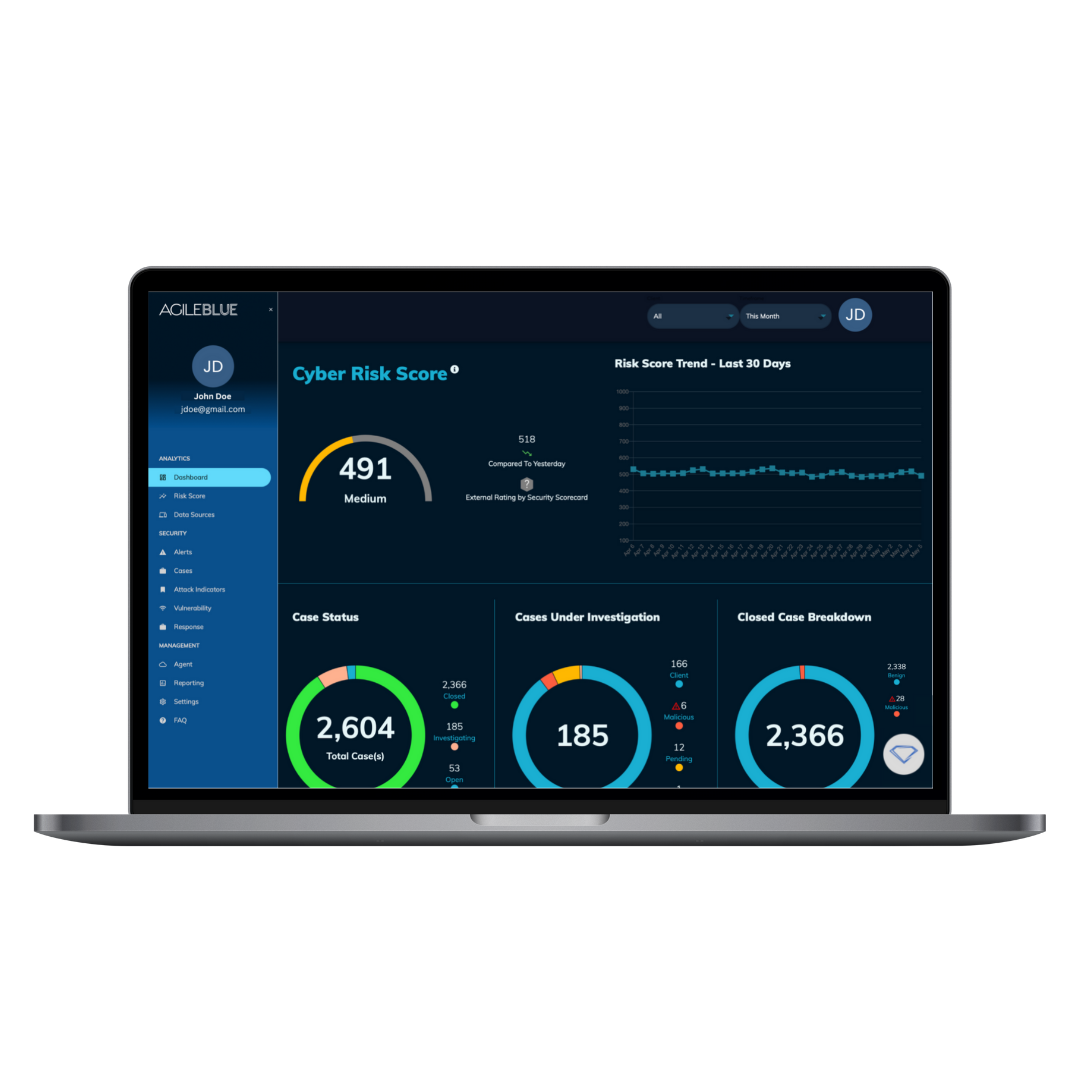
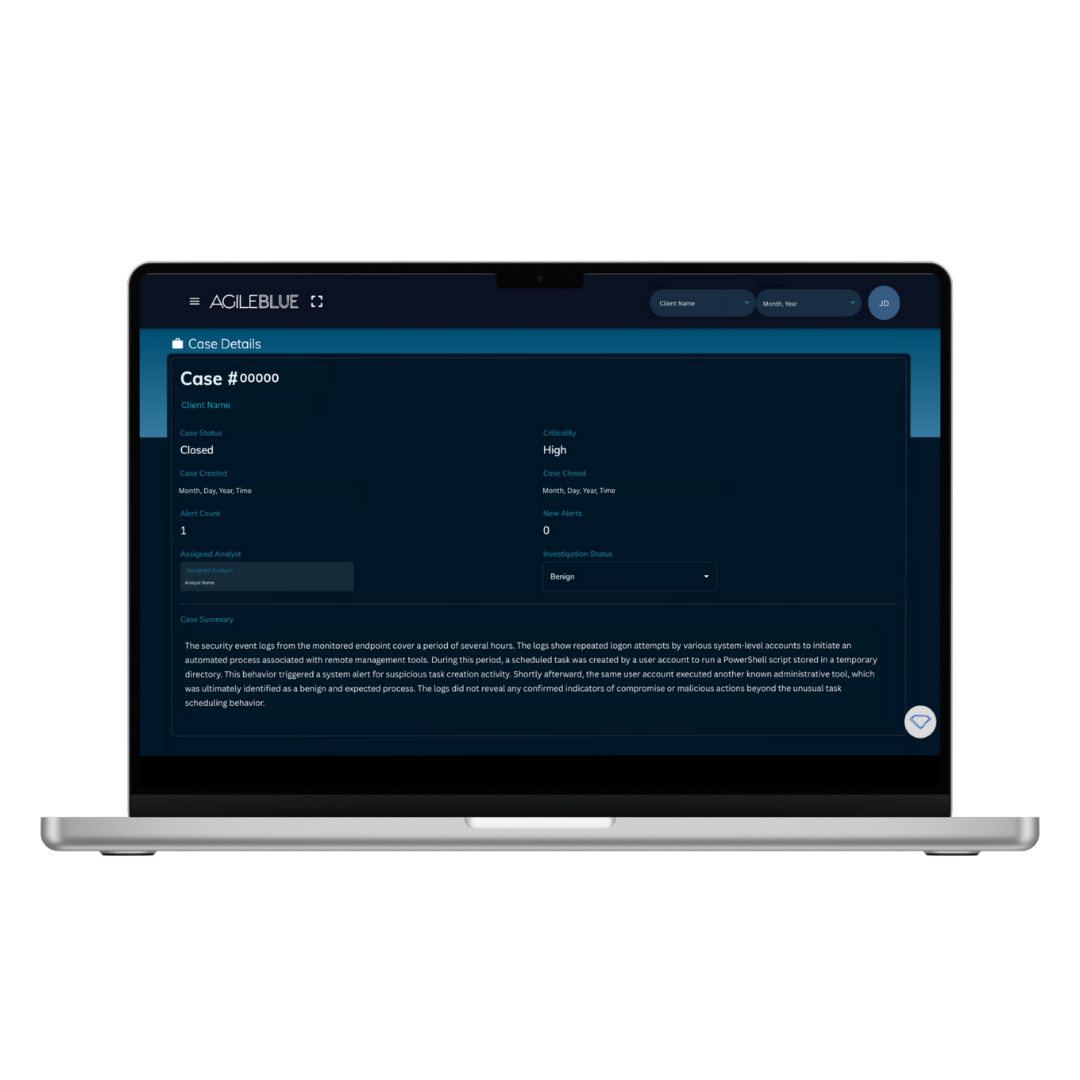
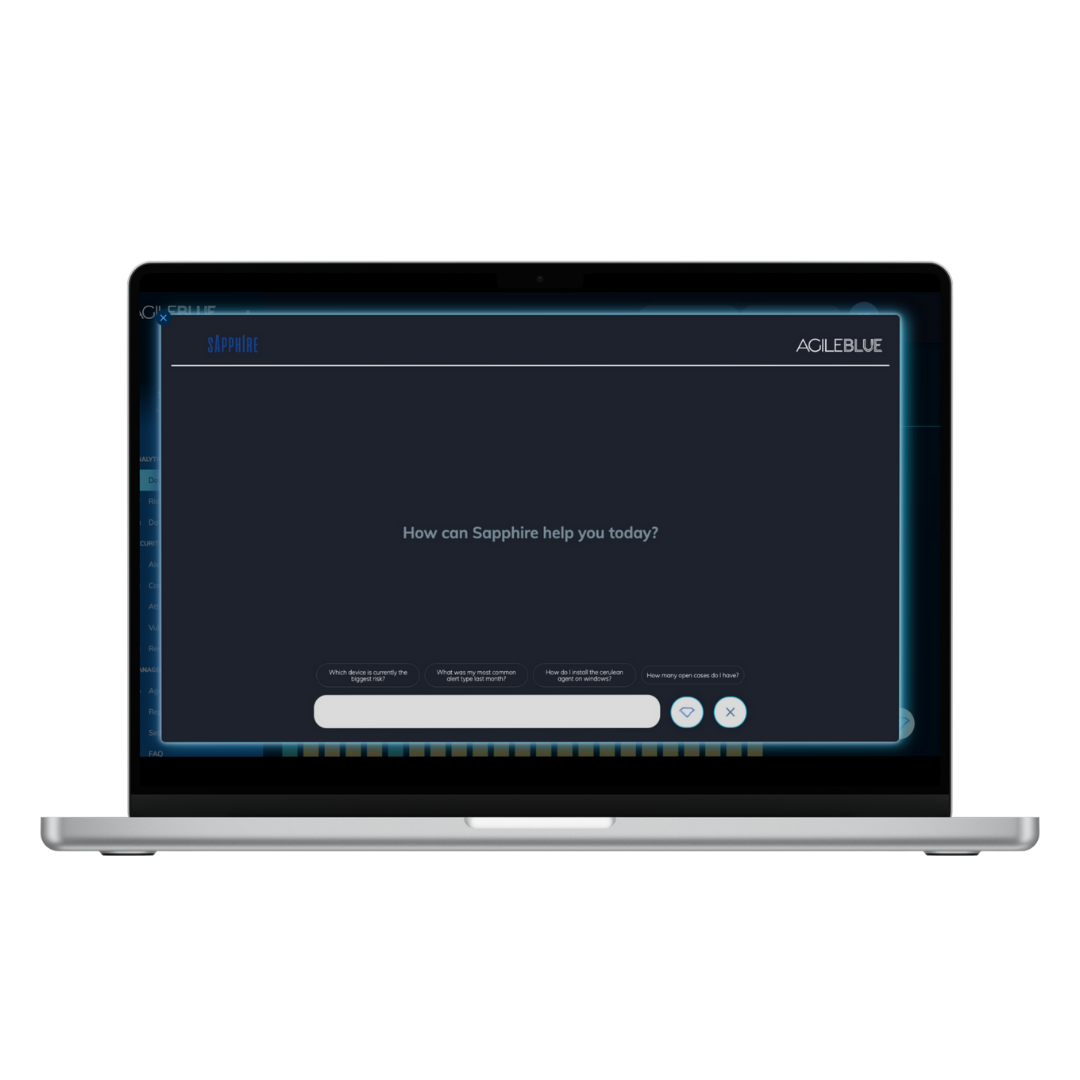
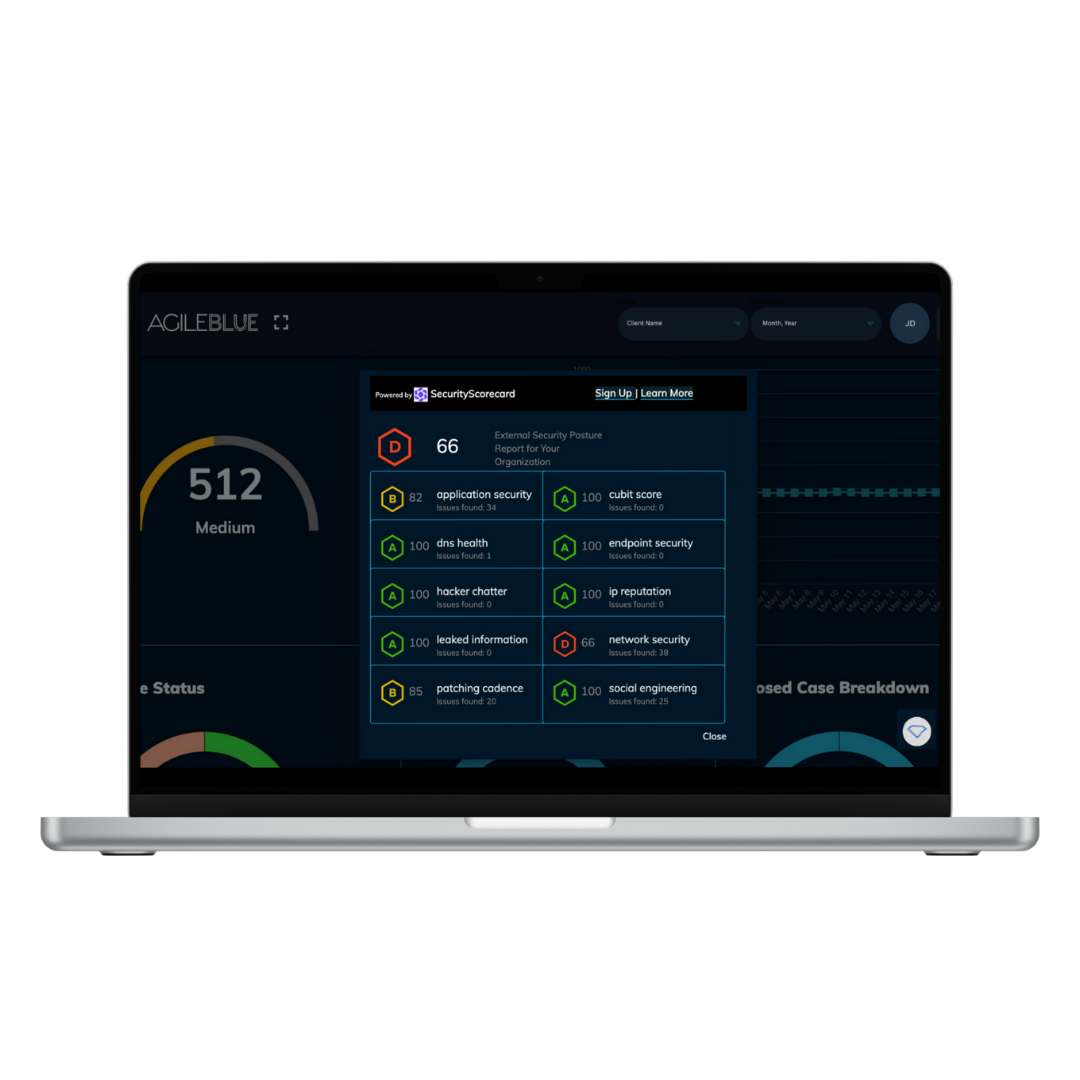
AgileBlue's SecOps platform continuously detects, investigates, and auto responds to cyber threats across endpoints, cloud, and network. AgileBlue is presented as purpose-built for the mid market, and for these companies is designed to deliver all-in-one protection, seamless integration, and a reliable partnership so organizations can move from reactive defense to proactive resilience.
N/A
Splunk Enterprise
Score 8.5 out of 10
N/A
Splunk is software for searching, monitoring, and analyzing machine-generated big data, via a web-style interface. It captures, indexes and correlates real-time data in a searchable repository from which it can generate graphs, reports, alerts, dashboards and visualizations.
N/A
Pricing
AgileBlue
Splunk Enterprise
Editions & Modules
No answers on this topic
No answers on this topic
Offerings
Pricing Offerings
AgileBlue
Splunk Enterprise
Free Trial
No
Yes
Free/Freemium Version
No
Yes
Premium Consulting/Integration Services
No
No
Entry-level Setup Fee
No setup fee
No setup fee
Additional Details
—
—
More Pricing Information
Community Pulse
AgileBlue
Splunk Enterprise
Features
AgileBlue
Splunk Enterprise
Security Information and Event Management (SIEM)
Comparison of Security Information and Event Management (SIEM) features of Product A and Product B
AgileBlue
-
Ratings
Splunk Enterprise
7.1
Ratings
9% below category average
Centralized event and log data collection
00 Ratings
9.00 Ratings
Correlation
00 Ratings
9.00 Ratings
Event and log normalization/management
00 Ratings
9.50 Ratings
Deployment flexibility
00 Ratings
7.00 Ratings
Integration with Identity and Access Management Tools
AgileBlue has really made securing our Microsoft Azure based environment easy, and I just can't picture how it could be made even simpler. Their monitoring of our environment and reaction times are second to none, the administration console is easy to use, and their team is always very quick to respond to any questions or requests we may have
Pros: Splunk is very well suited if you have multiple log sources of related data. All of them can be correlated and tasks can be automated based on the requirement. Other than alerts, Splunk can also run a specific script of your choice, based on some defined conditions. Cons: If you have a few logs but a large number of log sources, Splunk can be very expensive.
They are extremely quick identifying any potentially unusual activity
They make it easy for us to ensure that our employees can log in from other countries without triggering suspicious activity lock-outs when they travel.
Our quarterly meet-ups are a great way to keep my team up to date in the current cloud security scene, as well as to make sure we're doing everything we can to keep our users safe.
Even though there is a search tool as a help function, you still have to read through many documentation to find the answers you're looking for and sometimes you don't find it. The help function in Splunk could be improved to be more intuitive or have a built-in help per report, panel or dashboard.
Creating a Splunk dashboard is rather straightforward however, customization is not. Splunk could be improved to provide more tools or features for customization such as adding colors and font options for text and graphs or graphics.
My dashboard has a lot of useful information and I want the important panels and reports at the top but there is no easy way to do this. Perhaps Splunk could be improved to allow features such as adding URL links to other dashboards or some other clever way to emphasize the important data in my dashboard without compromising space.
We are using Splunk extensively in our projects and we have recently upgraded to Splunk version 6.0 which is quite efficient and giving expected results. We keep track of updates and new features Splunk introduces periodically and try to introduce those features in our day to day activities for improvement in our reporting system and other tasks.
Splunk Enterprise has plenty of storage space for security logs and can search and correlate suspicious activities up to 30+ days back. Splunk Enterprise can integrate with a ticketing system to track threats and correlate with IoC between security events. Splunk Enterprise can provide reports of account lockouts. Splunk Enterprise can consolidate multiple security alerts into one entry with a number showing how many events occurred.
Splunk maintains a well resourced support system that has been consistent since we purchased the product. They help out in a timely manner and provide expert level information as needed. We typically open cases online and communicate when possible via e-mail and are able to resolve most issues with that method.
The online course was simple clear and described the main capabilities of the solution. There is also an initial module that can be done for free so anyone can familiarize themselves with the functionality of this solution. On the other hand, however, there could be more free online courses. Maybe even with a certificate, this would broaden the group of people who are familiar with the platform while increasing familiarity with the solution itself.
A lot of products have natively inside their own dashboards and or their own logging repositories. And each one is difficult to learn or they're too complex or they're not verbose in the sense that they're not easy to mine the data that you're looking for. So that could be anything from the native logging that you find in other Cisco products. It's easier to use Splunk to draw the data that you're looking for as opposed to going to the individual's products themselves to get the logs that you're looking for.
Having AgileBlue as our cyber security watchdogs gives that peace of mind knowing that they are on the cutting edge of cyber security and are real pros.
Splunk has allowed developers to diagnose production issues when access of control was taken away from them to be allowed to view items in production environments and I believe that is invaluable.
At times some developers weren't super happy about using it, but it was more of the fact that they were used to having production access and not creating their splunk queries to get information.
Going one place to view logs was very beneficial to have.