Amazon Chime is a communications service from Amazon Web Services with a built-in VoIP solution. Amazon Chime can be used for online meetings, video conferencing, and business calling, and features pay-as-you-go pricing.
$0
per minute
Zoho Meeting
Score 9.2 out of 10
N/A
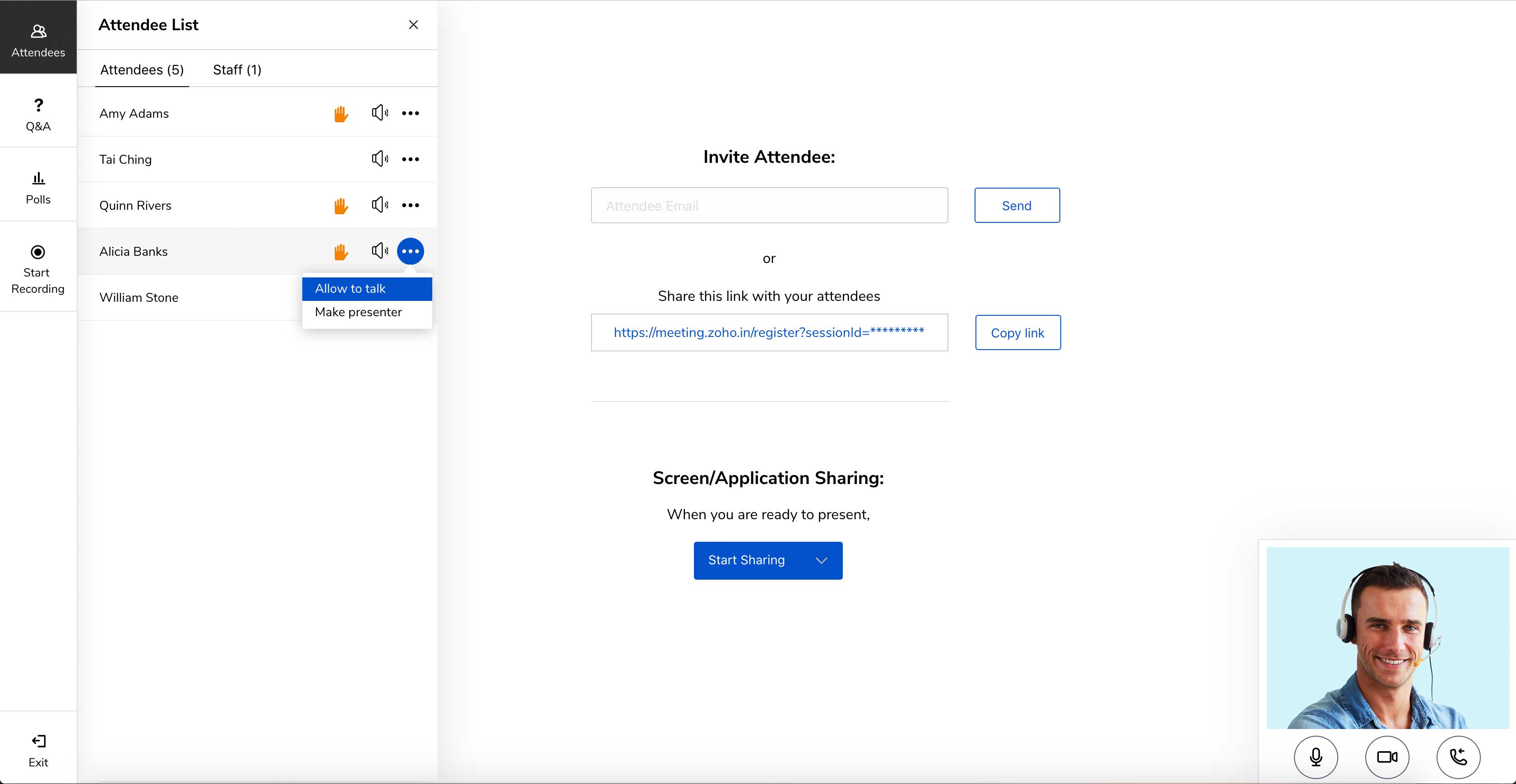
Zoho Meeting is a web-based online meeting solution.
$3
per month
Pricing
Amazon Chime
Zoho Meeting
Editions & Modules
Business Calling - Inbound
$0.002216
per minute
Business Calling - Phone Numbers
$1
per number per month, US Only
Meetings - Pro
$3
*per user per day
Meetings - Basic
Free
Business Calling - Outbound
Country Dependent
per minute
Business Calling - Receive Text
Free
US Only
Business Calling - Send Text
Country Dependent
MEETING - 10
$3
per month
MEETING - 50
$9
per month
MEETING-100
$12
per month
MEETING - 250
$18
per month
Webinar -25
$19
per month
Webinar - 50
$29
per month
Webinar - 100
$39
per month
Webinar - 250
$79
per month
Webinar - 500
$125
per month
Webinar - 1000
$200
per month
Offerings
Pricing Offerings
Amazon Chime
Zoho Meeting
Free Trial
No
Yes
Free/Freemium Version
No
Yes
Premium Consulting/Integration Services
No
No
Entry-level Setup Fee
No setup fee
No setup fee
Additional Details
*up to $15.00 per user per month
You can also get the toll-free add-on at $20/month and additional storage space for 200 sessions recording at $20/month for your organization.
We like the Amazon Chime versus Teams - more features and easy to use. We are able to use instant messages - create rooms and do instant training with screen sharing immediately when needed. All of our users have picked it up quickly and really like it. We quit using teams …
Amazon has a very good audio and video quality. Chime's video conferencing feature works as expected there is no lag in the audio. If the internet speed is about 50 mpbs + then it works as a charm! At times the desktop can get slow but the mobile application is pretty fast as …
Our reason for the selection of Amazon Chime was a client recommendation. In a comparison of other competitor's products, Amazon Chime provides similar functionality and features. From a pricing perspective, you may opt for pay-per-use pricing which could be confusing for some …
Users have a level of familarity with other market leading collaboration products.
However we selected this for the single dashboard for chat, calling, meeting and messaging specifically on phone app. There is a very simple interface with a minimum of clicks to launch the …
Better than skype for business in terms of loading the application onto your device. Skype had crashing issues always and those are comparatively low when using Amazon Chime. Amazon chime is fast and easy to work with while collaborating and setting up meetings. The audio and …
I have not tested Amazon Chime, against other market alternatives, as it is being used to meet a specific demand, which is communication with certain companies, as it is the preferred means of communication. But, it is a good tool and does not lose anything to the other tools …
All the mentioned above products are better if not rated much higher with the features they have compared to Amazon Chime. Amazon Chime does not support well with google calendar and other negative features I mentioned compared to other products. Amazon Chime lacks features …
We chose Amazon Chime due to better pricing, ease of implementation, and great customer support from their team. Better product overall in terms of reliability.
Amazon Chime stacks up cleaner and much more intuitive to Google Hangouts Chat. In comparison to Slack, Amazon Chime is much better because Slack is not conducive to having a face-to-face conversation, much less, screen sharing. Microsoft Teams was hard to use when some of our …
Amazon's Chime is lightweight and has easy integrations with Slack. Cloud Trail has good call reports, doesn't take time to load compared to other products that I have tried. Its APIs exposed by Amazon are really helpful to customize. The shift from one user to another for …
I believe the two products (Slack and Skype) are better suited for the situations where it is a smaller crowd. This is due to those systems being easier to chat within and collaborate in the smaller environment.
Amazon Chime product stacks up pretty much equal to the other pieces of software that we have used in the past. What drives the use of the software over the others is purely preference. My team has adapted to using this software, and now it has become what they would rather …
We used to use Go To Meeting/Go To Webinar for our web conferencing and AT&T Teleconferencing numbers, either separately or in conjunction with the Go To Meeting/Go To Webinar. I liked that Go To Webinar allowed people to pre-register, which gave us the opportunity to prepare. …
Site Opertaions - Content Assistant: Men's Direct Marketing
Chose Amazon Chime
I would say Chime is step below Teams, but manages to get the job done. Chime is more straight forward and simplistic and meets all our basic needs for internal chat.
They are all good products, but here is why we switched:
1. UberConf. This was the first conference software we used. It used to be great, it actually had a free version that worked perfectly. Then the service started to falter, mostly lag time between user and presenter. And …
Amazon Chime WILL become an industry leader. Amazon is still behind WebEx and is gaining ground on Microsoft. The advantage Microsoft will have is the ability to embed in organizations through Office, and have that advantage over WebEx as well. We selected Amazon Chime as …
AWS Chime is very comparable to Zoom meeting. Monthly costs are usually cheaper but are variable and can fluctuate. Reporting on AWS Chime is great but needs some additional back-end set-up that could be cumbersome. Overall... ease, quality, look and set-up is very easy. …
I have used GoToMeeting, which is a major competitor to Amazon Chime, and I can confidently say that GoToMeeting is literally ten times better. We rarely have any of the issues with GoToMeeting that we do with Amazon Chime. I highly recommend GoToMeeting over Amazon Chime …
Amazon Chime is great for call and video quality. It's pretty comparable to Zoom both in cost and capabilities. It's definitely superior to UberConference and Join.Me, both of which are not particularly reliable. I have had call quality and the screen shares freeze up. …
Chime and Biba are interchangeable to me, both accomplish the same task. We have transitioned to Chime as it was created by Amazon and we support Amazon, so it was an easy decision for us. I do enjoy Chime more as it just seems to work effortlessly. I would recommend it to all.
Zoom focuses on video webinars, meetings, chat options, integration, and high-definition video conferencing, whereas Microsoft Teams focuses on Microsoft integrations that include real-time video chat. Both Google Meet and Zoho Meeting offer various features, including HD video …
Zoho Meeting is very affordable and it suits better for the small business like ours. In addition to these, it offers the same features Microsoft Teams does. It has better adaptability compared to teams both in desktop and mobile applications. Moreover, it ensures data security …
Well, my organization gave my entire team access to Zoho Meeting post the reported security issues with Zoom. Once I started using this platform, I realized that it is way more agile and works the best as compared to all of its competitors. Other Zoho products like CRM, Home …
I have used Skype for business as well and I think Skype is far better than Zoho Meeting. The problem with Skype is it requires very high bandwidth to use as compared to Zoho Meeting.
Zoho Meeting serves the exact purposes stated by Zoho Team. It doesn't use any 3rd party applications for giving the services. It doesn't use the customers data for commercial purpose which by means ensures more data security. It can be used in web which doesn't require any …
Microsoft Teams specializes in complete Microsoft integrations, HD video conferencing, screen and file sharing, instant messaging, group chat options, live chat options. Zoom specializes in video webinars, meetings, chat options, integration, HD video conferencing. Google meet …
• The IT department decided to change the service that we had previously because Zoho Meeting is much more complete and has several services that we are also using such as Zoho Mail and Zoho CRM. We prefer to use them all from the same service provider.
I think Zoho Meeting is lacking so many features when compared with other products. Most importantly they have to work on audio video quality and increasing room capacity. If we compare this with Zoom, they offers meetings up to 100 participants with their free package …
Zoom is a better option if you're willing to pay. However, if you already have Zoho One, Meeting is still a solid choice. They're constantly working on the app and updating features, so any problems with Meeting will likely be addressed sooner rather than later. For now, Zoom …
Great tool which can be used for collaborating and sharing screens. It helps in integrating with calendar effortlessly and send invitations for the meeting. Sometimes it takes time to load the application on your device and is not compatible with all browsers. It has different options of muting and sharing screen during presenting.
I would definitely like to say that for a team lead who sends pie charts, surveys and questions to the teams, this software would be his best choice as the analytics of this all data by Zoho Meeting is one of the best in the market. The only downside of Zoho Meeting is its webinar pricing which could be a bit tough to pay for NGO's or less earning companies.
I'd like to see more sentiment analysis around the conversation between the salesperson and the prospect. This would make great for coaching opportunities after the call to make our sales reps better.
In a few instances, members of our sales team had issues with sharing call recording links with their prospects. Our product team came to the conclusion it was coming from the Amazon Chime end.
Zoho Meeting is very easy to use and very effective collaborating tool. If I say about the usability, this application is highly usable because oaf it's cost effective nature, user friendly interface, empathetic customer services and amazing application features. Most importantly, it ensures data security for the company. Overall, the usability of the application is trustworthy.
They were very supportive in answering all of our questions when we had problems. Their in-person calls but their support site also had a full set of information that can answer a good portion of your questions before you have to pick up the phone. But when you, you will get good service.
Zoho Meeting is fantastic in terms of proper after sale service as well as delivering the expectations of the clients. We, as a business, successfully achieved the engaging organisation status through this platform. Our employees are also happy with the supports from Zoho. We appreciate the efforts of Zoho and recommend to others.
Our reason for the selection of Amazon Chime was a client recommendation. In a comparison of other competitor's products, Amazon Chime provides similar functionality and features. From a pricing perspective, you may opt for pay-per-use pricing which could be confusing for some users. There are also basic and Pro subscription plans depending upon what you need. We did a free trial for 30 days and then procured a few accounts for internal and external use.
Zoom focuses on video webinars, meetings, chat options, integration, and high-definition video conferencing, whereas Microsoft Teams focuses on Microsoft integrations that include real-time video chat. Both Google Meet and Zoho Meeting offer various features, including HD video conferencing, scheduling, recording, app sharing, and HD videoconferencing in private meeting rooms. In addition to the unique characteristics of Zoho's UI, embedding meeting links, and so forth, these are excellent features that help the end-user tremendously.
Amazon Chime has been an incredibly cost effective way to add video and conference line services (with screen sharing) to our day to day operations because we have an account for free for being Vonage customers.
A pro account only costs $15 a month, and you only need one pro account for a small office. If others in your organization need to join, all you need is a basic account to join. You need a pro account in order to launch and administer meetings.