Apple Remote Desktop (ARD), from Apple, is a remote administration tool for managing Apple computers running OS X across a network.
N/A
Heimdal Remote Desktop
Score 0.0 out of 10
N/A
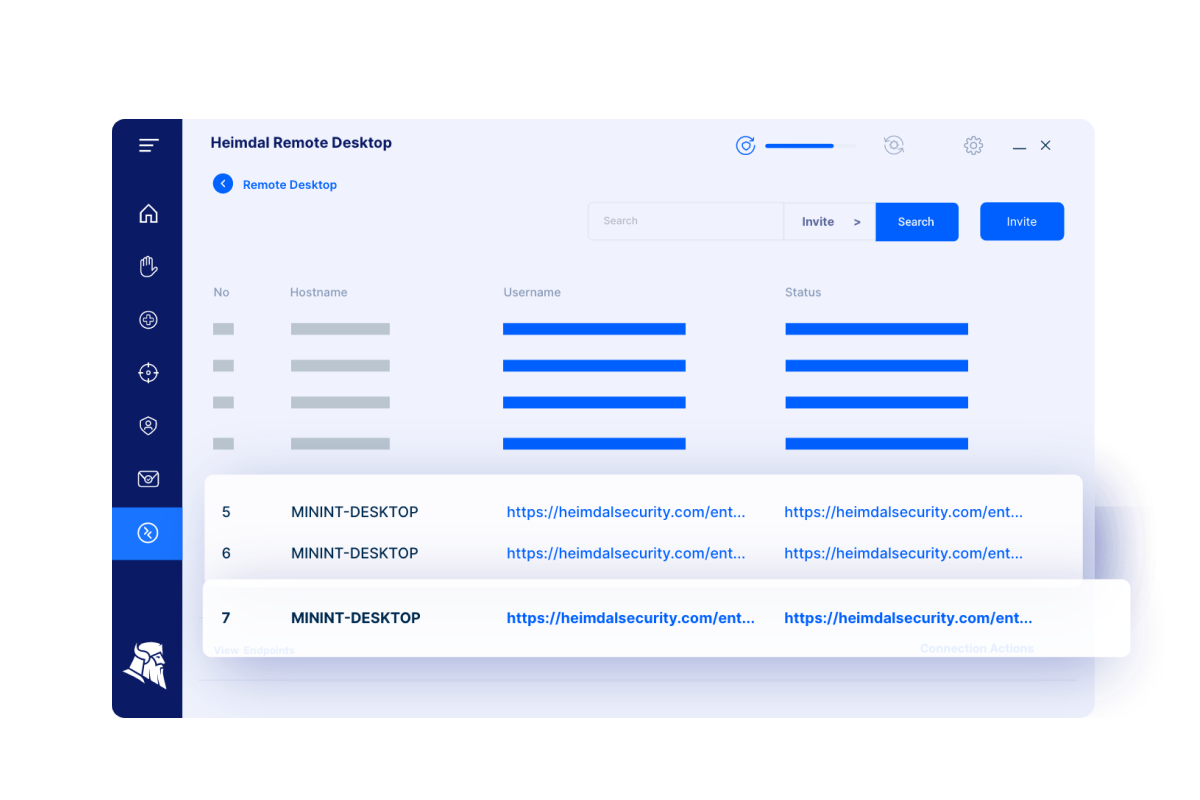
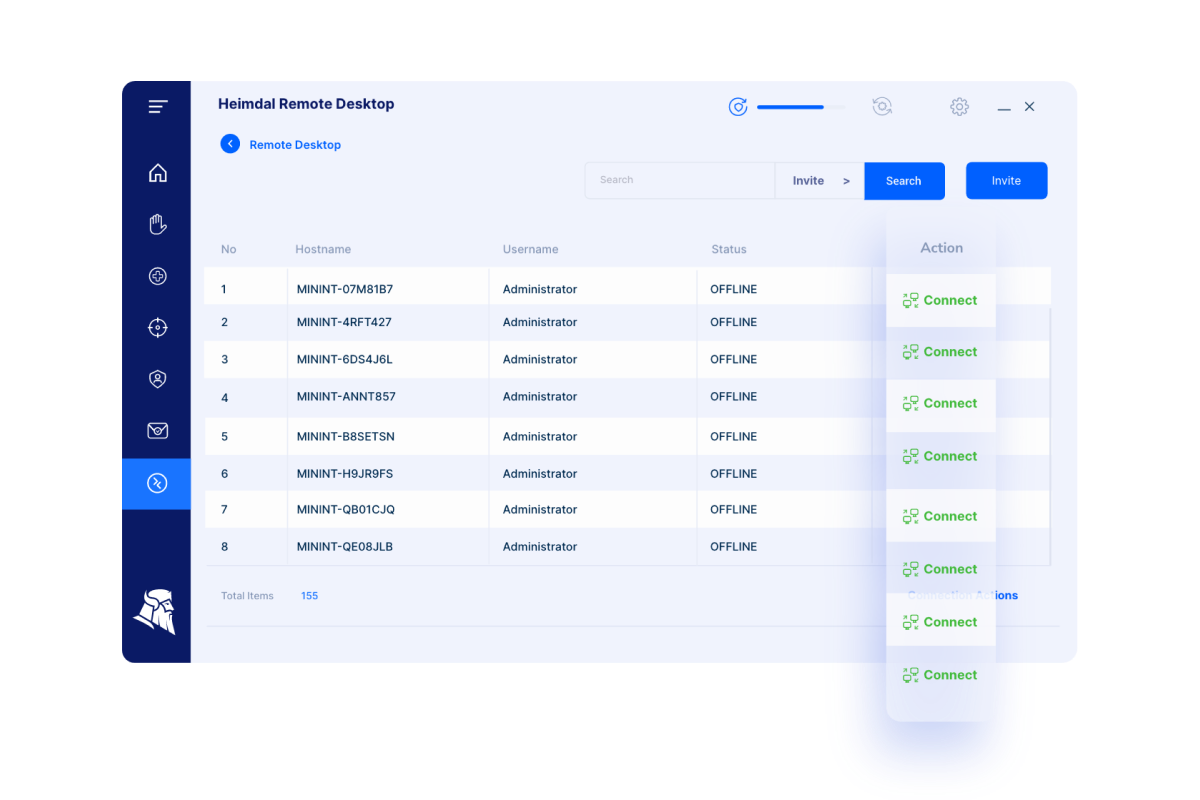
Heimdal’s Remote Desktop enables System Admins to support
users or access unattended computers.
The solution supports:
•
Dashboard-to-agent (Windows+ Windows Server;
Linux, Android, MacOSX)
•
Agent-to-agent (Windows+ Windows Server)
•
Dashboard-to-NO agent (Windows+ Windows Server;
Android, MacOSX, IoS with view only due to IoS limitations)
Remote Desktop works stand-alone or as part of Heimdal’s…
Apple Remote Desktop is very Apple specific, which as both good and bad aspects. We actually use both Bomgar/BeyondTrust and Apple Remote Desktop because each is good at certain aspects and bad at certain aspects. For instance, BeyondTrust is very good at ad hoc sessions with …
Apple Remote Desktop is far simpler than TeamViewer, especially for MacOSX. With Apple Remote Desktop native within OSX, it is simple and easy to use, and can be used with other Mac users with ease. I selected it because it has a much simpler design and is already integrated …
Apple Remote Desktop is Apple specific. There is no other software suite that controls the Mac like ARD. Apple built it specifically for Apple products and it has abilities that are definitely MacOS ONLY. If you administer Macs it is a must-have over the other solutions …
Apple Remote Desktop still requires more work on its functionality, but the other market giants are way ahead of it when it comes to utilities and services. Teamviewer was the first software that we used and it was so good, we wanted to try something else so we switched to …
Microsoft Remote desktop tends to perform better, especially over the internet and has multiple implementations, including open source. AnyDesk is multi platform (both server and client) and more suitable for ad-hoc remote sessions.
Apple Remote Desktop is a good product when you have a need to manage Apple computers on-site and don't want a cloud solution with a recurring cost. We prefer it as an alternative or secondary solution in case your primary software has issues. I wouldn't use it as my only …
For apple/mac products - hands down has the upper advantage when it comes to remote administration. It lacks in some areas that Datto and Kasyea have the upper hand on like some system monitoring. Overall, if I had multiple macs I needed to monitor and service, I would use …
I think that the one feature that sets ARD apart is the UI when in a remote session. There have been times where I've used Zoom, TeamViewer, etc. and couldn't access a part of the menu bar or accidentally closed a session due to the third-party UI that's been applied on the …
Chrome Remote Desktop is cross-platform but lacks the cool features especially automation related features like Apple Remote Desktop does. For supporting Mac computers, Apple Remote Desktop was a clear choice.
I would feel much more comfortable having one of these alternative solutions as our Remote Desktop management tools. Each has their drawbacks and expenses associated with them, but we simply have too large of a deployment to not be considering alternatives. If it is the only …
If you are managing Apple systems, ARD is hands down the number one way to manage these systems. It beats every other product out there with its deep macOS integration. No other product has as much focus on Apple as this one. We are primarily a Mac environment so it makes total …
I actually use ConnectWise and ARD, if within my LAN. If I have VPN access I use ARD, if it's a new client and I haven't worked on their network or it's too small to warrant a VPN setup then I'll use ConnectWise
Apple Remote Desktop is the best device we were able to use for education that served the function. Being a school with all Apple products and Mac labs, using Apple Remote Desktop was the most logical choice. The only other alternative was to use the Adobe screen share software …
For multi-site remote support we utilize TeamViewer and for enterprise-wide device management we are using Cisco Meraki System Manager. ARD is a great Mac tool, but there are many options out there, that are cloud-based, that don't require you to have network tunnels into your …
Systems Administrator/Technology Support Specialist
Chose Apple Remote Desktop
Apple Remote Desktop allows me access and control that Casper doesn't always have. I love the use of the Remote sessions to be able to get on and see what exactly is going on and then to be able to fix it without having to run across campus to that classroom.
I use Teamviewer with users who are having trouble connecting to the VPN. I think TeamViewer is a good alternative when ARD isn't working. However supporting the number of users we support, Teamviewer can come with a pretty hefty price tag.
I have used the above two remote desktop services and have found it to be much harder than using the Apple Remote Desktop. They are slow to login with a lot of errors, time outs constantly, and interface its self moves incredibly slow. I felt a sense of relief when I started …
ARD for me is based on a LAN, but can be used over WAN via VPN, but the latency makes ARD a less ideal tool. There are other cross platform tools that can do what ARD does which to me add value when managing a mixed environment
It is a fairly unique tool in the level of integration it has with Apple Desktop products. It definitely needs some engineering attention, and it should be expanded to the iOS arena. It is not perfect, but it is very useful and fills an otherwise fairly empty niche in the support toolkit realm. The built-in screen sharing app in macOS handles the direct screen control or viewing function fairly well, but it does not have all of the other mass control features that Apple Remote Desktop supplies.
Once it is set up, it is quite straightforward to use. However, currently, it requires both a script to run to set up permissions and controls, AND a command from the MDM to authorize it to be active. The MDM management command is manual. This is not conducive to an automated workflow, and sometimes gets forgotten. Then, the endpoint is not contactable until someone realizes that the MDM command was not sent or was not successful.
I would feel much more comfortable having one of these alternative solutions as our Remote Desktop management tools. Each has their drawbacks and expenses associated with them, but we simply have too large of a deployment to not be considering alternatives. If it is the only solution you can afford, it is OK to start here. I could see where this would have a return on investment, but it is really only suitable for a very small and localized scale. If employees are at all mobile, the duct taping of products necessary (VPN, distribution points, script repositories) would be very cumbersome.
Apple Remote Desktop has a positive return on investment because for the expense to the school, the value it brings to teachers is important. The return on improved student performance is very difficult to measure financially, but there is a definite return.
The overall objective of education is to increase student learning, ARD does that phenomenally. Parents see the tool used and are impressed at what the capabilities of the tool can do and how it impacts how active their students are as well as how well they can learn.
One negative impact is that teachers rely too much on this tool rather than on actually teaching sometimes.