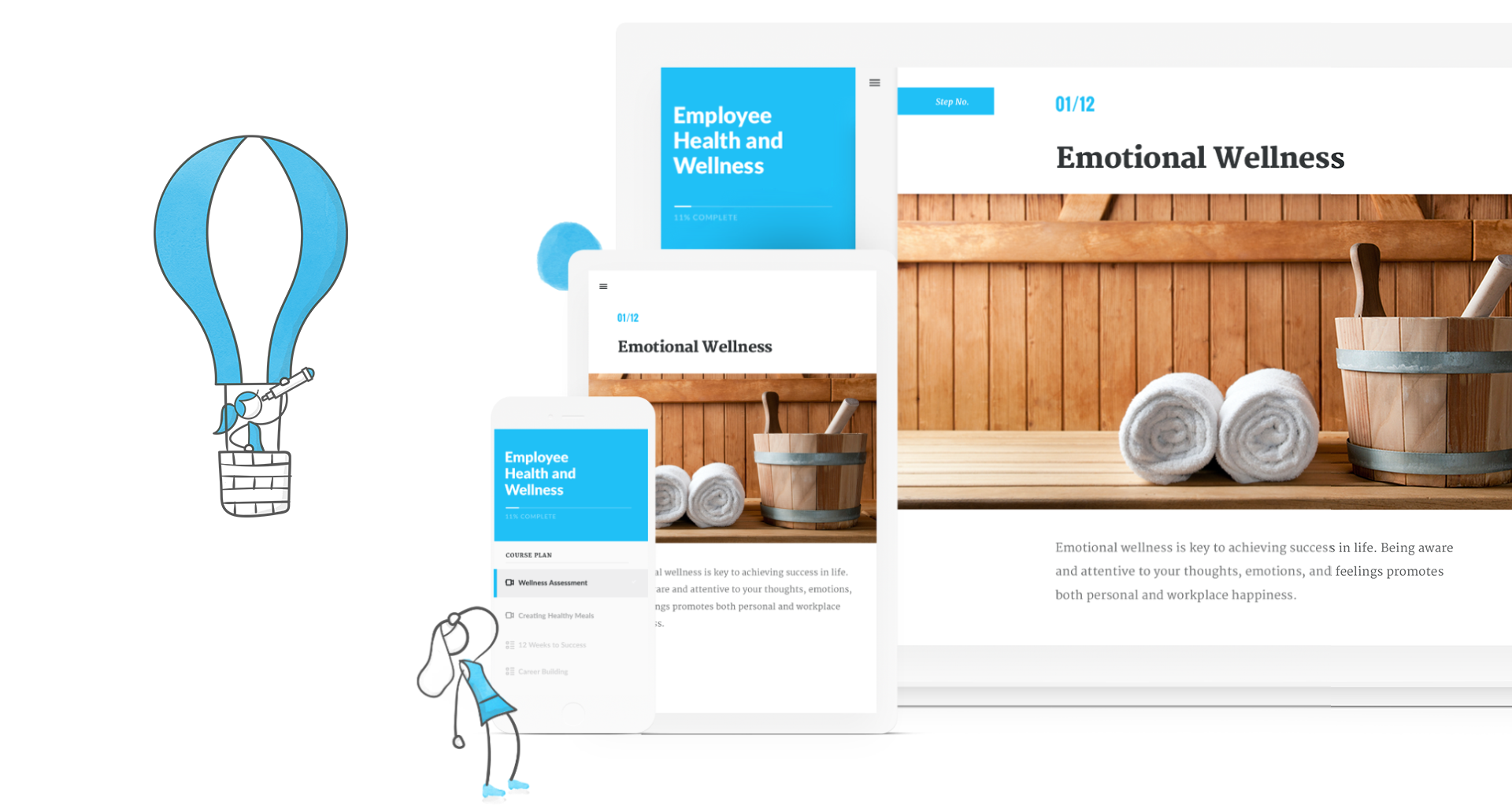
Articulate 360 is an e-learning platform for creating workplace training. Users can build engaging courses with AI-enhanced authoring, simplify collaboration, and quickly share content. A subscription includes robust onboarding resources and access to a community of 1.5M pros.
$1,124
per year
Camtasia
Score 8.8 out of 10
N/A
Camtasia is a video editor and screen recorder. Camtasia offers a range of plans designed to meet varying video creation needs, and enables users to produce professional-looking videos. Its features include Camtasia Rev, script generation, text-to-speech, translations, and avatar videos, to streamline the video creation process. The editions available are Free, Essentials, Create, or the Pro plan.
$198
per year per seat
Pricing
Articulate 360
Camtasia
Editions & Modules
Articulate 360 Standard - Academic - Teams Plan
$1,124
per year
Articulate 360 Standard - Personal Plan
$1,199
per year
Articulate 360 AI - Personal Plan
$1,449
per year
Articulate 360 Standard - Teams Plan
$1,499
per year
Articulate 360 AI - Teams Plan
$1,749
per year
Camtasia Business
$198
per year per seat
Offerings
Pricing Offerings
Articulate 360
Camtasia
Free Trial
Yes
Yes
Free/Freemium Version
No
Yes
Premium Consulting/Integration Services
No
No
Entry-level Setup Fee
Optional
No setup fee
Additional Details
If you’re new to Articulate 360, you can try it out free of charge for 30 days. After the trial period is over, you can subscribe to one of our packages.
Articulate 360 is available on the Articulate website and through Articulate Authorized Resellers.
*Discounts available for purchases supporting a large volume of users.
So far I've only used camtasia for its video editing. I don't know what else it has to offer really. But I am sorry to say that articulate doesn't hold a candle in the wind to what Camtasia has to offer in terms of the video editing capacity. Camtasia is a amazing product. I …
We use Vyond in conjunction with Rise obviously. They work well together. Captivate I always found clunky and, like many Adobe products, unintuitive as all their products don’t have the same interface. Makes no sense.
I've observed it really didn't have much interest in it also. Well, in the past I've used Captivate was just so painfully difficult to use. It's not user-friendly or intuitive for learners to really understand how to use. I mean, it's powerful, but it's nothing like Articulate. …
So I started off, the very first authoring tool I ever used was Captivate over 10 years or 15 years ago, that kind of thing. I think that was just because that was the tool that the team was using at the time. That was my first experience ever with an authoring tool. I found …
We use Adobe Captivate and I wouldn't recommend that at all. I don't know, it's not quite the same. But we also, we use Camtasia and we use Adobe products. I know that that's not quite the same thing, but in terms of e-learning authoring, I can't think of another format that …
The only one that we've used with putting this together. We've tried Beyond, we've done things with that, but it's nowhere near what Articulate 360 can put together. I can't do testing and I can't do all these other features that come with Storyline or come with the Articulate …
I've used Adobe Captivate. I found that to be a little more complex than it needed to be. I've used Beyond as well, which is kind of not really a competitor, but I found these styles to be a little outdated.
The user interface is so similar to PowerPoint that it makes it easy to learn how to use the product. Adobe Captivate is ok, but the user interface is challenging to navigate for new users. Adobe Captivate also has an issue right now where they have new features in the "New" …
Compared to other products I’ve used such as Adobe Captivate, uPerform, Articulate Studio and more, Articulate 360 strikes the best balance between pre-built (yet customizable) interactions as well as having open-ended development capabilities, all in a very user-friendly …
I like Captivate because it allows for more coding. I don't like that things are so easy it looks so cookie cutter. Same style of graphics or interactions.
For most projects, Storyline is the best of all of these. Not sure what Adobe is doing with Captivate. The attention that Articulate pays to Storyline & updates vs Adobe doesn't to Captivate is telling.
Personally find that Camtasia has better video editing tools than those available in the above competition. That being said the other software I have used has been mainly focused on other areas; their video editing tool is more of an afterthought and isn't as easy to use as …
Camtasia is much more robust than iMovie. You can customize Camtasia and easily adjust video and audio settings. With iMovie, you can always "tell"- it is only customizable to a certain degree. Camtasia is like the "advanced" version of iMovie, giving you more flexibility and a …
Ease of use, the daily notifications that I receive. Ability to track support skills and subject matter experts. Teams are able to provide feedback on needs and what works, what doesn't. I use other Techsmith products as well as tools like Scribe. Camtasia offered a variety of …
My goal was to quickly create a professional-looking course and video in no time with Camtasia. 'Time is money,' as the old saying goes. Because of my lack of time and patience, I didn't bother with other applications. Camtasia is everything I need and more. I just wished I can …
As with most software products, you'll always find pros and cons when making comparisons. Camtasia is always my go-to application when someone asks me to whip up a video on a very tight deadline. You can very quickly turn an idea into a finished video and be happy with the …
Camtasia is much more expensive than Filmora, but it is much more robust. Filmora is great if you're on a budget, but Camtasia can add an extra level of professionalism that is difficult to achieve in Filmora without a lot of extra work. Either is great, but Filmora is only a …
I honestly have not worked with any others in at least three to four years. There is virtually no learning curve with Camtasia--super simple and does everything I need. I cannot say how others stack up currently, as there has been no reason to explore other options since using …
Danaher Business System Leader (DBSL), Awesomizer, Fixer, Maker, Collaboration Enabler
Chose Camtasia
Camtasia is not on the same level as Premiere Pro, but it isn’t designed to fill that niche either. Premiere Pro is much more capable, but it is also much more expensive and much more broadly focused as a linear editor. It is much more approachable, it is much more affordable, …
Captivate is high-end to the extent that it is beyond the use of a "typical" user. It has a steep and lengthly learning curve. Camtasia's learning curve can be mastered potentially within an hour to be productive, and it weds with SnagIt to become versatile in presenting …
The two first, well too complicated. I couldn't move fast enough to be able to edit what I needed. I tried and every single time, I came back to Camtasia. The rendering process seems to be faster (I worked prior with a third party company and the rendering process took a lot of …
I've tried several freeware recorders, too. If all you want to do is literally record your screen, and nothing else, you don't need Camtasia. There are literally dozens of apps that will do that. If you want an app that will record your screen while capturing mouse clicks, …
Our advanced editors use programs like Adobe Premiere Pro and DaVinci Resolve, but we only have about 5-6 employees that have that skill level. That isn't enough to support our video output. Camtasia allows everyone that is not at that level to create quality videos with a much …
Camtasia lets you purchase the software and download it to your computer. You don't need to have an internet connection to work on your projects with Camtasia. You don't have to pay a monthly subscription for Camtasia like you do the others. Camtasia is the software to use if …
I have used others, but I consider that the closest to Camtasia are: Movavi, Filmora, Openshot, IMovie and perhaps DaVinciResolve (although this is something more for the professional sector). Among the others I've used: LumaFusion (Ipad), Kinemaster (Android), Vllo (Android) …
Camtasia has more features and more customization options than the other products we've used. It allows us to record presentations while keeping a video of the presenter in the corner. It has green-screen features, which a lot of other software does not have. Some programs have …
They are similar products. For someone devoted to video-editing, Captivate might be a better choice - it has a bit more functionality but is harder to learn and use.
The last time I used Captivate, it couldn't handle a multi-screen setup, which was a deal-breaker for us, and …
Adobe offers you a lot more tools and control over what you are doing when editing a video, but there tends to be a lot of features you never use and get overly complicated. Camtasia offers the basic tools that you need to get almost any job done if perfection is not required.
Having used both solutions, I would recommend them for different uses. iMovie is a great platform for family videos but does not go beyond clipping videos together. Camtasia allows you to do some nicer editing of videos. This is why it is a much better platform for small …
Articulate provides for simple, custom interactive training modules. There isn't much wrong with this software that I have found. Using Rise 360 for quick turnaround or fully customized training with Storyline 360. Articulate has made the possibilities limited only to my imagination. Their simple and well-thought-out toolbars make starting from scratch a breeze.
Well-suited scenarios Camtasia is an excellent video creation tool if you are new to making/editing videos. Its definitely the easiest application to use and doesn't overcomplicate things. Once you are used to the way things work within Camtasia, coupled with applying some important, basic principles of making videos, you can produce some nice-looking videos. I've had lots of compliments on some of the product promo videos I've created using Camtasia. If you want to create something quick, simple, and eye-catching, you can certainly do that in Camtasia without a ridiculously steep learning curve. Not so well suited scenarios Camtasia wouldn't be my choice of product if I wanted to make a full-length feature film, but that isn't really its intended target audience. There are more powerful applications out there, such as Adobe Premier Pro, or Final Cut Pro (if you're an Apple user) for that type of thing.
It just seems to be very intuitive for instructional designers, especially nowadays from what I'm seeing with the new AI. But it's very intuitive. It's better than any other tool authoring tool that I've tried. I think it's just really outstanding in the industry and that's evidenced by every year. Demo Fest, like 95% of the best examples are all done in Articulate products.
The most hiccups that I've recently experienced are honestly involved with AI and just my trying to learn AI and figure out how we can maximize that for our business case. The AI voiceover is what I'm specifically curious about and trying to learn more. So in regards to the AI, there's still some shuffling needs to be done. SSML that needs to be added for it to read correctly. There is a very large amount of voices and dialects, which I think is beneficial. It was also a little overwhelming in trying to play around with it and find that right part. So just continuing to look through the community and find the guidance that I need to essentially make the audio, make the voiceover work better and read the words correctly. For example, one of my most popular courses that I sell is Record Your Time and it kept reading, it records your time, and I could not figure out how to make those words. We've submitted a ticket, you guys have been very helpful, but we can't really figure out how to make those little nuances work with the complex English language.
It goes without saying that Artculate's products are the easiest to use and offer a great deal of functions with flexibility. Once an eLearning author uses the product it becomes tempting to not use other methods, but one would be wise not to limit him or herself to a single learning authoring platform. On the other hand, if given a single choice of a tool for rapid eLearning development, Articulate's Storyline would be a top choice.
Each release of Camtasia has added just enough functionality to justify the upgrade to the new version. I like that Camtasia is not a subscription-based product as we have more flexibility and control over our spend on the product. We can also purchase support packages that include the next version when released.
Overall, Articulate is fairly easy to use and intuitive. They have excellent training materials in the training videos on the website, as well as good technical support. Someone with limited expertise doing content creation would be able to immediately pick up functions and get started in the software. I was able to create my first course within an hour or so of opening it up.
I haven't used another video recording and editing tools that is as comprehensive and straight-forward as Camtasia. Typically, if you want a user-friendly video editing tools for novice users, you have to compromise on features. Camtasia solves this problem by offering extensive editing features in a simplistic, user-friendly environment. Highly recommend
I rate the overall support for Articulate 360 with a 9. On the one hand because of the smooth and accurate support from Articulate's support team (usually within 24 hours) and on the other because of the commitment / use of a community (e-learning Heroes) where I have all kinds of insights from other helpful users.
With the latest version (Camtasia 2020), I actually had problems with an Imac with HighSierra, but from the first moment they answered and guided me to solve the problem, even before making the purchase (with some doubts I had). And they have support in English and Spanish, I really liked that.
The online training options given by the online tutorials, forums, and "E-Learning Heroes" community are simply awesome. Examples galore, easy to understand descriptions including step-by-step guides, images, occasionally videos, and the "Articulate Insiders" sub-community give you more materials to learn about Storyline than you are likely to be able to read.
It is pretty straight forward and easy to implement is you are already creating eLearning. If you have old courses created in other versions of Articulate I recommend you update them to the new version even though it is not necessary (especially From Storyline3 to 360) but if you don't you may find difficulty opening and keeping things straight
For me, since I had used Articulate prior to using Lectora, I found Lectora to be very archaic. It was cumbersome to create triggers, and I had issues getting my scenarios to play correctly. My company switched to Articulate after my request, and I was able to recreate all of our modules into Storyline. Now I am able to manage our scenarios with efficiency and ease. Articulate products are intuitive and very easy to understand
My goal was to quickly create a professional-looking course and video in no time with Camtasia. 'Time is money,' as the old saying goes. Because of my lack of time and patience, I didn't bother with other applications. Camtasia is everything I need and more. I just wished I can afford the upgrade.
Definitely more accessible course creation. How we're able to add accessibility features into our trainings is unparalleled with captioning, with voice overing, with alternate texts for images. There's so many ways that it creates our trainings to be more accessible for our audience.
We used to source instructional videos. Now we do them in house, saving us time and money. Not only that, they are of higher production value.
We have used Camtasia to produce promotional videos in house. These used to be outsourced.
We don't have to wait for an outside firm to find capacity to help us with simple video projects, but can now do them on our timeline.
Camtasia has surprising power for the price. Again, don't expect Primiere Pro, but understand you may find you can do a lot with this program. We keep finding more and more use-cases for it.