Asana is a web and mobile project management app. With tasks, projects, conversations, and dashboards, Asana lets an entire team know who's doing what by when, enabling workload balancing. Users can also add integrations for GANTT charts, time tracking and more.
$13.49
per month per user
Built for Teams
Score 9.2 out of 10
N/A
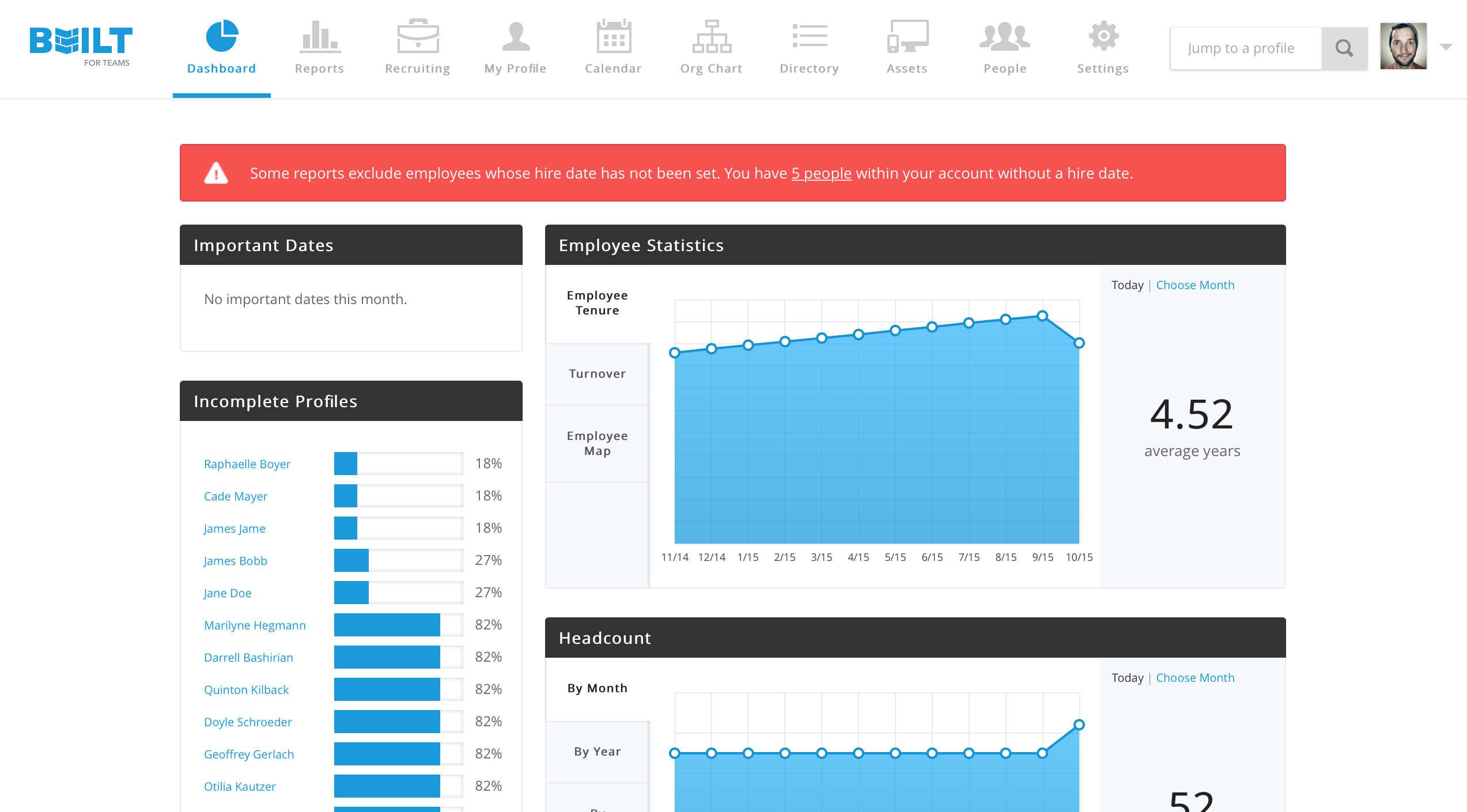
Built for Teams is an HRIS solution that is designed for small and mid-sized businesses. The vendor’s value proposition is that their employee self-service capabilities help to offload work from valuable HR managers while giving employees direct access to important information. Additionally, the vendor says customers select their solution due to the intuitive user interface and their excellent customer service.
N/A
Pricing
Asana
Built for Teams
Editions & Modules
Starter
$13.49
per month per user
Advanced
$30.49
per month per user
Enterprise
Contact Sales
Personal
Free
No answers on this topic
Offerings
Pricing Offerings
Asana
Built for Teams
Free Trial
Yes
Yes
Free/Freemium Version
Yes
Yes
Premium Consulting/Integration Services
No
No
Entry-level Setup Fee
Optional
No setup fee
Additional Details
A discount is offered for annual billing.
—
More Pricing Information
Community Pulse
Asana
Built for Teams
Features
Asana
Built for Teams
Project Management
Comparison of Project Management features of Product A and Product B
Asana
8.2
Ratings
7% above category average
Built for Teams
-
Ratings
Task Management
9.20 Ratings
00 Ratings
Resource Management
8.10 Ratings
00 Ratings
Gantt Charts
8.90 Ratings
00 Ratings
Scheduling
8.50 Ratings
00 Ratings
Workflow Automation
8.80 Ratings
00 Ratings
Team Collaboration
9.10 Ratings
00 Ratings
Support for Agile Methodology
8.50 Ratings
00 Ratings
Support for Waterfall Methodology
8.50 Ratings
00 Ratings
Document Management
7.50 Ratings
00 Ratings
Email integration
7.50 Ratings
00 Ratings
Mobile Access
8.70 Ratings
00 Ratings
Timesheet Tracking
6.10 Ratings
00 Ratings
Change request and Case Management
8.40 Ratings
00 Ratings
Budget and Expense Management
7.20 Ratings
00 Ratings
Professional Services Automation
Comparison of Professional Services Automation features of Product A and Product B
Asana
6.7
Ratings
12% below category average
Built for Teams
-
Ratings
Project & financial reporting
5.50 Ratings
00 Ratings
Integration with accounting software
7.90 Ratings
00 Ratings
Human Resource Management
Comparison of Human Resource Management features of Product A and Product B
Asana
-
Ratings
Built for Teams
9.4
Ratings
18% above category average
Employee demographic data
00 Ratings
7.00 Ratings
Employment history
00 Ratings
10.00 Ratings
Job profiles and administration
00 Ratings
10.00 Ratings
Organizational charting
00 Ratings
10.00 Ratings
Organization and location management
00 Ratings
10.00 Ratings
Payroll Management
Comparison of Payroll Management features of Product A and Product B
Asana
-
Ratings
Built for Teams
8.0
Ratings
0% above category average
Benefit plan administration
00 Ratings
8.00 Ratings
Leave and Attendance Management
Comparison of Leave and Attendance Management features of Product A and Product B
Asana
-
Ratings
Built for Teams
8.7
Ratings
8% above category average
Approval workflow
00 Ratings
8.00 Ratings
Balance details
00 Ratings
9.00 Ratings
Annual carry-forward and encashment
00 Ratings
9.00 Ratings
Employee Self Service
Comparison of Employee Self Service features of Product A and Product B
Asana
-
Ratings
Built for Teams
9.5
Ratings
16% above category average
View and generate pay and benefit information
00 Ratings
9.00 Ratings
Update personal information
00 Ratings
10.00 Ratings
HR Reporting
Comparison of HR Reporting features of Product A and Product B
Asana
-
Ratings
Built for Teams
10.0
Ratings
29% above category average
Report builder
00 Ratings
10.00 Ratings
Pre-built reports
00 Ratings
10.00 Ratings
Onboarding
Comparison of Onboarding features of Product A and Product B
The usability of Asana is broad since it's available in a variety of platforms that are widely used nowadays. I think that it would be great for people who are constantly on the move and switching devices, since it has allowed me to work from my phone, too. I also think that Asana has proven itself to handle a large quantity of work
If you are managing PTO for numerous employees, this program is the best. It is easy to read, easy to use and easy to maintain. The app is especially nice for our employees to check balances and to put in requests for time off from the road. There are probably more robust software solutions for extremely large organizations, but I really think the Built for Teams is one of the best out there.
Our biggest problem has been integration with other packages. We still have to create or delete users in other systems. It would be nice to have automated integrations with those systems.
I just can't see us getting it off of Asana any time soon, despite the many headaches it has caused us. We have too much data in there, too much time & training invested into it, too much at stake to move. If we were just starting out today, fresh, I don't know for certain that I would absolutely go the same direction, but I *think* I still would. I just haven't seen anything better yet. Maybe if Podio's support staff hadn't treated me like a worthless nuisance to them, I might feel differently, but the fact is that their task management is simply inferior to Asana's. That can't be denied, and in fact Podio said it themselves: "Tasks are a simple function. They cannot be customized. Tasks in Podio can be used for quick to-do's for you and your team members." In our operation, however, prompt task completion is a big deal; one task can't be completed until another one is done first, and closing the gaps between those tasks is critical in meeting deadlines and servicing our customers. Asana gets us there, the others don't.
It is very user-friendly. Takes a new employee an hour to start figuring out how the system works. That's an important factor. You don't want to encounter the issue where employees need a week to understand how the system works. For example, JIRA, I tried using it for a week and I still don't understand the complicated layout. Asana has a simple interface. Once you see it, you get it type of program.
I haven't had to use their support so I can't rate it. The fact that I haven't needed them reflects the ease of use of the product. I would recommend that any new users schedule a complete demo of the product to ensure that they are using it to it's fullest (there's a lot of useful features).
Asana is a top-tier project management software that helps us organize and track projects from start to finish. It allows us to apply tasks/to-dos to multiple projects without duplication, divide complex projects into smaller tasks, and track project progress. It also helps us organize work on Kanban boards or linear lists. It stands out from the crowd in a big way compared to the competition.
We use the program for different purposes. Justworks is good because it provides more services like payment tracking and information on insurance, compared to built for teams. But Built for Teams still has good use from an employee information perspective. That's why my company still uses both services though we could probably just use Justworks.
100% employee satisfaction with the request. It's very easy to manage any request and approve.
Easy to monitor available time-off and PTO's. We cut down 80% of paperwork and wastage of labor hours in calculating what an individual has accrued for their vacation and PTO.
The best part is transparency between supervisor and team member on requests for late arrivals, early departures, or missing work by recording it in Built for Teams.