Asana is a web and mobile project management app. With tasks, projects, conversations, and dashboards, Asana lets an entire team know who's doing what by when, enabling workload balancing. Users can also add integrations for GANTT charts, time tracking and more.
$13.49
per month per user
Resource Guru
Score 8.0 out of 10
N/A
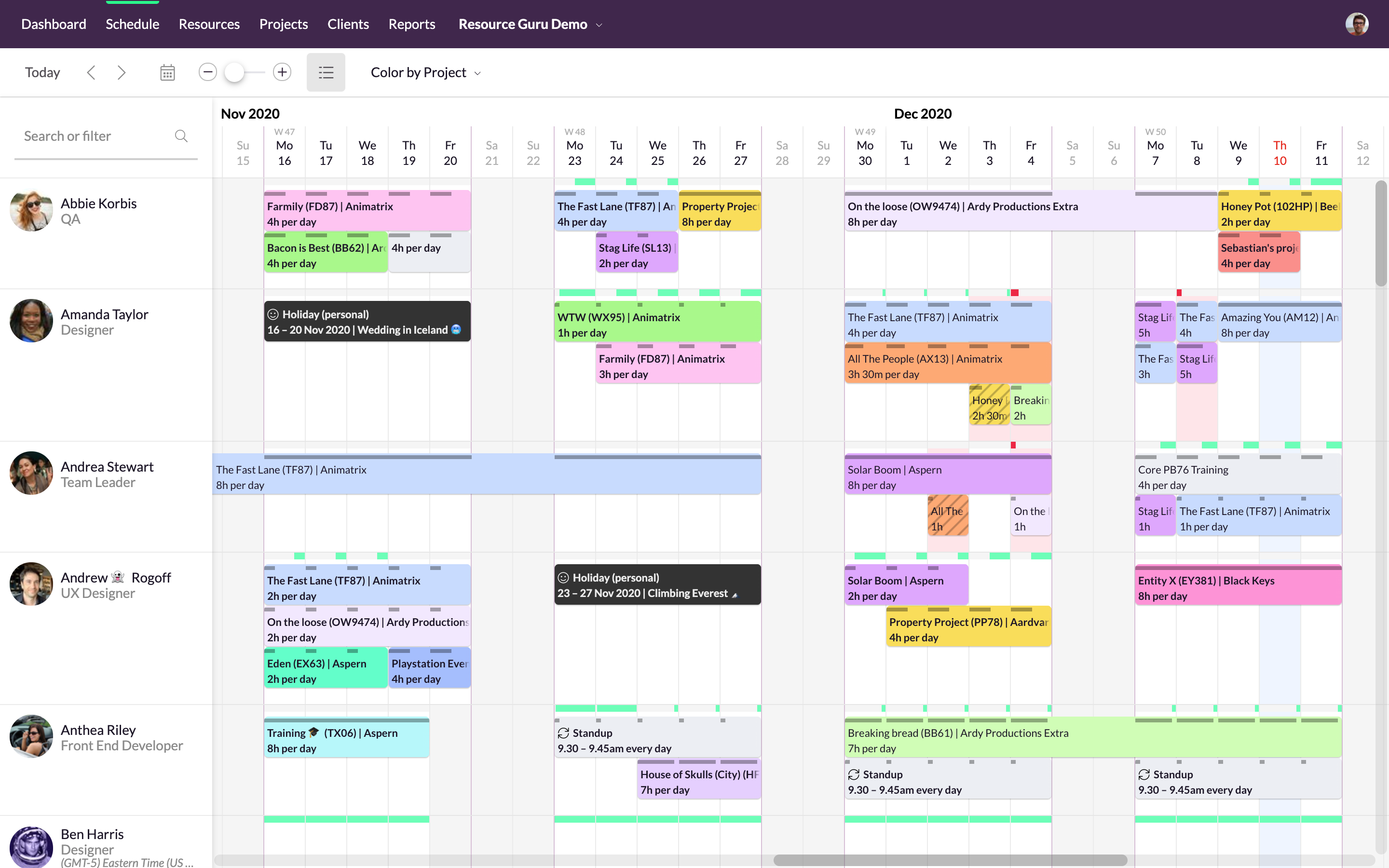
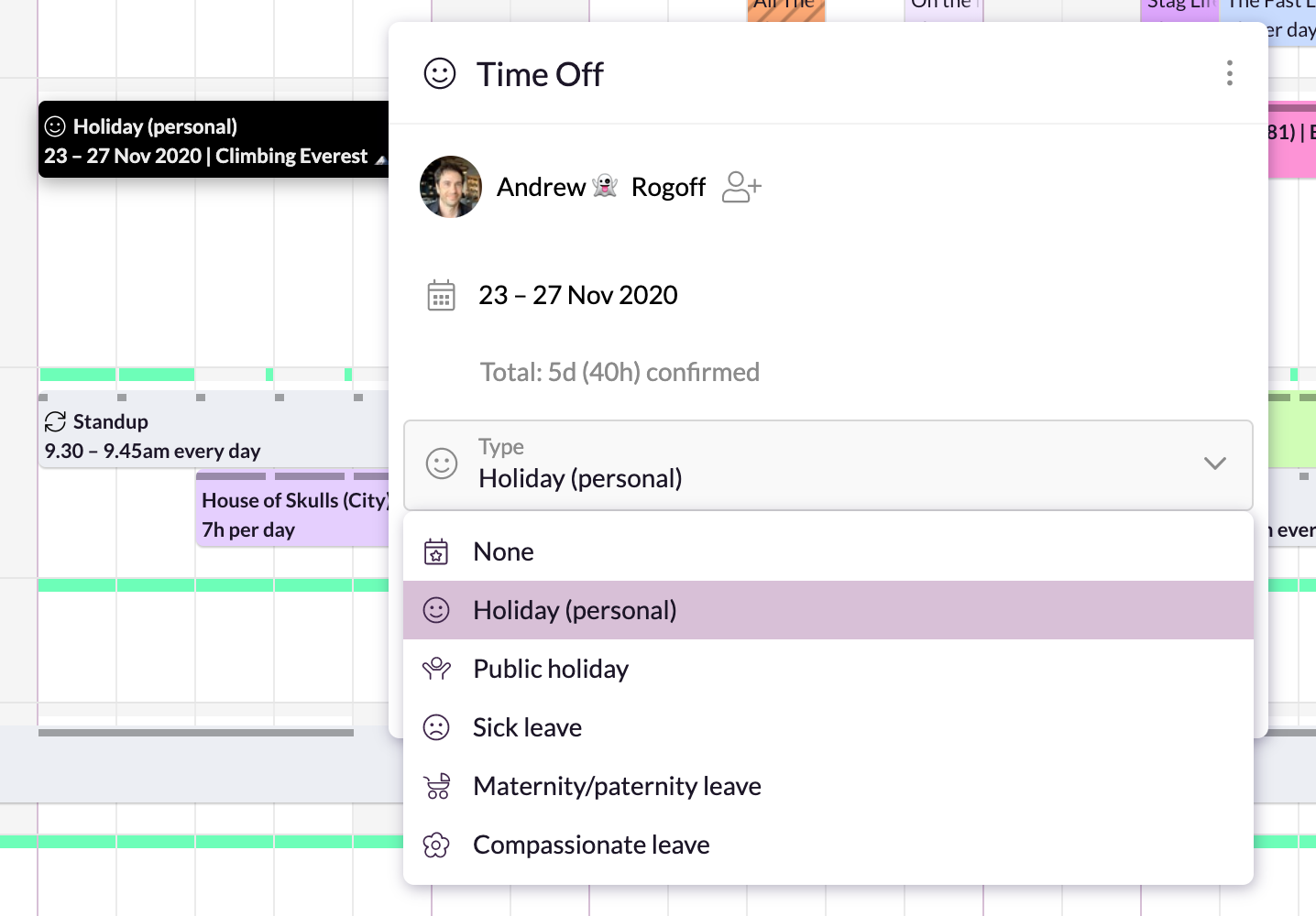
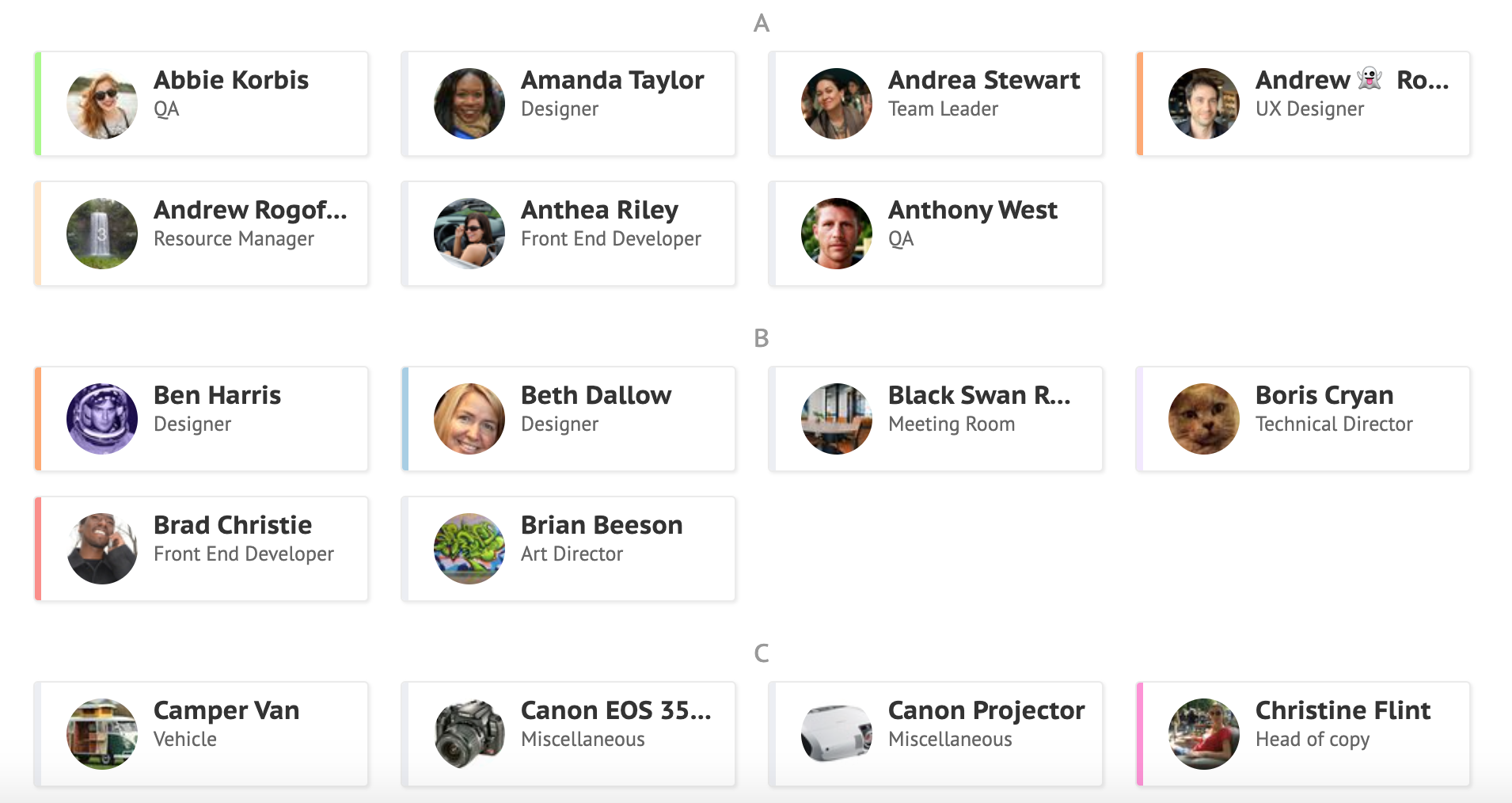
Resource Guru is presented as a fast, flexible way to schedule teams and projects. It enables users to: Manage people, equipment, and meeting rooms in one place Assign work, book time off, and edit schedules in seconds Track availability in real-time and avoid unrealistic workloads Keep a team up-to-date with personal dashboards and daily schedule emails Analyze utilization rates, clients, and projects for more accurate project forecasts and…
$4.16
per user, per month
Pricing
Asana
Resource Guru
Editions & Modules
Starter
$13.49
per month per user
Advanced
$30.49
per month per user
Enterprise
Contact Sales
Personal
Free
Grasshopper Plan
$4.16
per user, per month
Blackbelt Plan
$6.65
per user, per month
Master Plan
$10
per user, per month
Offerings
Pricing Offerings
Asana
Resource Guru
Free Trial
Yes
Yes
Free/Freemium Version
Yes
No
Premium Consulting/Integration Services
No
No
Entry-level Setup Fee
Optional
No setup fee
Additional Details
A discount is offered for annual billing.
—
More Pricing Information
Community Pulse
Asana
Resource Guru
Features
Asana
Resource Guru
Project Management
Comparison of Project Management features of Product A and Product B
Asana
8.2
Ratings
7% above category average
Resource Guru
8.8
Ratings
14% above category average
Task Management
9.20 Ratings
00 Ratings
Resource Management
8.10 Ratings
8.90 Ratings
Gantt Charts
8.90 Ratings
00 Ratings
Scheduling
8.50 Ratings
8.60 Ratings
Workflow Automation
8.80 Ratings
00 Ratings
Team Collaboration
9.10 Ratings
9.00 Ratings
Support for Agile Methodology
8.50 Ratings
00 Ratings
Support for Waterfall Methodology
8.50 Ratings
00 Ratings
Document Management
7.50 Ratings
00 Ratings
Email integration
7.50 Ratings
00 Ratings
Mobile Access
8.70 Ratings
00 Ratings
Timesheet Tracking
6.10 Ratings
00 Ratings
Change request and Case Management
8.40 Ratings
00 Ratings
Budget and Expense Management
7.20 Ratings
00 Ratings
Professional Services Automation
Comparison of Professional Services Automation features of Product A and Product B
The usability of Asana is broad since it's available in a variety of platforms that are widely used nowadays. I think that it would be great for people who are constantly on the move and switching devices, since it has allowed me to work from my phone, too. I also think that Asana has proven itself to handle a large quantity of work
We can efficiently use available resources by scheduling them on resource Guru for the successful completion of a project. We can check resource, project, and client-wise reports to see statistics. Sometimes it feels like we are micromanaging the things that can have a negative impact on the overall team, they can do integration with advanced communication tools like teams and zoom to make things easy.
I just can't see us getting it off of Asana any time soon, despite the many headaches it has caused us. We have too much data in there, too much time & training invested into it, too much at stake to move. If we were just starting out today, fresh, I don't know for certain that I would absolutely go the same direction, but I *think* I still would. I just haven't seen anything better yet. Maybe if Podio's support staff hadn't treated me like a worthless nuisance to them, I might feel differently, but the fact is that their task management is simply inferior to Asana's. That can't be denied, and in fact Podio said it themselves: "Tasks are a simple function. They cannot be customized. Tasks in Podio can be used for quick to-do's for you and your team members." In our operation, however, prompt task completion is a big deal; one task can't be completed until another one is done first, and closing the gaps between those tasks is critical in meeting deadlines and servicing our customers. Asana gets us there, the others don't.
It is very user-friendly. Takes a new employee an hour to start figuring out how the system works. That's an important factor. You don't want to encounter the issue where employees need a week to understand how the system works. For example, JIRA, I tried using it for a week and I still don't understand the complicated layout. Asana has a simple interface. Once you see it, you get it type of program.
I haven't had to use their support so I can't rate it. The fact that I haven't needed them reflects the ease of use of the product. I would recommend that any new users schedule a complete demo of the product to ensure that they are using it to it's fullest (there's a lot of useful features).
Asana is a top-tier project management software that helps us organize and track projects from start to finish. It allows us to apply tasks/to-dos to multiple projects without duplication, divide complex projects into smaller tasks, and track project progress. It also helps us organize work on Kanban boards or linear lists. It stands out from the crowd in a big way compared to the competition.
Resource Guru is the only product of it's kind that I have used regularly. Slack is comparable in allowing communication between teams, but doesn't have nearly the functionality of Resource Guru. Resource Guru is the only product that I am aware of that manages tasks and deadlines between various team members, and can be accessed by all members.