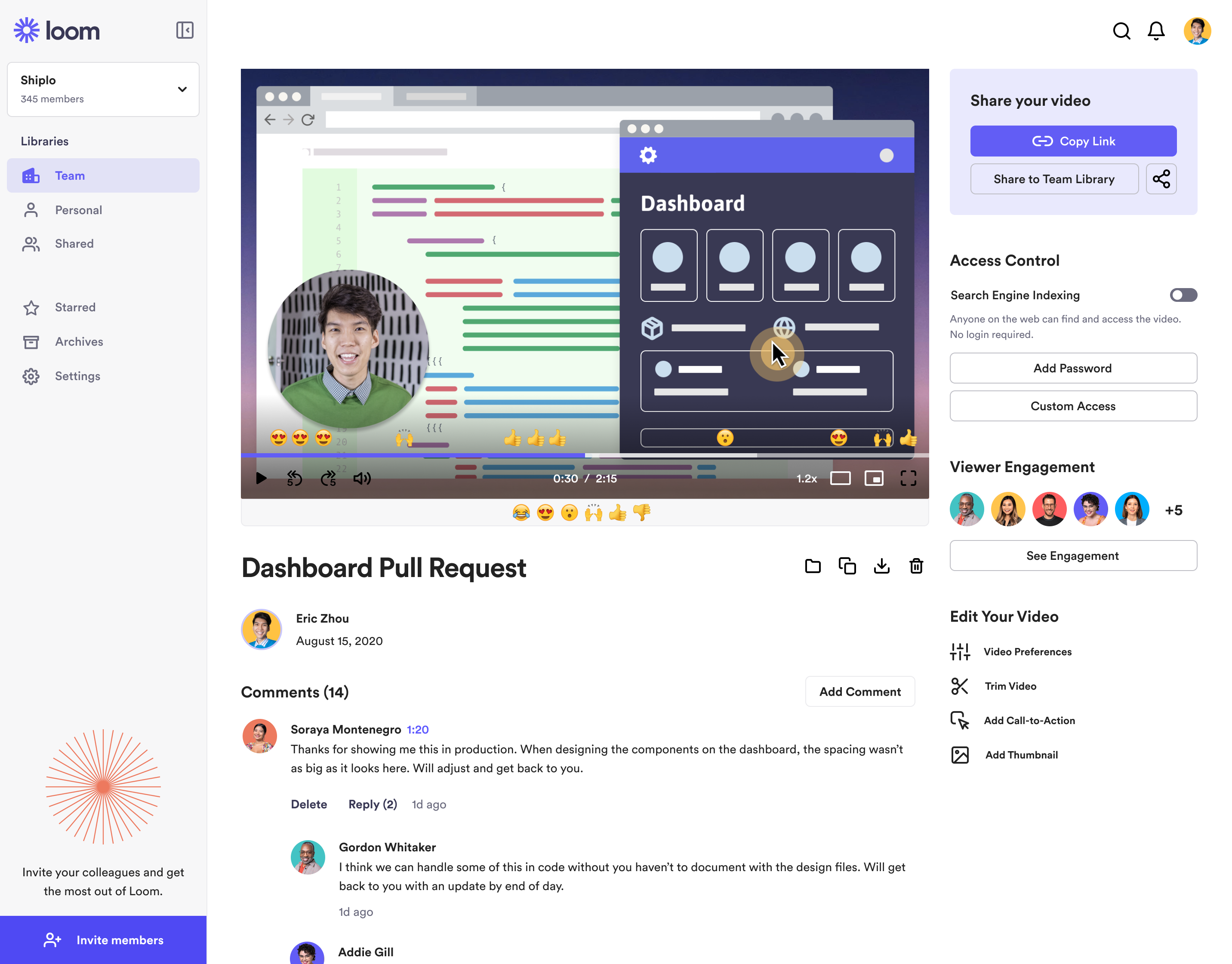
Loom is a screen recorder for Chrome, Mac, Windows, and iOS from Atlassian, presented as quick to install, easy to use, and boasting a functional free edition.
$10
per creator/per month
BombBomb
Score 8.0 out of 10
N/A
BombBomb in Colorado Springs offers a video messaging and marketing platform to accelerate and personalize sales processes. The video, which integrates with Gmail, Salesforce, and Outlook, provides open tracking and video response capabilities, reminder and notifications, reusable text for sales emails, and content library custom branded content for integration with emails.
We have used zoom, google meet or youtube to manage our videos in the past. But both did not seem to be as seamless for everyone to use it. Loom came in to provide an easy way for everyone to use video and share screens or communicate in general. Loom integrates with slack and …
I tried other solutions for video feedback and none of them could match how quick and easy the video recording and sharing is on Loom. Also the consistency of the recordings and reliability is crucial.
Loom: Loom offers both free and paid plans. The free plan includes basic features and limitations, while the paid plans unlock additional functionalities such as longer video recordings, HD quality, and more advanced sharing options. Either way, quite affordable Vidyard: …
When we evaluated the alternatives, Loom was by far the most advanced tool, with multiple types of integrations. Additionally, Loom also provided a Free plan, which made it easy to consider as an alternative. Vidyard and similar tools integrated better with certain other tools …
Honestly, before using Loom, I was recording videos from my cell phone and sending them through Whatsapp or Telegram to try to send large file sizes! I know there are other screen recording tools, but Loom's web interface with all the settings just knocks it out of the park for …
I selected Loom because of product superiority and intuitiveness. Loom has high quality videos compared to others, the Freemium tier is very exciting in Loom. Loom is a multipurpose tool that comes to our help in many areas- whereas other tools are more focused on a specific …
I didn't use any other product like Loom. Skype or Viber just won't work for what I needed. I talked with people who used other products but didn't try one myself. Loom was the first to try and I stayed with it. I was satisfied enough with Loom that I didn't feel like exploring …
I prefer loom to droplr because of its easy interface. I had to take extra time to learn how to become effective with Droplr, while Loom felt self explanatory.
Zoom's recording feature has been helpful before Loom, but I appreciate that with Loom I can go back and re-record something if I made a mistake. It's much easier.
Simplified version of ScreenFlow, not as comprehensive as ScreenFlow in terms of features, but it does the trick for making short training videos. If you just want to capture something on-screen and not do a lot of editing, then Loom is perfect for that. Great for generating …
I tried lots of different screen recording software but ultimately chose Loom because it had the simplest and most user-friendly UI. There are certainly more advanced apps, like ScreenFlow, but my use case is fairly simple—I just want to be able to record video/screen-shares as …
I've used Camstasia and Screen-o-Matic to record screen capture videos in the past. These 2 options at the time didn't have an online platform to upload the videos, so I uploaded it to Youtube or Google Drive so my collaborators could watch them. Loom is easier than them, as it …
Loom solves something that no one else is even trying to solve. Quick visualization of your online experience. Every other solution that records your screen takes time to render the video before it can be shared. Loom is taking the magic of sharing a screenshot of your computer …
Loom is the best video screen sharer that we have come across. Its ease of use and relative value in its free product make it an easy stand out when we went looking for a platform to use. Though there are different video recording platforms out there that can do similar things …
I also have used eCamm and Quicktime for screen-share/screen recordings. All of the tools here require some patch working of a screen recording, uploading the video to a hosting site, and then eventually sending it to the client. Huge time suck!
I used to use Zoom to do screen capture video - even I don't have someone else in a video conference - just because it does a good job of creating screen captures. But that's not really what Zoom is designed to do. Now, when I need to do a fast, low-production-value, …
There are plenty of screengrab / screen recording tools out there. I like loom based on it's simplicity for acheiving regularly occuring challenges. I don't typically need anything heavier, so having this as a quick tool is great!
For desktop recordings, I've only used Quicktime. Loom is overall a nicer looking and functioning tool for recording videos, although there are a couple tools that Quicktime has (like splicing videos and selecting a specific recording size) that I wish Loom had.
The office has been using BombBomb for a long time and has a lot of templates built. It would take a significant amount of time to convert over for our mass emailing purposes. On an individual level, we enjoy the video messaging option as that is not offered in all mass …
I believe my customer service director looked into a couple of other companies before deciding on BombBomb and I know the Outlook integration was a big deal. I think they really liked how easy the program is to use too.
I primarily compared BombBomb vs these platforms. I ultimately decided to go with a very stripped down version of YesWare as it's tracking provided a few aspects BombBomb did not, but BombBomb's platform was the best versus the other main providers. I think it cost a little bit …
BombBomb is unique. They have perfected the art of video email and saved me hours upon hours of trying to use a similar technique to send the appearance of a video email. Before BombBomb, the process was so technical I did not even try to show other real estate agents. The …
I think a lot of these are similar in many ways. BombBomb stood out because of the moving GIF feature among other things, but the overall idea of using video to cut through the clutter is where the value prop has been for our business so far. Other options have better video …
I have not used any other products like BombBomb. I have used video recording and tried to add it to email and send it out. It is much easier to just use BombBomb. They have done all the hard work. All I have to do is record, talk, and send.
Loom is literally the best free (or depending on your team size) tool that I have found in recent years honestly. I have a consulting practice on the side where we work in multiple timezones. Im not the best with words or explaining things over email, and im a much more visual person. being able to show somehow how to do something rather than explain it via email is HUGE. Its literall creating the office culture vibe over video, and its exactly what i need to help scale my consulting while also help provide training at my current job.
BombBomb has helped a lot in our Sales department. Our emails to prospective customers stand out and having the ability to make a personalized video to the person we're trying to establish a relationship with gives us that extra touch.
Upload your databases to BombBomb to send single email blasts or campaigns.
Upload your videos to BombBomb or use their software to record videos. Either way, the BombBomb system makes sending video emails easy!
The "Individual Plus" or any higher priced subscriptions to BombBomb software include forms and automation for lead generation and automation of campaigns.
The mobile app for iOS and Android is very useful for sending and responding to BombBomb emails!
The video trim feature has improved a lot recently, but it's still not perfect. Sometimes when I trim a video clip, it distorts other parts of the video.
It would be nice if they had a referral/affiliate program. I would get all my friends to sign up!
It's dirt easy for the one thing it does exceptionally well. If you think, "hmmm, I should make a quick screen capture of this thing on screen, you can start recording in seconds with almost no additional effort." Once you're done, the recording is automatically uploaded to your account site, and automatically creates a URL you can copy and share with your target audience. From IDEA to EXECUTION to DISTRIBUTION is literally seconds.
As said before, the usability is very straightforward and the customization options are good enough to get the job done. There is a mobile app to help with real-time engagement so that is useful too. They offer plenty of training and best practices to make sure you are getting the most out of BombBomb.
Loom is one of my favorite solutions and I've been a raving fan since they first launched. The value of quickly sharing videos in seconds is amazing. Our customers love it so much that they have even downloaded the Loom Chrome extension for their own use with their clients! It's so simple, and nothing else compares or competes.
Overall it's very easy to use and the video emails stand out. Everything loads quickly and they make it easy to set up. It features CRM-like functionality to view opens, clicks, time watched, etc., but it doesn't port that info over to your existing CRM which is where some of the friction occurs. Still, it's amazing for what it does. I recommend giving it a try for our outreach.
I use Loom for simple tasks. Never used customer support really. It's so simple to use. I haven't had any real issue with Loom which would require customer support to help me out. So I just put 5 because I don't know if the customer support is good or bad since I never used, so I'm kind of neutral.
A few times over the years I have asked for features to be added to BombBomb and I am amazed at how fast they can implement. Zapier integration is a perfect example. They implemented the connection to Zapier within 30 days of my feature request. It took a much larger company, Keller Williams Realty over 10 years to implement the same request.
We have used zoom, Google Meet or youtube to manage our videos in the past. But both did not seem to be as seamless for everyone to use it. Loom came in to provide an easy way for everyone to use video and share screens or communicate in general. Loom integrates with Slack and that is another cool feature
The office has been using BombBomb for a long time and has a lot of templates built. It would take a significant amount of time to convert over for our mass emailing purposes. On an individual level, we enjoy the video messaging option as that is not offered in all mass emailing services.
It gives me back 2-3 hours per week in time saved fussing with typing out long emails.
Our team and vendors understand us faster and better when we offer revisions and training using Looms vs. trying to type it out - causing better client satisfaction.
We still have to use Snagit, though, until Loom gives us still screenshot edit/markup abilities!
Overall, I think BombBomb has given us a positive ROI on our email marketing efforts. I don't have numbers to support that claim, but it's more affordable and better positioned for what we needed to do than many other tools out in the marketplace. If you need to differentiate your email, the video component is a great way to go.