Axcient CloudFinder (formerly from eFolder) is a cloud service (e.g. Office 365) backup service.
N/A
MSP360 Backup for M365/Google
Score 0.0 out of 10
Mid-Size Companies (51-1,000 employees)
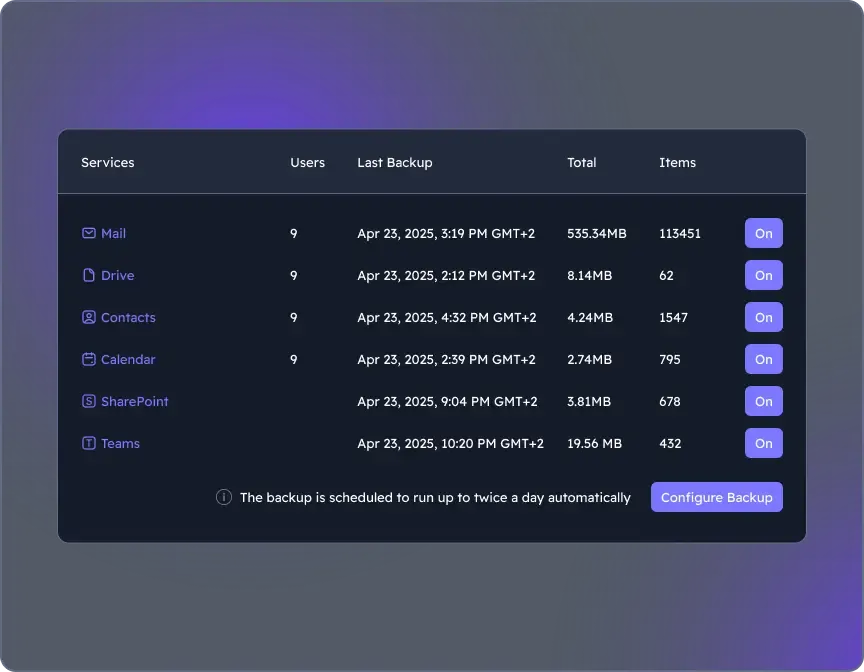
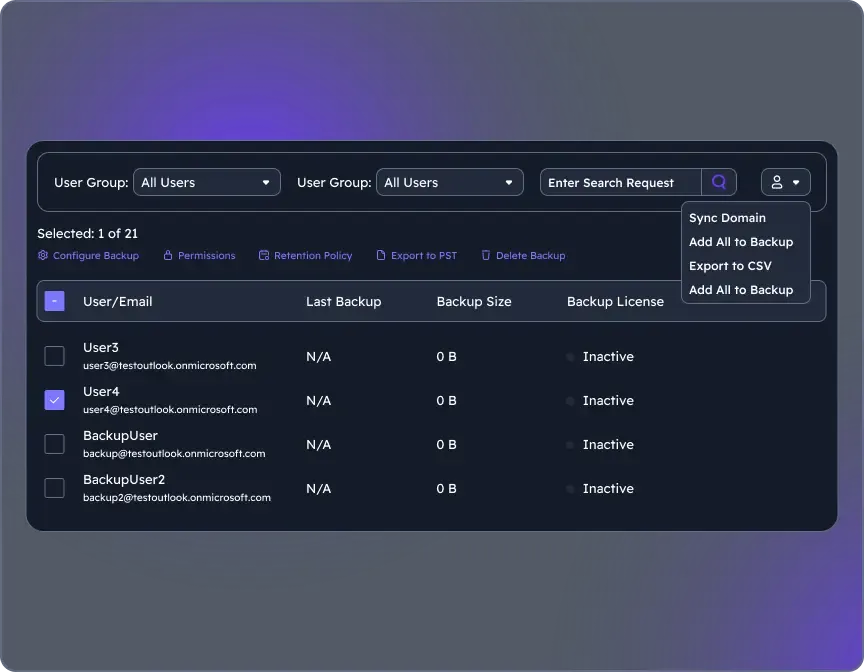
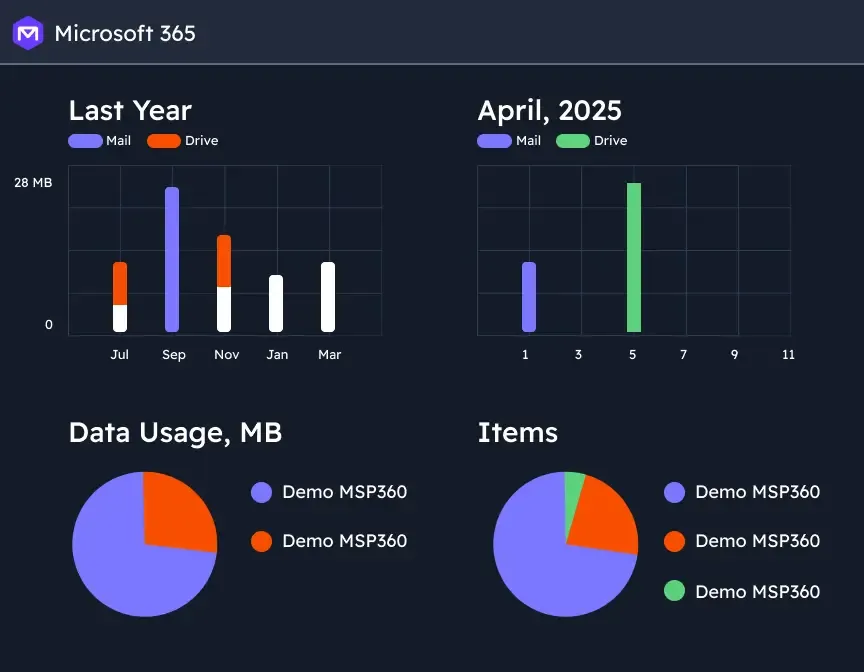
MSP360 Backup for Microsoft 365 and Google Workspace offers cloud-to-cloud data protection and recovery. The solution boasts a simple setup and maintenance that supports all core M365/GW components.
$1.10
per month per user
Pricing
Axcient x360Cloud
MSP360 Backup for M365/Google
Editions & Modules
No answers on this topic
MSP360 Managed Backup for Microsoft 365 and Google Workspace
$1.10
per month per user
MSP360 Backup for Microsoft 365 and Google Workspace
$3
per month per user
MSP360 Backup for Microsoft 365 and Google Workspace
$24
per year per user
Offerings
Pricing Offerings
Axcient x360Cloud
MSP360 Backup for M365/Google
Free Trial
Yes
Yes
Free/Freemium Version
No
No
Premium Consulting/Integration Services
No
No
Entry-level Setup Fee
No setup fee
No setup fee
Additional Details
—
There is "Cyber Starter Pack Offer" for new customers.
More Pricing Information
Community Pulse
Axcient x360Cloud
MSP360 Backup for M365/Google
Considered Both Products
Axcient x360Cloud
Verified User
Anonymous
Chose Axcient x360Cloud
The performance and GUI for the previous products were inferior to Axcient's x360Cloud. The price was comparable but we were spending too much time trying to maintain and improve the product which was costing us time in productivity. The feature set was also not as good as what …
As an MSP, we have been able to provide protection for cloud documents to our customer. With Axcient x360Recover, we can feel confident that we are providing a service that is commonplace today but reliable with Axcient. This protection comes at a reasonable price that makes …
My absolute favorite thing about the Axcient x360Cloud line up was the options and the bring your own device on some of the non cloud options and they have a strong presence among some of the other competitors. However the cloud agent needs a little more fleshing out in order …
We've had the best experiences when needing to recover emails from snapshots and date ranges which have been deleted. The Smart Search works relatively well and is easy to recover. Sometimes the restoration process can take a while depending on the size and amount of emails but is generally ok.
This is because the product does what it advertises but does not go above and beyond. It is perfectly usable for what it does but it is still a little confusing and awkward to use.