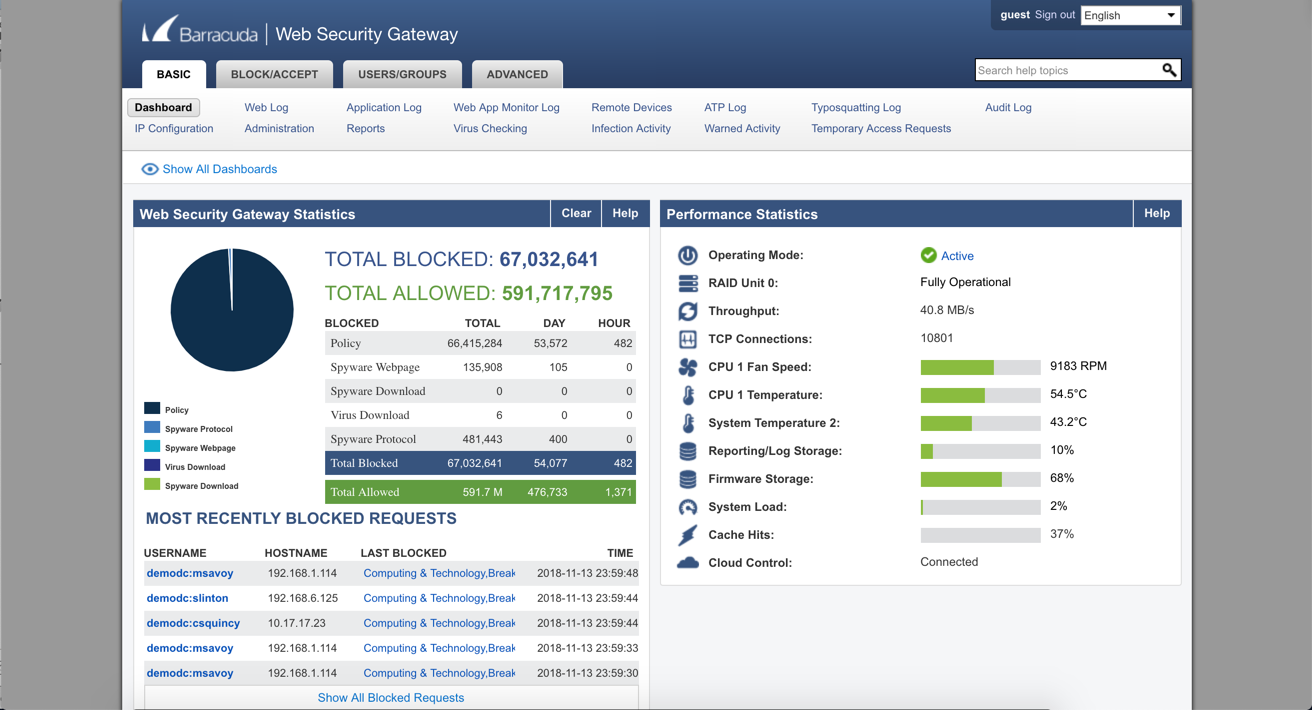
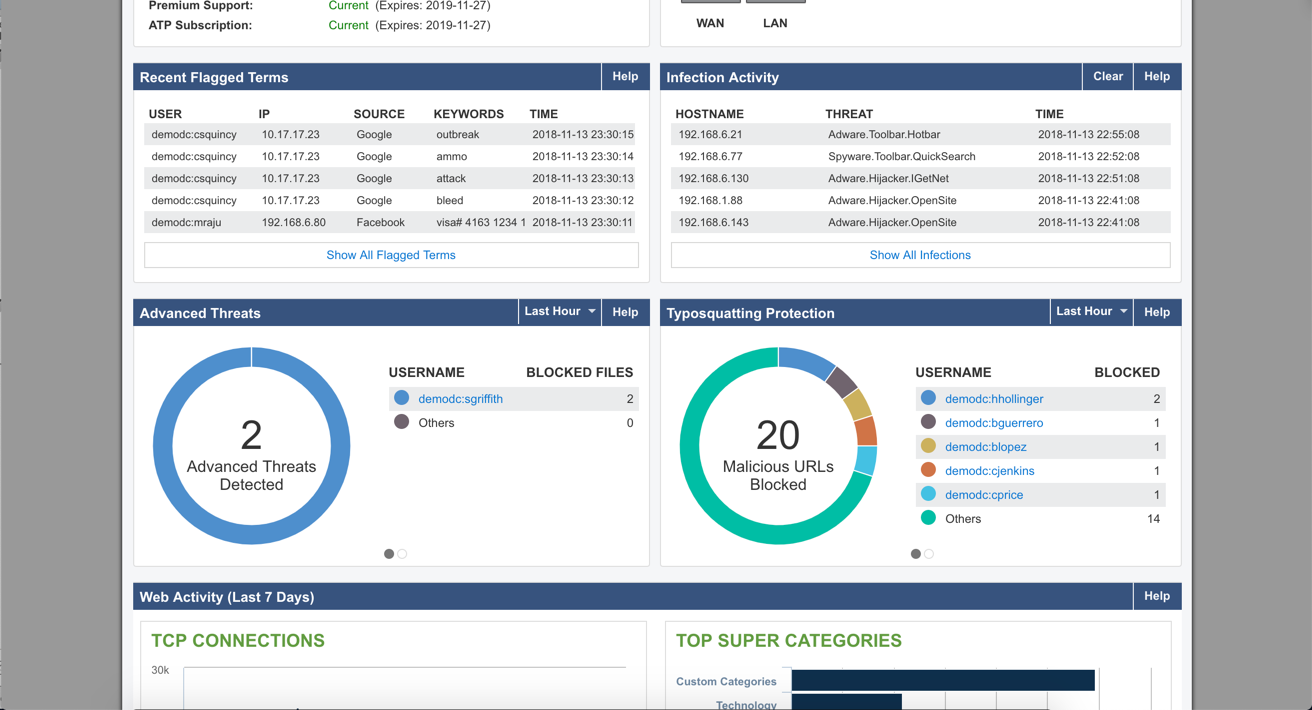
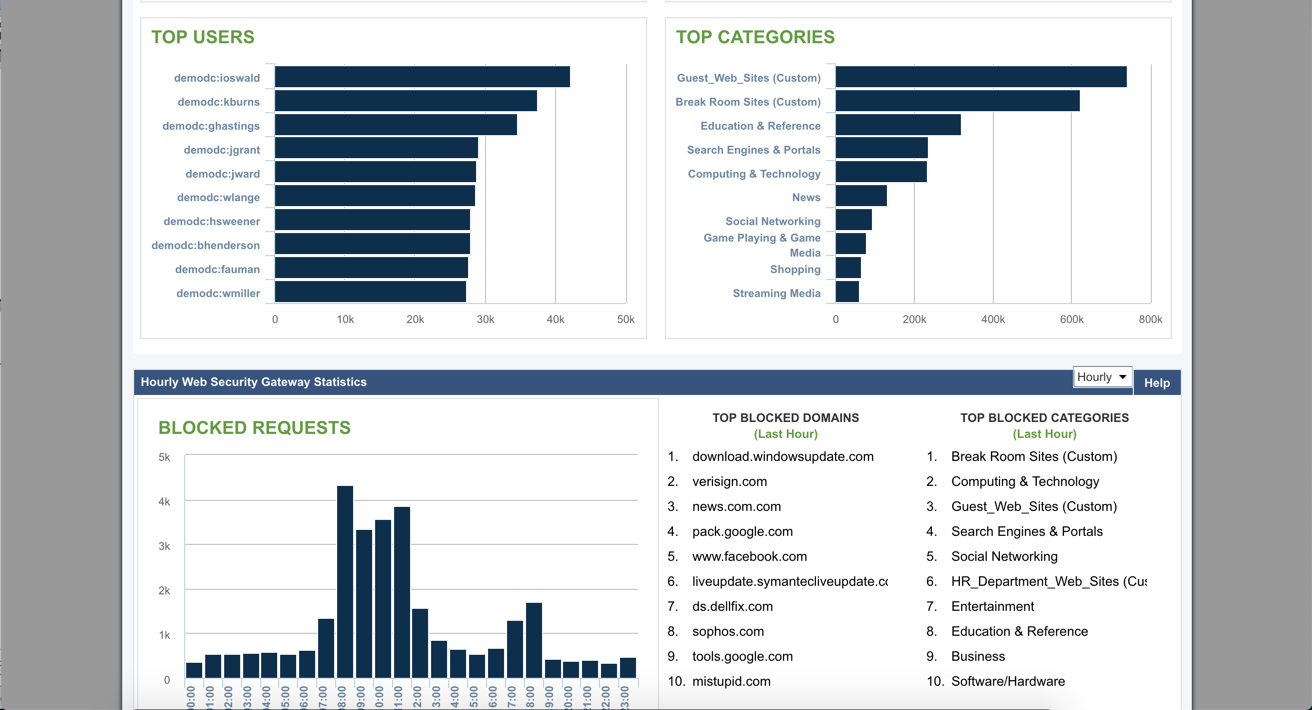
Barracuda Web Security Gateways now available in the 200 through 1000 series provide web content filtering as well as access and advanced threat protection, and are available as physical appliances, virtual appliances, or as a SaaS.
N/A
Zscaler Internet Access
Score 8.8 out of 10
N/A
Zscaler Internet Access™ (ZIA) is a secure web gateway (SWG), delivering cloud native cyberthreat protection and zero trust access to the internet and SaaS apps.
The Barracuda Web Security Gateway is ideal for businesses that need access to the internal network to access sensitive applications and resources. It offers very good security features to protect the network and to allow secure access. Its features are available to manage and …
We previously had no web security at our company. This left everything open to malware and viruses. We had several PC's a month being infected. We thought it was mostly coming from spam email and we improved our spam detection, but soon we discovered the PC's were being …
I've found Barracuda to be very customisable, which allows it to fill the security requirements more adequately than a more generic product would have been able to. We also use a combination of hosted and on-premise devices, and have found that there is no difference in terms …
This is a different type of filtering than the Symantec. The Barracuda web filter does just that, filters web traffic. The Symantec filters the emails that come into the company so I do not really have something else to compare it to. Overall, I would say that this is a good …
Barracuda Web Filter is superior to the built-in content filters of any firewalls (even next gen) that we have encountered. It's a misconception that the built-in filtering on a SonicWALL or WatchGuard is enough. I don't believe that Barracuda has any direct competitors in this …
SonicWall, Barracuda NG Firewall, and WatchGuard provides Content Filtering, but are primarily firewalls with Content Filtering features. The Web Filter is a dedicated appliance with more storage space and better reporting of users.
After our support contract expired, we found a less expensive but more robust tool to use in place of barracuda. Currentware Browse Control does everything the Barracuda does plus has the ability to lock down hardware on the end user machines so users cannot stick their …
Netskope was good however did not have all the features Zscaler had. Zscaler provides the same type of protection as Netskope but more. We also found the netskope agent used a lot of resoures on devices. ZCC was very light-weight and did not consume a lot of resources on laptops.
Palo support has been a large enough negative experience on multiple occasions that we have been looking to move away from the platform and Zscaler Internet Access looks to be a suitable replacement
Zscaler Internet Access is most akin to ZPA - we bought both at the same time to handle all traffic internally and externally. In terms of quality - I would make the statement that Zscaler Internet Access is a simpler product but that's also cause there are no App Connectors …
Zscaler Internet Access has significantly more configurability and capability in the platform, and can scale much better with large organizations. It is also much more affordable for our environment and gives us greater flexibility to grow into the Zscaler Platform.
Barracuda Web Security Gateway is a secure solution. This solution offers advanced filtering for web content, application control, access control, network monitoring, and user authentication to control network access. It is easy to use, helps prevent access to harmful content. Therefore, I highly recommend the Barracuda Web Security Gateway to enhance your network security, secure remote administration, and approve and control application usage.
Zscaler Internet Access has extremely powerful category selection and it is very easy to create your own destinations for inspection and policy exceptions (SSL exception specifically). It is also very affordable and just as powerful (if not more) than some of the other solutions I have used in the past to achieve internet security.
It can integrate with active directory to place restrictions based on a specific user or group if required - or alternatively to allow a user/group to access more on the web if needed.
The application blocking features have been especially useful in our enterprise, and there is a large number of applications & web applications available to block/allow as needed.
The depth that Cloud App control policies can go into. Being able to control individual actions within an application, more than just all or nothing access.
The UX/UI design makes it really easy to navigate the portal.
Understanding how cloud app/url control policy gets evaluated and creating/editing existing policy is extremely straightforward.
There are 2 different policies; authenticated and unauthenticated. Sometimes the filter does not pick up the user that is logged in. When this happens, that user could potentially access sites that would normally be blocked.
Sometimes blocking one thing could block something you need. We had an instance where we use remote software. We block BitTorrent but for some reason, the filter was seeing this remote software as BitTorrent traffic. I got support on the line and we were eventually able to figure out a solution.
We put in certain applications. One of them is supposed to be blocked but a lot of the time it doesn't get blocked.
While Zscaler Internet Access (ZIA) delivers critical value in cloud security and RBI compliance, I rate renewal likelihood 7/10 due to evolving needs versus platform limitations. Below is my rationale:
There are a lot of settings you can adjust. The web log is easy to use. If a user is having issues accessing a website, you can go in and see what's being blocked and why. After that, you can make adjustments fairly easy. The GUI is easy to navigate and updating the software is a simple click of a button.
The application is easy to install and configure on all Windows devices. To troubleshoot any internet issue, we can easily collect all the relevant logs from Zscaler and check the exact issue. The only problem is with the uninstall, as a dedicated crew needs to provide the password.
Barracuda support is always available, 24/7. They are always friendly, supportive, and follow-up with anything they promise. Any ticket that is opened is touched constantly by the support team until it is remedied
Zscaler's ZIA support is quick and knowledgable. They respond within 1-2 hours of you submitting your ticket. They are very thorough and are typically ready to jump on a live troubleshooting session. Our ZIA platform and how we use is it unique so at times tickets can be open for weeks but we alway get quality support compared to other unrelated product support in our enterprise
Barracuda Web Filter is superior to the built-in content filters of any firewalls (even next gen) that we have encountered. It's a misconception that the built-in filtering on a SonicWALL or WatchGuard is enough. I don't believe that Barracuda has any direct competitors in this space that it's not head and shoulders above.
Zscaler Internet Access is most akin to ZPA - we bought both at the same time to handle all traffic internally and externally. In terms of quality - I would make the statement that Zscaler Internet Access is a simpler product but that's also cause there are no App Connectors involved in that process.
We had several of our divisions that we thought needed to increase their internet bandwidth, due to decreased speed and productivity. After installing the Barracuda Web Security Gateway, we realized we had some abusive behavior going on with online activity. We set some controls and the bandwidth usage decreased by at least 30%, allowing us to maintain the current bandwidth and not spending more money.
Has allowed us to remove other products that were suboptimal
Saved us money overall by stacking it with other Zscaler products
Created a more secure work environment for our users through intelligent internet policies that are not needlessly restrictive while still maintaining security best practices