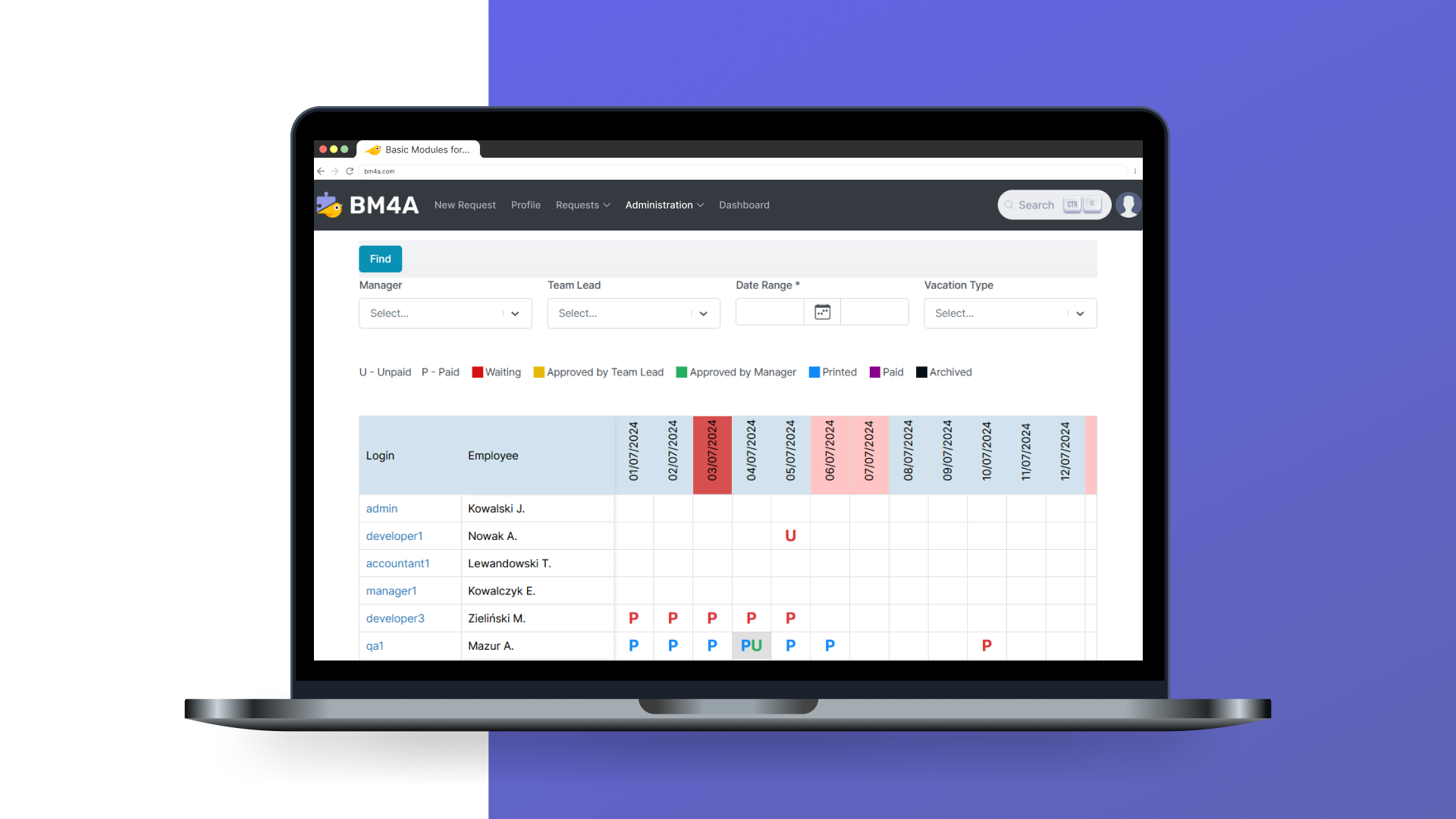
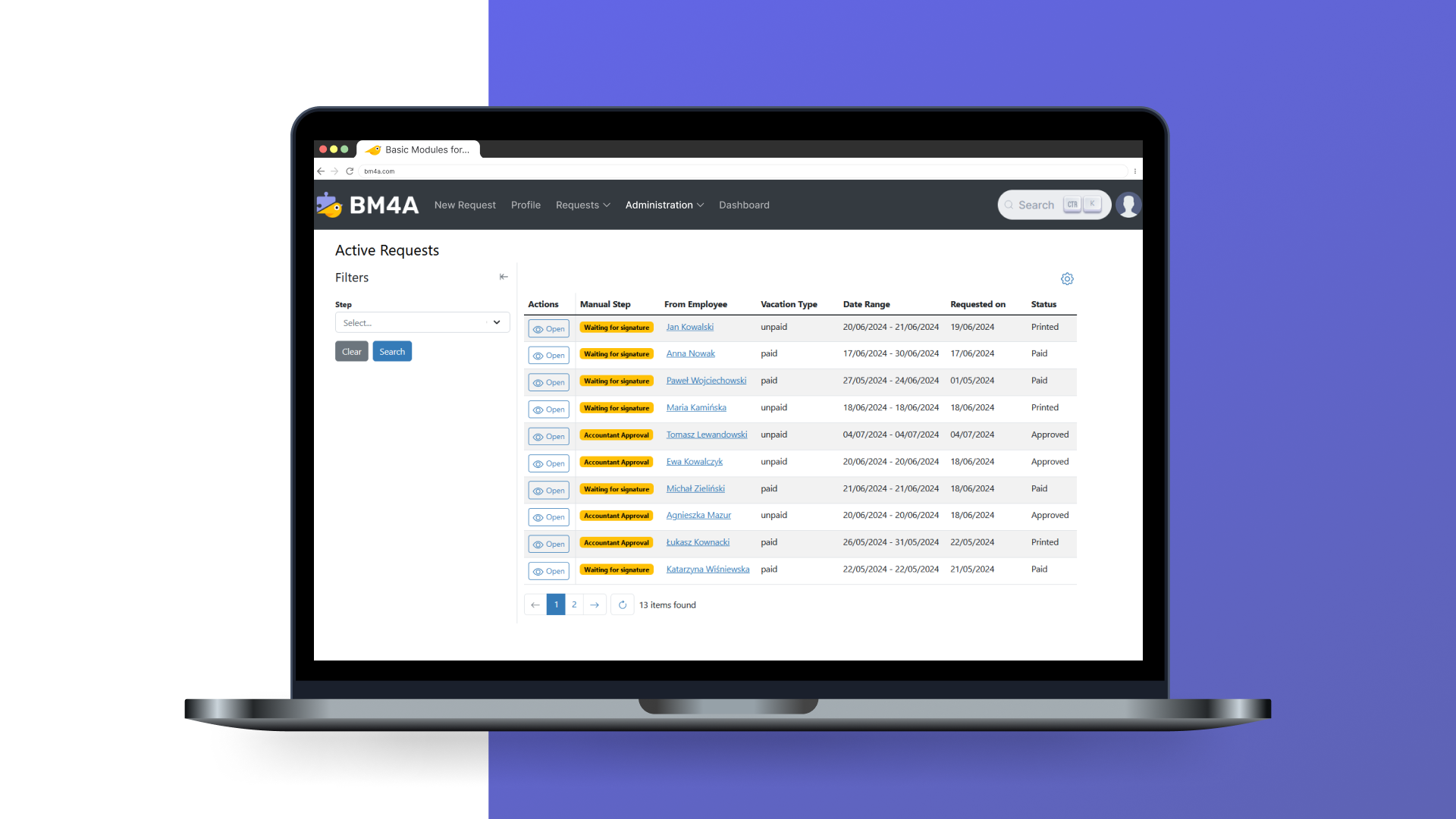
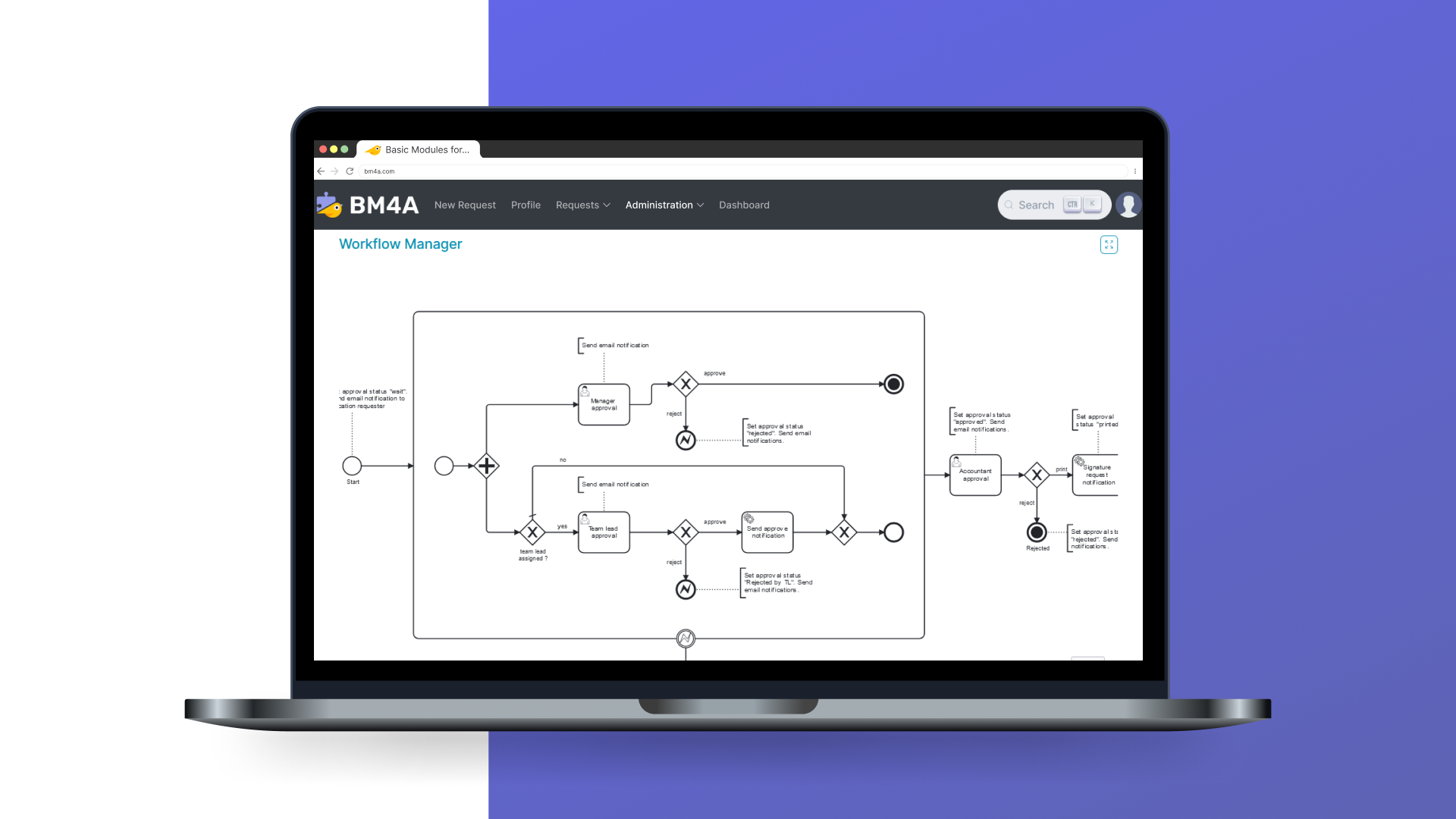
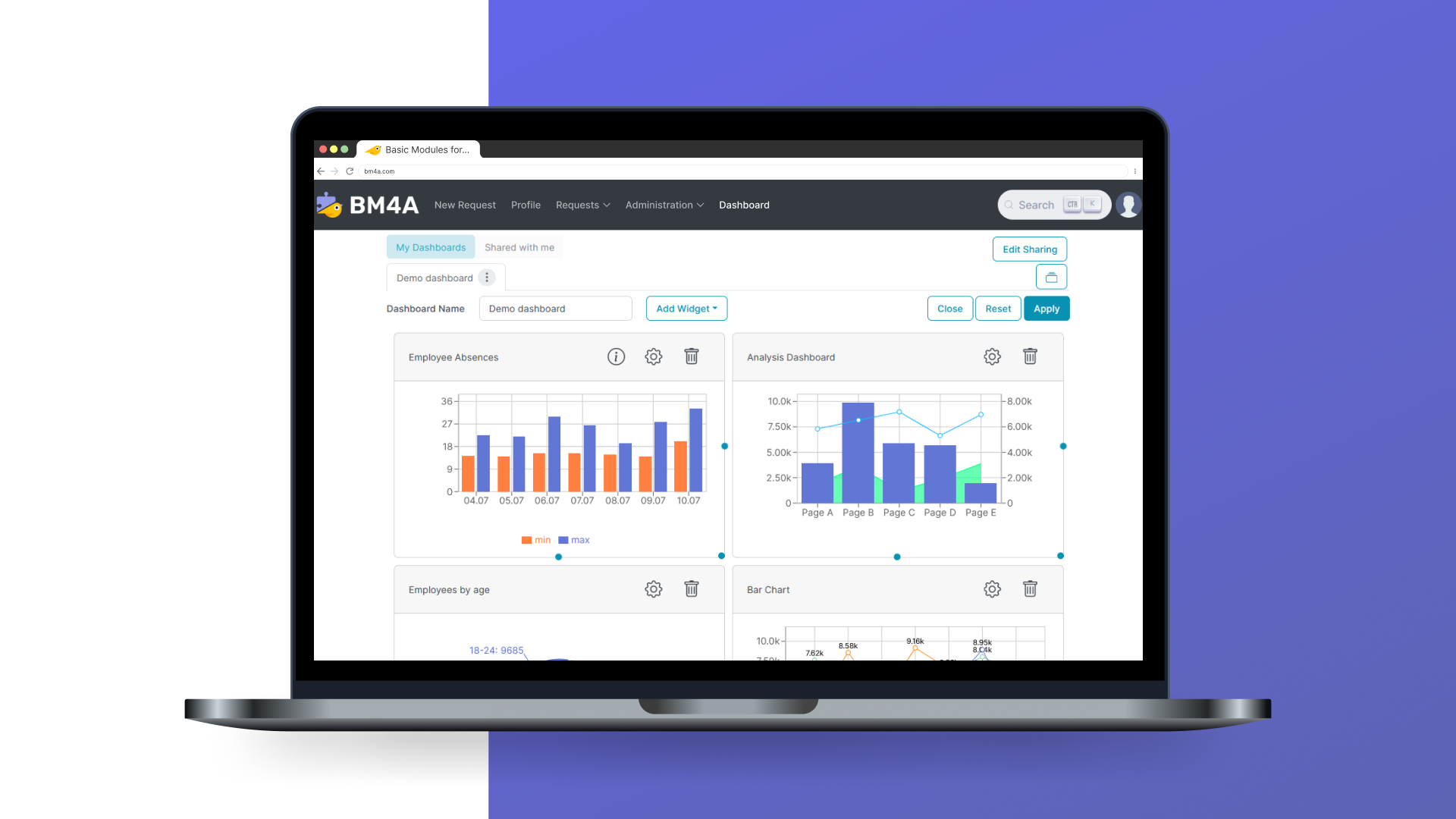
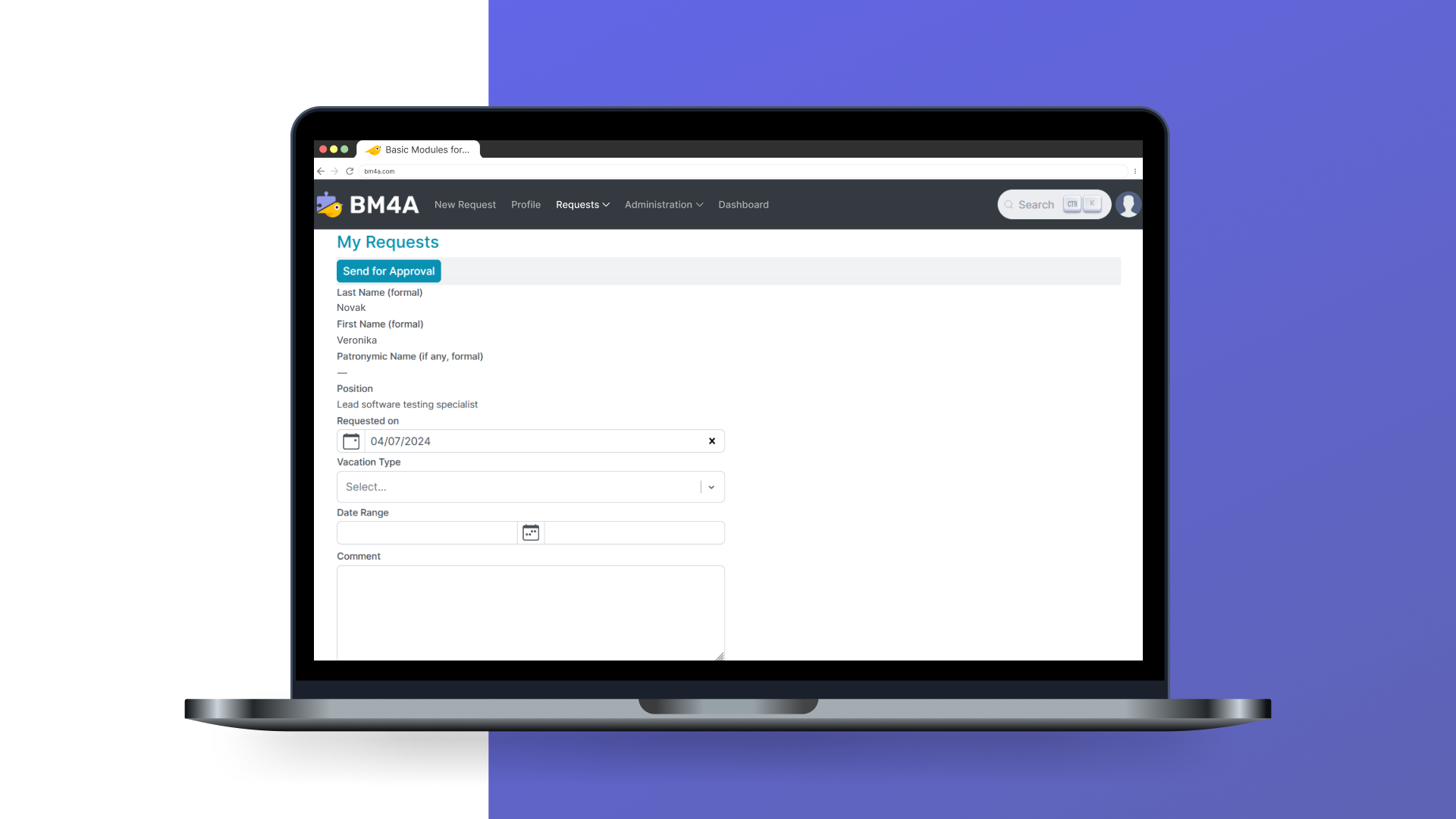
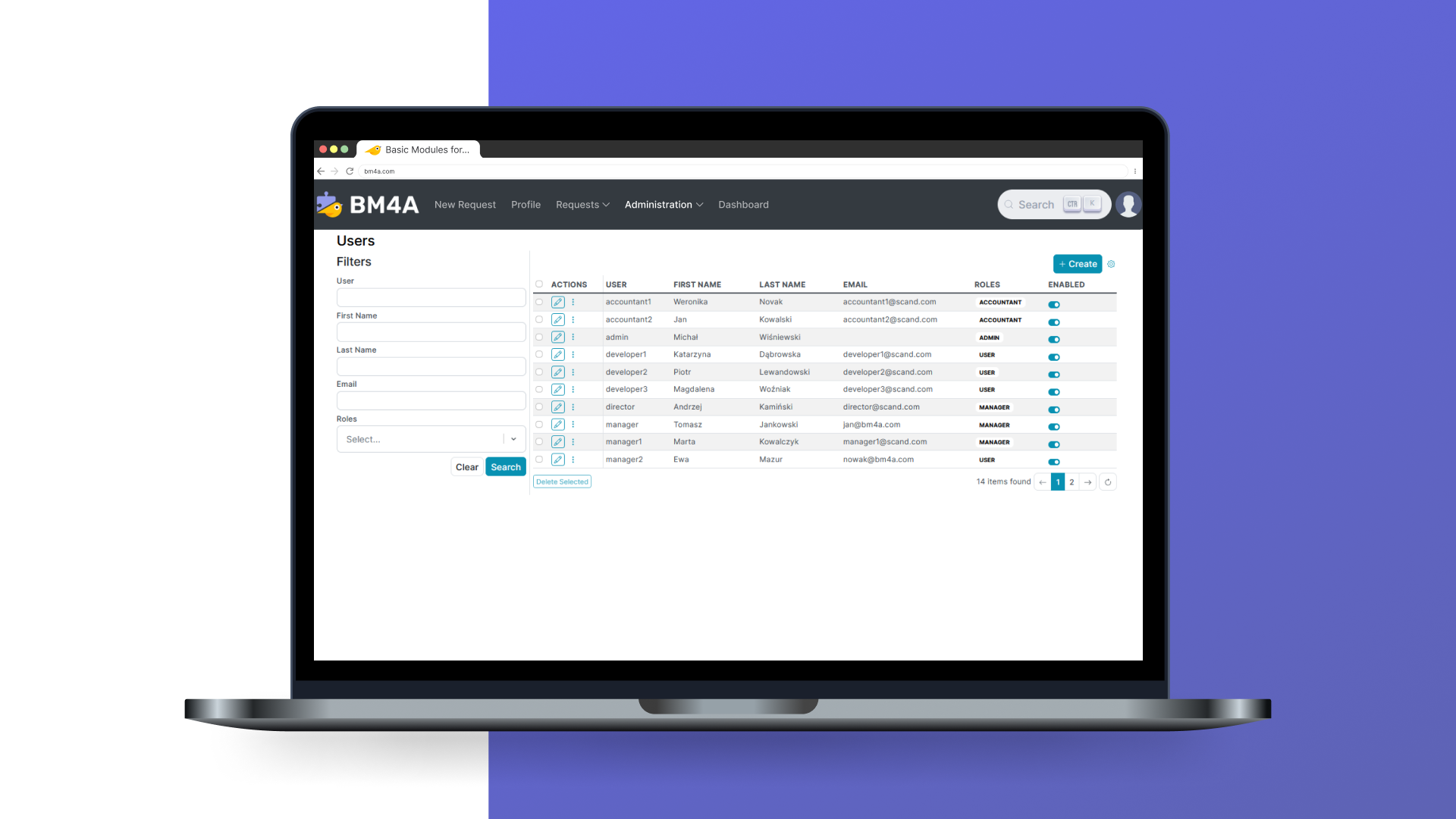
BM4A VRM is an online leave management system that streamlines the leave request and approval process. The software enhances efficiency by integrating with payroll, ERP systems, and timesheet tools. The BM4A team can customize BM4A VRM to meet the specific needs of any business. Its functionality can be extended, the UI design tailored, and integrations made with internal systems and popular platforms. This ensures that BM4A VRM operates seamlessly within the existing setup and supports…
N/A
Workday Workforce Management
Score 8.8 out of 10
N/A
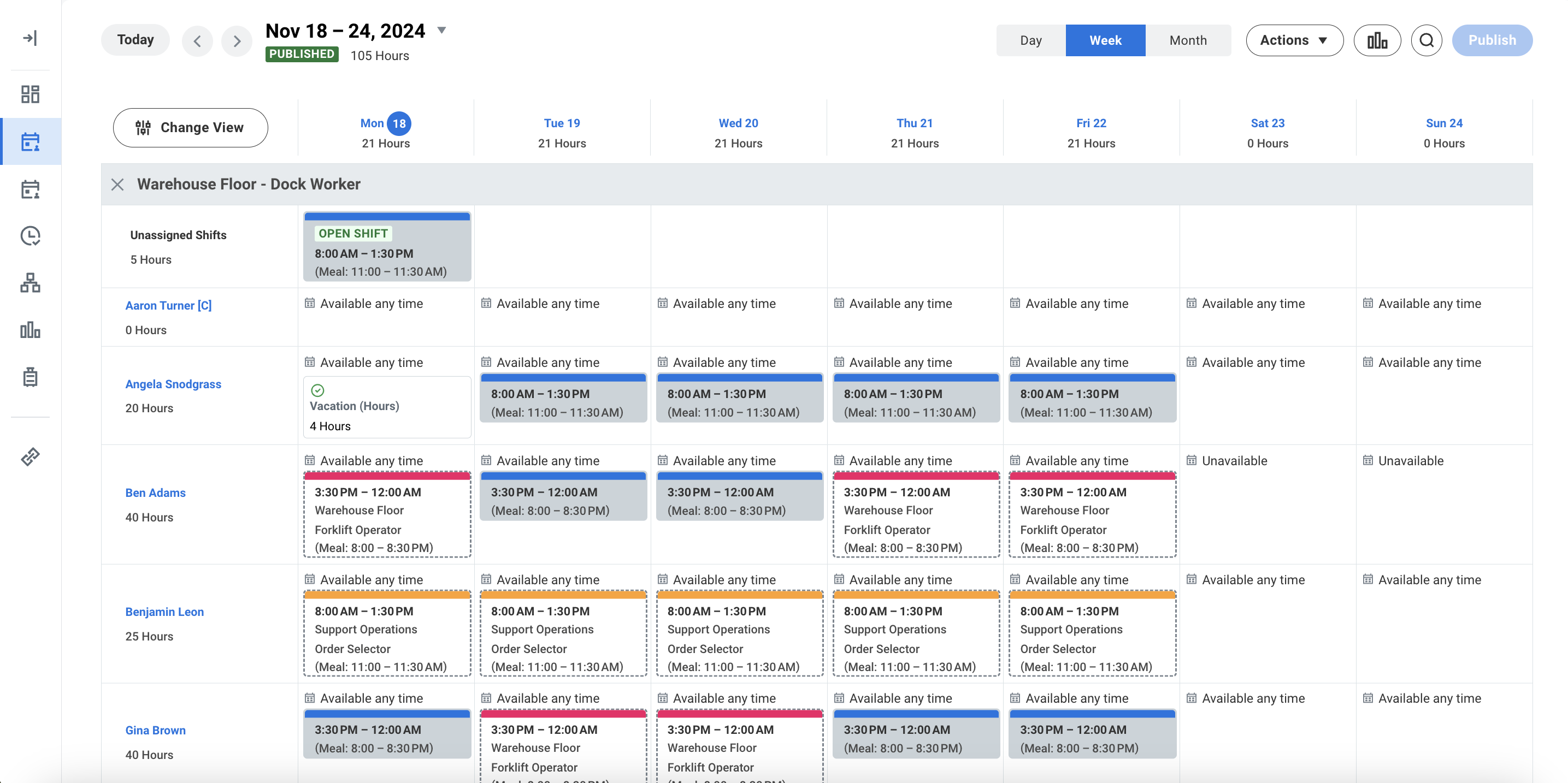
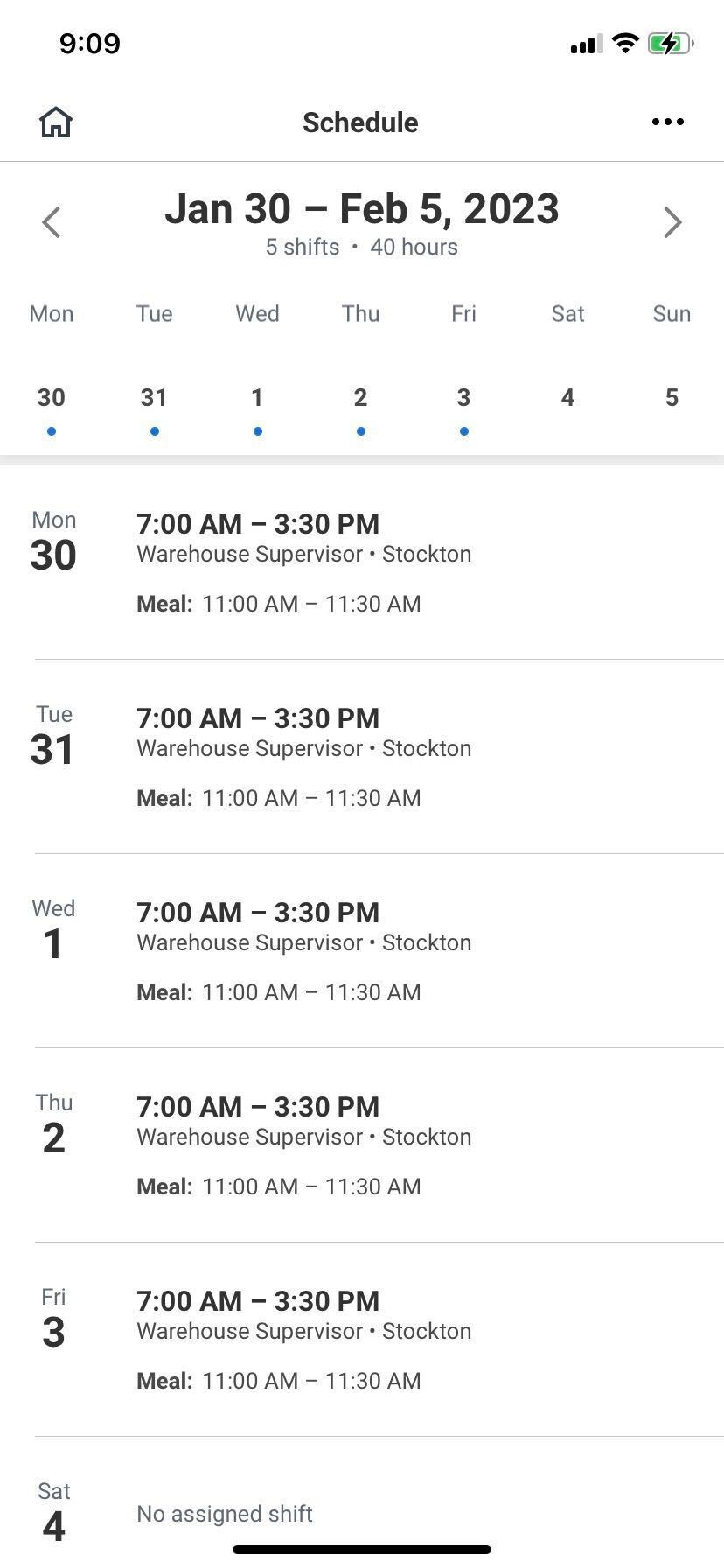
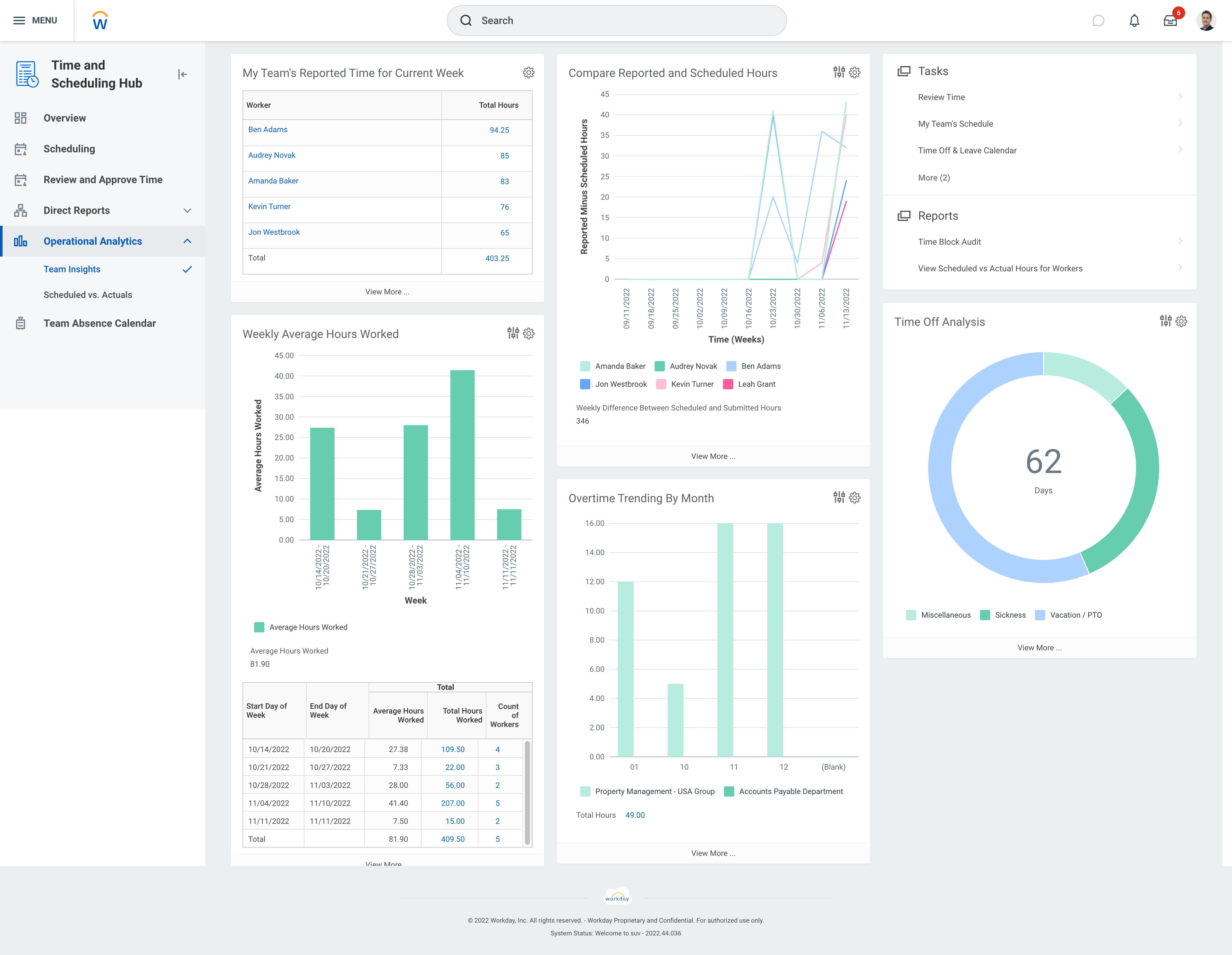
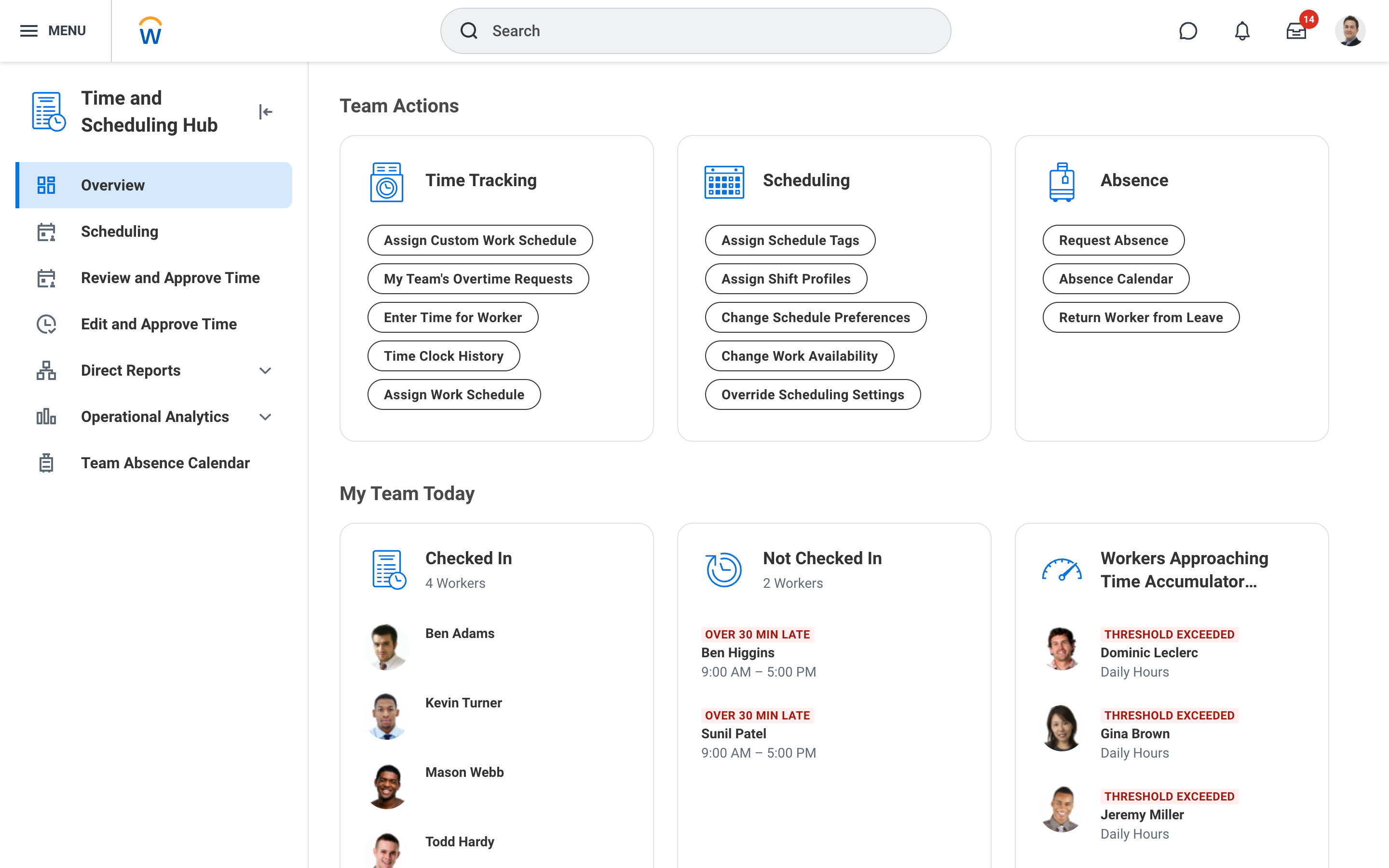
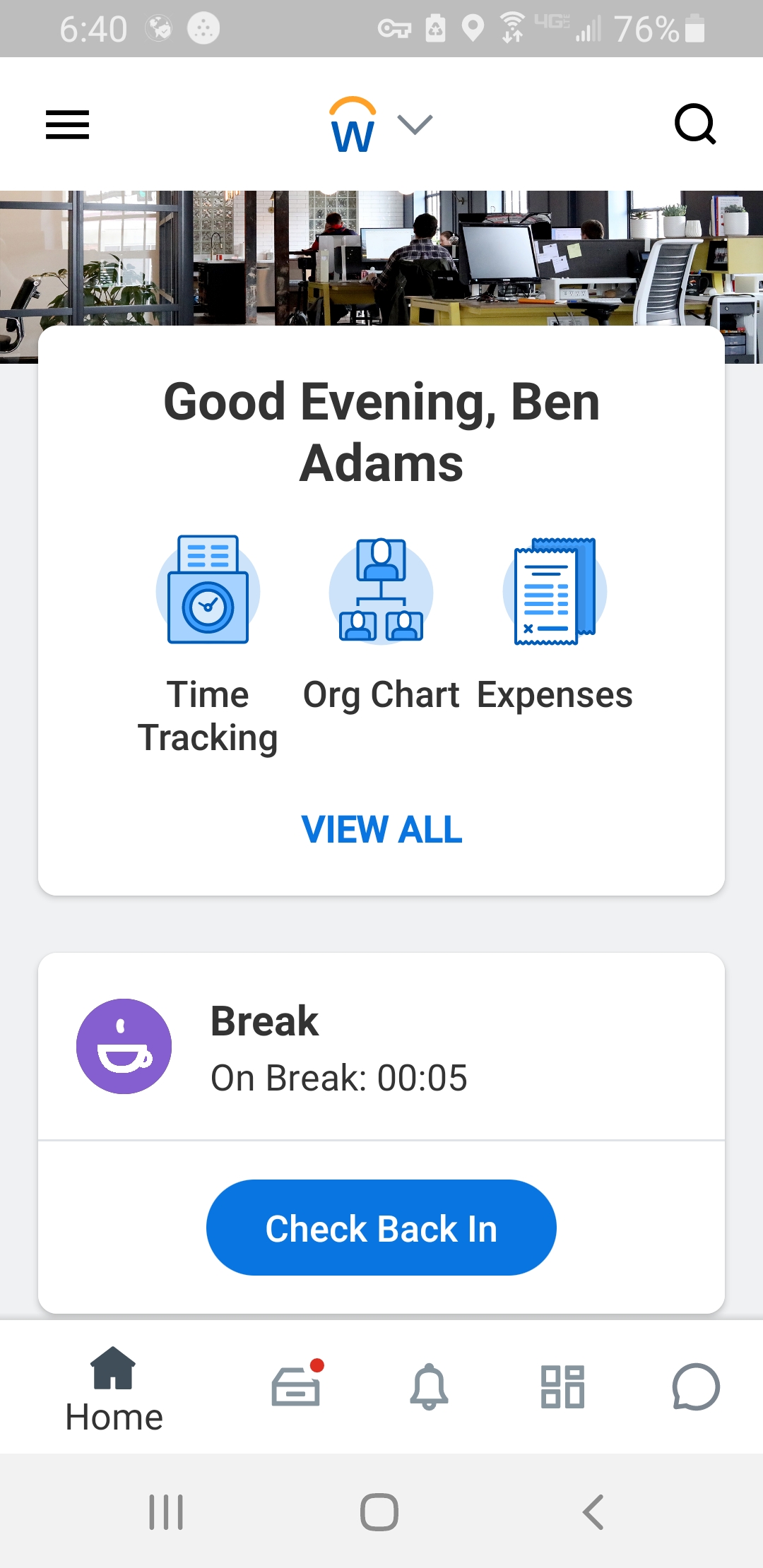
Workday Workforce Management is a workforce operations software that integrates HR, time, and scheduling data, to eliminate disjointed processes that halt day-to-day operations. Consistent with a worker-first approach, Workday provides mobile-first access to personalized pay, time, and schedules, giving workers frictionless on-the-go access. This helps overcome difficulties in retaining workers and keeps them engaged in a competitive labor…
N/A
Pricing
BM4A VRM
Workday Workforce Management
Editions & Modules
No answers on this topic
No answers on this topic
Offerings
Pricing Offerings
BM4A VRM
Workday Workforce Management
Free Trial
Yes
No
Free/Freemium Version
Yes
No
Premium Consulting/Integration Services
No
No
Entry-level Setup Fee
Optional
No setup fee
Additional Details
We offer a free demo version that showcases the fundamental features of the application. Further development of the web application, customization, functionality expansion, integration, and more are calculated individually for each client and depend on the scope of work:
Types of Installation: On-Premise, Private Cloud;
Customization: Individual customization according to your business requirements;
Integration: VRM can connect with your current HR, payroll, ERP systems, and other platforms, making your labor data easy to understand and use. Additionally, VRM can integrate with popular external systems;
You pay only once and receive a product with exactly the features necessary for your business.
—
More Pricing Information
Community Pulse
BM4A VRM
Workday Workforce Management
Considered Both Products
BM4A VRM
No answer on this topic
Workday Workforce Management
Verified User
Anonymous
Chose Workday Workforce Management
Workday Payroll and Workforce Management in my opinion does as great job of letting staff know beforehand what they are going to get paid on a weekly or bi-weekly basis. I found that Gusto does not provide that insight. It would be nice though to have a feature in those …
Workday is well suited as am employee because it allows me to easily access pay and goal-setting information at a large org. It also made the process of getting hired and initially onboarded simple. I imagine it could be less helpful at a smaller organization where people have more direct access to folks in payroll
Workday Payroll and Workforce Management hasn't given me any issues. I love that you can customize your profile with icons, the color scheme, and etc. It makes it feel more personable. In addition, you can customize which icons that you use frequently to complete tasks. I would recommend it to anyone who wants a platform that has high usability and versatility.
Workday Payroll and Workforce Management in my opinion does as great job of letting staff know beforehand what they are going to get paid on a weekly or bi-weekly basis. I found that Gusto does not provide that insight. It would be nice though to have a feature in those platforms where you could do a "what if" feature to determine how much you could make if you were single, married, or made a higher salary or lower. This is a feature that I have used in webBASIS, and it was extremely helpful.