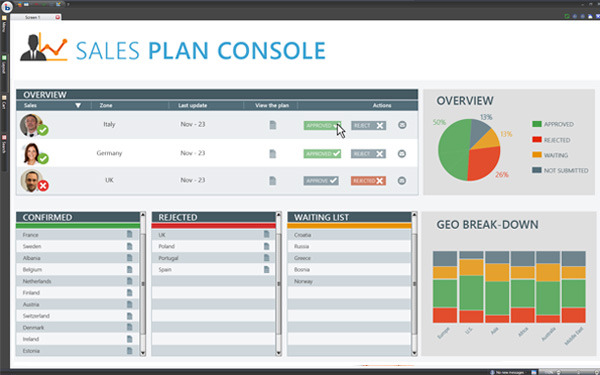
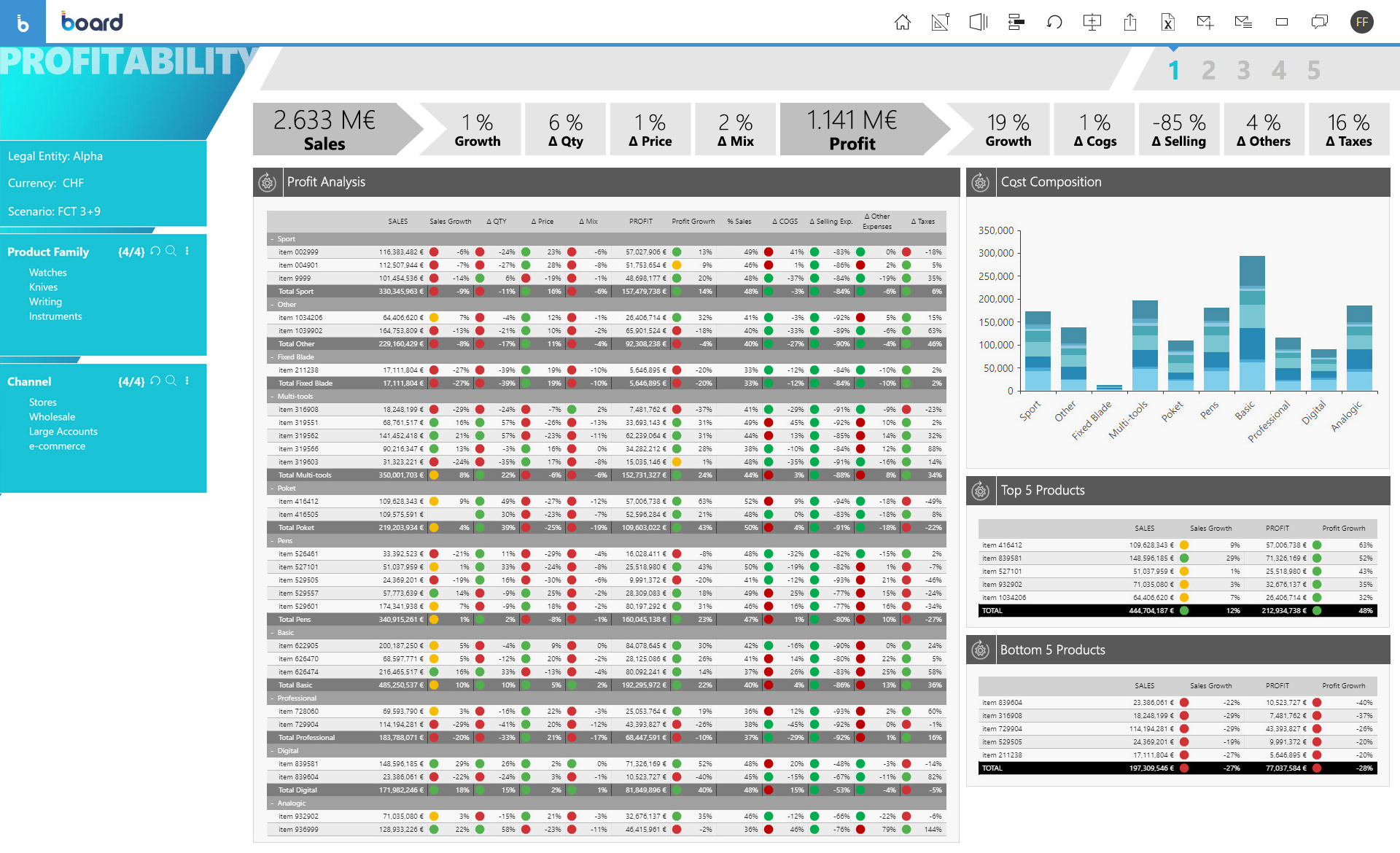
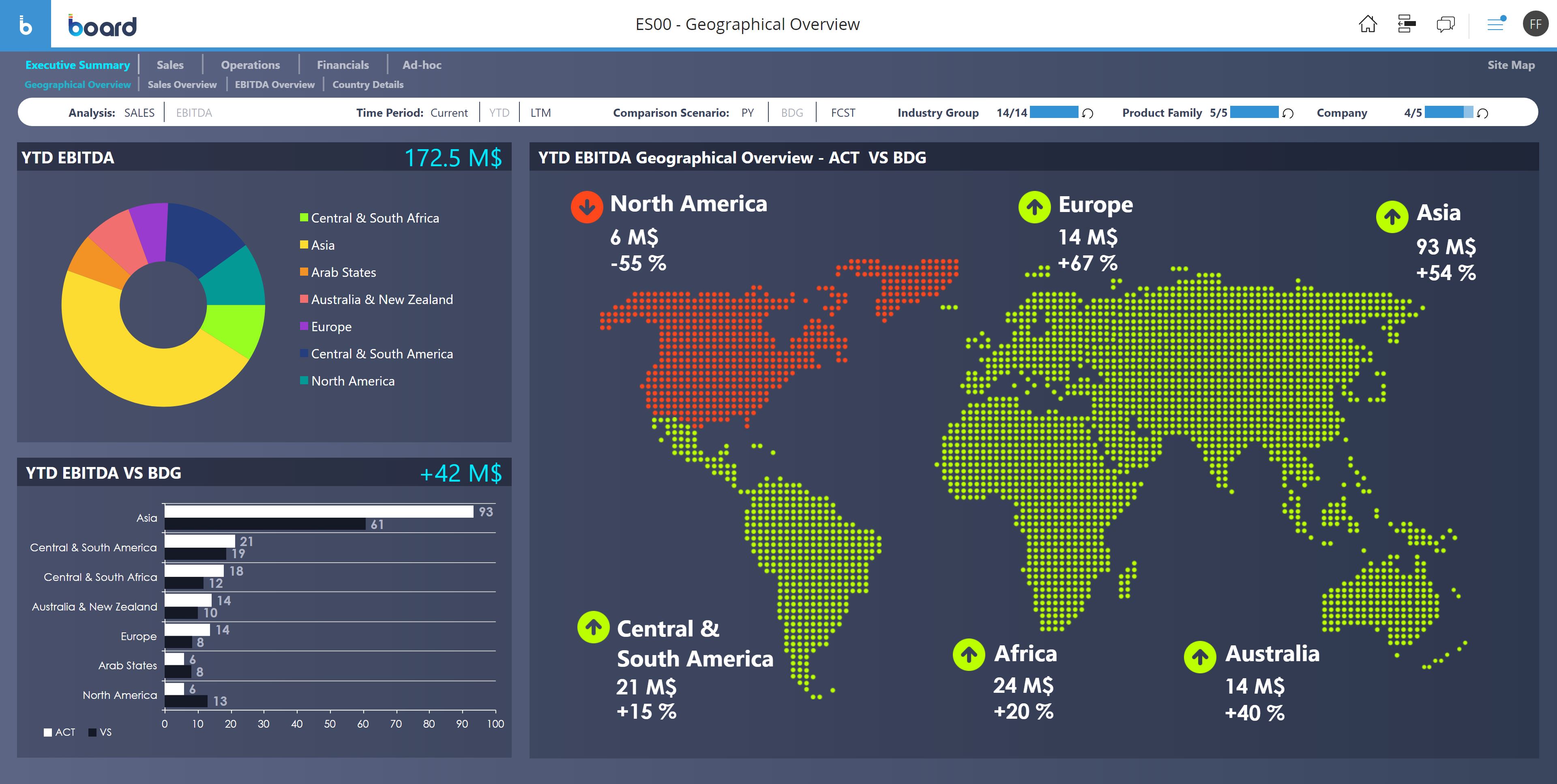
Board is presented as an enterprise planning platform, offered as a solution to accelerate business performance and enable continuous planning with greater forecast accuracy to drive confident, aligned decisions.
N/A
Qlik Sense
Score 7.4 out of 10
N/A
Qlik Sense® is a self-service BI platform for data discovery and visualization. It supports a full range of analytics use cases—data governance, pixel-perfect reporting, and collaboration. Its Associative Engine indexes and connects relationships between data points for creating actionable insights.
$200
per month
Pricing
Board
Qlik Sense
Editions & Modules
No answers on this topic
Starter
$200
per month
Standard
$825
per month
Premium
$2,750
per month
Qlik Sense Enterprise on Windows
Contact Sales
Enterprise
Custom Quote
Offerings
Pricing Offerings
Board
Qlik Sense
Free Trial
No
No
Free/Freemium Version
No
No
Premium Consulting/Integration Services
No
No
Entry-level Setup Fee
No setup fee
No setup fee
Additional Details
—
—
More Pricing Information
Community Pulse
Board
Qlik Sense
Considered Both Products
Board
Verified User
Anonymous
Chose Board
Business problems that Board addresses are & how Board stacks up against them :Difficulty in managing and tracking multiple projects and tasks at the same timeInefficient communication and coordination among team membersLack of visibility into team performance and …
Board platform giving all the services from the lastest update according to our own business requirement. Even It's pricing model is very lower than other platform. We are getting lots of digital data maintaining, reporting, publishing without any kind of highly training course.
We earlier used Planful, which was also a good product but not as good as Board. The backend reporting and analysis of data are top-notch. The reports generated are quick and accurate. Board also offers to learn to upskill the team so that they can use the tool effectively and …
The features and the haslle free UI where any first time user can understand the esay navigation and achieving their business goal. To be brief, the features are very unique and most promising compared to the other application. Providing custom & tailored solutions of business …
Board has been more complete when compared to Anaplan. Although I didn't participate in the buying decision of any of those products I have used both and by far Board just has more features. It's more than a CPM, it's BI and CPM put together. If I had to make a choice now it …
Board is much much easier to setup than compared to Azure Power BI. Power BI also has a lot of challenges around data refresh with their web interface. While talking to support, we were made aware that for full feature-set, we should use the desktop version. Clearly something …
Board is useful in running all under one platform which is advance analytics, creating workflows and allowing users to create customizable dashboard once and using them for longitudinal tracking of Key performance indicators. It can provide tools and applications required to …
Based on your budget and what your inclination is to brand/service reputation, you can always find a different platform that can do more/better for the same/less cost, based on how you seek to find the metrics you want analyzed. It also depends on how your forecasting and …
We selected Board over similar alternatives for its integrated business intelligence and corporate management capabilities. Furthermore, the ability to generate customized real-time reports, benchmark data, and trends were the primary reasons for implementing Board in our …
We check previous reviews of the product and used a trial run of both products in a trial period. Most of our users voted for Board because of the features so our organization chose Board.
1) One of the main reasons we went for Board is that the consultant we hired was confident that it would be a game-changer in terms of financial analytics. He proved to be right. 2) Board has a great user community, so help is something that is always available even if their …
Board is a non-traditional reporting tool. It uses the latest data sciences advances to organize data. Board’s advanced In-memory Server Cluster architecture allows Board server workloads to be shared on a virtually unlimited number of nodes. This functionality ensures full …
Board has a number of flexible and easy tools which are not complicated to get their full performance concepts. Board interface can be customized by all users, Cloud deployment basics are also very simple to any user, and the data insights collection capability which Board …
The Cloud tools and the easy setting of all the Board functionalities via the Cloud deployment are amazing and easy to train on the Board features performance concepts. Board has straightforward business solutions generation capabilities and its intelligent functions are more …
We can not say that IBM system is not good, it is at par with Board. Selection is based on [the] best bid only. While we have used IBM also in [another] place.
These tools are handled for different purposed across the Product Groups however Board has an edge on the getting the best things upfront rather than becoming the jack of all trades. It has highly specific use cases for better Business Analytics and Decision making.
Board tools are well arranged and very accessible by the user. Board capabilities that enable effective Cloud marketing of various business or products are effective and also its data analytics is the best. Board allows reports creation and easy reports distribution among …
The flexibility of the Board features and the [ease] of customization make everything amazing and the ability to model new data models and also the new business is the greatest capability. Board can manage multiple contents through the Cloud and also export different reports …
Qlik Sense is a fast tool to implement; you can have a functional dashboard in a few days, and the ETL processes are quite easy to build it. You can have the ROI in a short period of time.
When it comes to working with large datasets out of the box, Qlik in my opinion is unrivaled amongst the competitor. However, the overall user experience and customization options available to developers require a lot of work. When compared to other options on the market, …
Qlik Sense cost of licensing is cheaper compared with other tools which always gives an upper edge in analytics industry with good functionality. More enhanced level of security with better user community group available to discuss about new updates. Understanding of Qlik Sense …
We use Microsoft Power BI too as a BI tool, in my point of view, Qlik Sense's ETL is much better than PowerBi. In another side, PowerBI learning curve is small than Qlik Sense, especially the PowerBI Desktop.
Kibana is data visualization tool in Elastic Stack to visualize and analyze Real Time Logs Capture. It captures Live Streaming data and helps to detect any anomalies, error and bugs, monitoring aspects of any service/ IOT Device.
The customization of the platform opens up plenty of other options depending on the use cases. The API layer is incredibly rich and makes integration of Qlik based visualization into web pages a simple and effective pattern. It's been very easy to use with a great community …
Qlik Sense comes out as a superior product as well as more cost efficient than some of the other products we evaluated as a part of our Enterprise Business Intelligence stack. It offers unified view of our data and extensibility. Qlik Sense being the most interactive …
Qlik Sense is one of the best reporting systems. It is stronger than PBI and Tableau when speaking about complex KPIs. It is really similar to Microstrategy Analytics when you speak about obtained results, but it is easier to use, especially as it is more code-based. But is it …
Qlik Sense can easily integrate multiple data models to
visualize customer data. Tableau is easy to use—perhaps more manageable than Qlik—but
expensive. Microsoft BI was chosen because it was similar to previously used
We originally went with Qlik Sense because the desktop version used to be free for single users and was a very good proposition for us (we are a non-profit with a limited budget). However, from what I see, the functionality is comparable, and Qlik Sense stacks up well.
As soon as you want to pull data from two or more separate tables, Qlik Sense leaves the rest in the dust, since it does not require joins or complex transformations. Zoho CRM analytics are limited to the data located in the product itself. No external tables can be combined.
Other tools were not able to handle complex business requirements and performance was not too good with very huge volume data. we were required to maintain history, time-based data backups, and snapshots. Also, some of the tools were too costly compare to Qlik [Sense] solutions.
It's been very good when all departments of the company had to pitch in data/information for a specific business decision. My company had to have input from Marketing, Sales, Engineering, Customer Support, and accounting in order to decide on what kind of development was next needed for our platform.
Qlik Sense is a program whose purpose is to greatly improve all your operations and use of all data in an organic way. The mission will always be to increase the economic and commercial processes of the company in a short time. I recommended it for its high technology, which was Created for this area, the results are successful. We have noticed how it has increased relationships with our clients thanks to the credibility and security that we provide.
Board makes data summary easy - It makes comprehensive reports with great visuals.
Board makes navigation is easy for users - it has abundant training materials to help you get started.
With Board security is easy to set up and maintain for the organization - the support staff also provides great assistance for implementation and resolves other issues.
Not a lot of room for customization as we were used to in QlikView
UI and default navigation can be very clunky and not user friendly
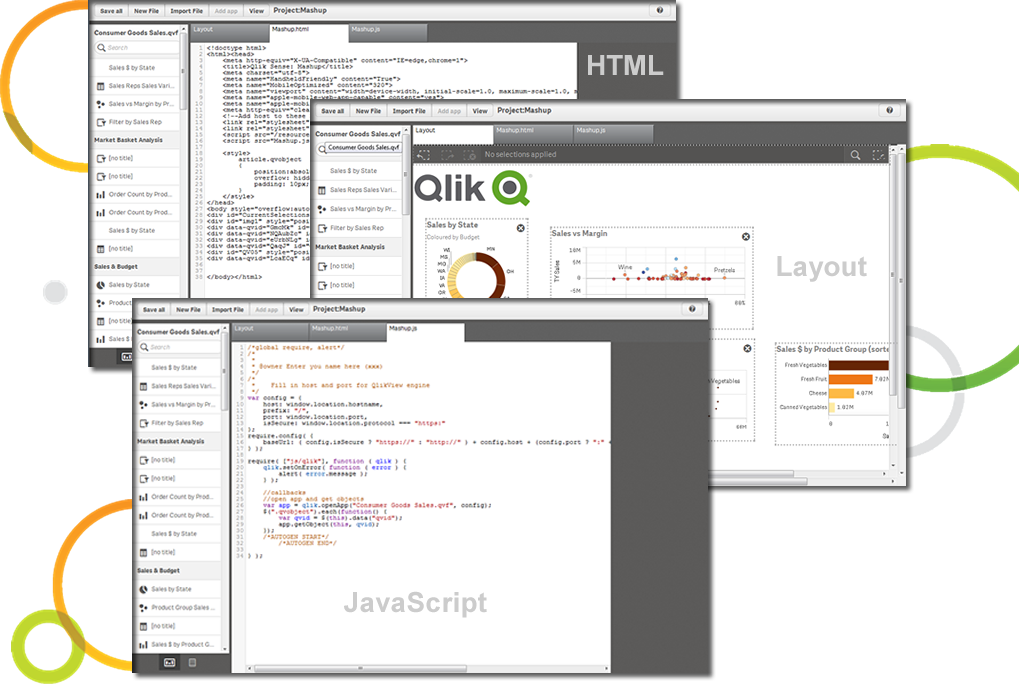
Although the backend is fantastic, the front end experience leaves a lot to be desired. As a developer you don't have a lot of options to customized your app unless you turn to Javascript, CSS and HTML. This is not a common stack you would find in most BI developers
Board is a fantastic product for swift BI solution delivery when compared with its peers. Ease of use, support and integration with Microsoft Office Addin open a wide horizon of opportunities for further enhancements to solutions. Easy bespoke app development capabilities make it a winner for us. BOARD is just like a white canvas, it lets you explore your creative side while designing and delivering a solution
Qlik Sense is a constantly improving it's software and working with its' users to make it better. They are great at keeping their users informed of progress and care about delivering a quality product
Overall, Board is easy to use and develop for. Users can quickly get up to speed and begin using with only a small amount of training. Generally, it takes longer to explain the data structure (our customization) than it does to explain the tool itself. The most consistent challenge we run into is hierarchy management. New members have to be mapped to each level of an entity. While there is a "normalization" process, it often fails to map correctly or in rare cases can change custom mapping that was previously set up.
Qlik Sense has a better and easy to learn user interface compared with other analytics tool which always help us to create regular and adhoc reports within the stipulated time frame and can be easily refreshed at a scheduled time and sent to multiple stakeholders for timely update regarding the Key metrics indicator.
The only time I needed assistance was due to a problem in the prints: the colors of the brochures as they were on the screen were not reproduced in the print, but a series of standard colors were reproduced. This fact made colored numbers on a colored background illegible. From the assistance they confirmed that it was a problem of version 10.2 that occurred when leaving the brochures with the default colors proposed by Board. To obtain the desired colors, they had to be personalized ... I didn't like the solution very much and the technician who recommended it didn't like me either, but they would have solved the problem with the following versions. In any case, the assistance was quick and effective even if not exactly efficient.
Not only can you ask the support team for help, but you can also ask the community. Also with the community there is a vast amount of problems that have already been solved. The problem you are encountering has a likely chance of already being discussed and even solved in the community section saving you time from reaching out.
Board is fairly simple and straight forward. Advance training on workflows and procedures is a good one but the training content only touches through the interesting areas. training content needs to cover a few areas more in-depth
The problem of user profiling in our context is certainly quite complex. The complexity is given by the fact that the company is divided territorially into logistic points of sale, but at the same time they are virtually divided into divisions (or specific implementation areas) and points of sale of competence. The same operator can have access to data at different logistic sales points, sales points of competence and divisions.
We earlier used Planful, which was also a good product but not as good as Board. The backend reporting and analysis of data are top-notch. The reports generated are quick and accurate. Board also offers to learn to upskill the team so that they can use the tool effectively and collaborate.
The customization of the platform opens up plenty of other options depending on the use cases. The API layer is incredibly rich and makes integration of Qlik based visualization into web pages a simple and effective pattern. It's been very easy to use with a great community made up of professionals. Qlik Sense has introduces artificial Intelligence into my data visualization and reporting activity.
With effective financial analysis and planning and using Board, we were able to see a +18% QoQ revenue increase consistently for seven months straight
Using Board Dashboards, the senior management was able to better & clearly understand the financial position of the company at a given time and take better strategic decisions
The impact has undoubtedly been positive, it is difficult to quantify it, however in terms of effectiveness or efficiency I give it a 90%.
I don't give it 100% because to use the complete package you have to pay, and it's not that cheap and on the other hand because it has some deficiencies, such as technical support and some issues like windows that are not so friendly and easy to work with.