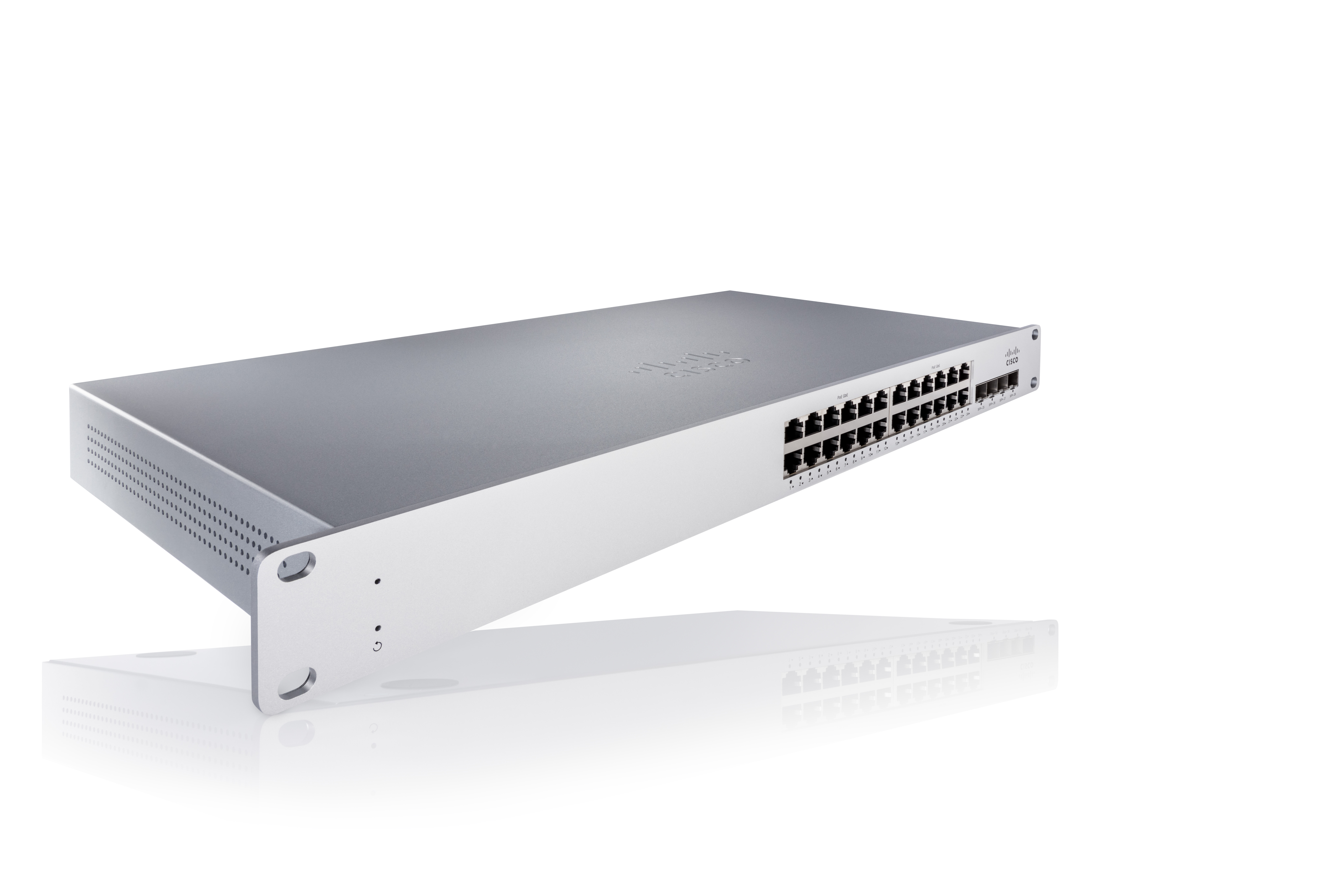
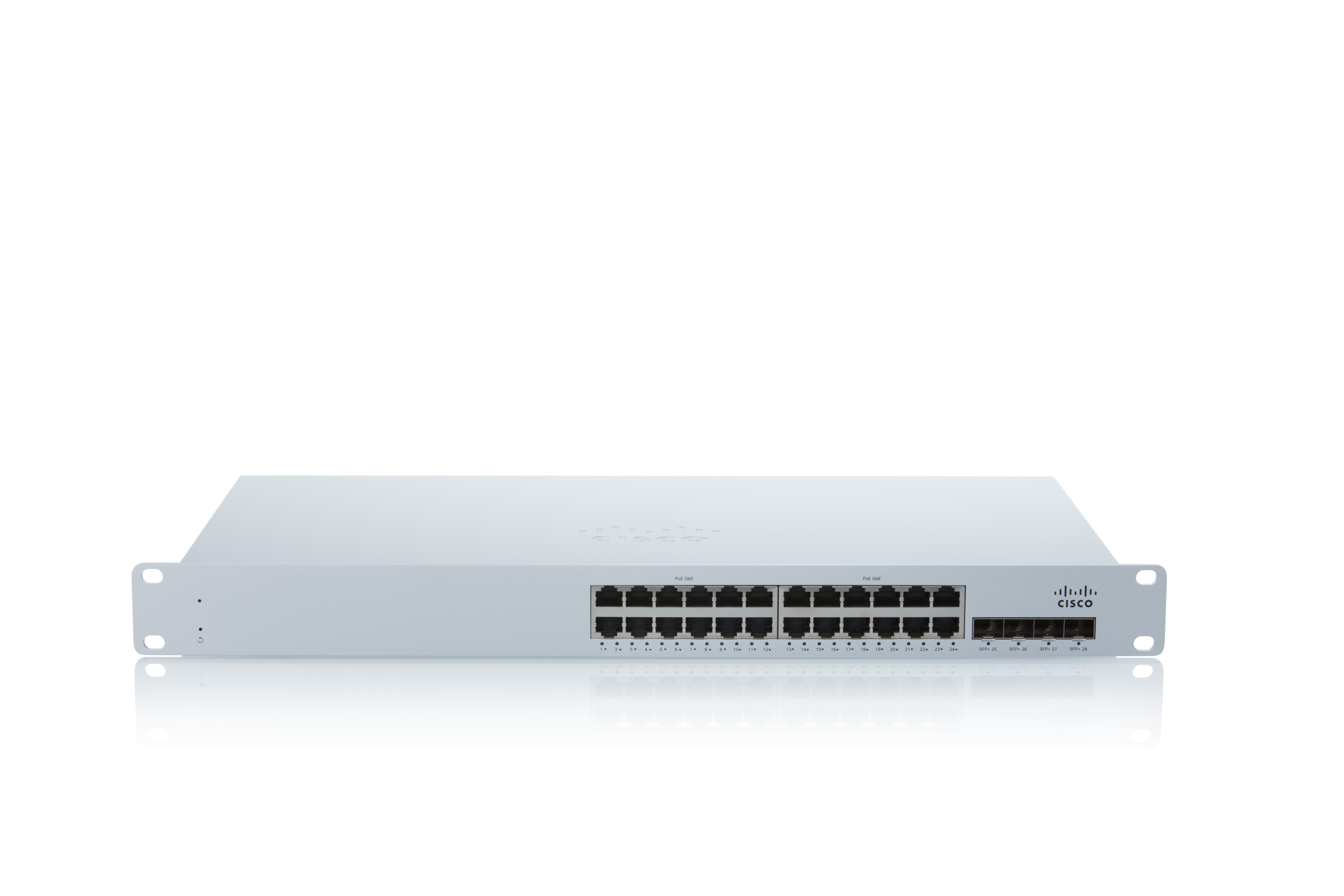
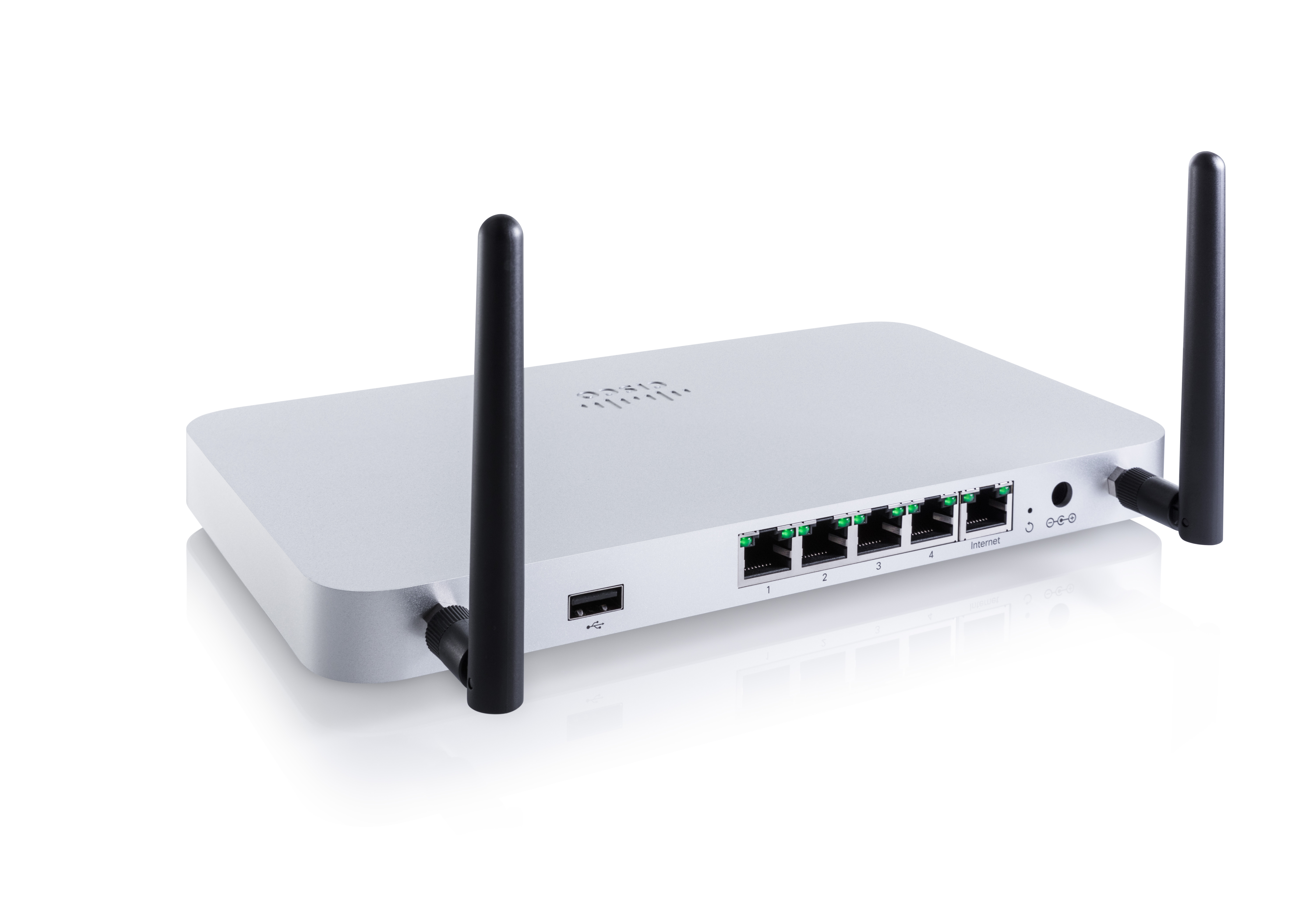
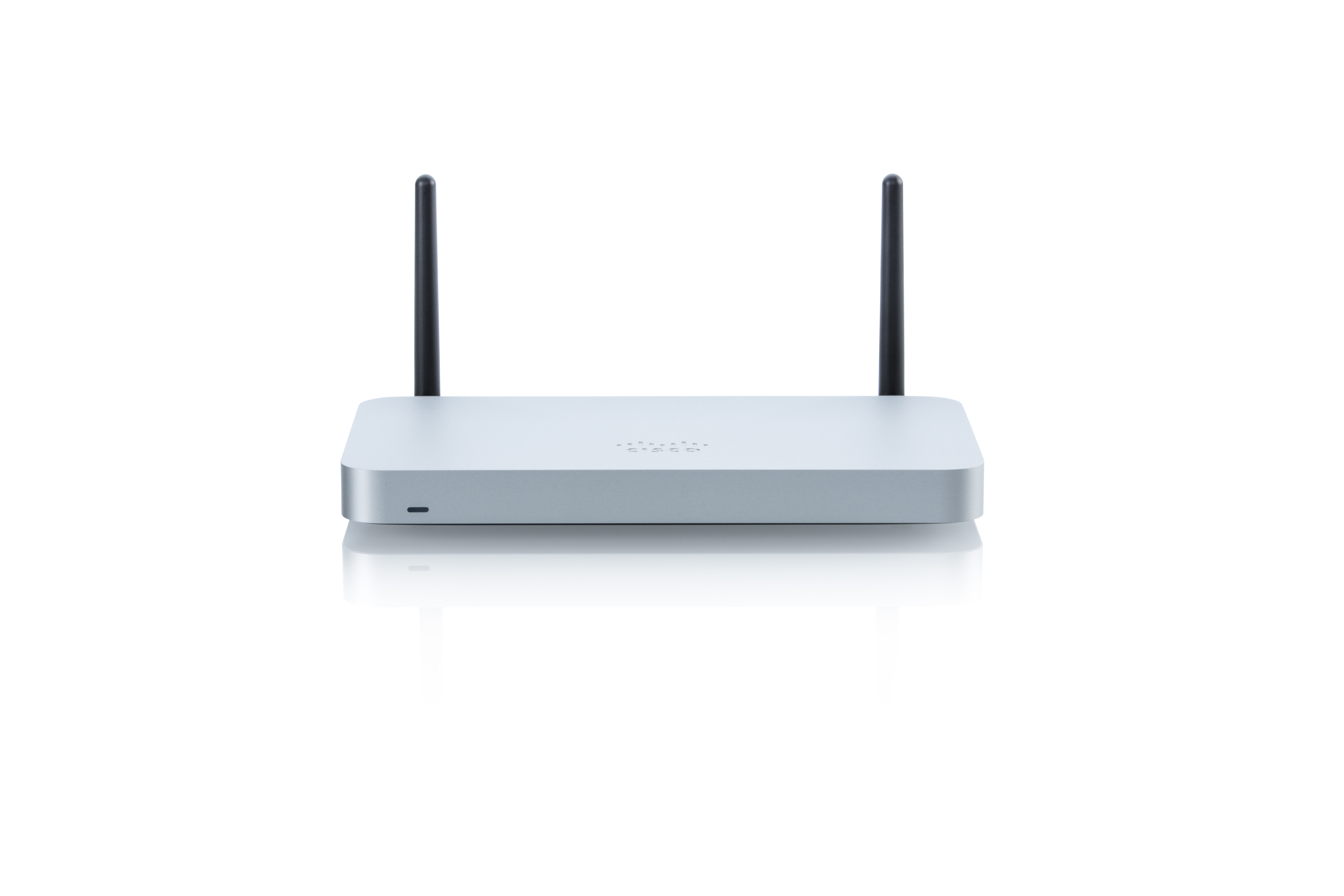
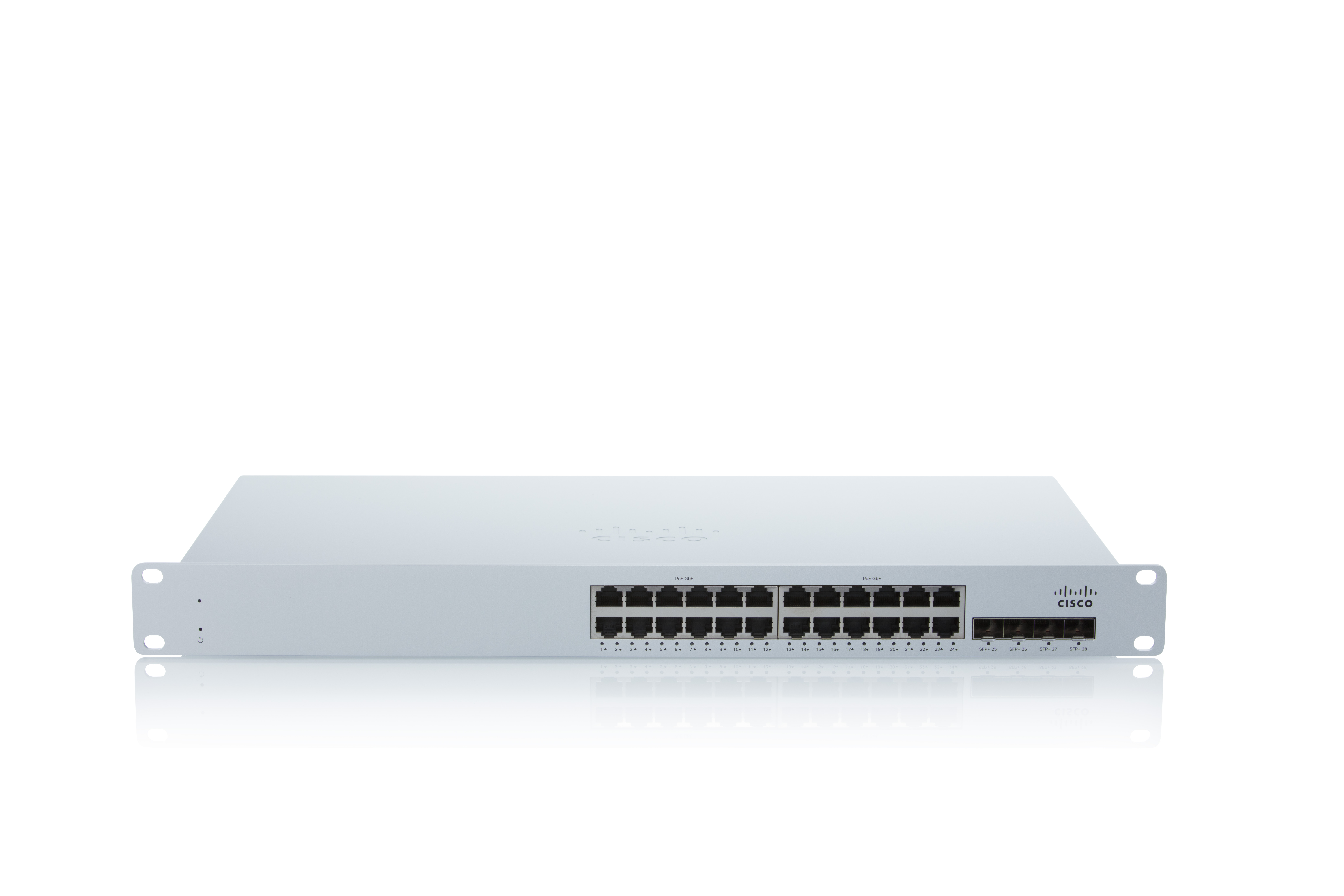
As a cloud-managed network management solution, the Cisco Meraki Dashboard enables users to provision, configure, and troubleshoot global networking and IoT deployments.
N/A
OpenText Network Node Manager i (NNMi)
Score 8.4 out of 10
N/A
OpenText Network Node Manager i is a network management platform acquired by Micro Focus from Hewlett-Packard Enterprise, and now supported by OpenText.
Cisco Meraki Dashboard is great for NOC teams with little network experience at helping give them all the tools they need to do the job and become more efficient with networks. From easy RMA processes to metric gathering the Cisco Meraki Dashboard does it all very well. The licenses are a problem for a lot of companies since there are no guarantees the product stays online and certain integrations like ThousandEyes are overlooked due to the additional cost despite it being a great product.
[Micro Focus Network Node Manager i (formerly HP Network Node Manager)] is like you implement it, setup monitoring and alerting and forget it forever until any major activity is there and that is possible because of the product's stability. Another reason for product stability is less features as compared to other vendor tools and its own inbuilt database.
More granular controls over devices. It definitely feels like, especially when you come from a CLI environment and you're working in a command line interface and then going into the dashboard, you can feel restricted sometimes because if they don't have the button you can't press it. So more buttons.
Most customers would like to see NNM get away from using some Java applets.
In environments where we see more than 10 different network device vendors in production, we see issues with L2 mapping. Different vendors use different L2 protocols. This can cause an issue with L2 discovery and mapping.
At the time of writing this, it appears that Cisco Meraki Dashboard has finally integrated a Cisco IOS XE output window into the dashboard. This is a massive step in the right direction and something that it was dearly missing. At the moment, we do not have this integration and so a lot of the times, we have to navigate via several tools menus to get the info we need instead of being able to run a quick command.
NNMi's user interface is described as well-designed and intuitive, making it easy for users to navigate and perform tasks quickly, thereby enhancing the overall user experience. The system offers a powerful network discovery mechanism that maps out your network's physical and virtual topology, enabling you to visualize connections between devices and identify potential issues. Fault monitoring is at its best. NNMi provides a unified environment for viewing faults, availability, and performance data, consolidating essential information into a single platform.
Support is long and arduous and often are unable to help resolve the issue. We often have to do escalations or duty manager to get things moved. Even with a technical account manager, we do not see much improvement from a support point of view. This is an area where Micro Focus has a lot of improvement to do.
A number of networks we've taken over were using Ubiquiti Unifi, which is an okay solution, but a lot more cumbersome to manage. We've found the Cisco Meraki Dashboard system much more intuitive and way less time-intensive. Simple things like setting up dedicated DHCP entries or poking holes in VLAN firewalls are way easier in Cisco Meraki Dashboard.
NNMi is best suited for enterprise-grade, large to very large infrastructure. You have fewer servers to install the product and manage all your devices through a single server, which also enhances ease of use.
When there's an issue with communication to the cloud. EX: unable to fetch configs. This due to like new device being installed or if you have to factory reset the device. This has been a negative impact.
Incorrect status. Sometimes the status of the device or network is not reflected as it should be. This has had a negative impact in the past. However, for the most part, the Status is fairly accurate.
Incident response has been very good. Anytime an issue has been reported to Cisco regarding Cisco Meraki Dashboard, the issue is quickly investigated and doesn't take long to resolve.
Customer support and Cisco's technical team has been very helpful and responsive.