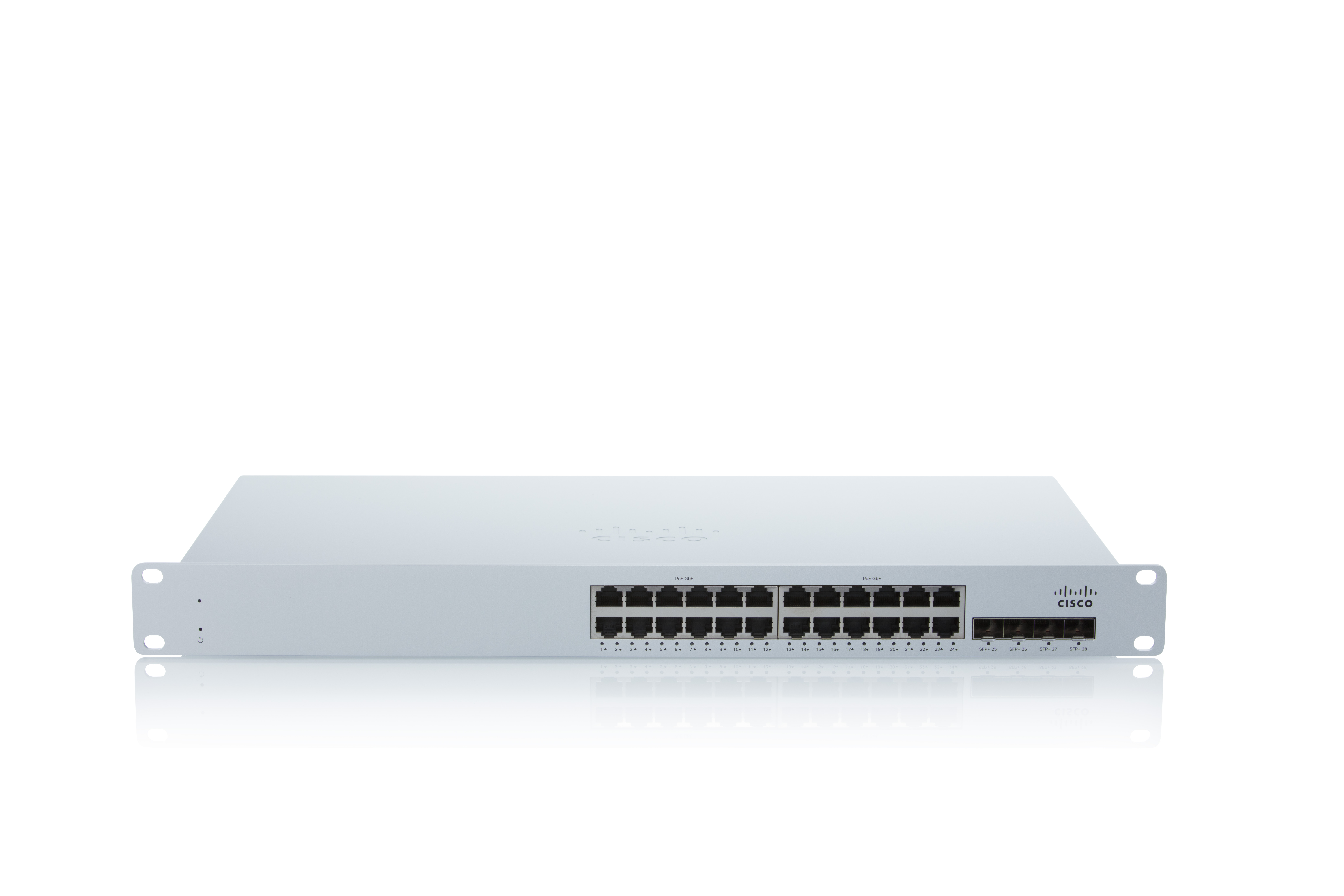
As a cloud-managed network management solution, the Cisco Meraki Dashboard enables users to provision, configure, and troubleshoot global networking and IoT deployments.
A de minimis incentive was given to thank the reviewer for their time. The incentive was not used to bias or drive a particular response, nor was the incentive contingent on a positive endorsement. TR verified that a representative sample of customers was invited. More Info
Tech Support Analyst in Information Technology at Trajectory LLC (1-10 employees employees)
Use Cases and Deployment Scope
We manage the networks for about 20 clients across the city and have found the scalability and reliability of Cisco Meraki Dashboard to be crucial to our business model. We are able to proactively manage network issues before they arise through the reporting dashboard (with recommendations so granular as to RF settings for a particular building to avoid collisions). Our ticketing system receives alerts when any devices go offline and we are able to respond much quicker to outages, sometimes without needing to go on-site.
Pros
DHCP and VLAN scoping is simple and easy to identify problems
Consistent firmware updates are pushed to client devices which we can schedule for off hours
The user interface is intuitive and easily highlights problem areas
Content filtering has been a big bonus to offer our clients, especially within schools
Cons
Some features are unavailable when the network doesn't have a switch (network topology, for example)
I wish there was an overview for all organizations with pending firmware updates, rather than going through one-by-one.
I would like to have some of the switch tools available for firewall devices (port cycling, line testing).
Return on Investment
Cisco Meraki Dashboard does 90% of the work for us - we spend very little time on network management after initial setup
The licensing is clear for our customers and many of the non-profit entities are eligible for donated items/licensing through TechSoup
If a device fails, the RMA process is fast and usually we have a replacement device the next day
A de minimis incentive was given to thank the reviewer for their time. The incentive was not used to bias or drive a particular response, nor was the incentive contingent on a positive endorsement. More Info
Infrastructure Engineer in Information Technology at Denton County (501-1000 employees employees)
Use Cases and Deployment Scope
Cisco Meraki Dashboard is a system that shows all connected access points in a easy to understand and concise platform. This lets us manage wifi in a easy to use system with changes deploying across the network with ease, as well as monitor any issues or down devices without having to jump through several hoops.
A de minimis incentive was given to thank the reviewer for their time. The incentive was not used to bias or drive a particular response, nor was the incentive contingent on a positive endorsement. More Info
Infrastructure Specialist in Professional Services at Arrow (1001-5000 employees employees)
Use Cases and Deployment Scope
We use it for Network monitoring; firewall configs (vlans management , firewall policies, DHCP security ) Network troubleshooting. WiFi. We also use it for VoIP management through a concentrator.
A de minimis incentive was given to thank the reviewer for their time. The incentive was not used to bias or drive a particular response, nor was the incentive contingent on a positive endorsement. More Info
Verified User
Analyst in Information Technology (1001-5000 employees employees)
Use Cases and Deployment Scope
We use a full stack Meraki solution for all our spoke sites and love their performance. These devices are easy to set up and use and are great for remote NOC teams to pick up and start being efficient with troubleshooting. The GUI has many insightful areas that give great data for troubleshooting or customizing configurations. These range from device health metrics for the switch and AP to overall traffic analytics on the MX. Meraki also has ThousandEyes integration (for an additional license fee) that takes data gathering a step further. The plug-and-play feature along with the ability to use configuration templates also greatly reduces the time it takes to get stores back online and updated to meet compliance needs.
Pros
Gathering Metrics
Templates
User Friendly
Cons
More features added to templates
ThousandEyes integration without a license
Return on Investment
Having all the data in a single pane reduces downtime
Security updates can be deployed en masse as needs arise
The dashboard allows remote teams to better assist remote techs with visuals
A de minimis incentive was given to thank the reviewer for their time. The incentive was not used to bias or drive a particular response, nor was the incentive contingent on a positive endorsement. More Info
Verified User
Analyst in Information Technology (10,001+ employees employees)
Use Cases and Deployment Scope
We use Cisco Meraki Dashboard as an SD-WAN solution. We use the tools to for alerts and some monitoring to provide insight of any issue on the different networks. We utilize tools such as Throughputs testing, port cycling, remote reboots/power cycling, ARP, packet capture and more to assist with troubleshooting and identifying issues and how to resolve.
Pros
Live uplink traffic data for packet loss and latency
traceroute and other tool to help with troubleshooting
Managing assets/networks across Meraki dashboard
easy to navigate through the interface
Easy of readability/Fonts and color scheme make it easy to read
Cons
Cloud communication could be improved
Rebooting network switch like an MS120 remotely takes more time vs MX64 for some reason
Quicker response time for status updates. Cisco Meraki Dashboard take too long to update sometimes
Uptime for all devices not just the switches but firewalls and APs would be great to have
Timeline improvements/more detail timeline
Return on Investment
When there's an issue with communication to the cloud. EX: unable to fetch configs. This due to like new device being installed or if you have to factory reset the device. This has been a negative impact.
Incorrect status. Sometimes the status of the device or network is not reflected as it should be. This has had a negative impact in the past. However, for the most part, the Status is fairly accurate.
Incident response has been very good. Anytime an issue has been reported to Cisco regarding Cisco Meraki Dashboard, the issue is quickly investigated and doesn't take long to resolve.
Customer support and Cisco's technical team has been very helpful and responsive.
Usability
Alternatives Considered
Palo Alto Networks Prisma Access, Palo Alto Networks Advanced Threat Prevention, Cisco Wireless LAN Controllers, Cradlepoint NetCloud Engine, ServiceNow IT Operations Management and Octopus Deploy
