Conga Composer vs. Smallpdf

Overview
ProductRatingMost Used ByProduct SummaryStarting Price
Conga Composer
Score 9.6 out of 10
N/A
Conga Composer is a document generation and automation tool designed to simplify and streamline the process of creating and distributing customized documents, presentations, and reports.N/A
Smallpdf
Score 10.0 out of 10
N/A
Made in Switzerland, Smallpdf is a company that offers a suite of document management tools for everyone-for work, for home, for life. Founded in Switzerland in 2013, Smallpdf provides what they describe as a simple, secure, and reliable answer to the world's PDF challenges. Smallpdf boasts serving over a billion users in 24 different languages since 2013, and in every country in the world.
$0
Pricing
Conga ComposerSmallpdf
Editions & Modules
No answers on this topic
Smallpdf Basic
$0.00
Smallpdf Pro
$12.00
per month
Smallpdf Pro
$108.00
per year
Offerings
Pricing Offerings
Conga ComposerSmallpdf
Free Trial
YesYes
Free/Freemium Version
NoYes
Premium Consulting/Integration Services
NoNo
Entry-level Setup FeeOptionalNo setup fee
Additional DetailsDiscounts are available for bulk purchases
More Pricing Information
Community Pulse
Conga ComposerSmallpdf
Considered Both Products
Conga Composer
Chose Conga Composer
I've used PandaDoc before; it is nowhere near as good as Conga Composer in terms of usability and end-user experience. Conga is much more valuable and business-oriented.

Chose Conga Composer
Can have more control with Aspose by using more code to dynamically generate the document to your exact needs.
Chose Conga Composer
Easily the best In the market. Still needs massive improvements in my opinion. Alot of use cases look legacy today!
Chose Conga Composer
Conga Composer works well with Conga Grid.
Chose Conga Composer
Better pricing and better functionality.
Chose Conga Composer
IDK - I really don't have a comparison to give
Chose Conga Composer
No other tools that are comparable.
Chose Conga Composer
We used the out of the box salesforce functionality but realized when our order forms used multiple currencies and had some customization we realized we needed a tool like Conga Composer
Chose Conga Composer
We did not try any other products with our Salesforce instance.
Chose Conga Composer
Benchmarking is upcoming. Conga Composer was already implemented when I joined the company
Chose Conga Composer
We used Microsoft Excel to manipulate all the data from different objects, now we can click a button and the report is generated, Excel provides a powerful tool, but Conga Composer is better than Excel to generate the data in the format that the customer wants, you don't need …
Chose Conga Composer
Conga is better than the rest.
Chose Conga Composer
S-docs allows for much more dynamic flexibility. Additionally, S-Docs template maintenance is substantially easier than Conga Composer. Conga requires about 6 steps to make an update to your template. S-Docs has a simple template builder that makes the process substantially …
Chose Conga Composer
CPQ is more customizable and native to Salesforce, but it's extremely difficult to set up and maintain. The Conga Composer configuration is much simpler and quicker to implement.
Chose Conga Composer
I just wish that Docusign and Conga Document Generation could work together after the quote is generated to send out for signature.
Chose Conga Composer
Conga Composer is highly versatile as this can be easily integrated with Salesforce and other Conga products. Other products either lack integration or lack user experience but Conga Composer has provided both along with great integration which reduces manual tasks which was …
Chose Conga Composer
Conga Composer was easier to use by far than PandaDoc and had more options than DocuSign for our particular org.
Chose Conga Composer
We have not used any other app however from the user's experience it seems Conga composer is best. And being a Conga partner and implementing the Conga solutions and supporting the existing customers and hearing their success stories it is clear that conga composer and other …
Smallpdf
Chose Smallpdf
We actually never used other products like this. When we found SmallPDF it met our needs instantaneously. The only thing I can compare it to is Adobe and the features they provide, however, SmallPDF is more cost-effective for our team. It allows us to do most of the same …
Chose Smallpdf
I have not really used anything exactly like this tool because this was the first one I found and it worked great, and also the cost was not high.
Chose Smallpdf
Smallpdf is a basic PDF editor platform. Overall, it is best for beginners and those who only need a PDF editor to make simple edits and changes. Would also recommend it to those with a smaller budget. If you prefer an advanced, all-in-one PDF editor and also use other Adobe …
Chose Smallpdf
Almost all software's are based on a similar platform. We use them in turn according to our comfort level and ease of use.
Chose Smallpdf
As per my understanding, Smallpdf stacks up against the above tool because it is easy to use, the targeted goal only for pdf, handy, and one more thing is that small pdf has created the application for android and iOS. I really found Smallpdf helpful when using it on the fly. …
Chose Smallpdf
Adobe is not so quick. It takes a lot of effort to do a job in it. but small PDFs do the same job as in the second. Even adobe acrobat does not have as many features as Smallpdf. Smallpdf is like an ocean because you don't know ocean depth so a small pdf has so many features.
Chose Smallpdf
Smallpdf has a wonderful free version and is extremely simple to use. Adobe Acrobat can be a bit jumpy and heaven forbid you click on the wrong icon and it will ask you to sign in over and over again. Smallpdf isn't always the prettiest to use, but it is the best to get the job …
Chose Smallpdf
I think that Smallpdf stacks up against its competitors in terms of easiness of use. The tool is very user-friendly, every feature is communicated in an efficient way and very simple to user so the user doesn't have to be particularly good at using software. Its features are …
Chose Smallpdf
This is a more ethical decision. Adobe tends to lock you into their products and then charge you to end your contract. Smallpdf allows us to remain flexible and do our work at a lower cost.
Chose Smallpdf
Smallpdf has had a great impact on our business since we moved to this software from Adobe which is more expensive, so we managed to save a lot of money for using it.
Chose Smallpdf
While extremely useful and feature rich, PDF xChange does not have the ability to work with multiple files at the same time as efficiently as Smallpdf. It is also a traditional desktop software which means being constrained to one specific PC.
Chose Smallpdf
PDFfiller has other functions that make it a bit more complicated to use, it is also slower than Smallpdf when it comes to any type of conversion. I even had to close the page when I tried to use PDFfiller because it remains frozen and does not It advances, so much so, that I …
Chose Smallpdf
Smallpdf is accessible online as a web-based .pdf solution not like many software that must be installed on a computer.
Chose Smallpdf
I used to convert my PDF files with LightPDF software. But It was slightly difficult for me to navigate on that software. The interface of that software was not very easy to understand. And compression result quality was also not satisfactory. So I selected Smallpdf for all my …
Chose Smallpdf
When comparing Smallpdf to Adobe Acrobat the first thing that comes to mind immediately is how much cheaper Smallpdf is compared to Adobe. The difference has been huge for our company and has allowed us to save money while keeping the same quality level for the products …
Chose Smallpdf
Smallpdf is a cheaper alternative. There is no additional software to purchase, so no need to pay to upgrade licensing every year. I think it is easier to use, although it doesn't have as many tools or options as Adobe. Depending on what you use it for, I think it is a great …
Chose Smallpdf
As it is a web-based software, it helps me avoid installing any software program for managing PDF related work. It has many more functions than my previous PDF program. It helps me in all kind of Office file conversions. I also found it very reasonable in terms of subscription …
Chose Smallpdf
Its easy setup and easy user interface makes it easy to operate for many of my colleagues. I don't need to train them much for this software. So I started using it in my organisation.
Chose Smallpdf
I've been using it for quite some time and I think that's why I'm fond of it since sometimes it has not behaved how I would like, however, and yet I must admit that Smallpdf is one of the best and fastest PDF file converters. It also surprises me that it is almost the only …
Chose Smallpdf
I prefer Smallpdf, due to the ease of use and good results I have had during the time, both when creating pdf files and also to reduce the weight of the files I created and all this in just a few seconds.
Best Alternatives
Conga ComposerSmallpdf
Small Businesses
airSlate WorkFlow
airSlate WorkFlow
Score 7.5 out of 10
Square 9 Softworks
Square 9 Softworks
Score 9.1 out of 10
Medium-sized Companies
Foxit PDF Editor
Foxit PDF Editor
Score 8.6 out of 10
MSB Docs
MSB Docs
Score 9.4 out of 10
Enterprises
DocuSign
DocuSign
Score 8.3 out of 10
Tungsten Capture
Tungsten Capture
Score 8.0 out of 10
All AlternativesView all alternativesView all alternatives
User Ratings
Conga ComposerSmallpdf
Likelihood to Recommend
9.7
(0 ratings)
8.7
(0 ratings)
Likelihood to Renew
8.9
(0 ratings)
-
(0 ratings)
Usability
7.5
(0 ratings)
9.5
(0 ratings)
Availability
3.6
(0 ratings)
-
(0 ratings)
Performance
3.6
(0 ratings)
9.4
(0 ratings)
Support Rating
5.5
(0 ratings)
9.9
(0 ratings)
Implementation Rating
3.7
(0 ratings)
-
(0 ratings)
Configurability
1.8
(0 ratings)
-
(0 ratings)
Ease of integration
2.7
(0 ratings)
6.8
(0 ratings)
Product Scalability
3.6
(0 ratings)
-
(0 ratings)
Vendor post-sale
1.8
(0 ratings)
-
(0 ratings)
Vendor pre-sale
3.3
(0 ratings)
-
(0 ratings)
User Testimonials
Conga ComposerSmallpdf
Likelihood to Recommend
From my experience, Conga Composer is particularly well-suited for generating documents, such as quotes and contracts, directly from Salesforce. It saves us a great deal of time, which is remarkably beneficial for companies with sales teams. Not suitable for companies lacking significant Salesforce expertise or administrative support.
Read full review
I would suggest Smallpdf for simple needs in terms of PDFs management that can be [easily] resolved such as: size compression, deleting of pages and file conversions. This tool is very user-friendly and easy to use, it is available online so the user doesn't need to download any software. In case of heavy files compression, the tool isn't appropriate since it doesn't support heavy documents.
Read full review
Pros
  • It allows us to generate multiple documents at once using batch generation. This simple automation saves a lot of time for our team.
  • Its very user friendly. Even a newbie can simply generate document by clicking a button once this is setup by the admin.
  • Integrate Conga Sign with Conga Composer and it will automatically sent for e- signature once generated saving lot of time. we previously had to wait a lot for the signature.
Read full review
  • One of the best things that Smallpdf does is pdf conversion both to and from pdf. It is especially great to transform pdf tables into Excel documents.
  • PDF splitting is really great since allows for cropping large files and just keep the information necessary; something that comes really handy when presenting information to your supervisors.
  • PDF merging also works wonders, it allows for mixing several different pdf documents into just one of them. It is extremely easy to set up.
  • This a really fast pdf reader, it feels really fast compared to other options that tend to feel clunky. Its workspace is super comfortable and well organized so finding a tool you need is always a simple task.
Read full review
Cons
  • Not very intuitive. Once you know the system it's fine but there is a learning curve
  • I would like to see training opportunities on features that I am not using or aware of
  • I am sure I am only using about 3% of it's full potential
Read full review
  • It has everything I'm not sure what I will say. E-sign, Share, convert. You can give an option in upload priorities features which I can see later.
  • Background remover thing also you can add in it. So I can remove the unnecessary thing from an image.
  • You can add a chatbot for help.
Read full review
Likelihood to Renew
We most likely will renew conga because of it's strong salesforce integration and we're so engrained into it with all of our different brands and products/services. It would take a lot of time, money and resources to switch to something else.
Read full review
No answers on this topic
Usability
It's a fairly simple tool to integrate into your current business structure. When we've had issues, we were able to resolve them extremely quickly. The users click a button and it can bring in all the quote lines, and our credit application seamlessly into our tool. I'd definitely recommend it to other colleagues
Read full review
Its usability in my work is very important. I have to share various documents with my clients very frequently and most of the documents I send them are in PDF format only. So I use this software very much to convert my Word and Excel files into PDF. And whenever I need to send large file to my clients, I convert them into PDFs and compress them with this tool and then I send those files to my clients.
Read full review
Reliability and Availability
It was available, it just didn't always work depending on what glitches were happening within our app
Read full review
No answers on this topic
Performance
This product appears to work well. It was not a fit for us this time, but we would consider in future
Read full review
1.- Because it is easy to use and each function is duly indicated so you can not go wrong. 2.- Its service is fast, it takes only a few seconds to transform the files and in less than a minute it is downloaded and you can occupy it without problem. 4.-This IS online so you do not install anything, which is very useful because you can also use it from a tablet or your mobile
Read full review
Support Rating
As a conga parter we have created more than 50+ cases with conga support and many times we have got the answers on the chat support itself. A very effective knowledge base and conga university give you all the study material to enhance your product knowledge. Conga support has been very effective and has always responded quickly to questions and issues
Read full review
Everything is so simple and works so well, you shouldn't need support, but on the one occasion in several years that I needed it, support was quick and courteous.
Read full review
Implementation Rating
It was painful internally to build out all of the templates, but the actual implementation of the product was okay.
Read full review
No answers on this topic
Alternatives Considered
We have not been able to find an offering that allowed for the level of customization or could handle the complexity of the solutions we've built using Conga's products. We selected Conga originally as it was recommended at the time (2012) and there weren't any better alternatives - but we have looked recently and still can't find anything better.
Read full review
As per my understanding, Smallpdf stacks up against the above tool because it is easy to use, the targeted goal only for pdf, handy, and one more thing is that small pdf has created the application for android and iOS. I really found Smallpdf helpful when using it on the fly. Small pdf not only provides for the PDF it also provides the different functions for the other files like excel, HTML, doc, ppt, and many more.
Read full review
Scalability
We used it for something simple and it was still a pain to use
Read full review
No answers on this topic
Return on Investment
  • We have been able to standardize our branding in documents to give them a more professional appearance.
  • The number of manual errors is significantly reduced, thereby improving our turnaround time by 30%.
  • Our overall working efficiency has improved by over 70% with the introduction of Conga Composer.
Read full review
  • From an initial cost perspective, we've gone from a collection of free and freemium software products that we used in combination to do what we wanted, to paying Smallpdf's per-user license fee.
  • We estimate that creating the same final product with our old method took about 30 minutes per 1-100 page file. We are now down to approximately 10 minutes, if the input material does not require much manipulation.
  • Around 50% of tasks used to require advice from a highly-technical user to fix unexpected errors. With Smallpdf we estimate we are now down to less than 20%.
  • For things that Smallpdf cannot do we find ourselves falling back to old methods which can sometimes create wasted time when we only realize that Smallpdf is not up to the task in the middle of the job.
Read full review
ScreenShots

Conga Composer Screenshots

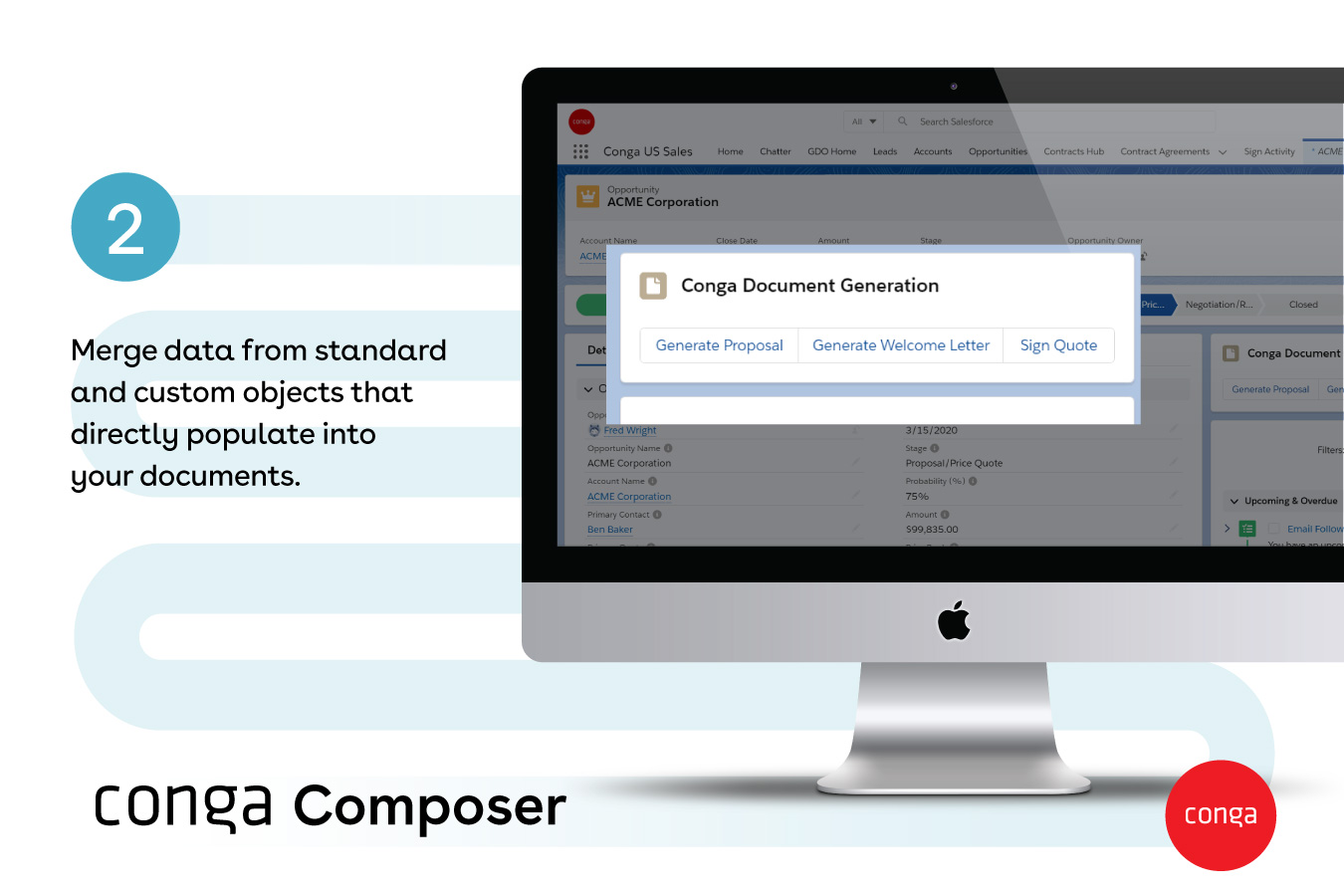
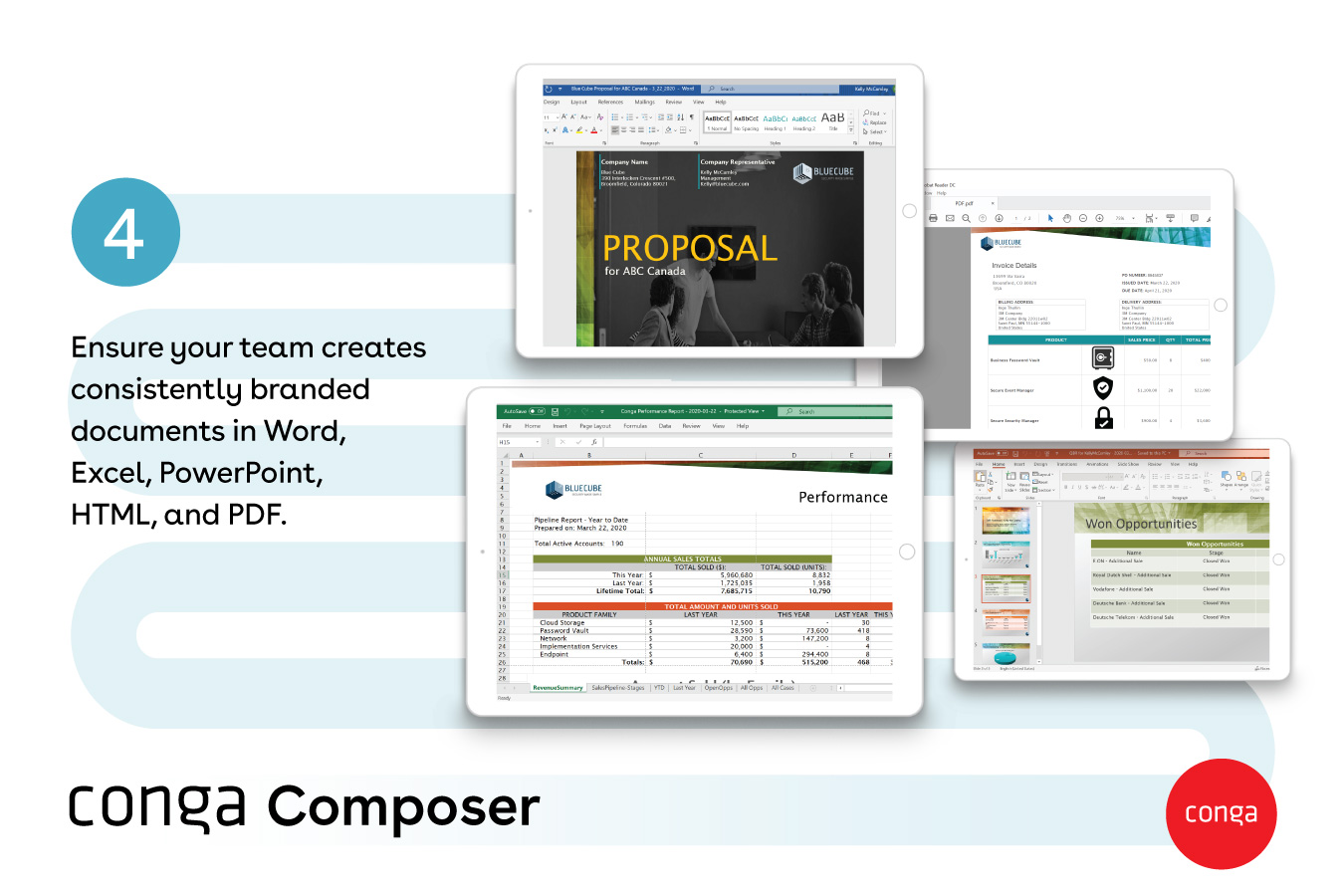
Screenshot of how documents are created automatically, directly from SalesforceScreenshot of documents generated with any data, from any object - standard or customScreenshot of Conga Document GenerationScreenshot of popular document formats available, like Word, Excel, PowerPoint, HTML, and PDFScreenshot of how large documents are sent via a link - and they provide visibility into customer document engagementScreenshot of how multiple documents can be sent with one or no clicks

Smallpdf Screenshots

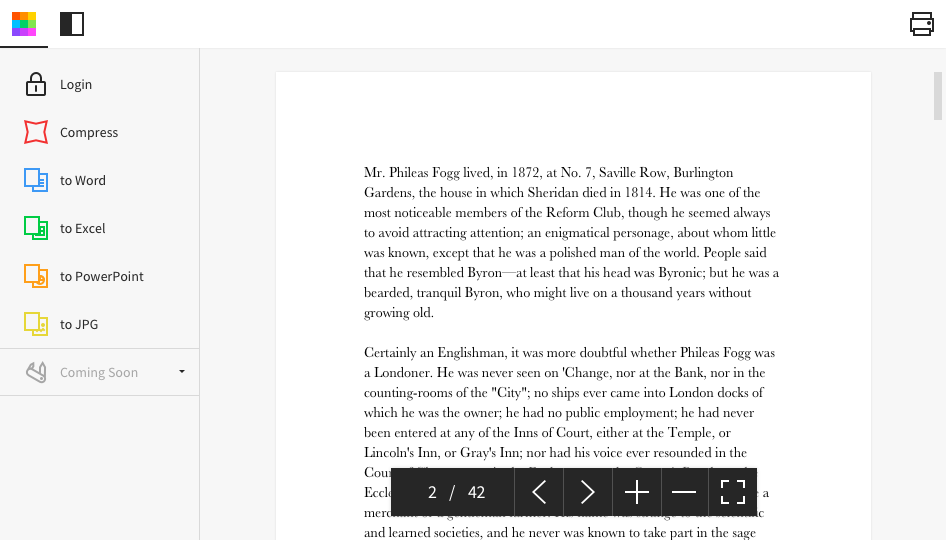
Screenshot of Desktop AppScreenshot of Homepage