Chose Conga Grid
It is a great tool and very comparable to other like tools.

| Product | Rating | Most Used By | Product Summary | Starting Price |
|---|---|---|---|---|
 Conga Grid | N/A | Conga Grid is a productivity tool within Salesforce that allows users to view, sort, and manage data batches from a single screen. It helps users to find and manage the information and insights needed with fewer clicks and less screen switching. Conga Grid helps its users to save time, improve data quality, get a clear view into needed data, and create a more productive workplace in Salesforce to drive growth across the organization. … | N/A | |
 Geckoboard | Mid-Size Companies (51-1,000 employees) | Geckoboard enables users to create real time dashboards using data from over 80 cloud services. It integrates with other products such as: AWeber, Basecamp, Campaign Monitor and HubSpot. | $35 per month |
| Conga Grid | Geckoboard | |||||||||||||||
|---|---|---|---|---|---|---|---|---|---|---|---|---|---|---|---|---|
| Editions & Modules | No answers on this topic |
| ||||||||||||||
| Offerings |
| |||||||||||||||
| Entry-level Setup Fee | Optional | No setup fee | ||||||||||||||
| Additional Details | — | — | ||||||||||||||
| More Pricing Information | ||||||||||||||||
| Conga Grid | Geckoboard | |
|---|---|---|
| Considered Both Products |  Conga Grid  Jack Borland Senior Manager, Salesforce & Marketing Automation Operations Chose Conga Grid CongaGrid is native to Salesforce and takes advantage of the Salesforce Lightning experience to provide a strong, full-featured solution for cross-object data access and manipulation. The upgrades are seamless, occurring without requiring administrator application of the …  Natalie Fiore Senior Transportation and Logistics Recruiter Chose Conga Grid It's excellent. It really helps optimize a search.  Kyle Rapaport Supply Chain Recruiter Chose Conga Grid I have not used other products similar to Action Grid |  Geckoboard  Taylor Hansen Support Team Manager Chose Geckoboard Domo is more robust. We do use both because Geckoboard is really easy to show the rest of our team without the need for additional licenses.  Brett Raven Chief Technology Officer Chose Geckoboard Geckoboard is just a lot simpler to use than the others I have used in the past.  Jordan Zwick Business Analyst (Business Development/Market Valuation) Chose Geckoboard Geckoboard is a great dashboard that offers value and simplicity. It is easy to train and use right away. The other systems are more expensive but offer more details. |
| Conga Grid | Geckoboard | |||||||||||||||||||||
|---|---|---|---|---|---|---|---|---|---|---|---|---|---|---|---|---|---|---|---|---|---|---|
| BI Standard Reporting |
| |||||||||||||||||||||
| Ad-hoc Reporting |
| |||||||||||||||||||||
| Report Output and Scheduling |
| |||||||||||||||||||||
| Data Discovery and Visualization |
| |||||||||||||||||||||
| Access Control and Security |
| |||||||||||||||||||||
| Mobile Capabilities |
| |||||||||||||||||||||
| Application Program Interfaces (APIs) / Embedding |
|
| Conga Grid | Geckoboard | |
|---|---|---|
| Small Businesses |  Supermetrics Score 10.0 out of 10 |  BrightGauge Score 9.1 out of 10 |
| Medium-sized Companies | Supermetrics Score 10.0 out of 10 |  Reveal Score 10.0 out of 10 |
| Enterprises |  Dataiku Score 7.6 out of 10 |  Kyvos Semantic Intelligence Layer Score 9.9 out of 10 |
| All Alternatives | View all alternatives | View all alternatives |
| Conga Grid | Geckoboard | |
|---|---|---|
| Likelihood to Recommend | 8.8 (0 ratings) | 9.0 (0 ratings) |
| Likelihood to Renew | - (0 ratings) | 8.0 (0 ratings) |
| Usability | - (0 ratings) | 9.0 (0 ratings) |
| Support Rating | 9.0 (0 ratings) | 8.0 (0 ratings) |
| Conga Grid | Geckoboard | |
|---|---|---|
| Likelihood to Recommend |
|
|
| Pros |
 Peggy Tambouridis Senior Transportation & Logistics Recruiter |
Brett Raven Chief Technology Officer |
| Cons |
|
 Chris Peters Director of Marketing and PR |
| Likelihood to Renew | No answers on this topic |
Jordan Zwick Business Analyst (Business Development/Market Valuation) |
| Usability |
|
|
| Support Rating |
Jack Borland Senior Manager, Salesforce & Marketing Automation Operations |
|
| Alternatives Considered |
Jack Borland Senior Manager, Salesforce & Marketing Automation Operations |
|
| Return on Investment |
Kyle Rapaport Supply Chain Recruiter |
|
| ScreenShots | Conga Grid Screenshots      | Geckoboard Screenshots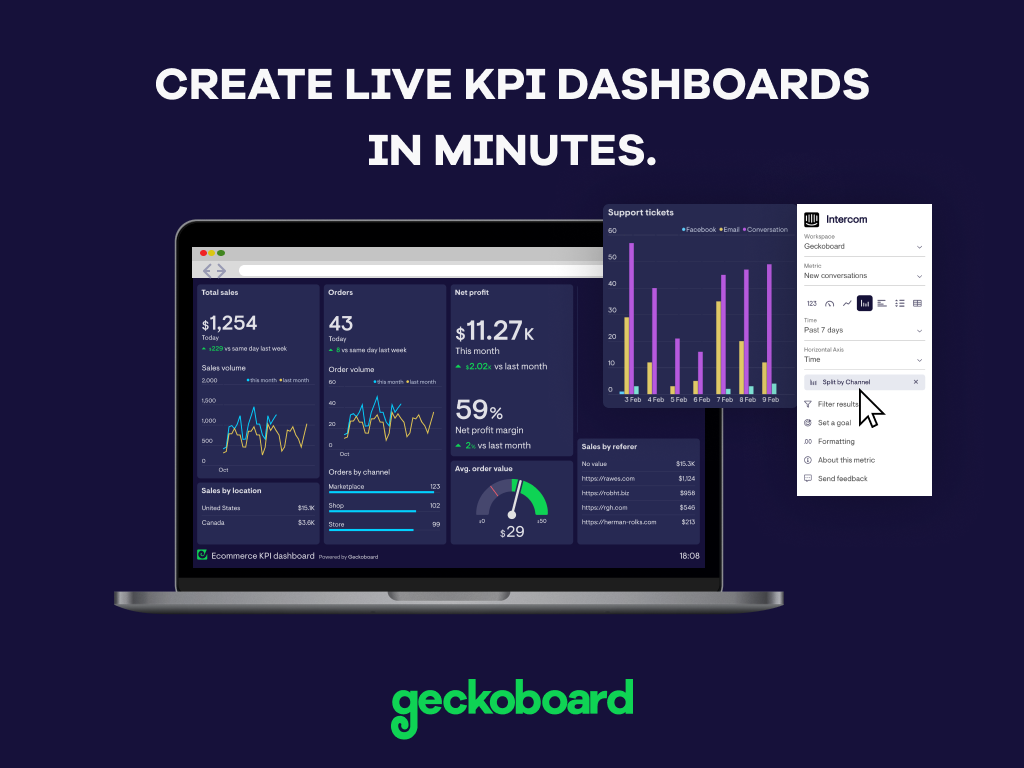     |