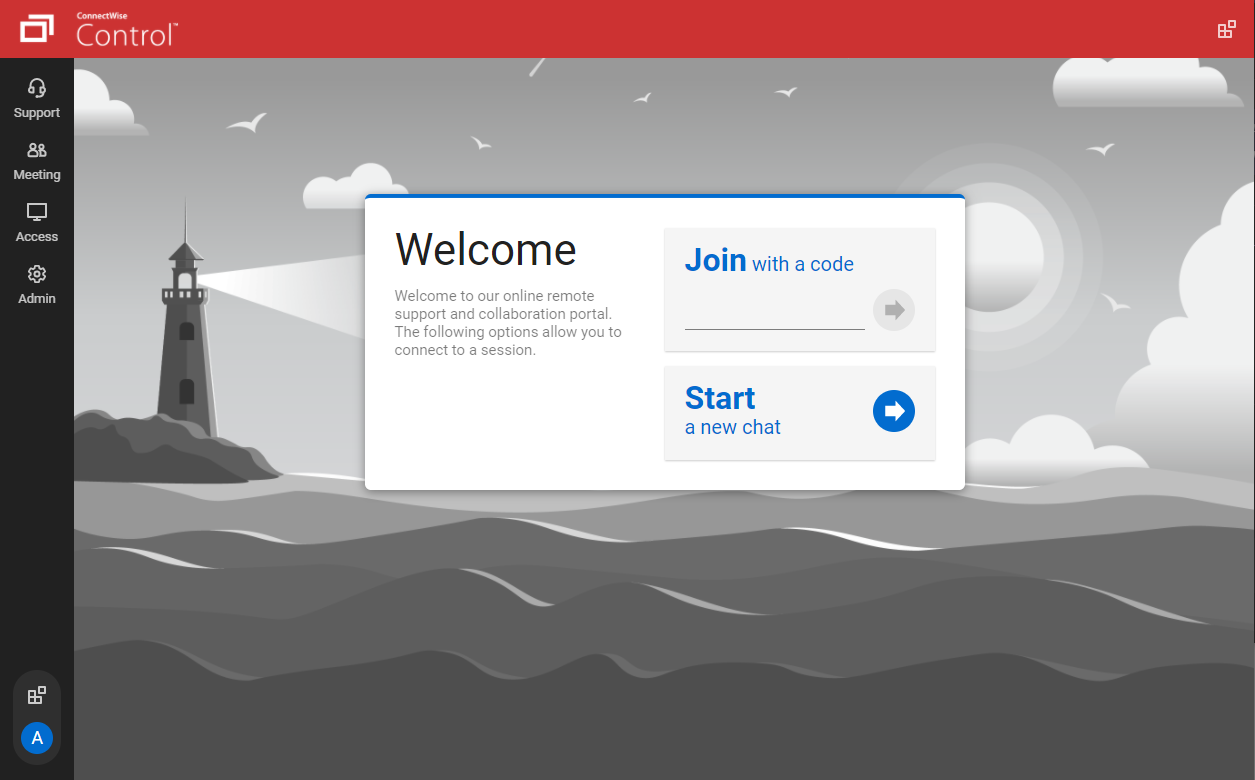
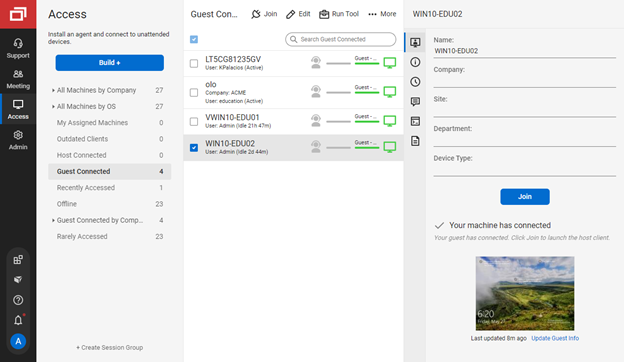
ConnectWise ScreenConnect is a remote support, access, and meeting solution. With it, users can utilize remote support and access to repair computers, provide updates, and manage machines. Users can also conduct online seminars and presentations using remote meetings.
$39
per month
Splashtop
Score 8.5 out of 10
N/A
Splashtop is a software solution for both remote access and remote support. Boasting 30+ million customers worldwide and users among both large and small organizations across the globe, Splashtop presents their solution as secure, high-performing, and fit to specific use-cases. Splashtop is ISO certified, SOC 2 and GDPR compliant. Splashtop Remote Access provides remote desktop connections for business professionals and teams to work from anywhere, using any device.…
$8.25
per month per user, billed annually
Pricing
ScreenConnect
Splashtop
Editions & Modules
One
$39
per month
Standard
$59
per month
Premium
$69
per month
Splashtop Remote Access Pro
$8.25
per month per user, billed annually
Splashtop Remote Access Performance
$13.00
per month per user, billed annually
Splashtop Remote Support Enterprise
Contact Sales
per month per concurrent technician, billed annually
Splashtop Remote Access Enterprise
Contact Sales
per month per user, billed annually
Splashtop On-Prem
Contact Sales
Splashtop Autonomous Endpoint Management (AEM)
Contact Sales
per month per endpoint, billed annually
Splashtop Remote Support SOS
Starting at $22.00
per month per concurrent technician, billed annually
Offerings
Pricing Offerings
ScreenConnect
Splashtop
Free Trial
Yes
Yes
Free/Freemium Version
No
No
Premium Consulting/Integration Services
No
No
Entry-level Setup Fee
No setup fee
No setup fee
Additional Details
—
—
More Pricing Information
Community Pulse
ScreenConnect
Splashtop
Considered Both Products
ScreenConnect
Verified User
Anonymous
Chose ScreenConnect
Its lightweight and it is slightly cheaper than TeamViewer at least at the time of buying ScreenConnect. But we are exploring any desk and splash top again.
ConnectWise Control has more control options that both of the listed products but the only issue is TeamViewer and Splashtop make the initial connection process muck easier.
ConnectWise is light and efficient compared to its competitors. I first found out about it through Barracuda who used it to provide support and it was very quick and painless as an end user to provide access to troubleshoot problems.
Although ScreenConnect is more expensive than the competition, you get what you pay for. ScreenConnect is easy to use as an admin, and end user. It is easy to set up and configure, and it allows you to quickly view the status of devices and access them remotely from one dashboard
After evaluating several possible remote support products, Splashtop SOS represented the best value for money to a small business owner. This was largely due to its tiered licensing structure, with the base Splashtop SOS solution providing all the features I needed. This …
I feel [ConnectWise Control (formerly ScreenConnect)] works on all sizes of implementations. I've used it with about 1000 endpoints and I've even used it for managing a couple family machines to make remote support easier. It works super well and does exactly what you want it to. It has not disappointed me at all and I'd recommend it to any employers I work for as well.
Well Suited for Remote users with PCs needing to login to specific remote PC's. It is less functional for remote users on Cell phones although Cell phone users can look on the remote PC to see if they need to logon from a desktop to conduct transactions
Unbelievable performance! It's so fast I tested a PC game through it just for fun, and it was incredible!
The increase in productivity throughout our organization has been notable. The flexibility of employees to occasionally work remotely, when needed, has been hugely beneficial.
Enterprise IT tools like One-to-Many actions has saved us a lot of time and headache in certain situations, such as deploying a basic MSI or script. SOS has been a saving grace for some employees to receive remote IT support in emergency situations, as well.
If CWC integrated with more RMM software other than LabTech it would be great as LabTech is way too expensive and convoluted at this point so we discontinued using it in favor of a simpler and much less expensive option.
Though it does support multiple monitors well, it would be nice to have the ability to have it automatically pop each remote monitor out to the local monitors if so desired.
Right now it uses email for multifactor authentication, I would rather it use an electronic key that can be stored on cell phone or user desktop.
The ability for it to automatically login to a Windows desktop would be a big help as well. It will store a username and password but you must manually send a control-alt-delete and then click a button to have it fill. Tying to something like Lastpass along with an autologin feature would be great.
Splashtop had a functionality issue with a Mac OS upgrade recently that prevented remote access for about two weeks. I had to request tickets directly and they had known about the impending issue without a collaborative solution between them and Apple.
Better Beta testing for version upgrades is always needed. Software is constantly changing so these types of platforms need to be at the forefront of resolving interoperability issues with Mac, Windows, Linux, etc.
The tech support for the issue I experience could have been more proactive. I was providing my client's IT provider and Splashtop with updates on the bug issue, where it should have been the other way around.
I would recommend this product for both internal remote control of end user workstations and remote access to other clients over the internet. It provides a secure and feature rich product that allows me to complete any necessary tasks without ever leaving the office. I will continue to renew as I'm eager to see what they do next. I would however wish the cloud service had a better API to work in conjunction with team collaboration or chat services to make it easier to connect with end users who use multiple workstations. (Slack or Stride provide this functionality)
I believe that I will renew Splashtop without any problems in the coming years as eating stable costs without increases even in critical periods such as the Covid virus, Splashtop allows access to 25 unattended stations and has continuous updates and new features. It also allows resale to users with sub-accounts
If you're a support noobie or a seasoned admin, this product is everything you are looking for. Join with a code - CHECK! Hop onto a permanent session installed on a PC/Server - YOU GOT IT! Wake up a remote sleeping computer - no problem. Need to customize access to different roles in your organization - BUILT RIGHT IN!
It's hard to find any significant faults with Splashtop. It offers a very responsive remote access experience with clear and simple interface. There's very little learning curve as it's toolbar mimics other popular remote access solutions graphical user interface. It's gives you access to your remote computer quickly and stays out of your way
I've never had any issues with it, nor any connectivity issues. They always say when they'll be maintaining the system and it's always in the odd hours, so nobody uses then. But I've never had any issues.
It performs well. It also has full control over windows security and does not get hung up like GoToMeeting when trying to install remote software at the prompt to install as admin / override. I have used TeamViewer, WebEx, LogMeIn and GoToMeeting. This is by far the best at spontaneous, remote control. It is also very easy to get a novice user connected to the session.
There have been two times when something has went wrong and I needed immediate assistance in order to be able to use Screenconnect to be able to help clients and response has not been immediate. The response time has been within 24 hours. Both times if there had been easier to navigate self help I would have been able to help myself. With better self help and a speedier response it would definitely be a 10 as they always respond and help. Just a little more difficult or slow than it should be at times
Splashtop has good customer support - they respond quickly and provide adequate solutions, but we honestly rarely find ourselves needing to reach out to them. The software is so easy to use and about as plug-and-play as it gets, so we generally don't run into an issue that does not have an immediate, obvious solution provided in the software.
the one I attended didn't grab my attention the way I thought it would. Maybe because of the way I use the product; or because of how I am using an online instance, not a locally installed version. Some of the discussion got more technical and off the topic, it seemed.
ConnectWise has done everything they could to help us in any situation. Great support team and their new updates are always providing features that we need. Its a simple solution that works the way we need it to. Their legacy pricing model is still much better than their subscription based model however it is still fair pricing
It couldn't have been any easier to setup and I have had no issues with it since it was implemented. It's a great product and makes remotely connecting to another device so simple and quick. I can't recommend it enough
We have used Beyond Trust occasionally for one of our White Label clients, but have found it is not as robust as ConnectWise Control. The seamless integration of Control with ConnectWise Automate makes it the best and most effective choice for our technical teams to deploy and manage our client machines.
Splashtop Business Enterprise is actually easier to implement and get it up and running, all users have to do is download the standard or personalize file and run it, then share the code with you and you are all set to go, i like it because you can even do it from your phone if necessary
As far as I can see there are no real barriers to scaling up - as and when we need more subscriptions, we can add them in with no negative impact to the existing way that we're using the tool
It's a product that allows us to work remotely and access our servers from anywhere in the world. Our team works from different parts of the world and it's a great tool for us.
Quite simply our business could not function without a form of remote control software. Control has done an amazing job at filling a core foundation pillar of our business model as an MSP, having some clients in very remote destinations, we can still service them through the use of Control.
We pay per technician for an unlimited number of endpoints, and this pricing model has served us very admirably. As a smaller startup MSP, the cost of paying per endpoint would only serve to hurt our growth. Being able to pay a flat rate based on staffing is very desirable.
The whole experience using Control is polished and speedy. I couldn't imaging going back to a slower solution, the value Control brings is palpable in our business model.
Since we cannot utilize an enterprise-level POS system, Splashtop bridges the data gap between our store locations and our headquarters. This is what enables us to function. Without remote terminal access, our business would be unable to operate. Period. I can't overstate this.